The secret to managing a chaotic household is not working harder, but treating every piece of information—from school permission slips to grocery needs—as a discrete task that must be processed, delegated, or deleted the moment it arrives.
- The 2-Minute Rule: If a household task takes less than two minutes, do it immediately rather than adding it to a mental list.
- Centralization is Mandatory: You cannot maintain a “Zero-Inbox” if your information is scattered across sticky notes, text messages, and email.
- Batch Processing: Dedicate specific times of the day to clear your “input” piles, preventing constant background anxiety.
How many times have you found a crumpled field trip form at the bottom of a backpack three hours before it’s due? Or perhaps you’ve experienced that sinking feeling of realizing you forgot to order a birthday present for a party happening tomorrow. These aren’t failures of character; they are failures of system.
In the professional world, the “Zero-Inbox” method—popularized by productivity experts like Merlin Mann—is the gold standard for managing email. The concept is simple: your inbox shouldn’t be a storage unit for old messages; it should be a transit station. Every item that enters must be handled immediately. If we apply this same logic to the “inbox” of a family—the kitchen counter, the digital calendar, the school emails, and the mental to-do list—we can drastically reduce the friction of daily life.
Understanding the Household ‘Inbox’
To implement this, we first need to define what your household “inbox” actually is. For most parents, it is a hybrid of physical and digital spaces. If you are constantly scanning five different places to see what you need to do, you have already lost the battle.
Your primary inbox consists of:
- Digital Inputs: Email, school communication apps (like ParentSquare or Seesaw), and text messages.
- Physical Inputs: The mail, school folders, physical bills, and random scraps of paper left on the counter.
- Mental Inputs: The “I need to remember to buy milk” thoughts that pop up while you are driving or trying to sleep.
The goal of the Zero-Inbox method is to empty these inputs into a “processing” system. You are not trying to finish all the tasks; you are trying to ensure that no piece of information sits in limbo. When something sits in limbo, it occupies mental RAM, which is exactly why you feel exhausted even when you aren’t doing anything.

The Four-Step Processing Framework
Once an item enters your system, you must make a decision. The Zero-Inbox method relies on the “Four Ds.” You must force yourself to choose one of these four actions for every single item you encounter.
1. Do It
If the task takes less than two minutes, do it immediately. This applies to signing a form, putting a date on the calendar, or paying a small bill. The time spent “filing” this away for later is actually longer than the time spent just doing it. By clearing these items instantly, you keep your mental space clear.
2. Delegate It
If you are not the only person capable of doing the task, assign it. This is where many parents struggle. We often feel that if we want it done right, we have to do it ourselves. However, if your partner or a capable older child can handle the task, delegate it. Send the email, ask the question, or hand over the physical paper. Once it is delegated, it is no longer your “inbox” item.
3. Defer It
If the task is important but takes longer than two minutes, it goes onto your “Next Actions” list. This is not a dumping ground; it is a prioritized list. Use a digital app like Todoist, TickTick, or even a shared family note. Crucially, if you defer it, you must assign it a date or a project tag. A task without a date is just a wish that will eventually become a source of guilt.
4. Delete (or Archive) It
This is the most liberating step. If the item is junk mail, a flyer for an event you aren’t attending, or a notice that is no longer relevant, get rid of it. If you have to keep it for reference, scan it into a digital folder and toss the physical paper. Do not let “maybe I’ll need this” items clutter your physical space.
Building Your Family Command Center
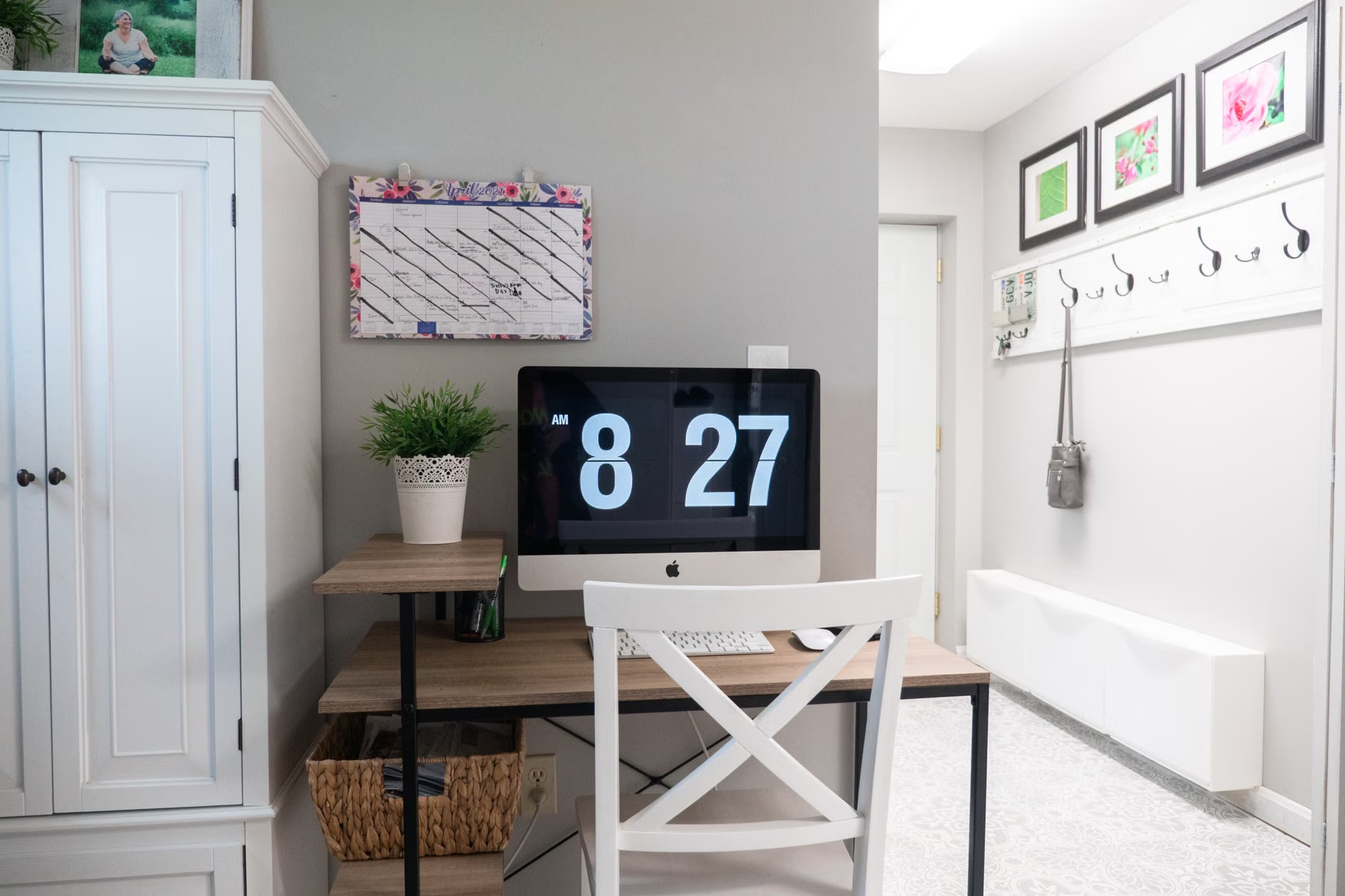
A system is only as good as its physical manifestation. You need a “Command Center” where all these inputs are processed. This doesn’t need to be an expensive wall installation; a simple tray system on a kitchen counter works perfectly.
| System Component | Purpose | Frequency of Check |
|---|---|---|
| In-Tray | Collects all incoming mail/forms | Daily |
| Digital Calendar | Single source of truth for events | Constant |
| Action List | Tasks that need to be done | Daily |
| Archive/Folder | Important documents for reference | As needed |
The “In-Tray” is the most critical part of this setup. Every piece of paper that enters your home goes into this tray. It is not allowed to sit on the kitchen table, the island, or the couch. When you have a spare five minutes, you process the tray. This prevents the “piles” that inevitably accumulate and cause stress.
The Digital Side of the Equation
While physical papers are a nuisance, digital clutter is often a bigger drain on our time. With school apps, work emails, and personal subscriptions, the average parent is bombarded with notifications. To achieve a Zero-Inbox digital state, you must be ruthless with your notifications.
Turn off all non-essential notifications. If a school app notifies you of every single announcement, you will stop paying attention to the important ones. Check these apps at designated times—for example, right after you drop the kids off or during your commute. This “batching” behavior is the secret to maintaining sanity.
Furthermore, use a “Read Later” service for newsletters or non-urgent articles. If you see an interesting link, save it to an app like Pocket or Instapaper. Do not leave it open in a browser tab. Browser tabs are the “inbox” equivalent of a messy kitchen counter—they represent unfinished business that stares at you all day.
Addressing the ‘Mental Load’
The biggest challenge in family management is the “mental load”—the invisible, ongoing responsibility of anticipating, identifying, and managing the needs of the family. The Zero-Inbox method helps by externalizing this load.
When you feel that nagging thought, “I need to remember to buy birthday wrapping paper,” do not rely on your brain to hold that information. Your brain is for having ideas, not for storing them. Immediately record it in your shared family app. By getting it out of your head and into a trusted system, you free up your mental bandwidth to be present with your children.
This also helps in communicating with your partner. Instead of nagging, “Did you do X?”, you can point to the shared task list. It removes the emotional weight of the request and turns it into a neutral, objective task.

Common Mistakes to Avoid
Even with the best intentions, parents often fall into traps that derail the system. Being aware of these will help you troubleshoot when things get messy.
1. The “Hoarding” Trap: We often keep papers “just in case.” If you haven’t looked at a document in six months, you likely won’t need it. If it’s a tax document or a medical record, scan it. If it’s a school project, take a photo of it and save it to a digital “Memory” folder, then recycle the original.
2. The “Perfect System” Fallacy: You don’t need a beautiful, color-coded planner to make this work. You need a system that you actually use. If you prefer paper, use a physical notebook. If you prefer digital, use a robust app. The best system is the one that is low-friction enough for you to maintain when you are exhausted at 9:00 PM.
3. Not Clearing the Buffer: You must have a “reset” time. For many, this is Sunday evening. Take 20 minutes to clear out the digital and physical inboxes, update the calendar for the week, and review upcoming tasks. This prevents the “Monday morning scramble” that ruins the start of the week.
Implications for Family Harmony
Implementing a Zero-Inbox style system isn’t just about efficiency; it’s about reducing the baseline level of household tension. When you aren’t constantly worried about forgetting something, you are more patient. You are less likely to snap at your children because you are distracted by a mental list of chores.
This method teaches your children, by example, how to manage their own responsibilities. When they see you processing your “inbox” and staying on top of your tasks without panic, they learn the value of organization. It creates a household culture where systems are respected and responsibilities are shared.
Of course, there will be weeks when the system breaks. A sick child, a work deadline, or a sudden emergency will throw everything into chaos. That is okay. The Zero-Inbox method is resilient; you can always return to the “In-Tray” and start fresh. It is not a rigid set of rules, but a flexible framework designed to support you, not to burden you further.
Start small. Don’t try to overhaul your entire life this afternoon. Begin by setting up a physical “In-Tray” and committing to checking your emails only twice a day. Once those habits are locked in, expand to your digital task management. You will be surprised at how much calmer your home feels when you aren’t constantly managing a pile of “open loops.”
Frequently Asked Questions
How do I handle tasks that require my partner’s input?
Create a specific “Waiting For” list in your task manager. When you delegate a task or ask for input, move the item to this list with the person’s name attached. It keeps you from having to remember who owes you what.
What if I simply don’t have time to process my inbox every day?
If you can’t do it daily, do it every other day. The goal is to prevent the pile from becoming a mountain. Even 10 minutes of processing is infinitely better than letting the inbox grow until it becomes overwhelming.
Should I involve my children in this system?
Yes, absolutely. Once children are old enough to have their own schedules, they should have their own “inbox.” Teach them to put their school forms in the tray and check their own task list. It builds independence and reduces the load on you.
Official resources for further reading on productivity frameworks can be found through professional organizations like the Getting Things Done (GTD) methodology site or through various research papers on cognitive load theory available via Google Scholar.
Remember, the goal is not to be a perfect machine. The goal is to spend less time managing the “stuff” of life so you can spend more time actually living it. Be kind to yourself as you refine your system; it takes time to build habits that stick.