Key Takeaways:
- Circadian Alignment: Using smart lighting to mimic natural sunset cycles helps your brain produce melatonin earlier, making it easier to fall asleep after a hectic day.
- Automation is Key: You don’t need to be a tech wizard; simple smart bulbs or plug-in timers can automate your evening routine to remove “decision fatigue.”
- Color Temperature Matters: Transitioning from cool, blue-toned light during the day to warm, amber light in the evening is the most effective way to signal to your body that it is time to rest.
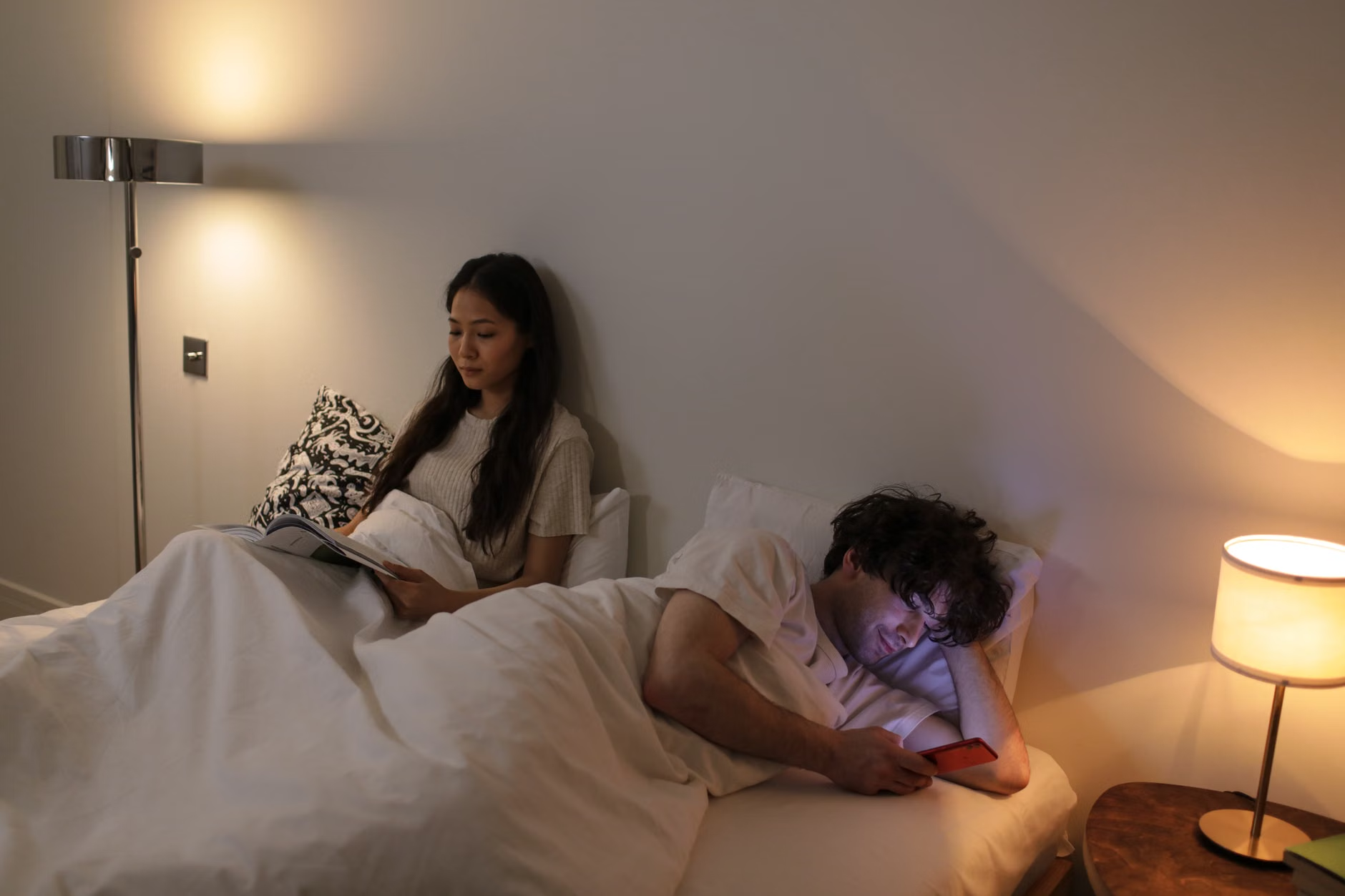
The secret to finally getting decent sleep as a parent in your 30s or 40s often isn’t a fancy pillow or a new mattress; it is managing the invisible influence of light on your biology. If you find yourself scrolling through your phone in bed, heart racing from the day’s unfinished to-do list, your bedroom lighting might be actively working against your circadian rhythm.
For those of us juggling careers, school runs, and the endless mental load of household management, our internal clocks are often scrambled by artificial blue light exposure long after the sun has gone down. By shifting your home environment from “productivity mode” to “restoration mode” using basic smart-lighting technology, you can create a physical trigger for your brain to start the wind-down process automatically.
Understanding the Biological Link Between Light and Sleep
To understand why smart lighting is a game-changer, we have to look at how light affects the hormone melatonin. Melatonin is often called the “sleep hormone,” but it is more accurately a signal of darkness. In an ideal, ancestral environment, our bodies would respond to the lowering sun by producing melatonin as the ambient light turned from bright white to orange and eventually to near-darkness.
Modern lighting, however, is a biological lie. LED bulbs and screens emit high-intensity blue light, which has a shorter wavelength. This specific type of light is excellent for keeping us alert during the workday because it suppresses melatonin production. When you keep your living room or bedroom lights at a cool, bright white setting at 10:00 PM, you are essentially telling your brain that it is still midday. This keeps you in a state of high arousal, making it difficult to transition into the deep, restorative sleep you desperately need.
Smart lighting allows you to hack this process. By utilizing “tunable white” bulbs, you can set your lights to automatically shift their color temperature throughout the day. You want bright, cool light (around 5000K to 6500K) during the morning to boost focus, and warm, amber light (around 2200K to 2700K) in the evening to signal the end of the day. This isn’t just about aesthetics; it is about physiological maintenance.
The Low-Friction Approach to Smart Home Upgrades
You don’t need to rewire your entire house or hire a professional to set up a smart-lighting system. For most people, the best approach is to start with a few strategic “smart” points. Think about the rooms where you spend your final hour before bed: the living room, the bathroom, and the bedroom.
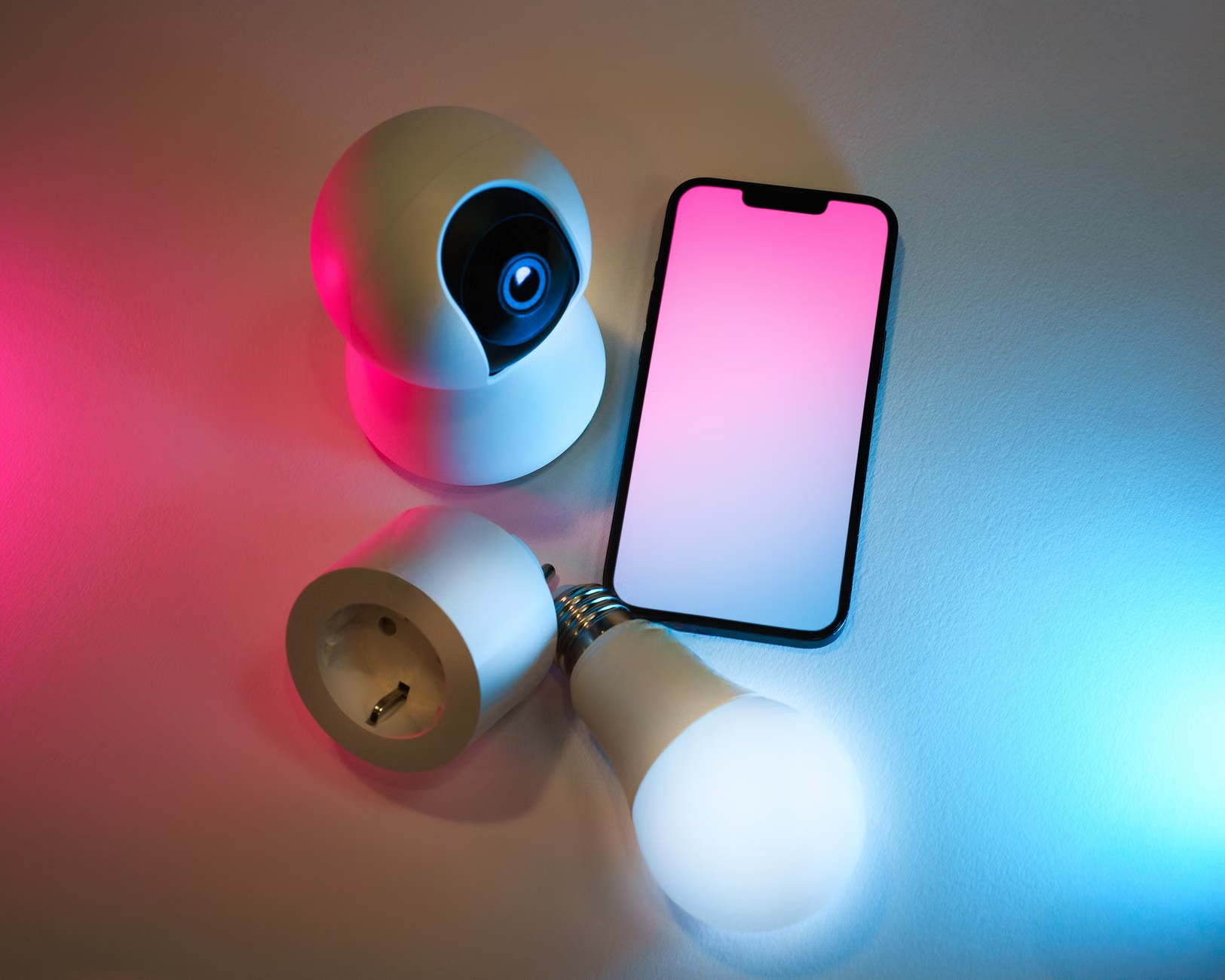
If you have lamps in these areas, you don’t even need to replace the fixtures. A simple smart plug or a smart LED bulb is usually sufficient. Smart bulbs are generally the better choice for sleep hygiene because they allow you to control both intensity (brightness) and color temperature. Smart plugs are better for floor lamps or fixtures that use non-standard bulb shapes.
Building Your Automation Sequence
The goal of DIY smart lighting is to minimize the number of decisions you have to make as the night progresses. When you are exhausted from parenting, the last thing you want to do is manually dim every light in the house. You want the house to “prepare itself” for sleep.
| Time of Day | Lighting Goal | Settings |
|---|---|---|
| 6:00 PM – 8:00 PM | Active Evening | Warm White (3000K), 70% brightness |
| Wind Down | Amber/Soft Glow (2200K), 30% brightness | |
| 9:30 PM Onward | Sleep Mode | Off or very dim Red/Amber (1800K), 5% brightness |
Notice the progression here. By automating these transitions, you remove the “choice” of whether to turn the lights down. It happens in the background. If you are reading in the living room, the lights will naturally dim and warm up, signaling to your brain that the day is concluding. This is a subtle but powerful way to fight the “revenge bedtime procrastination” that many of us fall into—the tendency to stay awake late simply to reclaim personal time.
Common Mistakes and How to Avoid Them
The most common mistake people make when setting up smart lighting is over-complicating the system. If you need to open three different apps just to turn off the lights, you will stop using the system within a week. Reliability is more important than feature-rich complexity.
Another pitfall is relying on “cool” colors like purple or blue for “night mode.” While these colors look interesting, they are not ideal for sleep hygiene. Always stick to the warm end of the spectrum—amber, orange, or deep red. These colors have the least impact on melatonin suppression. If you have to get up in the middle of the night to check on a child, a very dim red light is the best way to navigate without fully waking up your own brain.
Additionally, avoid the temptation to set your lighting to change too abruptly. If your lights jump from 80% brightness to 10% in a single second, it can be jarring. Most smart lighting apps allow you to set a “fade” or “transition” time. Set your transitions to occur over 15 to 30 minutes. This slow shift is much more natural and less likely to trigger an alertness response.
Integrating Smart Lighting with Other Sleep Habits
Smart lighting is a tool, not a cure-all. It works best when combined with other sleep hygiene practices. For example, if you have your lights set to a perfect amber glow, but you are still spending that time doom-scrolling on a high-brightness smartphone, the lighting automation won’t save you. You still need to manage the input from your screens.
Consider using your smart-lighting automation as a physical trigger for other habits. For instance, when your bedroom lights automatically shift to their “warmest” setting, that could be your cue to put your phone on its charger, start your skincare routine, or pick up a physical book. Using the environment to prompt a behavior is significantly more effective than relying on willpower alone.
For parents, this is particularly useful during the bedtime routine for children as well. If your children have smart bulbs in their rooms, you can program the lights to slowly dim over 20 minutes as they get ready for bed. This provides a visual cue that the day is ending, which can help reduce the friction of “it’s time to sleep” arguments. It shifts the authority from “the parent says so” to “the environment says so.”
Technical Considerations for the Non-Techie
If you are worried about the technical side, let’s break down the actual implementation. Most smart bulbs today use either Wi-Fi or a protocol called Zigbee/Thread. Wi-Fi bulbs are the easiest to set up because they connect directly to your home router. For a small system of 3-5 bulbs, Wi-Fi is perfectly fine.
If you plan on expanding to 10+ bulbs throughout the house, consider a hub-based system (like Philips Hue or similar systems that use a bridge). Hub-based systems are more stable and won’t clog up your Wi-Fi network. However, for a simple sleep-hygiene setup, a handful of Wi-Fi smart bulbs is sufficient and very cost-effective.
When choosing your hardware, look for “color-temperature tunable” bulbs. Avoid “RGB” bulbs if you don’t need fancy colors like green or neon blue; while they can produce white, they are often more expensive and slightly more complex to configure. A simple, high-quality tunable white bulb will serve your sleep needs perfectly.
Addressing Potential Edge Cases and Concerns
What happens if the power goes out, or the Wi-Fi drops? Most modern smart bulbs have a “power-on behavior” setting. This allows you to define what the bulb should do when it regains power. You can set it to return to the last state, or to a default warm white. This ensures that even if there is a glitch, you aren’t left in the dark or blinded by full-intensity light in the middle of the night.
Another concern is privacy. Many smart home apps collect data. If this is a concern for you, look for brands that offer “Local Control.” This means the devices communicate with your phone or hub within your home network, rather than sending every interaction to a cloud server. While these can be slightly more technical to set up, they offer a better level of privacy for your personal home environment.
Final Thoughts on Building Your Sleep Haven
Improving sleep hygiene isn’t about achieving perfection; it is about reducing the barriers that prevent you from resting. When you are a parent, your time is not your own for most of the day. The evening hours are often the only window you have for recovery, and it is easy to waste that time by staying in a high-alert state because your home lighting is telling your biology to stay awake.
By investing a small amount of time into setting up an automated lighting schedule, you are essentially outsourcing one aspect of your self-care. You are creating an environment that encourages rest, allowing your brain to transition naturally into sleep. Start small—perhaps just with your bedroom lamps—and see the difference a warmer, dimmer evening makes. Your future, well-rested self will thank you.
For more information on the impact of light on human health, you can refer to the official resources provided by the National Sleep Foundation and the CDC’s Sleep and Sleep Disorders division. These organizations provide extensive research on how light exposure interacts with our internal biological clocks.
Frequently Asked Questions
1. Do I need a professional to install smart lighting?
Absolutely not. Most smart bulbs are designed as “plug-and-play.” You simply screw them into your existing lamp socket, download the corresponding app on your phone, and follow the on-screen instructions to connect them to your Wi-Fi. It usually takes less than five minutes per bulb.
2. Can I still use my physical wall switches?
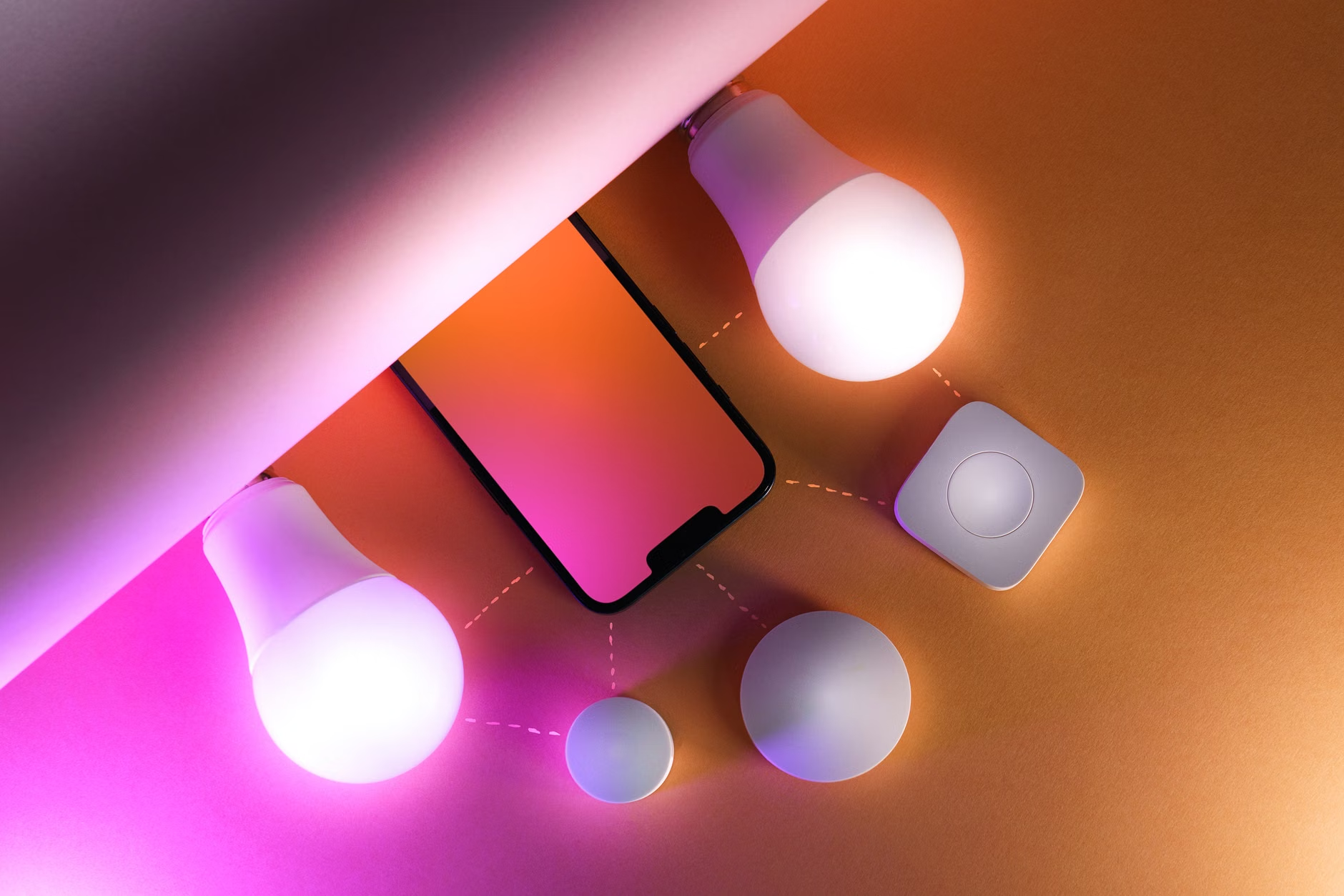
Yes, but there is a catch. If you turn off a physical wall switch, the power to the smart bulb is cut, and you won’t be able to control it via your phone. The best practice is to leave the wall switch in the “on” position and control the bulb via the app, a voice assistant, or a dedicated smart button/remote placed near the switch.
3. Will smart lighting really make a difference if I still have to look at my phone?
While smart lighting alone cannot undo the effects of blue light from a screen, it is a critical component of a “sleep-friendly” environment. Think of it as part of a holistic approach: by dimming your room lights, you reduce the overall ambient light stimulation, which makes it easier to eventually put the phone down and transition to sleep. It is one layer of a protective strategy for your circadian health.