Switching your home router to open-source firmware is the single most effective way to reclaim control over your digital household, simultaneously boosting network performance and patching the security vulnerabilities often ignored by big-brand manufacturers.
- Security First: Custom firmware receives frequent updates, unlike many stock routers that are abandoned by manufacturers after a year or two.
- Performance Gains: You can optimize your bandwidth, prioritize traffic for work or gaming, and squeeze more speed out of aging hardware.
- Total Control: Open-source firmware allows for advanced parental controls, ad-blocking at the network level, and detailed traffic analytics.
Do you ever feel like your home Wi-Fi is a black box? You pay for a high-speed plan, yet your video calls lag, the kids complain about gaming latency, and you have no idea which device is hogging all the bandwidth. Worse, you read headlines about massive botnets and security breaches, and you realize your router—the gatekeeper of your entire home—hasn’t received a firmware update since you bought it three years ago.
Most of us treat our routers like appliances: we plug them in, set a password, and forget they exist. But in an era where every lightbulb, thermostat, and tablet is connected to the internet, that “set it and forget it” approach is a liability. This is where the world of open-source router firmware enters the picture. It sounds like a task for a systems engineer, but for the average parent in their 30s or 40s, it’s actually a manageable project that yields immediate, tangible results.
What exactly is ‘Custom Firmware’ and why does your router need it?
Think of your router as a computer. It has a CPU, memory, and an operating system. That operating system is called the “firmware.” When you buy a router from a major brand, it comes with the manufacturer’s proprietary software. It is designed to be simple, but it is also restrictive. Often, the manufacturer stops updating this software after a short period, leaving your device vulnerable to new security threats.
Open-source firmware, such as OpenWrt, DD-WRT, or FreshTomato, is essentially a community-developed operating system for your hardware. Because it’s built by a global network of developers and security enthusiasts, it’s constantly scrutinized and updated. If a security flaw is discovered, the community releases a patch in days, not months or years. It’s the difference between a locked-down, stagnant gate and a constantly upgraded, high-security vault door.
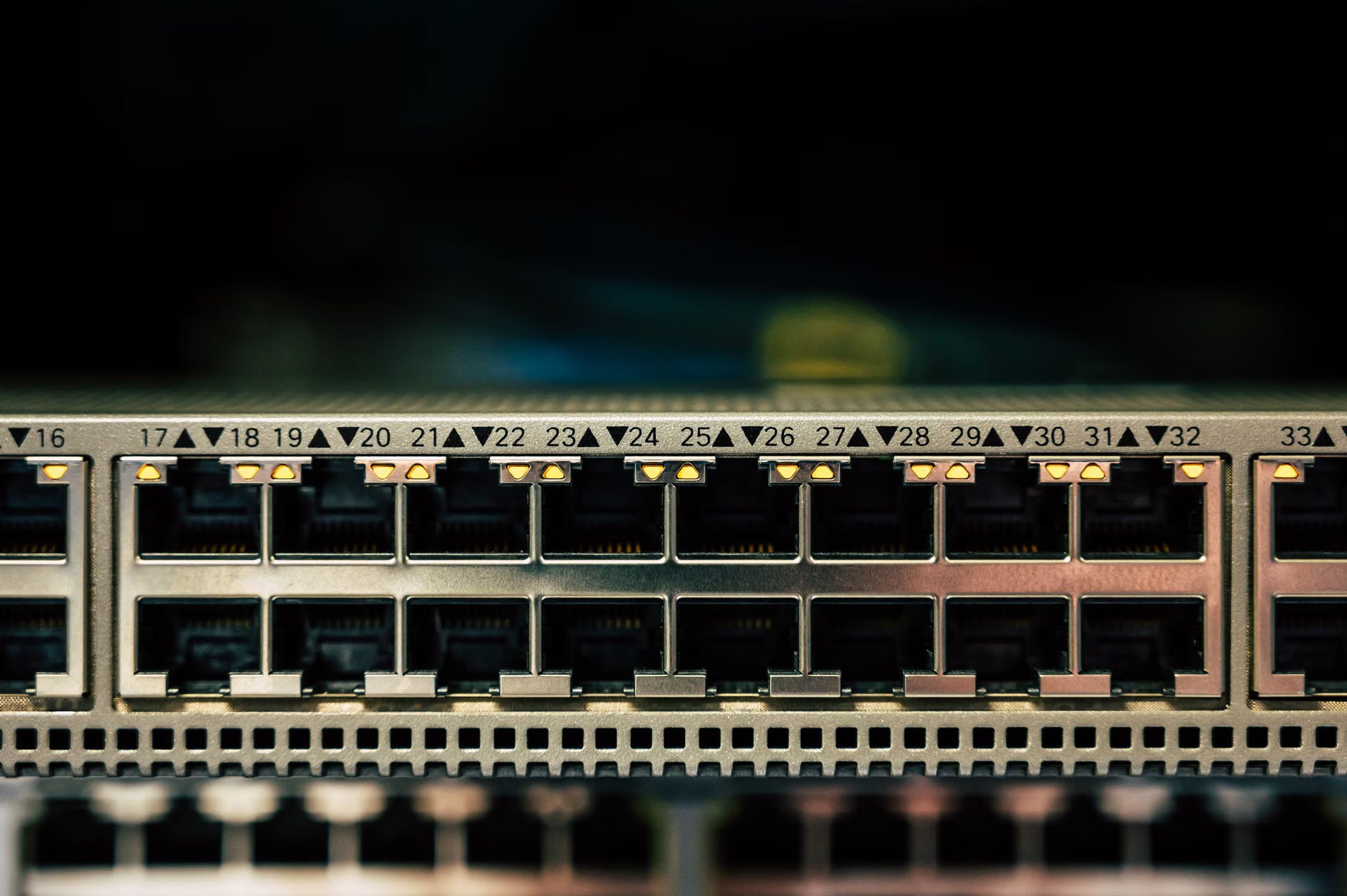
The invisible security benefits for your family
Security isn’t just about avoiding identity theft; it’s about protecting your home environment. With stock firmware, you are at the mercy of the manufacturer’s support cycle. If they decide a router model is “obsolete,” they stop pushing security patches. This leaves the door wide open for hackers to compromise your smart home devices, which are notoriously insecure.
By installing custom firmware, you gain access to:
- Advanced Firewall Rules: You can dictate exactly what traffic can enter or leave your network.
- VPN Support: You can route your entire home’s traffic through a VPN directly at the router level, ensuring your browsing habits are private and your devices are encrypted.
- Intrusion Detection: Many custom firmware packages allow for the integration of tools that detect and block malicious traffic patterns before they hit your personal devices.
This is crucial for parents. You can effectively create a “sandbox” for your smart home gadgets. If a cheap Wi-Fi-enabled toy or camera is compromised, a properly configured custom router can prevent that device from “phoning home” to a malicious server or accessing your personal computers.
Boosting performance: Squeezing more speed from existing hardware
We’ve all had that moment where we consider buying a new, expensive Wi-Fi 6 or 7 router because the current one feels “slow.” Before you drop hundreds of dollars, consider that the bottleneck might not be the hardware’s capability, but the inefficient software managing it.
Custom firmware is often much leaner than the bloated, feature-heavy software provided by manufacturers. By stripping away unnecessary telemetry and background processes, you free up the router’s CPU and RAM. This results in snappier response times, more stable connections, and better handling of multiple simultaneous users—perfect for a household where one person is on a Zoom call, another is streaming 4K video, and a third is downloading a game update.
One of the most powerful features you’ll unlock is Quality of Service (QoS). Standard routers often have a “dumb” version of this, but open-source firmware gives you granular control. You can tell your router: “Always prioritize my work laptop’s traffic for video conferencing over everything else.” You can prevent a single device from hogging the entire connection, ensuring that your family’s digital life runs smoothly even when the network is under load.

The practical realities: Is this too difficult for the average user?
Let’s be honest: the reputation of open-source firmware is that it’s for “techies” who live in dark rooms and speak in code. While it does require a bit of patience, the landscape has changed significantly in the last few years. Most reputable projects provide user-friendly web interfaces that look and feel very similar to the settings pages you are already used to.
However, there are risks. Here is a checklist to consider before you dive in:
| Consideration | What you need to know |
|---|---|
| Compatibility | Not every router supports custom firmware. Always check the project’s official database first. |
| The “Bricking” Risk | If a power outage occurs during installation, you could render your router unusable. Always use a wired connection to your PC during the update. |
| Warranty | Installing third-party software will almost certainly void your manufacturer’s warranty. |
| Learning Curve | You will need to spend an hour or two reading documentation. Don’t rush the process. |
If you have an old, spare router lying in a drawer, that is the perfect place to start. Practice the installation process on the spare unit. It’s a great way to learn the ropes without risking your primary home connection. Once you successfully manage the process, you’ll feel a sense of accomplishment—and you’ll have a deeper understanding of how the invisible infrastructure of your home actually functions.
Network management: Taking back your digital space
Beyond security and speed, custom firmware gives you the keys to the kingdom. Many parents in their 30s and 40s struggle with managing screen time and limiting access to inappropriate content. While you can use parental controls provided by your ISP, they are often limited and track your data for their own marketing purposes.
With open-source firmware, you can implement network-wide ad-blocking. This means that every device in your home—your phone, your smart TV, your kids’ tablets—is protected from intrusive ads and trackers at the DNS level. It makes the internet feel cleaner, faster, and slightly less manipulative. You can also set specific schedules, turning off the Wi-Fi for your kids’ devices automatically at bedtime, or restricting access to specific categories of websites.
This level of control is empowering. You are no longer just a consumer of an internet service; you are the administrator of your own digital home. It turns the router from a passive piece of plastic into an active tool that serves your family’s needs, rather than the needs of the ISP or the manufacturer.

Common mistakes to avoid during the transition
The most common mistake people make is choosing the wrong hardware. Some router manufacturers use proprietary chips that are notoriously difficult for open-source developers to support. Before buying a new router with the intent of flashing it, check the “supported devices” list on the OpenWrt or DD-WRT websites. If a device is listed as “work in progress” or “unstable,” avoid it unless you are looking for a project to contribute to.
Another pitfall is skipping the backup. Before you change anything, log into your current router and take screenshots of your settings—your Wi-Fi names, passwords, static IP assignments, and port forwarding rules. If things go wrong, or if you decide to revert to stock firmware, you will thank yourself for having that roadmap.
Finally, don’t underestimate the power of a stable wired connection. Never attempt to flash firmware over a Wi-Fi connection. If the connection drops for a microsecond during the update, the router’s brain (the bootloader) can become corrupted. Always plug a laptop or desktop directly into the router’s LAN port using an Ethernet cable.
Is it worth the effort?
The answer depends on what you value. If you are perfectly happy with your current setup and never think about your network, perhaps this isn’t for you. But if you value privacy, want to extend the life of your hardware, and desire the ability to customize your environment to suit your family’s specific needs, the switch to open-source firmware is a game-changer.
It’s a project that rewards curiosity. You’ll learn about how IP addresses are assigned, how traffic flows, and how security protocols actually work. You’ll stop looking at your router as an appliance and start seeing it as a critical piece of infrastructure that you are responsible for maintaining. In a world where digital privacy is increasingly under siege, taking control of your local network is a small but significant act of autonomy.
Start small. Read the documentation. Take your time. You don’t have to be a computer scientist to improve your home network; you just have to be willing to learn and follow the steps carefully. Your future, faster, and more secure self will be glad you did.
Frequently Asked Questions
1. Will installing custom firmware make my internet speed faster?
While custom firmware won’t increase the speed provided by your ISP, it can improve your effective speed. By optimizing traffic flow and reducing overhead, it ensures that your bandwidth is being used efficiently. You will likely notice less latency and fewer “bottlenecks” during high-usage times.
2. Can I go back to the original manufacturer’s firmware if I change my mind?
In most cases, yes. Most routers allow you to “flash” the original firmware back onto the device if you have the file from the manufacturer’s support website. However, it is always a good idea to confirm this for your specific model before starting the process, as some devices are more difficult to revert than others.
3. Does open-source firmware work with all internet service providers?
Yes, generally speaking. The router sits between your modem and your devices. As long as your router is compatible with the firmware, it will work with any ISP. You may need to enter your ISP-specific settings (like PPPoE credentials) into the new firmware, so have those handy before you begin.
For more information on getting started, you can explore the official resources for OpenWrt or DD-WRT, which provide extensive documentation and device compatibility lists.