You don’t need to own your home or install expensive solar panels to take control of your rising electricity bills—a simple, modular smart energy dashboard can reveal exactly where your money is disappearing in real-time.
- Start small: You don’t need a smart meter; plug-in energy monitors are the most effective way to track individual appliance consumption.
- Focus on “vampire” loads: Many devices draw power even when turned off; identifying these is the fastest route to a lower bill.
- Dashboarding is key: Using a centralized app to visualize data helps you spot usage patterns that you would otherwise miss in a monthly statement.
There is a specific kind of frustration that comes with being a renter in your 30s. You look at your monthly electricity bill, see a number that feels slightly higher than it was last month, and you have almost no agency to change it. You aren’t going to replace the HVAC system, you aren’t going to install new double-paned windows, and you certainly aren’t going to rewire the kitchen. You are stuck with the infrastructure you have.
But here is the thing: most of us have no idea what is actually driving our energy costs. We blame the landlord, we blame the “old building,” or we blame the weather. While those factors matter, a significant portion of your energy bill is often tied to habits and appliances you can control. By building a DIY smart energy dashboard, you move from being a passive payer of bills to an active manager of your home’s ecosystem.
Understanding the “Vampire Power” Problem
Before we get into the tech, we have to talk about the silent drain. In the industry, we call it “phantom load” or “vampire power.” These are the devices that continue to draw electricity even when they appear to be powered down. Think of your gaming console sitting in standby mode, your coffee machine with its digital clock constantly glowing, or that secondary monitor in your home office that stays warm to the touch all day.
For a family juggling careers and parenting, these devices are rarely at the top of the priority list. You aren’t going to unplug the TV every single time you finish watching a show. However, when you aggregate these small, constant draws across a three-bedroom apartment, they can account for up to 10% of your total energy consumption. Without a dashboard, this is invisible. With a dashboard, it becomes an obvious red flag on your screen.
The Anatomy of a Renter-Friendly Energy Dashboard
Building a dashboard doesn’t require a degree in electrical engineering. In fact, for a rental, the “non-invasive” approach is actually superior. You want hardware that you can pack into a moving box when your lease ends. Here is your shopping list for a basic, effective setup.
| Component | Function | Why it works for renters |
|---|---|---|
| Smart Plugs (Energy Monitoring) | Tracks power usage of anything plugged into it. | No installation required; just plug and play. |
| Smart Hub/Bridge | Connects your devices to one interface. | Centralizes control without hardwiring. |
| Dashboard App | Visualizes usage data over time. | Accessible from your phone anywhere. |
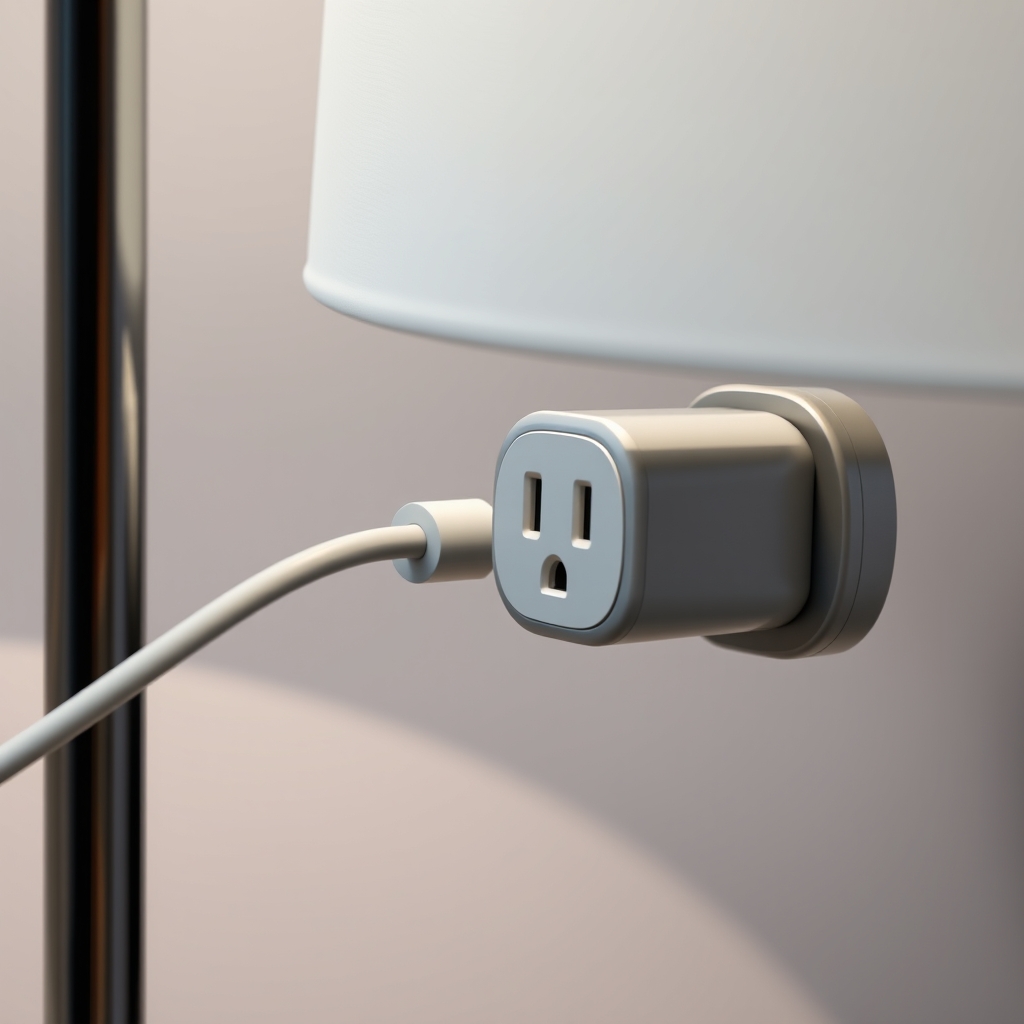
The core of your dashboard is the smart plug with energy monitoring capabilities. Unlike a standard smart plug that just turns things on and off, these specialized plugs contain a shunt resistor that measures the current flowing through the device. They then transmit that data via Wi-Fi or Zigbee to your hub, which feeds the information into your dashboard.
Setting Up Your First Tracking Session
Don’t try to track everything at once. If you buy twenty smart plugs, you will spend your entire weekend troubleshooting connectivity issues rather than saving money. Start with the “big offenders.”
Step 1: Identify the High-Draw Appliances
Look for devices that have heating elements or motors. In a typical apartment, this includes your dehumidifier, your space heater, your gaming PC, and your large entertainment center. These are the devices that don’t just use power; they “gulp” it.
Step 2: Install and Calibrate
Plug these devices into your energy-monitoring smart plugs. Most modern apps will walk you through a simple setup process. Once connected, let them run for a full week. You need at least seven days to get a clear picture of your routine, as your usage on a Tuesday is likely very different from your usage on a Saturday morning with the kids.
Step 3: Analyze the “Base Load”
Once you have a week of data, look at your dashboard’s “Base Load” view. This tells you how much electricity you are using when everyone is asleep or out of the house. If this number is high, you have identified your primary targets for optimization. Is the dehumidifier running constantly when it doesn’t need to? Is your router or mesh Wi-Fi system pulling more power than expected? This is where you find the “low-hanging fruit” for savings.

The Psychology of Visual Data
Why do we need a dashboard at all? Why not just look at the electricity bill? The problem with the monthly utility bill is the “feedback loop.” By the time you get the bill, the energy has already been consumed. It is a post-mortem report. You can’t change the past.
A smart energy dashboard provides “real-time feedback.” When you see a graph spike the moment you turn on the space heater, you become hyper-aware of the cost-per-hour of that comfort. It changes your behavior. You might find yourself turning the heater off ten minutes earlier, or setting it to a lower intensity. This is the “nudge” theory in action. You aren’t suffering; you are just becoming more efficient.
For parents, this can even become a fun, educational game. If your children are old enough, show them the dashboard. Explain that the “big spike” on the graph happened because the gaming console was left on for three hours while they were playing outside. It turns energy conservation from a vague concept (“turn off the lights!”) into a concrete, visual reality.
Common Mistakes to Avoid
Even with the best tools, it is easy to get discouraged. Here are a few traps I’ve seen people fall into when setting up their first home energy system.
- The “Over-Monitoring” Trap: Don’t try to monitor your fridge or your HVAC system directly if you don’t have the right equipment. Some large appliances require specialized clamps that are difficult to install in a rental. Stick to plug-in devices to keep things safe and simple.
- Ignoring Integration: Try to use a single ecosystem. If you use Apple Home, Google Home, or Home Assistant, ensure your smart plugs are compatible with that specific platform. Having three different apps for three different devices is a recipe for abandoning the project entirely.
- Expecting Immediate Results: You will not see your bill drop by 50% overnight. Smart home monitoring is about long-term optimization. You are looking for trends, not miracles.
Advanced Tips: Automating Your Savings
Once you have mastered the tracking, you can move into the “automation” phase. This is where the smart home really earns its keep. Let’s say your dashboard shows that your home office setup uses 50 watts even when you aren’t working. Instead of manually turning it off, you can create a simple automation: “If the smart plug detects no activity for 30 minutes, or if it is past 7:00 PM, turn the power off entirely.”
This is the “set it and forget it” stage. You are no longer managing your energy; your home is managing it for you. This is particularly useful for busy parents. You have enough mental load without worrying about whether the living room lamp was left on. If the system knows you’re in bed, it can kill the power to non-essential electronics automatically.
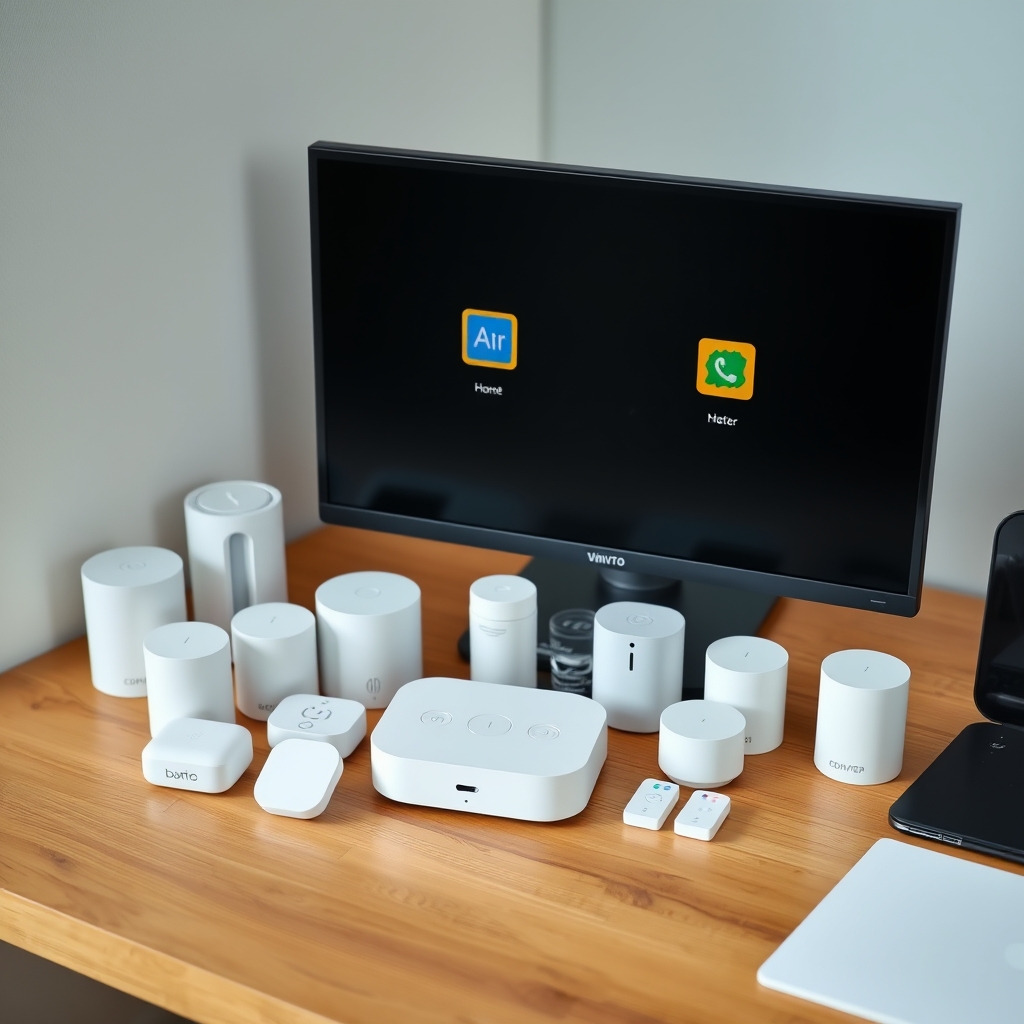
One of the biggest concerns for renters is the “landlord factor.” Will they complain if you change the plugs? Generally, no. Smart plugs are considered “consumer electronics,” similar to a lamp or a toaster. You are not modifying the electrical wiring of the building. However, always check your lease agreement to see if there are specific clauses regarding “smart home devices.”
If you have a strict lease, avoid devices that require hardwiring or replacing wall switches. Stick to the “plug-in” variety. These are completely portable. If you move in six months, you simply unplug them and take them with you. This makes your investment “portable,” which is a crucial consideration for anyone who doesn’t own their home.
The Future of Home Energy
We are currently seeing a massive shift in how energy companies interact with consumers. In many regions, “time-of-use” (TOU) pricing is becoming the standard. This means electricity is cheaper at 2:00 AM than it is at 7:00 PM. A smart energy dashboard is the bridge that allows you to take advantage of this.
If your energy provider offers TOU pricing, you can use your smart dashboard to schedule your high-energy tasks—like running the dishwasher or charging your devices—during the off-peak hours. This is the most effective way to lower your bill without changing your lifestyle. You are simply shifting the timing of your consumption to match the grid’s capacity.
Final Thoughts on Smart Energy Management
Tracking your energy usage isn’t about being a perfectionist. It isn’t about sitting in the dark to save a few pennies. It is about awareness. When you have the data, you have the power to make informed decisions that align with your budget and your values.
Living in a rental doesn’t mean you have to accept high utility costs as a permanent state of affairs. By starting with a few smart plugs and a simple dashboard, you can gain a level of insight that most homeowners don’t even have. It’s a small, manageable project that pays dividends in both knowledge and actual cash savings. Start with one room, track it for a week, and see what you discover. You might be surprised at how much that “vampire” in the corner is actually costing you.
For more information on energy efficiency, you can check out the official Energy Saver Guide from the U.S. Department of Energy, which provides a wealth of general tips on managing home consumption. Additionally, the International Energy Agency (IEA) offers excellent global insights into the changing landscape of residential power usage.
Frequently Asked Questions
1. Do I need a smart meter installed by my utility company to use these dashboards?
No. Smart meters are helpful, but they only give you a “big picture” view of your home’s total consumption. Individual plug-in monitors provide the granular, device-level data you need to actually change your habits.
2. Are these smart plugs safe to leave on 24/7?
Yes, provided you purchase them from reputable brands that have undergone safety testing (look for certifications like UL, ETL, or CE). These devices are designed for continuous operation and are generally as safe as any other standard electrical adapter.
3. Will my landlord be able to see my energy usage data?
No. Your energy usage data is local to your device and your cloud account. Your landlord has no access to your smart home dashboard, your Wi-Fi network, or your personal usage habits. Your data remains private to you.