The secret to ending the daily “what’s for dinner” fatigue isn’t a new cookbook or a fancy kitchen gadget; it is leveraging generative AI to turn your scattered pantry items into a structured, executable meal plan.
Key Takeaways
- Context is King: AI meal planning works best when you provide constraints like dietary needs, available ingredients, and time limits.
- The “Pantry-First” Approach: Use AI to suggest recipes based on what you already have to significantly reduce food waste and grocery bills.
- Iterative Refinement: Don’t settle for the first output; treat the AI as a sous-chef that you can prompt to swap ingredients or simplify steps.
If you are in your 30s or 40s, you likely know the specific brand of exhaustion that hits at 5:30 PM on a Tuesday. The kids are hungry, the fridge looks like a random collection of half-used condiments, and the mental load of deciding what to cook feels heavier than the actual cooking. We have moved past the era of generic meal prep blogs; we are now in the era of the personalized, AI-driven kitchen assistant.
Understanding the AI Advantage in Your Kitchen
At its core, an AI assistant for meal planning acts as a bridge between your current inventory and your desired outcome. Unlike a static recipe website that suggests a dish regardless of whether you have the ingredients, an AI model (like ChatGPT, Claude, or specialized meal-planning apps) can process your specific constraints. It doesn’t just give you a recipe; it manages the logic of your kitchen.
The shift here is from “searching for recipes” to “generating solutions.” When you search on Google, you are at the mercy of SEO-optimized recipes that often require a trip to the store for three specific spices you don’t own. When you use AI, you are essentially asking for a transformation of your existing reality. You feed it your constraints, and it provides a pathway to dinner.
The Psychology of Kitchen Decision Fatigue
Decision fatigue is a real phenomenon where the quality of our decisions deteriorates after a long session of decision-making. By the end of a workday, your “decision battery” is likely drained. Choosing between pasta, tacos, or ordering takeout feels monumental. AI removes the choice from the equation by narrowing down options based on logic rather than emotion. By offloading this task, you save your mental energy for where it actually matters—like spending time with your family or finally relaxing.
How to Prompt Your Way to a Perfect Meal Plan
The quality of your meal plan is entirely dependent on the quality of your prompt. If you ask an AI, “Give me a dinner recipe,” you will get a generic, potentially complicated suggestion. Instead, you need to provide context. Think of yourself as a project manager, and the AI as your assistant.
To get the best results, structure your request using the “Constraint-Inventory-Time” framework:
| Category | What to Include | Example |
|---|---|---|
| Constraints | Dietary needs, allergies, equipment | “Gluten-free, no peanuts, only have an Instant Pot.” |
| Inventory | What you have on hand | “Two chicken breasts, a bag of spinach, and half a jar of pesto.” |
| Time | How much time you have | “Must be ready in under 30 minutes including prep.” |
By defining these parameters, you force the AI to work within the reality of your kitchen. If the first result isn’t quite right, you can follow up with, “Can you make that lower in sodium?” or “I don’t have heavy cream, what is a good substitute?” This iterative process is what separates a frustrating search experience from a productive one.

Managing Grocery Lists and Budgeting
One of the most tedious parts of family meal planning is the transition from “plan” to “grocery list.” AI can handle this translation instantly. Once you have finalized your weekly plan with your AI assistant, you can paste the recipes into a new prompt and ask it to consolidate the ingredients into a categorized grocery list.
Pro-Tip: Ask the AI to categorize the list by aisle (Produce, Dairy, Meat, Pantry). This prevents the “forgot the milk” walk-back at the store, which is a classic time-waster. Furthermore, if you are working with a tight budget, you can prompt the AI: “Create a dinner plan for a family of four for the week with a budget of $150, prioritizing seasonal produce.”
The AI can also help identify “multi-purpose” ingredients. If you buy a large bag of carrots, ask the AI to suggest three different ways to use them throughout the week (e.g., roasted as a side, shredded in a salad, and blended into a soup). This maximizes your purchase and ensures that the bag of carrots doesn’t end up as a science experiment in the back of your crisper drawer.
Handling Edge Cases and “Kitchen Disasters”
What happens when the plan falls apart? Maybe you forgot to defrost the chicken, or the kids have a last-minute sports practice. This is where AI becomes a true lifesaver. You can treat it as a real-time problem solver. “I have no meat thawed, but I have canned chickpeas and frozen vegetables. What can I make in 15 minutes?”
The ability to pivot is what makes a meal plan sustainable. If you treat your plan as a rigid document, you will fail. If you treat it as a flexible guide that can be adjusted on the fly, you will succeed. AI allows for this flexibility because it doesn’t judge your lack of preparation—it just provides the next best step.
Common Pitfalls and How to Avoid Them
While AI is powerful, it is not infallible. Here are some common mistakes to watch out for:
- Hallucination of Cooking Times: AI might suggest a cooking time that is technically possible but practically unrealistic (e.g., “caramelize onions in 5 minutes”). Always apply a “sanity check” to the steps provided.
- Flavor Blindness: AI doesn’t have a palate. It understands the chemistry of recipes but not the nuance of taste. If a recipe sounds bland, don’t hesitate to add extra seasonings or adjust the acidity based on your preferences.
- Over-Complication: Sometimes AI suggests recipes that are too complex for a busy weeknight. If you see a step that involves five different bowls or a 24-hour marinade, ask the AI: “Simplify this recipe for a busy weeknight. I don’t have time for multiple pans.”
The Role of AI in Reducing Food Waste
Food waste is not just an environmental issue; it is a direct hit to your wallet. The average household throws away a significant amount of produce each year. AI helps mitigate this by acting as an inventory manager. By keeping a running list of what is in your fridge, you can ask the AI to prioritize ingredients that are nearing their expiration date.
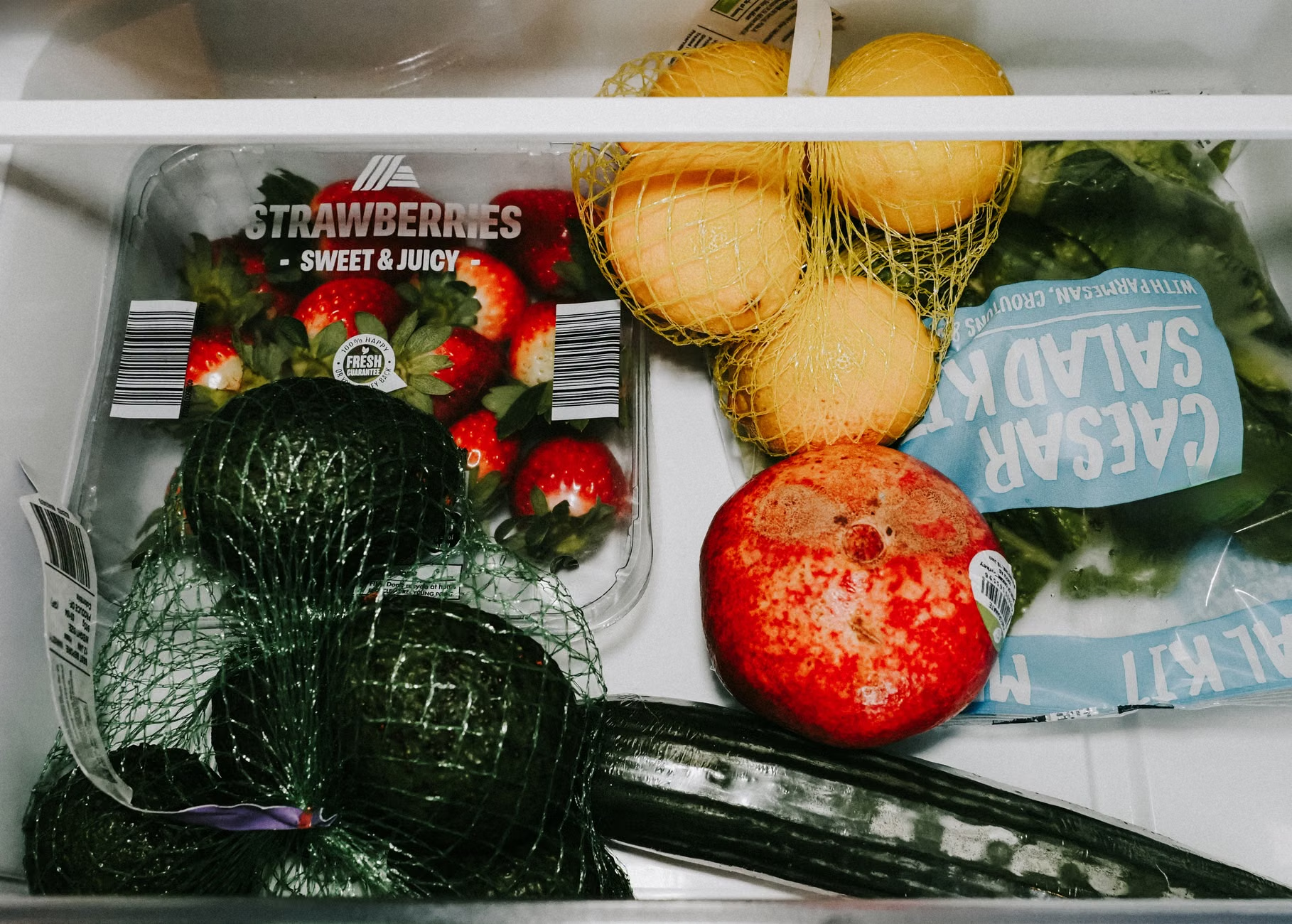
Try this: Once a week, take a photo of your fridge interior or simply list the items that need to be used up. Ask the AI: “What can I make with these items that are about to go bad?” This simple act turns potential trash into dinner, saving you money and reducing the mental clutter of having a “messy” fridge.

Building a Sustainable Routine
The goal is not to have the AI do all the work, but to have it handle the cognitive load so you can focus on the execution. A sustainable routine looks like this:
- Sunday Audit: Check your pantry and fridge.
- The Sunday Prompt: Generate a 5-day meal plan based on what you have and what you need.
- The List: Generate your organized grocery list.
- Mid-Week Pivot: Use the AI to adjust if your schedule changes.
This routine takes about 15 minutes of your weekend and saves you hours of daily deliberation. It also creates a sense of order in a chaotic household environment. When you know what is for dinner, you aren’t constantly making decisions; you are simply executing a plan.
Refining Your AI Persona
You can actually “train” your AI assistant by giving it a persona. Start your chat with: “Act as a professional home economist and parent who values efficiency, health, and budget-conscious cooking. Suggest meals that are kid-friendly but don’t require me to cook two separate dinners.”
By defining the persona, you ensure the output matches your values. If you prefer minimalist, one-pot meals, tell the AI that. If you are trying to incorporate more plant-based proteins, let it know. The more you interact with the AI, the better it gets at understanding your specific household dynamics.
Why This Matters for Your Life
In our 30s and 40s, we are often managing careers, aging parents, young children, and a social life. The kitchen is often the first place we compromise. We resort to processed foods or expensive takeout not because we want to, but because we are tired. Using AI as a meal-planning assistant is a way to reclaim your time and health without having to become a professional chef or a master of meal prep.
It is about working smarter, not harder. It is about using the technology at our fingertips to solve a very human, very daily problem. When you eliminate the “what’s for dinner” stress, you free up a significant amount of mental bandwidth. That bandwidth can be used to enjoy the meal with your family, catch up on a hobby, or simply get to bed 30 minutes earlier.
Final Thoughts on Implementation
Start small. Don’t try to overhaul your entire life in one week. Choose one aspect—perhaps just the grocery list generation or one “emergency” dinner plan—and see how it feels. The objective is to make your life easier, not to add another layer of tech-induced complexity.
Remember that the AI is a tool, not a dictator. If it suggests a recipe that sounds awful, ignore it. If it suggests a technique you aren’t comfortable with, ask for an alternative. You are still the head chef; the AI is just the assistant who handles the paperwork and the brainstorming.
By integrating this into your weekly rhythm, you might find that the kitchen becomes less of a source of stress and more of a place where you can actually enjoy the process of feeding your family. It is a small change that yields large dividends in both time and peace of mind.
Frequently Asked Questions
Can I use AI to help with specific dietary restrictions like low-FODMAP or keto?
Yes, absolutely. AI models are excellent at filtering recipes based on strict dietary requirements. When you provide your prompt, be very specific. For example: “Give me 5 dinner ideas that are low-FODMAP and take under 30 minutes. Avoid onions and garlic.” Always verify the ingredients yourself, as AI can occasionally make mistakes with complex dietary classifications.
Is it better to use a dedicated meal planning app or a general AI like ChatGPT?
It depends on your needs. Dedicated apps often have features like integrated grocery delivery, visual recipe cards, and calorie tracking. However, general AI models like ChatGPT or Claude offer more flexibility for “on-the-fly” adjustments and brainstorming. For most people, a general AI is better for the planning and brainstorming phase, while an app might be better for the execution phase.
How do I handle recipes that require ingredients I can’t find in my local store?
This is a common issue. You can ask the AI: “I want to make this recipe, but I cannot find [ingredient]. What is a common, accessible substitute that will maintain the flavor profile?” The AI is generally very good at providing culinary alternatives that are easily found in standard supermarkets.
For further reading on food safety and nutritional guidelines, you can consult resources such as the USDA Nutrition.gov or the FoodSafety.gov website for general kitchen safety practices.