The most effective way to future-proof a home for multi-generational living is to prioritize universal design principles alongside modular, non-intrusive technology that enhances autonomy for both the youngest and oldest members of your household.
Key Takeaways
- Universal Design First: Technology works best when it supports a physical space that is already accessible, such as wide doorways and non-slip flooring.
- Prioritize Connectivity: Reliable Wi-Fi and smart hubs are the backbone of health-monitoring sensors, automated lighting, and communication tools.
- Privacy by Design: When integrating monitoring tech, always balance the need for safety with the fundamental right to personal space for aging parents or teenagers.
If you are in your 30s or 40s, you are likely part of the “sandwich generation.” You are caring for young children while simultaneously navigating the evolving needs of aging parents. It is a balancing act that often feels like a full-time job on top of your actual career. When the conversation shifts to moving parents into your home—or renovating your current space to accommodate them—the focus often lands on square footage. We talk about adding a bedroom, building an accessory dwelling unit (ADU), or expanding the kitchen. But the real secret to a successful multi-generational household isn’t just space; it’s the infrastructure that makes living together sustainable.
Retrofitting a home for multiple generations is about reducing friction. It is about ensuring that a grandparent can navigate the hallway safely at night, that you can monitor the kids while working, and that everyone feels independent rather than supervised. Technology is the bridge that makes this possible, but it requires a thoughtful, layered approach.
The Foundation: Connectivity as a Utility
Before you buy a single smart camera or voice-controlled light switch, you need to look at your home’s digital plumbing. In a house occupied by three generations, the bandwidth demand is immense. Your children are likely streaming high-definition content, you are on video calls, and your parents might be using telehealth services or video calling relatives. If your Wi-Fi is spotty, your “smart” home will become a source of frustration rather than relief.
Mesh networking is non-negotiable. Traditional routers simply cannot cover the dead zones often found in older homes or large additions. A mesh system—where multiple nodes work together to create a seamless network—is essential. When setting this up, aim for a system that supports Wi-Fi 6 or 6E, which handles high-traffic environments much better than older standards. This ensures that a medical alert system or a smart health monitor doesn’t lose connection just because someone is downloading a large file in the next room.
Furthermore, consider hardwiring as much as possible. If you are doing any wall-opening renovations, run Ethernet cables (Cat6 or higher) to every bedroom and the main living areas. It might seem old-fashioned in a wireless world, but it offloads the traffic from your Wi-Fi, making the network more stable for the devices that truly need it, like high-resolution security cameras or remote health monitors.
Safety Through Automation: Lighting and Fall Prevention
Falls are the leading cause of injury for older adults. When retrofitting a home for a multi-generational setup, your primary goal should be to eliminate the need for anyone to fumble for a light switch in the dark. This is where automated lighting becomes a safety feature rather than a luxury.
Motion sensors are your best friend here. Instead of relying on traditional switches, install motion-activated lighting in hallways, bathrooms, and staircases. These sensors can be calibrated to be sensitive enough to detect movement but not so sensitive that a pet triggers them constantly. Pair these with smart bulbs or smart dimmers that transition light levels slowly. A sudden blast of bright light at 3:00 AM can be disorienting for an elderly person waking up; a gradual fade to a soft, warm glow is much safer.
Beyond lighting, consider the role of smart floors or pressure-sensing mats. While these are more “pro-level” retrofits, they are becoming increasingly accessible. These mats, placed discreetly under rugs or near beds, can alert your smartphone if a parent gets out of bed at night or if someone has taken a fall in an area where they shouldn’t be. It provides peace of mind without the intrusive feeling of having a camera pointed at them in their private quarters.
The kitchen is the heart of the home, but it is also the most dangerous room for both young children and aging adults. In a multi-generational home, you need to design for “low-impact” interaction. This means prioritizing induction cooktops over gas or traditional electric coils. Induction cooktops are safer for two reasons: they do not produce an open flame, and the surface itself stays relatively cool, significantly reducing the risk of accidental burns for curious toddlers or forgetful seniors.
Smart appliances also offer specific benefits for this lifestyle. A refrigerator with a “door-left-open” alert sent to your phone can prevent food spoilage and save energy. Voice-controlled kitchen assistants can help set timers for medication or cooking, which is incredibly useful for someone whose vision might be failing or whose hands are occupied. When planning your layout, try to incorporate lower countertops or pull-out shelves. These are not technically “tech,” but they work in tandem with tech to make the kitchen a space that everyone can use independently.
Consider the placement of your smart home hub. Ideally, it should be in a central location but not hidden away. If you have an elderly parent, teaching them to use a voice assistant like a smart speaker can be a game-changer. They can use it to set alarms, call family members, or check the weather without needing to navigate a complex smartphone interface.
Health Monitoring and Telehealth Integration
We are living in an era where “aging in place” is supported by a massive ecosystem of health tech. You don’t need to turn your home into a hospital, but you should be aware of the tools that can bridge the gap between home and clinical care. Telehealth is now a standard part of medical practice, and your home needs to be ready for it.
Create a dedicated “telehealth corner.” This doesn’t need to be a separate room; it can be a comfortable chair in a quiet area with good lighting and a stable background. Ensure the Wi-Fi is rock solid in this spot. You might want to invest in a decent webcam and an external microphone, as built-in laptop mics often struggle to pick up voices clearly, especially for those who may have hearing loss.
For health monitoring, there are various wearable devices that track everything from heart rate to fall detection. The key here is consent and comfort. Never install monitoring tech without a full, transparent conversation with the family member involved. The goal is to provide autonomy, not to strip it away. If a parent is resistant to a wearable, look for passive monitoring systems—like the aforementioned pressure mats or smart plugs that track the usage of high-draw appliances (like a kettle or coffee maker). If the kettle hasn’t been used by 10:00 AM, that might be a subtle hint that you should check in on them.
Managing the Digital Noise: Privacy and Boundaries
One of the biggest challenges in a multi-generational home is the erosion of personal space. When you add technology like smart cameras and sensors, it is easy to accidentally turn your home into a place where everyone feels watched. This is why “privacy by design” is so critical.
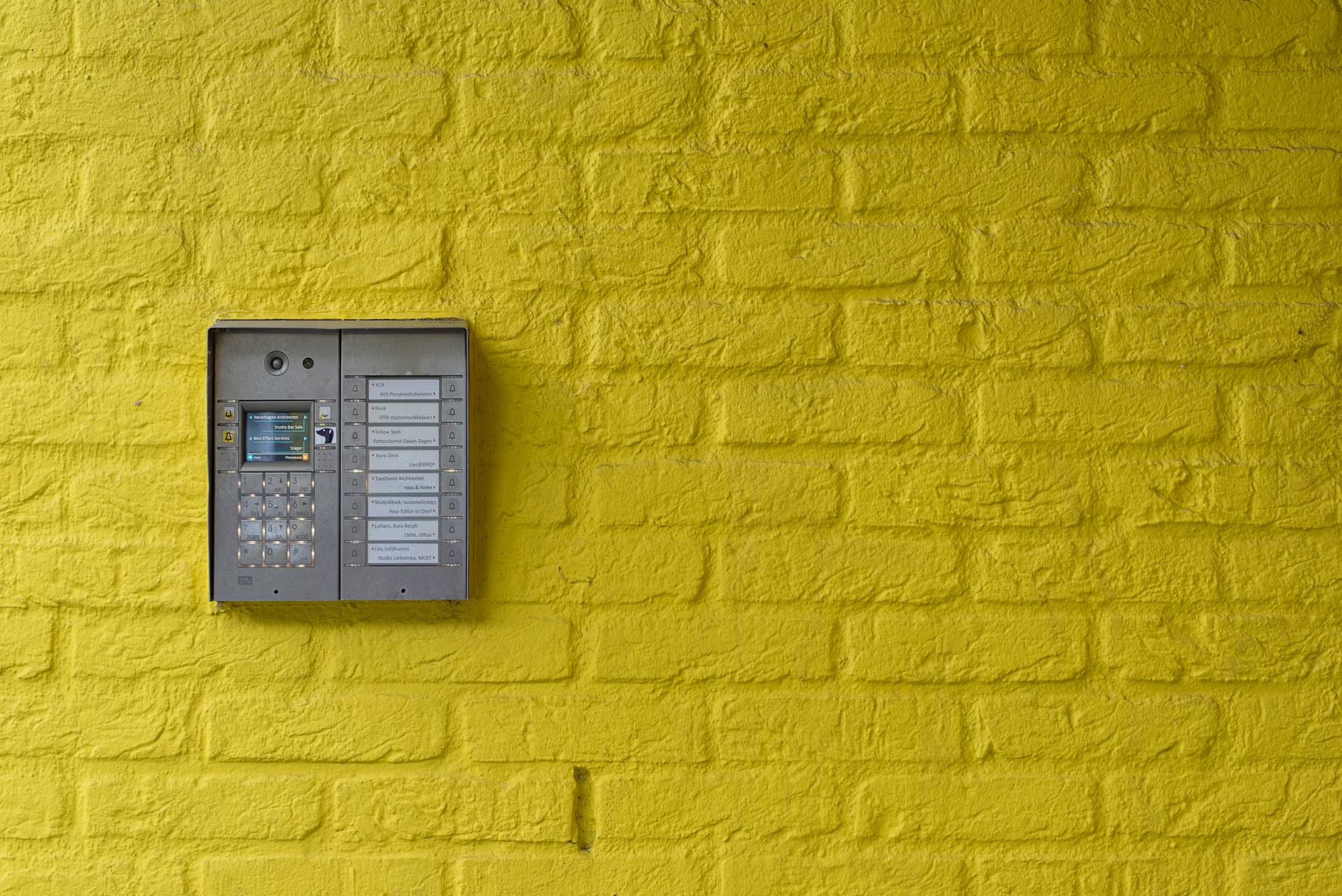
Start by setting up user profiles on your smart home network. Not everyone needs access to every camera. Give your parents access to the front door camera so they can see who is knocking, but keep the nursery camera feed restricted to you and your partner. Use physical privacy shutters on any cameras placed in common areas. Many modern smart cameras have a “privacy mode” that physically tilts the lens away or shuts down the connection when you are home.
Communication is the final piece of the puzzle. Technology can foster it, but it can also replace it. Don’t let your smart home become the only way you “talk” to each other. Use the tech to facilitate the physical connection—for example, using a shared digital calendar displayed on a kitchen hub so everyone knows when the kids have soccer practice or when the grandparents have a doctor’s appointment. It keeps everyone on the same page without the need for constant, repetitive questioning.
| Feature | Benefit for Seniors | Benefit for Children | Tech Requirement |
|---|---|---|---|
| Automated Lighting | Fall prevention, visibility | Nighttime safety | Smart bulbs/sensors |
| Smart Hubs/Voice | Easy control, communication | Educational, fun | Smart speaker/display |
| Induction Cooktop | Burn prevention | Safety, ease of use | Modern appliance |
| Mesh Wi-Fi | Reliable telehealth access | Seamless learning/play | Wi-Fi 6/6E nodes |
Addressing Common Retrofit Mistakes
The most common mistake people make is over-complicating the setup. You do not need a “smart” version of every single item in your house. A smart toaster is rarely worth the investment, but a smart lock on the front door is invaluable. Focus on high-impact areas: entry, safety, and health.
Another mistake is ignoring the “manual override.” Technology fails. The power goes out, the internet drops, or a firmware update goes wrong. Always ensure that your home remains fully functional in a manual state. Light switches should still turn on the lights, doors should be unlockable with a physical key, and your parents should be able to operate the thermostat without an app if they choose to. Never rely on an app as the only way to control a vital home function.
Finally, consider the long-term maintenance. Who is the “IT department” of your house? If it’s you, you are going to be the one troubleshooting the Wi-Fi when it goes down. Be realistic about your capacity to manage these systems. Choose platforms that are known for reliability and ease of use, and document the system basics so that if you are away, someone else can help your parents navigate the tech if needed.

Implications and Moving Forward
Retrofitting your home for multiple generations is not a one-time project; it is an iterative process. As your children grow and your parents’ needs change, your home will need to adapt. The beauty of a modular smart home system is that you can add or remove components as life evolves. You might start with baby monitors and end up with fall-detection sensors.
The most successful multi-generational homes are those where the technology feels invisible. It shouldn’t be the focal point of your life; it should be the quiet, supportive layer that allows you to focus on what actually matters: the time you spend together. Whether it’s shared meals, helping with homework, or just having a conversation in the living room, the tech is there to make those moments possible, not to complicate them.
Take your time with these upgrades. Start with the infrastructure—the Wi-Fi and the basic safety lighting—and build out from there based on your family’s specific needs. You don’t have to do it all at once, and in fact, it’s better if you don’t. Listen to your family members, observe where the friction points are in your daily routine, and choose the technology that solves those specific problems. With a bit of patience and a focus on practical utility, you can create a home that is truly designed for the life you are living today and the life you will be living years from now.
Frequently Asked Questions
Q: What is the most important first step for a multi-generational home tech upgrade?
A: Start with your network infrastructure. A robust, high-speed mesh Wi-Fi system is the foundation for all other smart devices. Without a stable connection, you will struggle with reliability for health monitors, security cameras, and voice assistants.
Q: How do I handle privacy concerns for elderly parents living in a smart home?
A: Transparency is essential. Involve them in the decision-making process, explain what each device does, and offer them the ability to “opt-out” of certain features. Prioritize passive sensors—like pressure mats or smart plugs—over cameras in private areas to maintain a sense of autonomy.
Q: Are smart home retrofits expensive?
A: They can be, but they don’t have to be. You can start small with smart bulbs and plugs, which are relatively inexpensive, and build your system over time. Focus on high-impact areas like safety and health, rather than trying to automate every single device in the house at once.
For further reading on universal design and aging in place, visit the AARP Livable Communities resources or the official ADA website for guidelines on accessible living standards.