By the time 2026 rolls around, the days of hunting through a “junk drawer” for that one specific, proprietary charging cable will finally be a relic of the past, thanks to the global transition to the universal USB-C standard.
- Universal Standard: USB-C is now the mandatory port for almost all small-to-medium electronic devices, reducing clutter and e-waste.
- Power Delivery (PD): Not all USB-C cables are created equal; look for “Power Delivery” ratings to ensure your laptop or high-drain device charges correctly.
- Safety First: Stick to reputable brands to avoid substandard cables that lack the necessary safety chips to prevent overheating.
If you are in your 30s or 40s, you likely remember the era of having a dedicated drawer in your kitchen or office overflowing with tangled white and black wires. Each one belonged to a specific gadget: a camera from 2012, a handheld game console, an old tablet, and three different models of smartphones. It was a chaotic ecosystem that felt like a deliberate attempt to keep us buying new chargers every time we upgraded our hardware.
The 2026 compliance shift isn’t just about convenience; it is a major regulatory milestone. Governments worldwide have pushed for this standardization to combat the mountain of electronic waste (e-waste) we generate annually. But for the average household, this shift moves beyond environmental policy and directly into your daily routine. How do you handle the transition, and what do you need to look for when buying new gear?
Understanding the “Why” Behind the Universal Port
The push for USB-C isn’t just a technical whim. It is rooted in the idea of interoperability. In the past, companies used proprietary ports to “lock” consumers into their ecosystem. If you had a phone from Brand A, you could only use Brand A’s expensive chargers. By forcing the industry to adopt USB-C, regulators are ensuring that a charger bought for a laptop can safely power a phone, a pair of wireless headphones, or a digital camera.
For parents, this is a massive win. Think about the last family vacation. How many times have you panicked because you packed the wrong charging brick for your child’s tablet or your own e-reader? With USB-C, the “universal” nature means that as long as you have a high-wattage power adapter and a decent cable, you can keep the entire family’s digital life running without a suitcase full of specialized adapters.
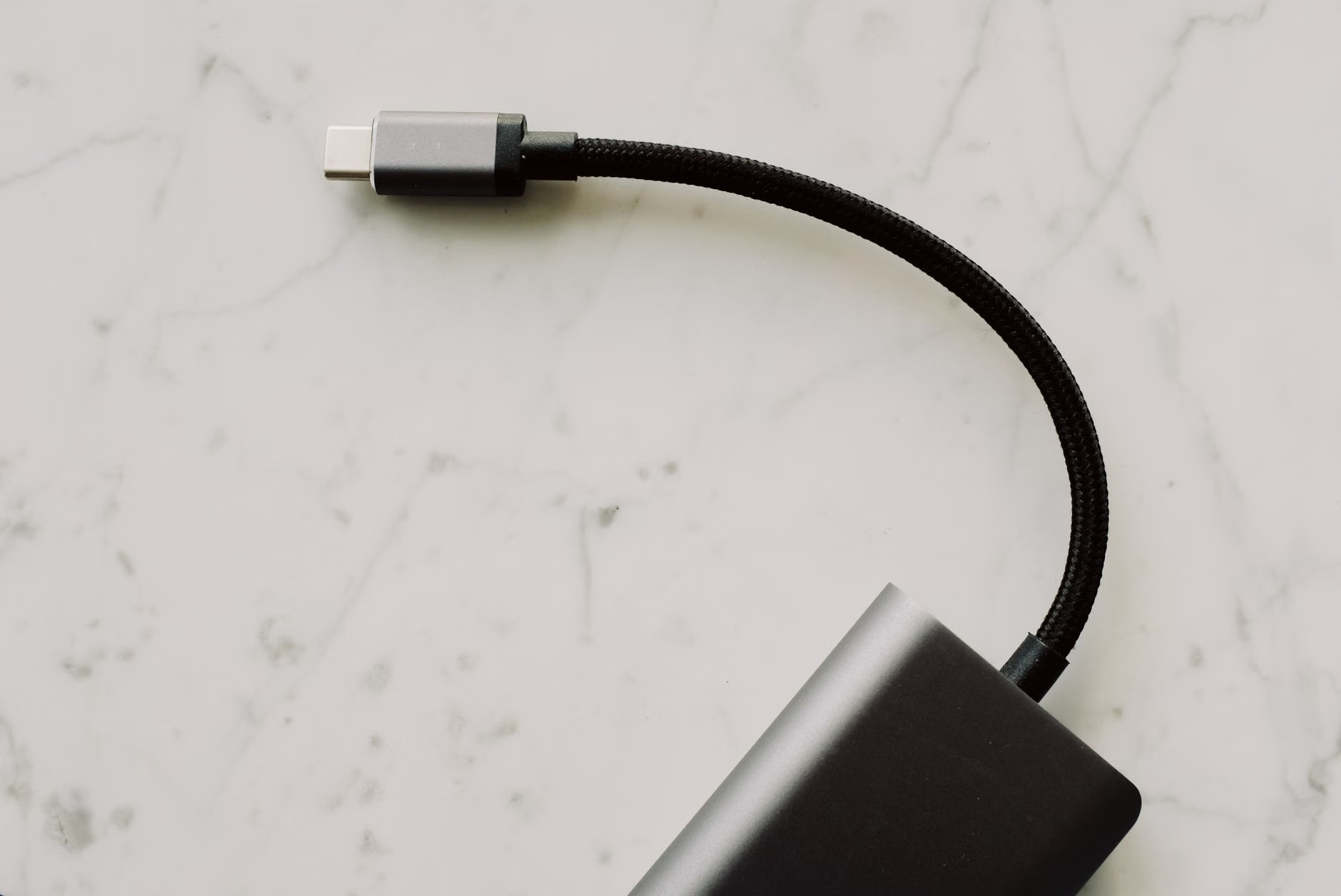
However, there is a catch. Because USB-C is a physical shape—a small, oval connector that is reversible—it doesn’t automatically mean every cable performs the same way. This is where most people get tripped up.
Decoding the Specs: Power Delivery (PD) and Data Transfer
If you look at the fine print on a USB-C cable, you might see terms like “USB 2.0,” “USB 3.2 Gen 2,” or “USB4.” These refer to data transfer speeds. If you are just charging your phone, these speeds don’t matter much. But if you are using a cable to connect a high-resolution monitor or transferring huge files from a camera, speed becomes critical.
More importantly for the average user is Power Delivery (PD). This is the protocol that allows a charger to negotiate with a device to provide the exact amount of power it needs. A laptop might require 65W (watts) to charge, while a pair of earbuds might only need 5W. The “smart” nature of USB-C PD prevents you from frying your smaller gadgets with a high-powered laptop charger.
| Device Type | Typical Power Requirement | Recommended Cable/Charger |
|---|---|---|
| Wireless Earbuds/Small Toys | 5W – 10W | Standard USB-C to USB-C cable |
| Smartphones | 15W – 30W | PD-capable cable (30W+) |
| Tablets/E-readers | 20W – 45W | PD-capable cable (45W+) |
| Laptops/High-perf Monitors | 65W – 100W+ | E-marked cable (100W+) |
When shopping for cables, always check the packaging. If you are buying a cable for a laptop, look for the “100W” or “240W” rating. Using a cheap, thin cable meant for charging a phone to power your laptop will result in either agonizingly slow charging or, in some cases, the cable getting dangerously hot.
The Great Cable Purge: How to Organize Your Home
By 2026, you will likely find yourself with an excess of cables. Before you throw them all away, take a moment to audit your collection. You should keep a few “legacy” cables if you still have older devices in the house, but for the most part, you can streamline your life.
Here is a simple strategy to declutter your tech drawer:
- Labeling: Use small pieces of masking tape or specialized cable tags to label the wattage of your high-power cables. If a cable is rated for 100W, mark it. You’ll thank yourself when you need to power your laptop in a hurry.
- Grouping: Keep your “everyday” chargers in a central location, like a charging station or a specific kitchen drawer. Keep “travel” cables in a separate, dedicated pouch.
- Recycling: Do not just toss old proprietary cables in the trash. Most local electronics stores or community recycling centers have dedicated e-waste bins. These cables contain copper and other materials that can be recycled.

Common Pitfalls: Why Your Device Isn’t Charging
Even with a universal standard, things go wrong. If your device isn’t charging, don’t immediately assume the hardware is broken. Here are the most common troubleshooting steps:
- The “Lint” Issue: USB-C ports are notorious for collecting pocket lint. If you keep your phone in your pocket, the port might be clogged, preventing the cable from clicking in fully. Use a wooden toothpick—never a metal needle—to gently clear the debris.
- The “Incompatible” Cable: You might be using a cable that is only designed for data transfer, not power delivery. Some cheap cables found in gas stations or dollar stores lack the internal wiring to handle high-speed charging.
- The “Handshake” Problem: Sometimes the charger and the device fail to “handshake” (the digital negotiation of power). Simply unplugging the cable from the wall adapter and plugging it back in often resets the controller.
It is also worth noting that while the physical connector is the same, some manufacturers still use proprietary software locks to “throttle” charging speeds if you aren’t using their specific (and expensive) brand-name charger. While this practice is being increasingly criticized by regulators, it still happens. If your phone charges slowly, check if the manufacturer has a “fast charge” requirement that forces you to use their proprietary brick.
Safety and Quality: Avoiding Cheap Knock-offs
When you see a “universal” charger for $5 on an online marketplace, be skeptical. A good USB-C charger contains a small circuit board that manages temperature and voltage. Cheap, unbranded chargers often omit these safety features. This is why you hear horror stories about overheating or, in extreme cases, electrical fires.
For your home, stick to brands that have a reputation for quality. Look for certifications like “USB-IF Certified,” which means the product has been tested by the USB Implementers Forum to meet the official standards. It’s a small detail, but it’s the difference between a cable that lasts for years and one that fails in a month.
The Future of Charging: Beyond 2026
As we look past 2026, the next frontier isn’t just the connector—it’s the efficiency of the power bricks themselves. We are seeing a massive shift toward Gallium Nitride (GaN) technology. If you haven’t heard of it, GaN chargers are smaller, lighter, and more efficient than traditional silicon-based chargers. They generate less heat and allow for a much higher power output in a tiny package.
If you are currently replacing your old chargers, prioritize GaN models. They are perfect for travel and take up significantly less space in your power strip, which is a blessing when you have multiple devices fighting for outlet space at home.
Furthermore, the move toward universal compliance is also pushing manufacturers to stop including “free” chargers in the box with new phones and laptops. While this feels like you are getting less for your money, it is a necessary step to reduce the millions of unused power bricks that end up in landfills every year. By owning a few high-quality, multi-port GaN chargers, you are already equipped to handle almost any device you bring into your home.
Practical Tips for Parenting in the USB-C Era
Parents have a unique set of challenges when it comes to tech. Kids are notorious for bending cables, dropping tablets, and losing chargers. Here are a few “pro-tips” for the household:
- Reinforced Cables: For the kids’ devices, invest in braided nylon cables. They are much more resistant to the “tugging” and “bending” that happens during daily use.
- Right-Angle Adapters: If your child plays games on a tablet while it is charging, buy a right-angle USB-C adapter. It prevents the cable from sticking straight out, which significantly reduces the stress on the charging port and the cable head.
- Centralized Charging Station: Instead of having chargers plugged in all over the house, set up a “landing zone” in a common area. This keeps the devices away from the bedroom at night and ensures that everyone knows exactly where to find their charger.
The 2026 transition is a shift toward a more rational, sustainable, and convenient way of living. While it might seem like a small change, it is one of those rare instances where government regulation actually makes our daily lives less complicated. Embrace the change, upgrade your cables to high-quality standards, and enjoy a slightly less cluttered life.
Frequently Asked Questions
Can I use my laptop’s 100W USB-C charger to charge my smartphone safely?
Yes, absolutely. USB-C Power Delivery (PD) is designed to be “smart.” The laptop charger and your phone will communicate to determine the maximum safe power level, ensuring your phone only pulls what it needs. You won’t damage your phone by using a higher-wattage charger.
What does “E-marked” mean on a USB-C cable?
An “E-marked” cable contains a small chip that tells the charging device that the cable is capable of handling high power (usually over 60W). If you are buying a cable for a laptop or high-performance device, always ensure the description says “E-marked” or “100W/240W support.”
Will my old micro-USB or Lightning devices stop working after 2026?
No, your old devices will continue to work exactly as they always have. The 2026 compliance rules apply to the sale of new devices. You do not need to replace your older gear, though you may eventually want to get a few USB-C to micro-USB adapters to reduce the number of cables you need to carry.
For further reading on international standards and technical documentation regarding USB-C compliance, you can visit the official USB Implementers Forum (USB-IF) website. Additionally, the International Electrotechnical Commission (IEC) provides extensive resources on global electrical standards.