The most reliable way to save your family’s favorite recipes is to stop relying on third-party websites and build your own “open-source” style, self-hosted digital database. By moving your collection into a format you control, you eliminate the frustration of broken links, intrusive advertisements, and subscription paywalls that plague mainstream cooking blogs.
- Data Ownership: Moving recipes to a self-hosted database ensures you never lose access to your collection when a website shuts down or changes its terms.
- Ad-Free Experience: Dedicated recipe managers remove the “life story” and SEO-bloated fluff from online recipes, leaving you with just the ingredients and steps.
- Standardized Formats: Using open formats like Markdown or JSON allows you to migrate your data between different apps or services in the future without losing your work.
If you are like most parents, your “recipe collection” is likely a chaotic mess of browser bookmarks, screenshots on your phone, and a few tattered physical cards. Every time you try to cook that one pasta dish you found online three years ago, you find yourself fighting through three pop-up ads and a five-page essay on the blogger’s childhood before you finally reach the ingredient list. Then, there is the heartbreak of clicking a saved link only to find a “404 Not Found” error. It is time to stop renting your recipe space and start owning it.
Why the “Open-Source” Approach Matters for Your Kitchen
The term “open-source” in this context refers to the philosophy of using software and formats that give you complete control over your data. In the world of cooking, most people are tethered to platforms like Pinterest or specific food blogs. While these sites are convenient for discovery, they are terrible for long-term storage. When you rely on a website, you are at the mercy of their server uptime, their business model, and their layout changes.
A self-hosted or “open-source-minded” recipe database functions as your personal library. It matters because it shifts the power dynamic. You are no longer “saving” a link; you are “archiving” the content. For someone juggling work, school runs, and meal planning, having a standardized, searchable, and permanent database means you spend less time searching for information and more time cooking. It transforms your kitchen workflow from a reactive scramble into a proactive, organized system.
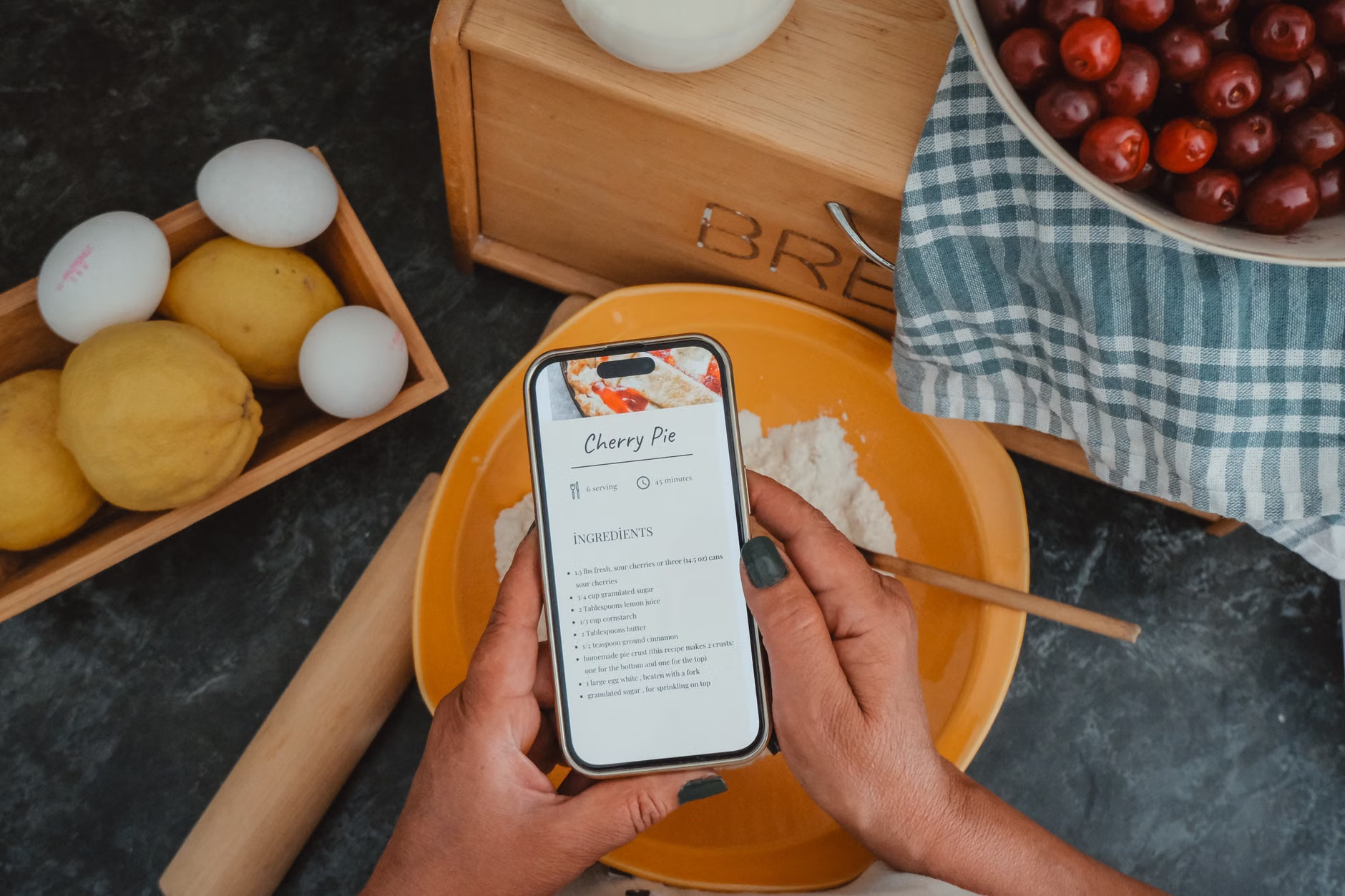
Choosing the Right Tools for Your Digital Kitchen
You do not need to be a software engineer to build a robust recipe database. However, you do need to choose tools that prioritize data portability. You want software that allows for exports—specifically in formats like JSON, CSV, or Markdown. If an app does not let you export your data, you are essentially trapped in their ecosystem.
Consider the “Three-Tier” system for your digital transition:
| Level | Tool Type | Best For |
|---|---|---|
| Level 1 | Markdown Files/Cloud Storage | Minimalists who want total simplicity and zero software lock-in. |
| Level 2 | Dedicated Recipe Apps (e.g., Paprika, Copy Me That) | Users who want a polished experience with automatic importing features. |
| Level 3 | Self-Hosted Managers (e.g., Mealie, Tandoor) | Tech-savvy users who want total control over their data and server. |
Level 2 apps are often the “sweet spot” for most families. They allow you to paste a URL, and they automatically parse the recipe text, stripping away the ads and personal stories. They also provide scaling features—if a recipe serves four but you need to feed eight, the app does the math for you. The key is to ensure the app you choose has a reliable “Export” function in the settings menu.
The Workflow: From Web Discovery to Permanent Archive
The biggest mistake most people make is “bookmarking” recipes. Bookmarks are essentially ghost links; they provide no protection against content deletion. Your new workflow should follow a strict “Capture-Clean-Store” cycle.
1. Capture the Content
When you find a recipe on a site, do not just save the link. Use a browser extension or a mobile share sheet to send the recipe to your chosen manager. If the site is particularly difficult to “scrape” (some sites use complex code to prevent this), use a “Print to PDF” function. A PDF is a permanent snapshot of the page as it existed on that day.
2. Clean and Standardize
Once the recipe is in your database, take two minutes to clean it up. Remove unnecessary modifiers like “the best ever” or “my secret ingredient.” Standardize your units. If your family uses metric, convert the imperial measurements immediately. This prevents the “unit confusion” that often leads to kitchen errors when you are in a rush to get dinner on the table.
3. Store with Metadata
This is where the magic happens. Tag your recipes by category, time to cook, and “family approval rating.” When you are exhausted on a Tuesday night, you should be able to open your database and filter by “Dinner,” “Under 30 minutes,” and “High Approval.” If your database is just a list, it is not a system; it is just a digital junk drawer.
Common Pitfalls and How to Avoid Them
The most common mistake is over-engineering. Many users start by trying to build a custom database in Notion or Obsidian. While these are powerful tools, they often lack the “recipe-specific” features like scaling, nutrition calculators, and shopping list integration. If you spend more time maintaining your database than cooking, your system will eventually collapse.
Another pitfall is the “Import Everything” trap. You do not need 500 recipes. You need 50 recipes that your family actually eats. Use your database as a living document. If you make a dish and no one likes it, delete it. If you make a dish and it needs more salt, edit the entry. Your database should be a living, breathing collection, not a static archive of things you might cook “someday.”
Finally, watch out for the “Cloud-Only” dependency. Even if you use a cloud-based app, ensure you are running a local backup once a month. Export your data to a simple text file or a spreadsheet and store it in a different location—perhaps a physical hard drive or a different cloud provider. This is your insurance policy against service outages or account issues.
Scaling Your System for the Whole Family
A recipe database is only as good as the people who use it. If you are the only one with access, you become the sole “gatekeeper” of dinner. Most modern recipe managers allow for multi-user access or public sharing links. By setting up a shared account for your household, your spouse or older children can also pull up the recipe for the week’s meal plan.
Consider creating a “Weekly Rotation” tag. Every Sunday, sit down and tag 5-7 recipes with “This Week.” This turns the database into a meal planner. When you go to the grocery store, you can generate a shopping list directly from those tagged recipes. This level of automation is what separates a hobbyist collector from a functional home manager.

Advanced Insights: The Hidden Value of Data Portability
Why go through all this effort? Beyond just convenience, you are building a legacy. A collection of family recipes, curated and refined over a decade, is a valuable asset. If you store these in a proprietary format that disappears when a company goes bankrupt, that history is lost. By choosing open-source formats like JSON or Markdown, you ensure that your recipes can be opened in any text editor, even 20 years from now.
Furthermore, consider the privacy implications. Many popular recipe websites track your browsing habits, your location, and your dietary preferences to serve targeted ads. By using a self-hosted or privacy-focused app, you reclaim your digital footprint. You are no longer a product being sold to advertisers; you are a user managing your own household infrastructure.
One overlooked variable is the “Offline Availability.” Many recipe websites are slow to load and require a constant internet connection. If you are cooking in a kitchen with poor Wi-Fi, this can be infuriating. A good app will cache your entire database locally on your device, meaning you can pull up your recipes even if the internet goes down entirely.
Practical Implementation: Your First Steps
If you want to start today, do not try to migrate your entire history at once. Start with the “Top 10” recipes your family eats on a regular basis. Spend the next month importing these and refining them. Once you have a system for these, move on to the next batch.
For those interested in the “Self-Hosted” route (Level 3), look into projects like Mealie or Tandoor. These are open-source projects that you can host on a home server (even a Raspberry Pi). They offer features that rival professional, paid software, including meal planning, grocery lists, and beautiful, clean interfaces. While the learning curve is steeper, the freedom is unmatched.
Remember, the goal is not to have a perfect database; the goal is to have a functional kitchen. If your current system involves a physical binder that works for you, keep it. But if you find yourself constantly frustrated by the digital friction of modern cooking, moving to a controlled, open-source-style database is the most practical step you can take to reclaim your time and sanity.
Take the time to audit your current digital mess this weekend. Select one platform, move your favorite ten recipes, and test the workflow. You will quickly find that the time you save in the long run far outweighs the initial setup effort.
Frequently Asked Questions
Q: What if I am not tech-savvy; is self-hosting too difficult for me?
A: You do not need to self-host to achieve these benefits. Using a reputable app like Paprika or Copy Me That provides 90% of the benefits of self-hosting with 10% of the technical headache. Focus on whether the app allows you to export your data; that is your primary requirement.
Q: Will my recipes be lost if the app I choose goes out of business?
A: This is the exact reason why data portability is key. If your app allows you to export your data as a JSON or CSV file, you can easily import that data into a new app. Always perform a manual backup of your exported data at least once every few months to be safe.
Q: How do I handle recipes that I have modified significantly?
A: Most digital recipe managers include a “Notes” or “Instructions” section that is distinct from the original recipe. Use this for your modifications. This allows you to keep the original source link for reference while ensuring your custom version is the primary one you see when you open the recipe.
Official resources and further reading on digital data management can be found at Electronic Frontier Foundation (EFF) on Digital Interoperability and documentation for Mealie (Open Source Recipe Manager).