Key Takeaways:
- Data Security First: Simply deleting files is insufficient; always perform a factory reset or physical destruction of storage media to prevent identity theft.
- Certified Recycling Matters: Use directories like Earth911 or Call2Recycle to find R2 or e-Stewards certified facilities, ensuring your waste isn’t illegally exported to developing nations.
- The “Three-Year” Rule: For household clutter, if a cable or device hasn’t been used in three years, it is obsolete; recycle it immediately to prevent hazardous chemical leakage from degrading batteries.
You know that “junk drawer” in your kitchen? The one filled with mysterious black charging cables that don’t fit any device you currently own, a smartphone from 2014 with a cracked screen, and a tangle of tangled headphones? You aren’t alone. In most households, electronic waste (e-waste) is the silent roommate that keeps growing, taking up space and potentially leaking hazardous materials into the environment if left to decay in a landfill.
Recycling electronics is not just about clearing space; it is about reclaiming valuable materials like gold, silver, and copper, while keeping toxic lead and mercury out of our water tables. Let’s look at how to tackle this digital hoarding efficiently and safely.
Understanding the Hidden Risks of Your “Junk Drawer”
Why should you care about that old tablet? It is tempting to think of e-waste as just “plastic and metal,” but modern electronics are complex chemical cocktails. When you throw a lithium-ion battery into a standard trash bin, you aren’t just creating landfill bulk. You are introducing a fire hazard for garbage trucks and a chemical leakage risk for local soil.
For parents in their 30s and 40s, the primary concern is often two-fold: data security and chemical safety. Your old phone contains more personal information than a physical filing cabinet from the 1990s. Even if the device is “broken,” the flash storage chips often remain intact, waiting for someone with the right tools to extract your photos, banking credentials, or old emails.
Furthermore, the physical degradation of batteries in hot environments (like a garage or an attic) can lead to “swelling,” where the battery casing expands. This is a sign of internal chemical breakdown and is a legitimate fire risk. If you see a device with a bulging back or a screen that is lifting off the frame, do not store it indoors. Handle it with gloves, place it in a non-flammable container, and prioritize it for immediate recycling.
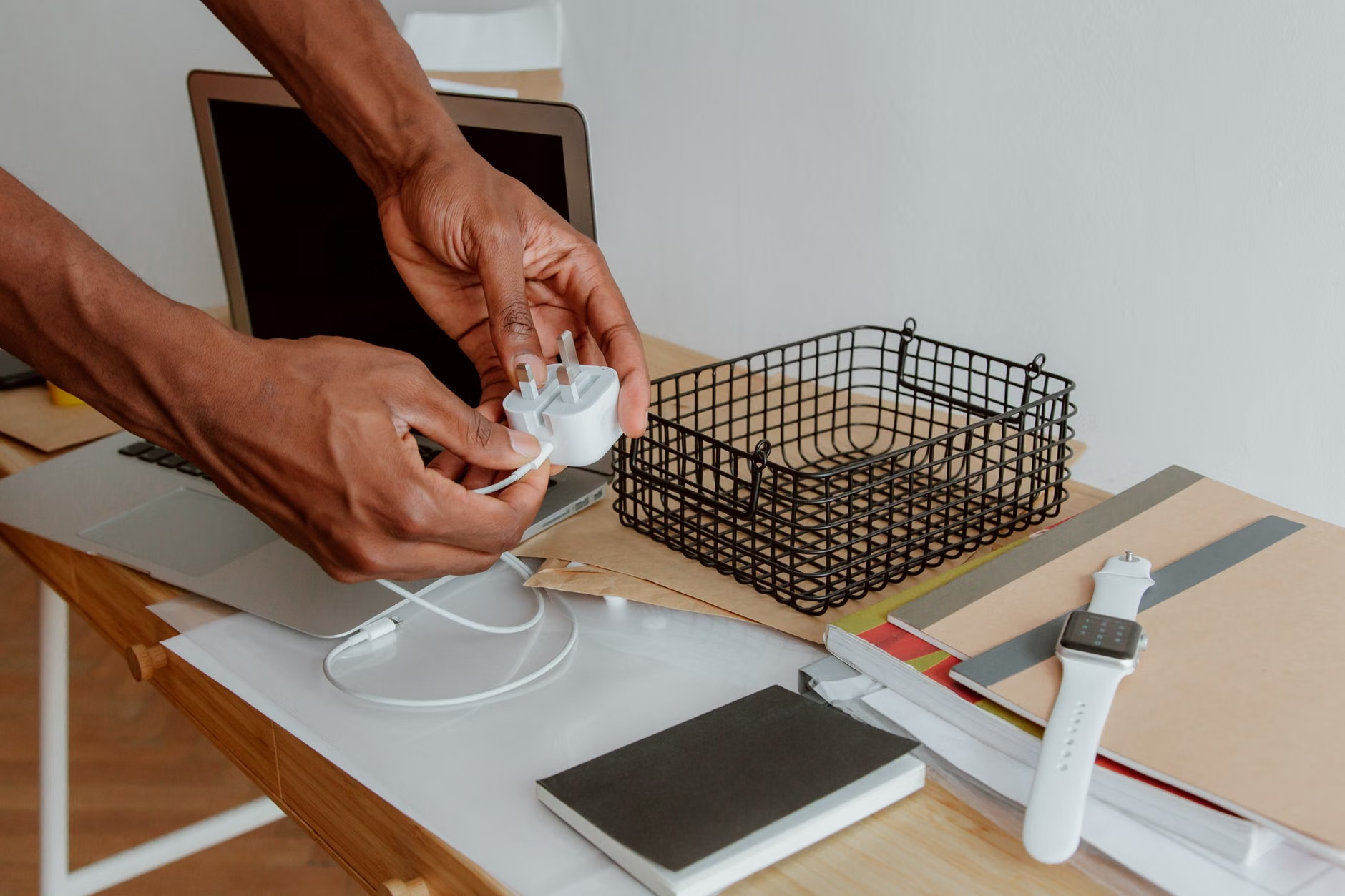
The Step-by-Step Protocol for Secure Disposal
Before you toss anything into a recycling bin, you need a system. Treating this like a household project—rather than a chore—makes it manageable. Follow these four stages to ensure your data is safe and your hardware is actually recycled.
Stage 1: The Audit and Categorization
Gather all electronics from around the house. Don’t just do one room; do the whole house at once. Sort them into three piles:
- Working/Resellable: Devices that still function and have value.
- Broken/Obsolete: Devices that are dead, severely damaged, or lack modern functionality.
- Peripherals: Cables, mice, keyboards, and adapters.
Stage 2: The Data Sanitization Phase
This is where most people make the mistake of just pressing “Delete.” That is not enough. You must perform a factory reset. For smartphones (iOS and Android), the built-in “Erase All Content and Settings” option typically uses cryptographic erasure, which renders the data unrecoverable. For laptops, consider using software like DBAN (Darik’s Boot and Nuke) for hard drives, or simply remove the drive and physically destroy it if you are truly paranoid about data security.
Stage 3: Choosing the Right Disposal Channel
Not all “recyclers” are created equal. Some companies collect electronics only to ship them to unregulated facilities in developing countries where workers burn wires to recover copper, releasing toxic fumes. To avoid this, look for certifications. R2 (Responsible Recycling) and e-Stewards are the gold standards. If a facility has these, they are audited to ensure they follow strict environmental and labor standards.
Comparative Guide: Where to Take Your E-Waste
Depending on where you live, the infrastructure for e-waste varies significantly. Use the following table to decide which route is best for your specific situation.
| Option | Best For | Pros | Cons |
|---|---|---|---|
| Retail Take-Backs | Small electronics (cables, phones) | Convenient, often free | Limited capacity |
| Certified Recyclers | Computers, large appliances | Highest environmental standard | May require travel/drop-off |
| Municipal Events | Bulky items, batteries | Local, community-focused | Occasional availability |
| Donation/Resale | Working, modern devices | Extends product life | Time-consuming |
If you have a working laptop from 2020, donating it to a local school or a charity like World Computer Exchange is always better than recycling it. Recycling should be the last resort after reuse and repair. If you are unsure about a device’s value, check platforms like Gazelle or Swappa to see if it still has a market price. If it’s worth less than $20, it’s likely time for the recycling bin.
Common Mistakes to Avoid
I’ve seen many well-intentioned people make these common errors. First, the “curbside” trap. Never put electronics in your regular recycling bin. Most municipal sorting facilities are not equipped to handle electronics, and they will simply divert them to the landfill. Always use a dedicated e-waste drop-off point.
Second, the cable fallacy. We often hoard cables “just in case.” If you have a cable for a device you haven’t owned in five years, you will never need it. Modern standards (like USB-C) are making older proprietary cables obsolete. If you haven’t used it in three years, it is time to let it go. Collect them all in a box and take them to a local retailer like Best Buy or Staples, which often have bins specifically for cords and small power supplies.
Third, the battery oversight. Lithium-ion batteries are the most dangerous part of your e-waste. If you are recycling a device with a removable battery, remove it if possible. Tape the terminals of the battery with clear packing tape to prevent short-circuiting during transit. Place the battery in a clear plastic bag before handing it over to the recycler.

You don’t need to be an expert to find a reputable recycler. There are several global and regional directories that act as the “Yellow Pages” for e-waste. In the United States, Earth911 is an excellent resource where you can search by zip code and material type. In the UK, the Recycle Now website provides similar functionality for local authorities.
If you are living in a region without a centralized government-run database, look for “E-waste collection events” hosted by your local university or municipality. These events are usually advertised on social media or local community boards and are often the safest way to dispose of hazardous materials like old CRT monitors or printer toner cartridges, which contain chemicals that require specialized handling.
The Long-Term Strategy: Preventing Future Clutter
The best way to manage e-waste is to slow down the accumulation. Before your next tech purchase, ask yourself: “How will I dispose of this in five years?” If you buy a device with a non-removable battery or proprietary parts that are glued together (common in ultra-thin laptops and tablets), you are essentially guaranteeing that the device will be unrepairable and difficult to recycle. Brands like Fairphone or laptops from manufacturers that provide easy access to internal components (like Framework) are changing this, but the industry standard is still largely “disposable.”
Consider the “one-in, one-out” rule. If you buy a new pair of wireless earbuds, the old ones must be recycled the same week. This prevents the “junk drawer” from becoming a permanent fixture of your home. By treating electronics as temporary assets rather than permanent possessions, you change your relationship with technology and reduce your environmental footprint significantly.
Frequently Asked Questions
Is it safe to donate my old computer to a charity if I have already deleted the files?
Simply deleting files is not enough. You must use a “disk wiping” utility that overwrites the entire drive with random data, or perform a factory reset that includes a secure erase feature. If you are not tech-savvy, the safest option is to physically remove the hard drive and destroy it before donating the rest of the machine.
Why can’t I just throw small batteries in the trash?
Batteries contain heavy metals like cadmium, lead, and mercury, as well as lithium. When crushed in a trash compactor or landfill, they can leak these toxins into groundwater. Furthermore, lithium-ion batteries are highly flammable when punctured, posing a severe risk to waste management workers and equipment.
How do I know if a local recycling center is truly “certified”?
Check their website for the “e-Stewards” or “R2” certification logos. You can also verify their status by searching the official e-Stewards or SERI (Sustainable Electronics Recycling International) directories online. If a facility cannot provide proof of certification, it is best to find another option.
Managing e-waste is a small but meaningful way to contribute to a more sustainable future. By taking the time to properly secure your data and choose a certified recycler, you are not just cleaning your home—you are helping to close the loop on the materials that power our modern lives. Start with that junk drawer today; it’s a small step that makes a world of difference.
Official Resources for Further Research: