Key Takeaways for Global Travelers
- Voltage matters more than plugs: Using a 110V device in a 220V country without a converter will destroy the electronics; always check the “Input” label on your charger.
- Prioritize GaN technology: Modern Gallium Nitride (GaN) chargers are smaller, run cooler, and provide enough wattage to power laptops and phones simultaneously, reducing the number of bricks you need to pack.
- Avoid “universal” voltage converters for high-wattage items: If you are bringing a hair dryer or straightener, buy a local version or use a hotel-provided one rather than trying to convert the power, as these devices often exceed the wattage capacity of travel adapters.
If you have ever stared at a wall outlet in a foreign hotel room, clutching a laptop and a phone that are both about to die, you know the specific brand of panic that comes with incompatible power adapters. We have all been there: you bought the “universal” plug set from the airport kiosk, only to find that your heavy laptop brick makes the whole thing droop out of the wall, or worse, you accidentally plug in a device that wasn’t designed for the local voltage.
For those of us in our 30s and 40s, juggling the charging needs of tablets, noise-canceling headphones, and laptops while keeping the kids’ devices running is a logistical challenge. It isn’t just about finding a plug that fits; it is about understanding how electricity moves across borders and protecting your expensive hardware from frying in the process.
Understanding the Difference Between Plugs and Voltage
The most common mistake travelers make is assuming that if the plug fits, the power is safe. This is a dangerous misconception. Electrical systems worldwide differ in two main ways: the physical shape of the outlet (the plug) and the electrical potential (the voltage and frequency).
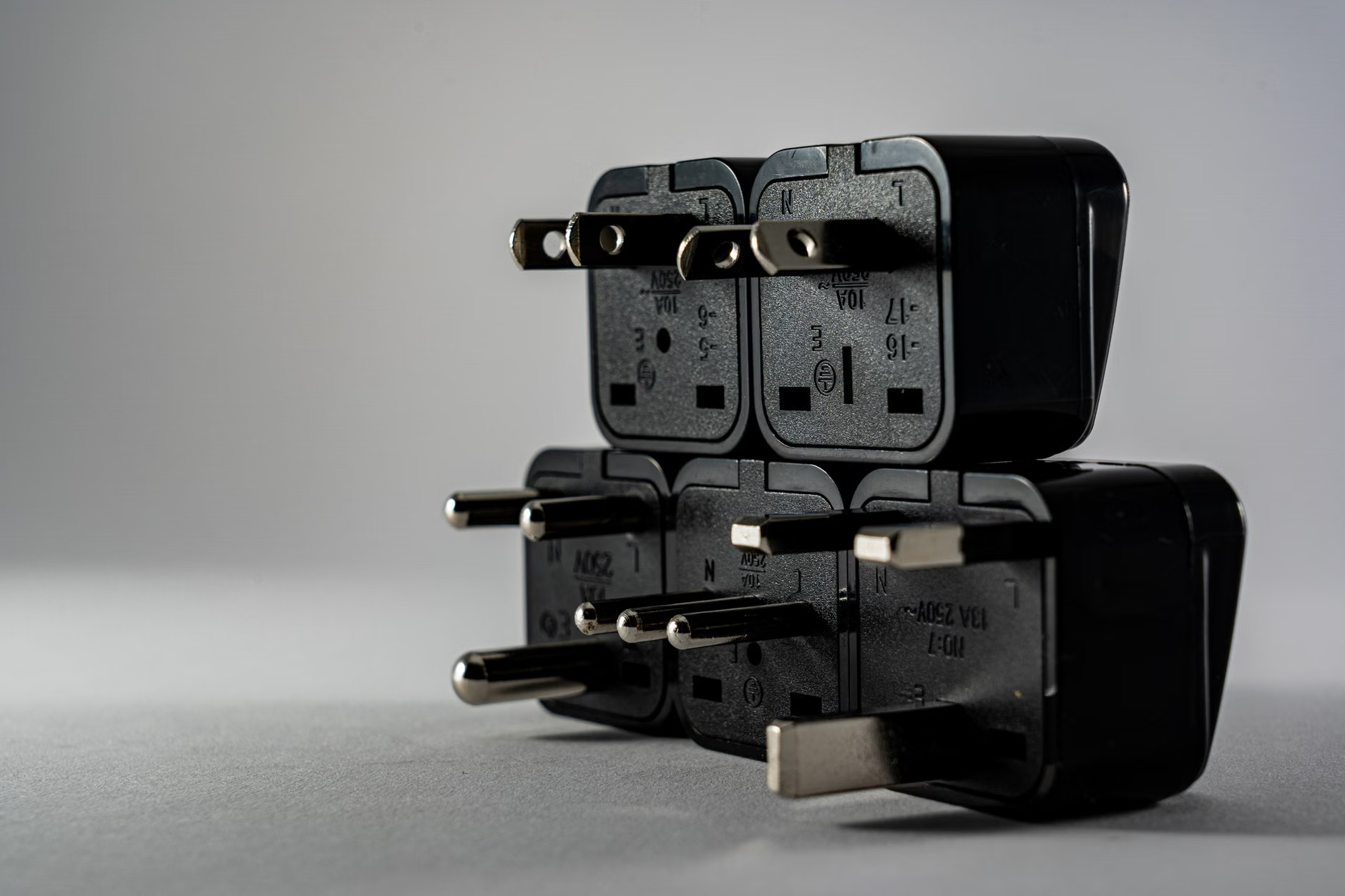
The physical plug is just the connector. It determines if your metal pins will physically slide into the holes in the wall. You can find “universal adapters” that act as a bridge, allowing your Type A (North American) plug to fit into a Type G (British) socket. These are passive devices; they do not change the electricity at all.
The voltage is the “pressure” of the electricity. Most of North America and parts of Japan operate on 110-120V. Most of the rest of the world (Europe, Australia, Asia) operates on 220-240V. If you plug a 110V-only device into a 220V outlet, you will likely cause internal damage, potentially causing the device to smoke or catch fire.
How to check your gear: Look at the fine print on the back of your power brick. Look for “Input.” If it says “100-240V ~ 50/60Hz,” you are in the clear. This is called “dual-voltage” or “multi-voltage.” Almost all modern laptops, smartphones, and camera chargers are dual-voltage. If it says “110V” or “120V” only, do not plug it in abroad without a heavy-duty step-down transformer—and frankly, it is usually cheaper and safer to just buy a local charger for that device.
The Evolution of Charging: Why GaN is the Gold Standard
Ten years ago, travel charging meant carrying a bag full of bulky plastic bricks. Today, the game-changer is Gallium Nitride (GaN) technology. If you are still using the heavy, slow chargers that came in the box with your devices from five years ago, you are wasting precious luggage space.
GaN chargers are significantly more efficient than traditional silicon-based chargers. Because they generate less heat, they can be made much smaller. A single GaN brick with 65W to 100W of output can often charge your laptop, your phone, and your child’s tablet at the same time using multiple USB-C ports.
When you are traveling, the “one-brick-to-rule-them-all” strategy is the most efficient way to manage cables. Instead of packing three separate chargers, pack one high-wattage GaN charger and three high-quality USB-C cables. This reduces the weight in your carry-on and minimizes the number of wall outlets you need to hunt down in an airport lounge or hotel room.
Even if your device is dual-voltage, you still need to bridge the physical gap. There are over a dozen different plug types used globally, but for the average traveler, you really only need to be familiar with four main categories. Knowing which one you need before you arrive can save you from an overpriced purchase at a duty-free shop.
| Plug Type | Common Locations | Description |
|---|---|---|
| Type A/B | North America, Japan | Two flat parallel pins (A) or two flat plus a round grounding pin (B). |
| Type C | Europe (excluding UK), South America | Two round pins. The most common “universal” plug. |
| Type G | UK, Ireland, Malaysia, Singapore | Three rectangular pins in a triangular pattern. Often requires a bulky adapter. |
| Type I | Australia, New Zealand, China | Two flat pins in a V-shape, sometimes with a grounding pin. |
The “Grounded” Trap: Many cheap, compact travel adapters do not have a grounding pin. If you are traveling with a laptop that has a three-prong plug, a two-prong adapter will technically work, but you lose the safety benefit of the ground connection. For sensitive electronics, especially in older buildings where wiring might be questionable, using a grounded adapter is a non-negotiable safety measure.
Common Mistakes That Ruin Vacations
Even with the best gear, human error is the most common cause of power-related issues. Let’s break down the pitfalls that lead to fried devices and empty batteries.
1. The Hair Dryer Fallacy
Many travelers pack their favorite hair dryer or straightener, thinking a small travel adapter will handle it. This is a mistake. Heating appliances (hair dryers, curling irons, travel kettles) pull massive amounts of power—often 1500W to 2000W. Most travel adapters are rated for 600W to 1000W. If you plug a hair dryer into a standard adapter, you will likely blow the fuse in the adapter or, worse, trip the circuit breaker for the entire hotel room.
The Fix: Leave the high-wattage hair tools at home. Most hotels provide them, or you can pick up a cheap one locally if you truly need it. If you must have your own, ensure it is dual-voltage and that you have a converter designed for high-wattage appliances, though these are often heavy and rarely worth the effort.
2. Relying on Hotel USB Ports
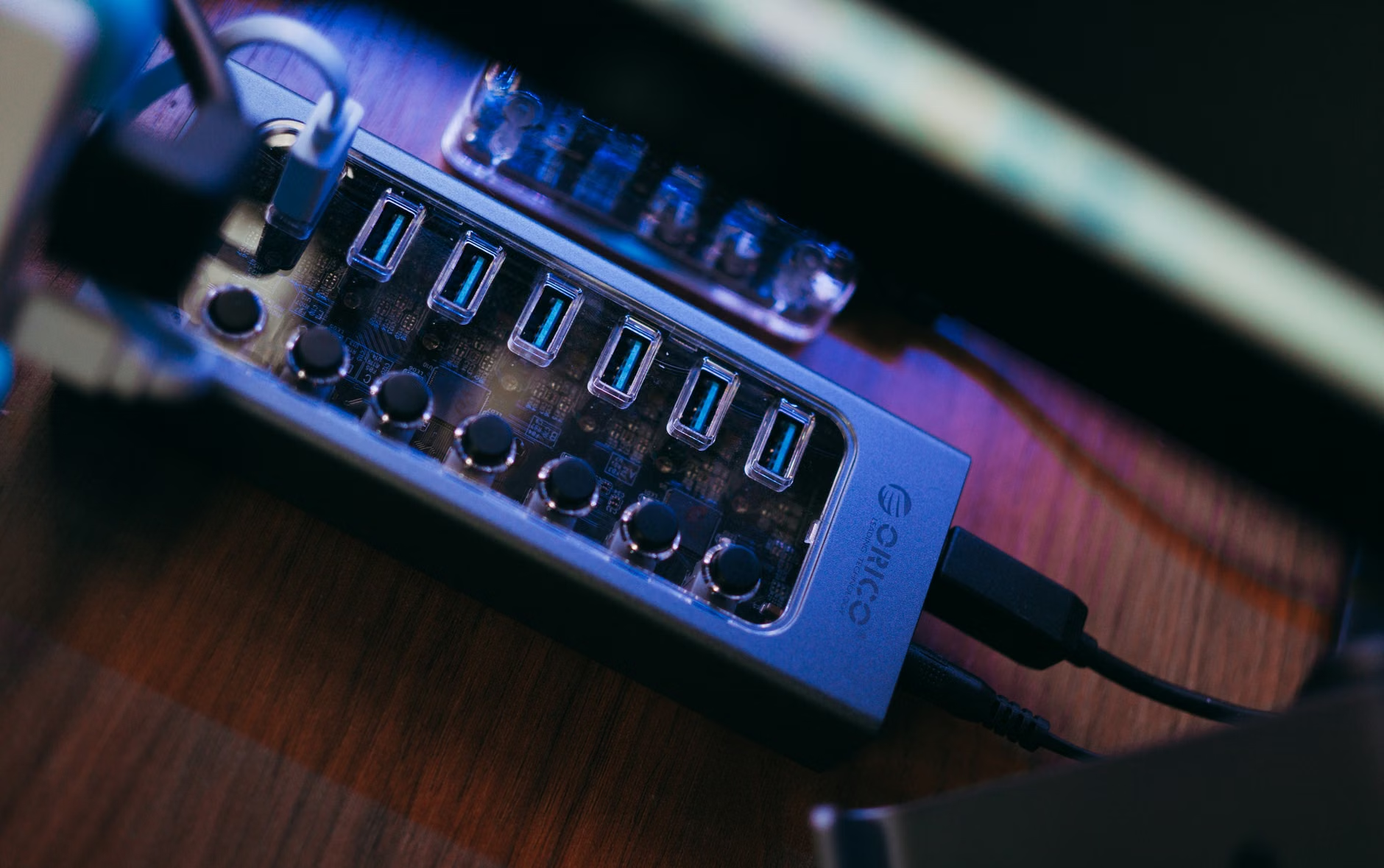
Modern hotels often have USB ports built into the wall or bedside lamps. While convenient, these are frequently low-power ports (often 5W or 10W). They will charge your phone, but they will be agonizingly slow, and they likely won’t charge a modern tablet or laptop at all. Always use your own high-quality GaN charger plugged into the wall outlet for primary charging.
3. Forgetting the Power Strip
If you are traveling as a family, you have multiple devices. Most hotel rooms have only one or two accessible outlets. Bringing a compact, lightweight power strip (without surge protection, as surge protectors can sometimes interfere with foreign electrical grids) allows you to turn one outlet into four. Note: Ensure the power strip is also dual-voltage, or just use a multi-port USB charger instead.
The Decision Framework: What to Buy vs. What to Rent
When you are preparing for a trip, you don’t need to buy a new kit for every destination. The best approach is a modular system. Here is how to build your kit based on your travel frequency and destination.
For the Occasional Traveler: A single, high-quality “all-in-one” universal adapter is sufficient. Look for one that features built-in USB-C ports. This covers 90% of your needs. Make sure it has a replaceable fuse—a small feature that can save your entire adapter if there is a power surge.
For the Frequent International Traveler: Ditch the all-in-one adapters. They are often heavy and prone to breaking. Instead, buy dedicated plug adapters for the regions you visit most (e.g., a dedicated Type G plug for the UK) and pair them with a powerful, multi-port GaN charger. This setup is lighter, more reliable, and much easier to pack.
Safety First: How to Handle Unfamiliar Electrical Grids
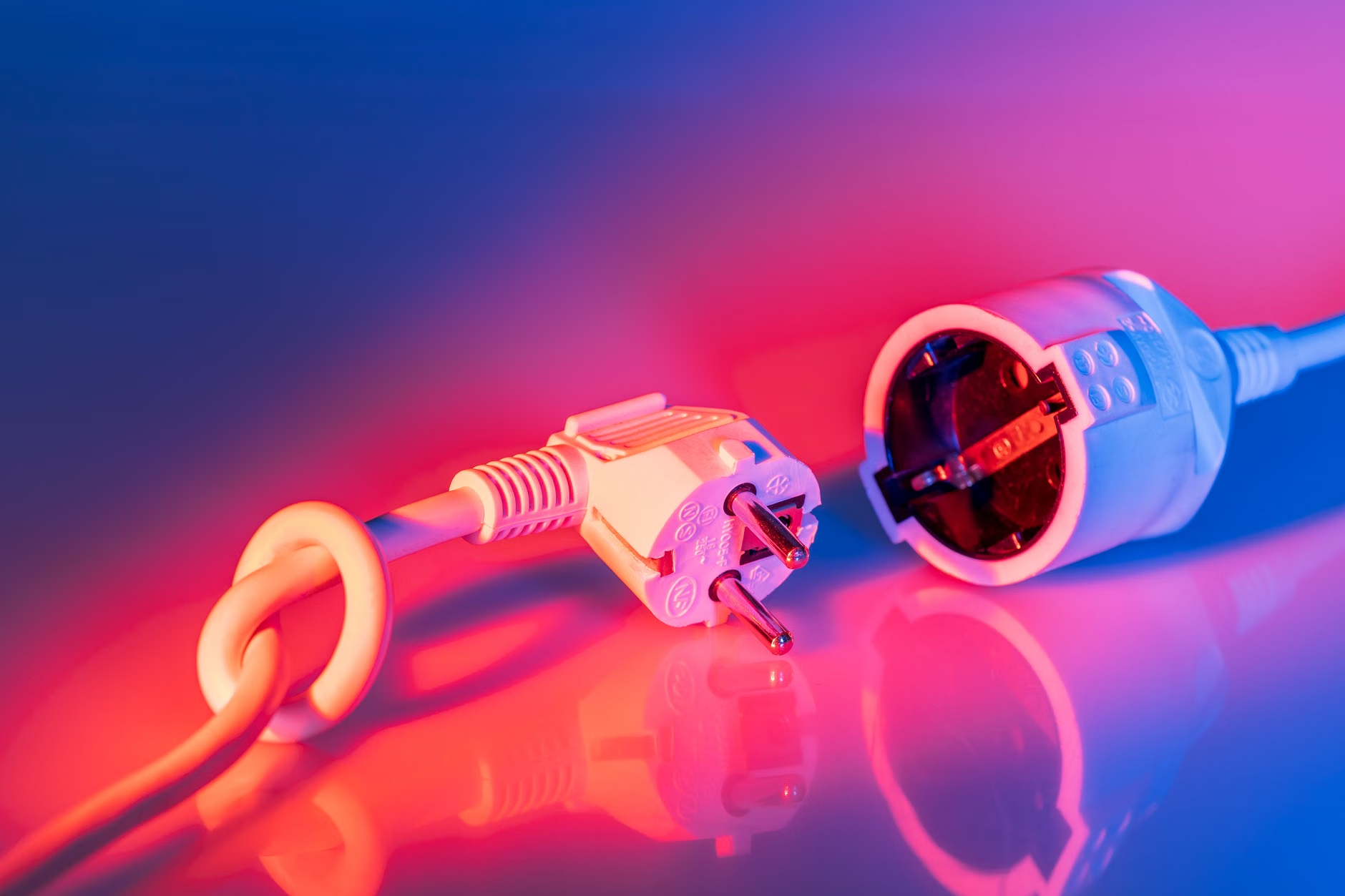
Safety should be your primary concern, especially when traveling with children. Always inspect the wall outlet before plugging in your devices. If the outlet looks loose, burnt, or has exposed wires, do not use it. Request a different room or use an outlet elsewhere in the suite.
When you are in a country with a different voltage, always double-check the label on your charger. If you see “120V” and you are in a “220V” country, stop. Do not try to force it. It is not worth the risk of a fire or damaging a device that contains all your travel photos and memories.
Lastly, consider the “50/60Hz” frequency. Most modern electronics are fine with either, but some older or specialized equipment (like high-end audio gear or certain medical devices) might be sensitive to the frequency difference. If you are traveling with specialized equipment, check the manufacturer’s manual specifically for frequency requirements.
Practical Next Steps for Your Next Trip
Before your next departure, take an hour to audit your charging gear. Gather all the devices you plan to bring and look at their power bricks. If you have any that are 120V-only, set them aside—you aren’t taking them. For the rest, consolidate your charging needs by purchasing one or two high-wattage GaN chargers that can handle your laptop and phone simultaneously. Finally, research the plug type for your destination and buy a simple, grounded adapter. By standardizing your charging gear now, you eliminate the stress of finding power when you should be enjoying your family holiday.
Frequently Asked Questions
Q: Can I use a surge protector in another country?
A: Generally, no. Many surge protectors are designed for specific voltage ranges. Using a 110V-designed surge protector in a 220V country can cause it to fail or even create a fire hazard. It is safer to use a simple plug adapter or a multi-port USB charger without surge protection.
Q: Why does my phone charge so slowly with my universal adapter?
A: Many universal adapters have built-in USB ports that are “dumb” chargers, meaning they do not support modern “fast charging” protocols like Power Delivery (PD) or Quick Charge. If you want fast charging, plug your device’s specific fast-charging brick into the universal adapter rather than using the adapter’s built-in ports.
Q: Should I buy a power converter or a power adapter?
A: An adapter only changes the shape of the plug; it does not change the voltage. A converter changes the voltage. If your devices are dual-voltage (100-240V), you only need an adapter. If your device is 110V-only, you need a converter—but these are heavy, expensive, and often unreliable, so it is almost always better to buy a device that works with the local voltage.
For more information on electrical standards by country, you can consult the International Electrotechnical Commission (IEC) World Plugs guide, which provides the most accurate and up-to-date data on socket types used globally.