Key Takeaways for a Private Smart Home
- Prioritize Local Control: Choose devices that communicate via Zigbee, Z-Wave, or Matter-over-Thread to keep your data inside your home, not on a cloud server.
- Avoid Cloud-Dependent Ecosystems: If your lights stop working when your internet goes down, your data is likely being processed in the cloud—a significant privacy risk.
- Segregate Your Network: Use a dedicated VLAN or a guest network for all IoT devices to ensure that a compromised light bulb cannot access your personal laptops or sensitive files.
The most secure smart light is one that doesn’t need to “call home” to function. If you have spent time in the world of smart home tech, you know the frustration: you buy a bulb, connect it to an app, and suddenly, your lighting habits—when you wake up, when you leave for work, when you go to bed—are being logged by a server halfway across the world. For parents in their 30s and 40s, this isn’t just a technical annoyance; it’s a potential window into your family’s daily routines that you never intended to open.
Building a “Privacy-First” lighting configuration is entirely possible today without sacrificing the convenience of automation. It requires a shift in mindset: moving away from “plug-and-play” cloud gadgets toward a localized, self-hosted architecture. This guide will walk you through how to reclaim your home’s digital boundaries.
Understanding the “Cloud vs. Local” Divide
The core of the privacy problem in smart lighting is the reliance on the cloud. When you use a standard Wi-Fi smart bulb, the command you send from your phone usually travels to the manufacturer’s server, gets processed, and then is sent back to your house to turn on the light. This is why you see a slight delay when you tap a button. More importantly, this architecture allows the manufacturer to collect metadata about your usage patterns.
Local control, by contrast, happens entirely within your four walls. When you press a button or trigger a motion sensor, the instruction goes directly from the controller to the bulb. No external server is involved. Your data never leaves your home network. For a busy parent, this has a massive secondary benefit: reliability. If your internet service provider (ISP) has an outage, your lights keep working perfectly. A system that relies on the cloud is only as reliable as your internet connection, which, as we all know, is rarely 100%.
The Hidden Costs of Cloud Ecosystems
Many popular smart home brands offer “ecosystem convenience.” You buy their bridge, their bulbs, and their switches. Everything is integrated. However, the “price” you pay is the loss of data sovereignty. In some cases, these companies use your usage data to build behavioral profiles. While they might claim this is to “improve the user experience,” it effectively turns your private home habits into a commodity.
If you are looking to build a system that respects your privacy, you must look for the “Local Control” label on technical specifications. If a product requires a mandatory account registration to function, it is almost certainly a cloud-based product. Avoid it if you want true privacy.
Choosing the Right Protocol: Zigbee, Z-Wave, and Matter
Not all smart home protocols are created equal. Wi-Fi is the most common, but it is also the most privacy-invasive because it forces devices to connect to your router and, by extension, the internet. To build a privacy-first home, you should prioritize mesh networking protocols.
| Protocol | Privacy Level | Internet Required? | Best For |
|---|---|---|---|
| Wi-Fi | Low | Often Yes | Simple, one-off devices |
| Zigbee | High | No | Multi-device home automation |
| Z-Wave | High | No | Reliability and large coverage |
| Matter (Thread) | High | No (Local) | Future-proofing and interoperability |
Zigbee and Z-Wave are radio-based protocols that do not use your Wi-Fi frequency. They require a hub (a gateway), which acts as the “brain” of your lighting system. Because this hub stays inside your house, it creates a secure, air-gapped environment for your lights. Matter is the new industry standard that aims to unify these devices. When buying new hardware, look for “Matter-over-Thread” compatibility. Thread is an IP-based protocol that allows devices to talk directly to each other without a central bottleneck, further enhancing both speed and privacy.
Step-by-Step: Setting Up Your Local Hub
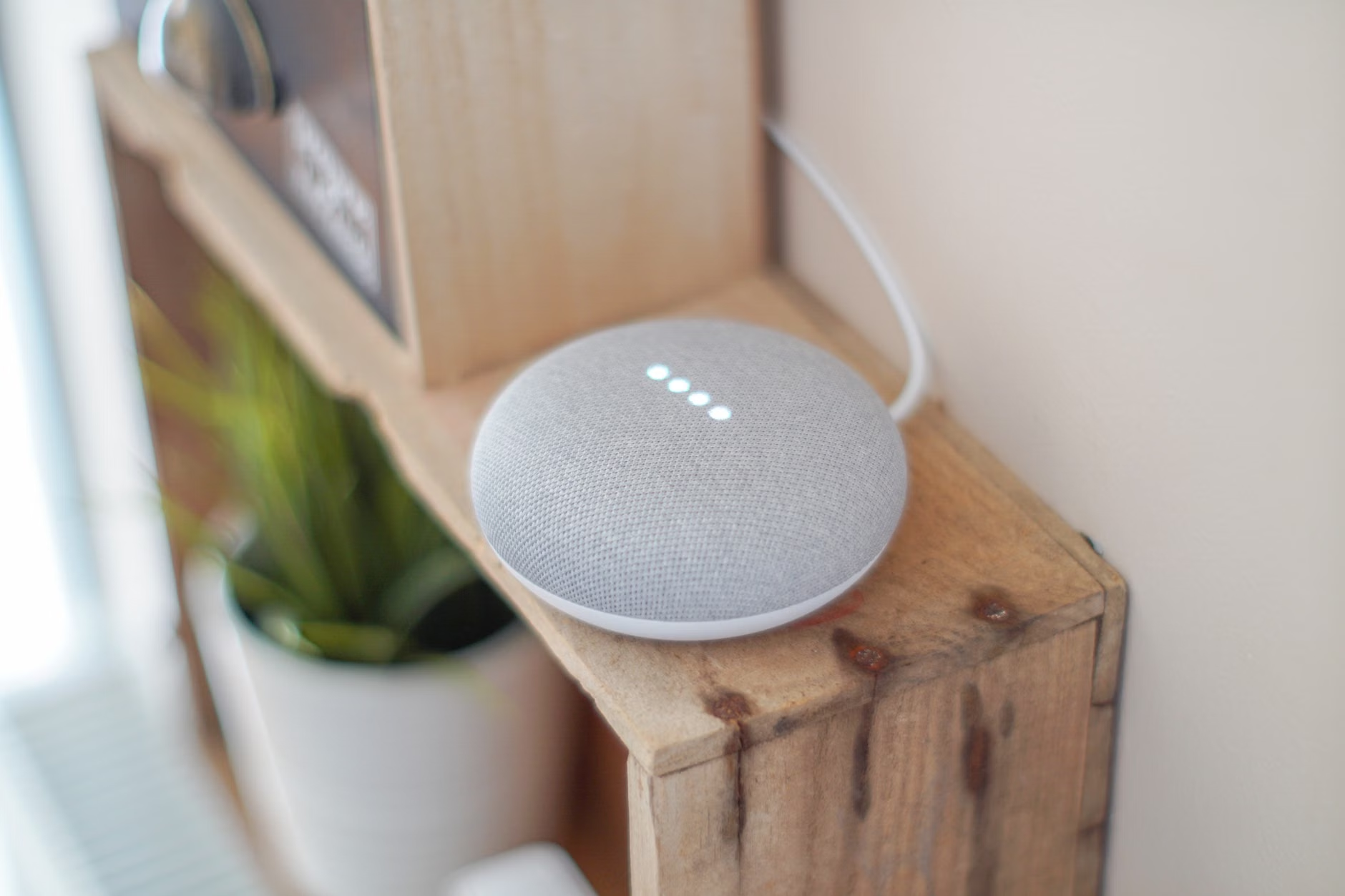
If you are ready to take control, the first step is to acquire a local-first hub. Platforms like Home Assistant, Hubitat, or specialized Zigbee gateways are the gold standard here. Unlike the “smart speakers” that listen to your commands and upload them to the cloud, a dedicated home automation server processes everything locally.
Step 1: Isolate your IoT network
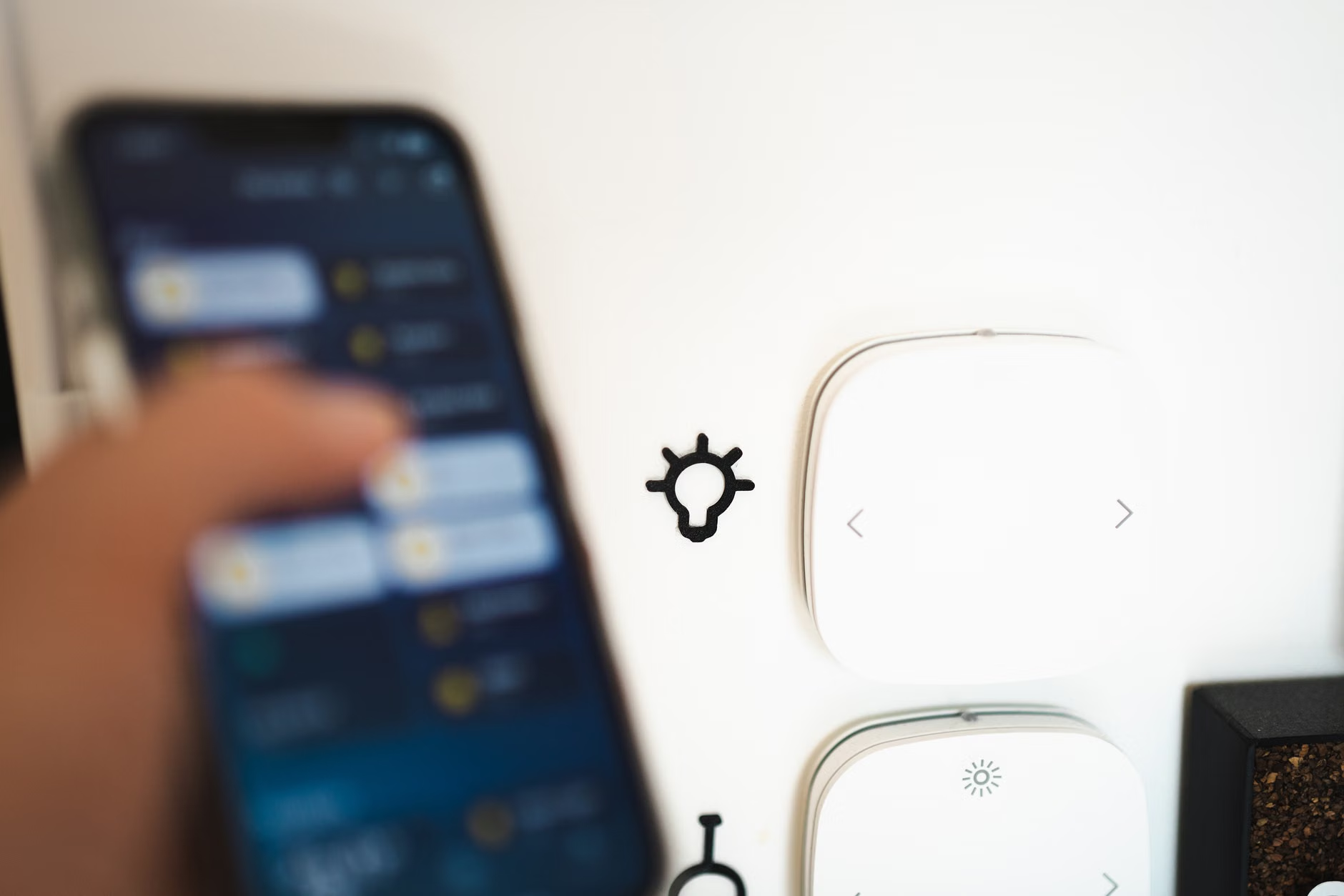
Even with local-only devices, it is a best practice to keep them away from your main computer and phone. If you have a modern router, check if it has a “Guest Network” feature or, better yet, “VLAN” (Virtual Local Area Network) support. Create a separate network just for your smart lights. This ensures that even if a cheap smart bulb has a security vulnerability, the attacker cannot “see” your home office laptop or the family tablet where you do your banking.
Step 2: Selecting the right hardware
When shopping, ignore the marketing fluff about “AI-driven light shows” or “social integration.” Look for these three criteria:
- Local API: Does the manufacturer document a local API? If not, can it be controlled via Home Assistant or a standard Zigbee gateway?
- No Forced Cloud: Does the device work if the internet cable is unplugged from the router?
- Open Standards: Does it support Zigbee 3.0 or Matter? Avoid proprietary, closed-loop ecosystems that lock you into one brand’s app.
Common Pitfalls and How to Avoid Them
Even with the best intentions, it is easy to fall into the “convenience trap.” Here are three common mistakes that compromise your privacy-first setup:
1. The “Firmware Update” Trap: Sometimes, manufacturers push updates that force a migration to their cloud platform. Before clicking “Update,” check community forums like Reddit or the Home Assistant community. See if others have reported that the update breaks local control.
2. Over-Automating: We all love the idea of lights that turn on when we enter a room. But consider the sensor. A PIR (Passive Infrared) sensor is fine, but avoid cameras or AI-based sensors that analyze presence. Stick to simple binary sensors—”Is someone here? Yes/No.” That is all your home needs to know.
3. Ignoring Security Updates: Just because a device is “local” doesn’t mean it’s immune to bugs. While it doesn’t need the internet to function, you should periodically check for firmware updates to ensure the device’s internal security remains sound. The difference is that you, not the manufacturer, should decide when that update happens.
The Human Element: Parenting with Privacy
For parents, the goal of smart lighting is often convenience—dimming lights for a baby’s nap or setting a “movie mode” for the family. You can achieve all of this without sacrificing your privacy. In fact, a local system is often more responsive, meaning you don’t have to wait for a spinning wheel on your app while your child is crying or you are rushing to get dinner on the table.
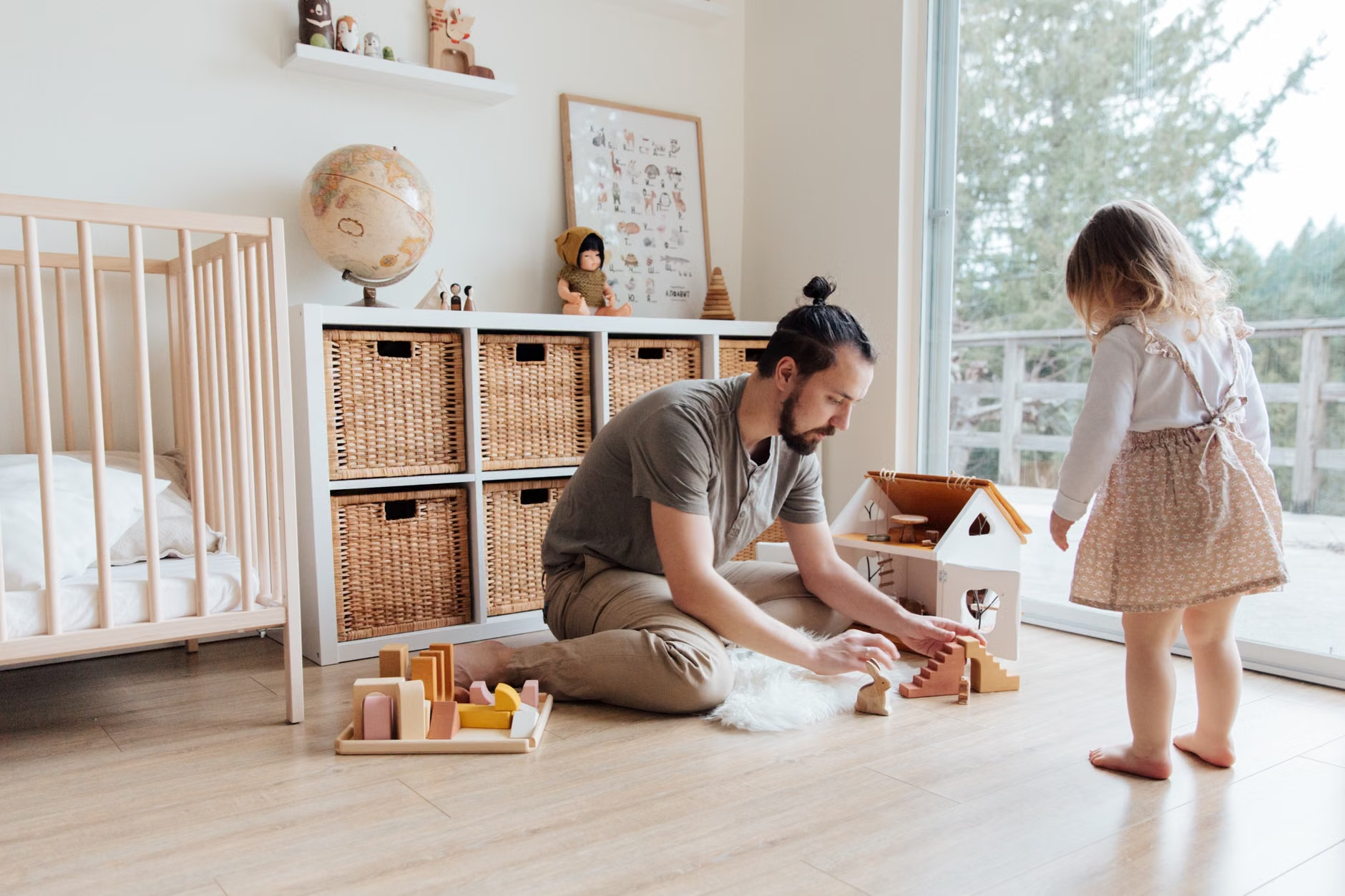
Consider the “Scene” approach. Instead of having a light bulb that tracks your every movement, use programmed scenes. A “Bedtime” scene can be a simple command that dims the lights in the hallway and turns off the living room. Since this is triggered by a physical switch or a local timer, no data about your evening routine ever leaves the house. This is the ultimate form of digital parenting—modeling a relationship with technology that prioritizes boundaries over constant connectivity.
Advanced Privacy: Going Beyond the Basics
If you want to take your setup to the next level, consider implementing a firewall-level block on your smart home devices. Most advanced routers (or dedicated hardware like Firewalla or pfSense) allow you to block specific devices from accessing the internet entirely. If your smart lighting hub is properly configured, it doesn’t need to reach the internet to work. By blocking its WAN access, you effectively turn your smart home into a “walled garden” that is immune to outside interference.
This is the “nuclear option” of privacy, but it is incredibly effective. It means no telemetry, no background data collection, and no accidental data leaks. It is the gold standard for anyone who wants to ensure that their home remains their castle in the digital age.
Conclusion: The Path Forward
Building a privacy-first smart home is not about being anti-technology; it is about being pro-autonomy. We are entering an era where our homes are becoming increasingly digitized, and the choices we make today regarding our infrastructure will define our privacy for the next decade. By opting for local control, segregating your network, and choosing open standards like Zigbee and Matter, you ensure that your smart home remains a tool for your family’s benefit, rather than a surveillance device for a faceless corporation.
Start small. Replace your most frequently used room’s lighting with local-first components. See how it feels to have a system that works instantly, without internet lag, and without the constant pinging of cloud servers. You will likely find that the privacy you gain is matched by a level of performance and reliability that the “smart” cloud-based gadgets simply cannot replicate.
Frequently Asked Questions
Q: If I use a local hub, can I still control my lights when I’m away from home?
A: Yes, but you will need to set up a secure method of remote access, such as a VPN (Virtual Private Network) or a secure tunnel like WireGuard. This allows you to “tunnel” into your home network as if you were sitting on your couch, keeping the connection encrypted and private.
Q: Is it more expensive to build a privacy-first smart home?
A: Initially, it can be. Purchasing a dedicated hub and quality Zigbee-compatible bulbs often costs more than buying a cheap, mass-market Wi-Fi bulb. However, you save in the long run by not being locked into a subscription model and by avoiding the need to replace “obsolete” hardware when a company decides to shut down their cloud servers.
Q: What happens if I have a mix of cloud-based and local-only devices?
A: That is the reality for most of us. The best approach is to categorize your devices. Use your local-only devices for the core infrastructure (lighting, locks, sensors) and keep your cloud-dependent devices (like smart speakers or video doorbells) on a separate, heavily restricted network. Never let your primary, sensitive home controls share a network with devices that require constant cloud access.
Official Resources and Further Reading: