You need to treat your digital footprint with the same legal and practical rigor as your physical estate, or your family will spend years untangling a mess of locked accounts and lost memories after you are gone.
- Digital assets are not automatically accessible by your next of kin without explicit legal authorization or pre-arranged access protocols.
- Password managers are the single most effective tool for digital estate planning, provided you have a “break-glass” procedure for your beneficiaries.
- Cloud storage and social media platforms require specific settings (like Google’s Inactive Account Manager) to be configured now, not later.
Most of us in our 30s and 40s live a “dual life.” There is the physical reality—the mortgage, the car insurance, the school fees—and then there is the digital reality: the thousands of photos on iCloud, the crypto wallets, the subscription services, and the professional portfolios. We spend our lives building this digital empire, yet when it comes to passing it on, we treat it like an afterthought.
Have you ever tried to get into a deceased relative’s iPhone or email account? It is a bureaucratic nightmare. Companies like Apple and Google have strict privacy policies that, while essential for security, become massive roadblocks for grieving families. If you don’t have a protocol in place, you are essentially sentencing your partner or children to months of frustration, identity recovery, and permanent loss of data.
The Reality of Digital Entanglement: Why Your “Paper Will” Isn’t Enough
Many people assume that a standard Last Will and Testament covers their digital life. It doesn’t. While a lawyer can include a clause about “digital assets,” the actual technical access is a different story. If your executor doesn’t have your passwords, two-factor authentication (2FA) codes, or recovery keys, a court order often isn’t enough to force a tech company to hand over your data.
Consider the “Account Recovery” loop. If your spouse tries to log into your primary email to reset your banking passwords, they will hit a 2FA prompt sent to your phone. If they don’t have your phone unlocked, they are locked out. If they try to “recover” the account, the platform sends a verification code to the account they are trying to access. It is a catch-22 that effectively walls off your digital life.
To fix this, you need to transition from “passive ownership” to “active delegation.” This means organizing your digital assets into a structure that is both secure while you are here and accessible when you are not.
The Four Pillars of Your Digital Estate
We can categorize your digital life into four distinct buckets. Each requires a different handling strategy:
| Category | Examples | Management Strategy |
|---|---|---|
| Sentimental | Cloud photos, videos, journals | Centralized cloud backup + physical offline archive |
| Financial | Crypto, brokerage accounts, PayPal | Documented access for executors + beneficiary designations |
| Operational | Utilities, email, subscription services | Password manager “emergency access” |
| Social | Social media, professional blogs | Platform-specific “legacy contact” settings |
The biggest mistake people make is trying to save everything. You don’t need to give your kids access to your Netflix account or your grocery delivery login. You need to focus on what matters: the accounts that hold value, the accounts that hold memories, and the accounts that provide access to the others.
Building Your “Break-Glass” Password Protocol
You likely already use a password manager like 1Password, Bitwarden, or Dashlane. If you don’t, that is your first step. But the common mistake is keeping the “Master Password” in your head. If you are incapacitated, that password goes with you.
A “break-glass” protocol is a secure, verifiable way for a trusted person (your spouse, a sibling, or a lawyer) to gain access to your credentials without you having to hand over your password daily.
Step-by-Step Implementation
- Select a Primary Password Manager: Choose one that offers “Emergency Access” or “Vault Sharing.”
- Designate an Emergency Contact: This person must be tech-literate enough to understand what to do with the access. Do not choose someone who struggles to open a PDF.
- Set a Time Delay: Most services allow you to set a waiting period (e.g., 48 hours). If you don’t decline the request during that time, the vault unlocks for them. This protects you from accidental access while you are still alive.
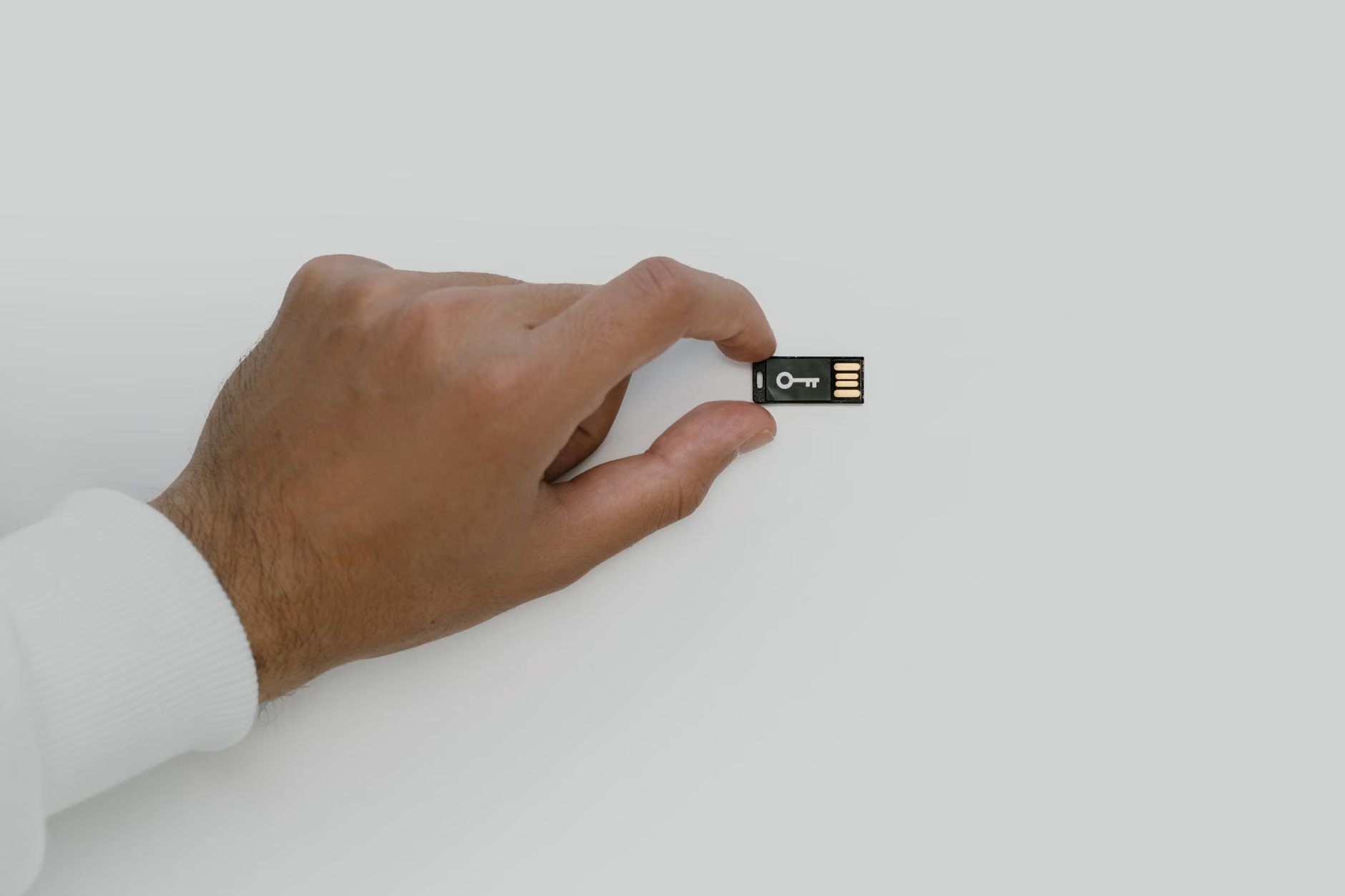
- The Physical Key (The “Master” Backup): For highly sensitive accounts (like a crypto wallet or primary email), consider a physical YubiKey or a printed recovery phrase kept in a physical safe. The password manager provides the “how,” but the hardware key provides the “entry.”
Warning: Never write your master password on a sticky note attached to your monitor. If you are using a physical “Emergency Envelope,” store it in a fireproof safe, not a desk drawer. And crucially, tell your designated person where the key to that safe is located. A secret is only useful if it can be found.

Configuring Platform-Specific Legacy Settings
Major tech platforms have recognized that people die and have built “Legacy Contact” features. These are often buried in deep sub-menus, but they are the most legally sound way to handle your data because you are giving the company explicit permission to transfer access.
Apple’s Legacy Contact
Apple allows you to designate a “Legacy Contact” who will receive an access key. This key, combined with your death certificate, allows them to bypass your device’s security and access your photos, notes, and messages.
How to do it: Go to Settings > Apple ID > Password & Security > Legacy Contact. Add your chosen person. Print the access key and store it with your physical will.
Google’s Inactive Account Manager
Google doesn’t use a “legacy contact” in the same way. Instead, it uses a “timeout” mechanism. If your account is inactive for a set period (e.g., 3 months), Google will attempt to contact you. If you don’t respond, it will share your data with your chosen contacts.
Why this matters: This is the best way to handle your Gmail and Drive. It ensures your photos and emails are passed on without requiring a legal battle with Google’s support team.
Meta (Facebook/Instagram)
Meta allows you to choose between “Memorializing” an account (freezing it so friends can post memories) or having it deleted. You can assign a Legacy Contact who can manage the memorialized page, but they generally cannot log into your account to see your private messages. This is a critical distinction: Legacy Contacts do not equal privacy invasion.
The “Digital Archive” vs. The “Digital Vault”
There is a fundamental difference between what you want your family to have and what you want them to see. This is where most people fail to plan properly. You might want your spouse to have access to your bank account, but perhaps you don’t want them reading your private journals from 2015.
Create two separate folders in your cloud storage:
- The Vault: Contains financial documents, tax returns, passwords, and account recovery keys. This should be shared only with your primary executor or spouse.
- The Archive: Contains family photos, videos, and digitized letters. This can be shared with a wider circle of family members.
Organizing these by year and event is helpful, but metadata is even more important. Ensure your photos are tagged with locations and dates. If you use a cloud service like Google Photos or iCloud, the AI-driven facial recognition is a massive help, but only if you have named the people in your photos. If you haven’t, your kids will be looking at 50,000 photos of “unidentified person” when you are gone.
Common Mistakes That Sabotage Your Legacy
Even if you set everything up, there are common pitfalls that can render your efforts useless. Let’s look at the three most frequent errors:
1. The “Single Point of Failure” Trap
If you keep all your recovery codes in one place—like a single digital file—and that file is corrupted or lost, you lose everything. Always keep a physical, paper backup of your most critical passwords and recovery keys. Computers fail; paper lasts for decades if kept dry.
2. Ignoring 2FA
You might have the password to your bank account, but if that bank requires a code sent to your phone, and your phone is locked or the SIM card is deactivated by your carrier after your death, you are stuck. Always ensure at least one “backup” method of 2FA is accessible to your executor, such as a set of printed “backup codes” that most services provide when you enable 2FA.
3. Forgetting the “Subscriptions”
We all have dozens of recurring charges. If your family doesn’t know about them, these accounts can continue to drain money from your estate for years. Create a simple spreadsheet listing your recurring subscriptions, their cost, and how to cancel them. This is a gift of time and money to your survivors.
The Legal Nuance: Digital Assets and Jurisdiction
The rules governing digital assets vary significantly by country and state. In the United States, the Revised Uniform Fiduciary Access to Digital Assets Act (RUFADAA) provides a framework for how executors can access digital accounts. However, not every state has adopted it in the same way.
If you live in a country with strict data privacy laws, like those under the EU’s GDPR, the legal hurdles for your survivors may be even higher. Tech companies are often hesitant to hand over data to anyone other than the account holder to avoid massive fines. This makes the “proactive” setup (the legacy contact settings mentioned earlier) far more important than any legal document you might sign later.
Actionable Advice: Do not rely on a lawyer to “figure out” your digital assets. Most general practice lawyers are not tech-savvy enough to understand how to transfer a crypto-wallet or a cloud-based photo library. You must be the architect of your own digital estate.

Practical Workflow: The Quarterly Digital Audit
Digital legacy planning is not a “set it and forget it” task. Your digital life changes every month. I recommend a “Digital Audit” every three months. It takes 30 minutes and saves your family a lifetime of trouble.
- Check your Password Manager: Are the emergency access settings still pointing to the right people?
- Update the “Vault”: Did you open a new bank account or start a new investment? Add the details to your emergency documents.
- Review Legacy Settings: Did you join a new service? Check if it has a “Legacy Contact” or “Inactive Account” feature.
- Physical Check: Is your emergency paper/USB drive still in the safe? Is the safe still accessible?
This sounds tedious, but think of it as part of your parenting duties. You wouldn’t leave your children without a guardian, and you wouldn’t leave your finances in total disarray. Your digital life is now a core component of your family’s legacy. It contains the stories, the assets, and the access to the future you’ve built for them.
Final Thoughts: The Gift of Clarity
The goal of a digital legacy protocol isn’t just about security; it’s about providing clarity during a time of immense confusion. When you organize your digital life, you are removing the technical friction that prevents your family from focusing on what truly matters: mourning, healing, and remembering you.
Start small. Don’t try to organize a decade of digital life in one weekend. Start by setting up a password manager. Then, set up your Legacy Contacts on your primary social accounts. Then, create the “Vault” folder. Each step is a brick in the wall of your family’s future security. You have the tools, the platforms are ready, and the responsibility is yours. Take the time to do it now, while you are here to oversee it.
Frequently Asked Questions
1. Do I need to give my lawyer access to my password manager?
Not necessarily. Many people prefer to give access to a spouse or a trusted adult child. If you do not have a family member who is tech-literate, you can use a “digital executor” or a specialized digital estate planning service, but ensure they are reputable and have clear security protocols.
2. What happens to my cryptocurrency if I don’t leave instructions?
It is effectively lost forever. Unlike a bank, there is no “forgot password” button for a decentralized crypto wallet. If you hold crypto, you must provide your beneficiaries with the “seed phrase” or the private keys. This is the most critical item to include in your physical “break-glass” documentation.
3. Will my family be able to see my private messages after I die?
In most cases, no. Even with a “Legacy Contact” on platforms like Facebook or Apple, the companies are generally restricted by privacy laws from granting access to private, encrypted communications. If you want your family to have access to specific correspondence, you should save those messages as PDFs or physical copies within your “Vault.”
Useful Resources: