- Software reports are estimates, not absolute truths: Built-in battery health meters in iOS and Android can be reset or manipulated; always verify with physical charge cycle counts.
- The “80% Rule” is your baseline: If a refurbished device arrives with less than 80% maximum capacity, it is technically failing industry standards for “excellent” grade refurbishments.
- External hardware testing is the only way to be certain: Using a USB-C power meter provides objective, real-time data on how much energy your battery is actually accepting, bypassing potential software spoofing.
If you’ve recently treated yourself to a refurbished smartphone to save a few hundred dollars, you’re likely already familiar with the “refurbished gamble.” The device looks perfect, the screen is scratch-free, and it boots up like it’s brand new. But the real test happens three hours into your workday when you notice the battery percentage dropping faster than your toddler’s interest in a new toy.
Battery health is the most critical variable in the refurbished hardware market. Unlike a screen or a speaker, a battery is a consumable chemical component that degrades from the moment it leaves the factory. When you buy refurbished, you aren’t just buying a phone; you’re buying a specific number of remaining chemical charge cycles. If you don’t know how to verify those cycles, you’re essentially flying blind.
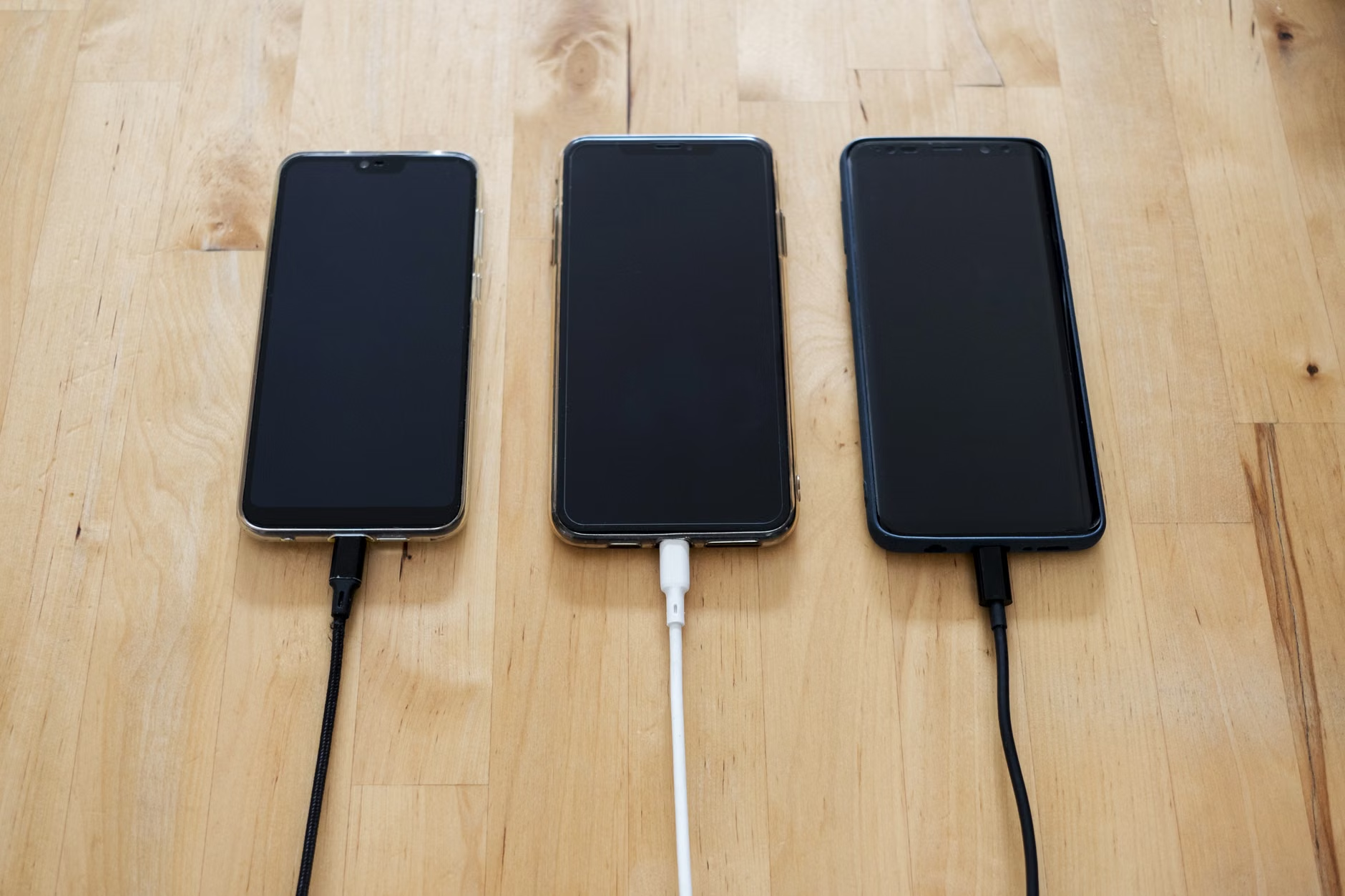
Why Your Phone’s “Battery Health” Percentage Can Be Deceptive
We’ve all seen the menu: “Settings > Battery > Battery Health.” It shows a nice, clean percentage—say, 92%. It feels like a reliable, objective metric. However, it is vital to understand that this number is an estimated calculation provided by the phone’s Power Management Integrated Circuit (PMIC).
In the world of professional refurbishment, there are ways to “reset” these counters. Some lower-tier refurbishers use specialized hardware to reset the battery cycle count to zero or force the software to report a higher capacity than the chemical reality. This is why a phone might show 100% capacity out of the box but struggle to stay powered through a standard work day. The software is reporting what it thinks the battery should be, not what the battery is actually capable of holding.
To truly understand the health of your device, you need to look at the Cycle Count. A single cycle is defined as a full discharge and recharge of the battery. Most modern lithium-ion batteries are rated to retain 80% of their original capacity after 500 to 800 full charge cycles. If your “refurbished” device has already clocked 700 cycles, you are effectively buying a battery that is nearing the end of its useful life, regardless of what the “Battery Health” percentage tells you.
How to Access Raw Data Without Third-Party Apps
Before you spend money on external tools, look at the system logs. For iPhone users, go to Settings > Privacy & Security > Analytics & Improvements > Analytics Data. You are looking for a file named “Analytics-YYYY-MM-DD…” Look for the most recent entry. Inside this text file, search for “last_value_MaximumCapacityPercent.” This is a slightly more granular look than the standard menu, but still relies on the phone’s internal reporting.
For Android users, the process varies by manufacturer, but the most consistent method is dialing *#*#4636#*#* in the phone app. This opens a hidden “Testing” menu. While not available on all carrier-locked models, it often provides access to battery information that the standard Settings menu hides.
The Gold Standard: Physical Hardware Verification
If you want to know the truth, you have to measure the flow of electricity. This is where a USB-C power meter—a small, inexpensive device that plugs between your charger and your phone—becomes your best friend. It provides a real-time readout of voltage (V), current (A), and, most importantly, the total capacity in milliamp-hours (mAh) delivered during a charge.
Step-by-Step Verification:
- Drain the battery: Use the phone until it shuts down automatically. This ensures you have a baseline of zero.
- Connect the meter: Plug your charger into the power meter, and the meter into your phone.
- Charge to 100%: Charge the phone while it is turned off (if possible) or in airplane mode to minimize background power draw.
- Compare the result: The meter will show you exactly how many mAh were pushed into the battery. If the manufacturer states the battery capacity is 4,500mAh and your meter stops at 3,600mAh, you are looking at roughly 80% of actual health.
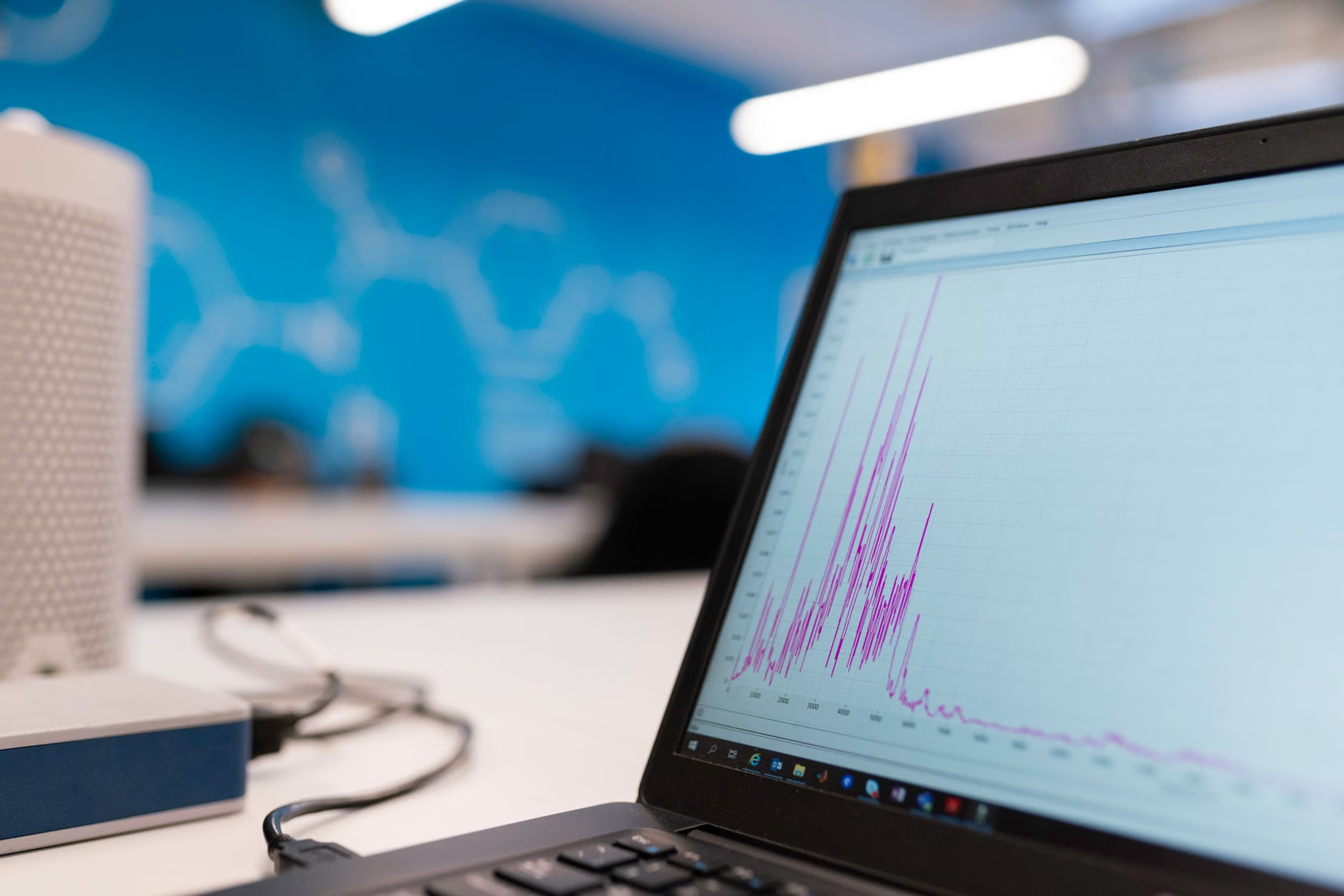
Software-Based Diagnostic Tools for Deep Analysis
If you don’t want to buy a physical meter, you can use specialized software that pulls data directly from the device’s diagnostic port (the same port used by authorized service centers). These tools are significantly more accurate than standard OS readouts because they bypass the user-facing interface and query the battery’s controller directly.
For Apple devices, CoconutBattery (for macOS) is the industry standard. When you connect your iPhone to your Mac, it doesn’t just show you the percentage; it shows you the exact number of charge cycles and the “Design Capacity” versus the “Full Charge Capacity.” This is the data that pros use to determine if a battery is truly “like new.”
For Android, AccuBattery is a popular choice, but it comes with a caveat: it requires you to use the phone for several days to build an accurate profile. It works by monitoring the current flow during charging sessions and estimating capacity based on the rate of change. It is not an instantaneous test, but it is highly effective for identifying “fake” batteries that might have been installed by an aftermarket repair shop.
Common Pitfalls in Battery Health Reporting
One of the most overlooked variables is ambient temperature. If you are testing your battery in a room that is too hot or too cold, the chemical reaction inside the battery will be inhibited, leading to inaccurate capacity readings. Always test at room temperature (approximately 20–22°C or 68–72°F). Another common mistake is testing while the phone is running heavy background tasks. If you are running a software test while streaming video, the phone is consuming power while it is receiving it, which will skew your mAh intake numbers significantly.
Comparing “Excellent” vs. “Good” Refurbishment Grades
Not all refurbished devices are created equal. You will often see grades like “Grade A” or “Excellent.” In the secondary market, these grades are usually aesthetic, not functional. A phone can have a flawless screen (Grade A) but an original battery with 75% health. Conversely, a phone might have a scratched housing (Grade C) but a brand-new battery.
| Battery Health % | Expected Performance | Recommendation |
|---|---|---|
| 95% – 100% | Like new; full day usage. | Keep the device. |
| 85% – 94% | Good; may need a top-up. | Acceptable for the price. |
| 80% – 84% | Noticeable degradation. | Check warranty/return policy. |
| Below 80% | Poor; daily charging stress. | Return or negotiate discount. |
When you purchase a refurbished device, your primary goal should be to ensure the battery health is above 85%. If you receive a device below 80%, you are essentially buying a phone that will require an immediate battery replacement, which can cost anywhere from $50 to $120 depending on the model and whether you go to an official service center or a third-party shop.
What to Do If Your Battery Fails the Test
If you have performed these tests and found that your refurbished device has a degraded battery, do not simply accept it. Most reputable refurbishers—such as those on platforms like Back Market or Gazelle—have strict return policies regarding “defective” components. Battery health below 80% is almost universally considered a defect in the refurbishment industry.
Your Action Plan:
- Document the evidence: Take a screenshot of the diagnostic app or a photo of your USB power meter showing the low capacity.
- Contact the seller: Be specific. Don’t say “the battery is bad.” Say, “The battery capacity is testing at 76% of its design capacity, which falls below your advertised ‘excellent’ grade.”
- Request a partial refund or replacement: Often, sellers will prefer to issue a partial refund to cover the cost of a battery replacement rather than deal with the shipping costs of a return.
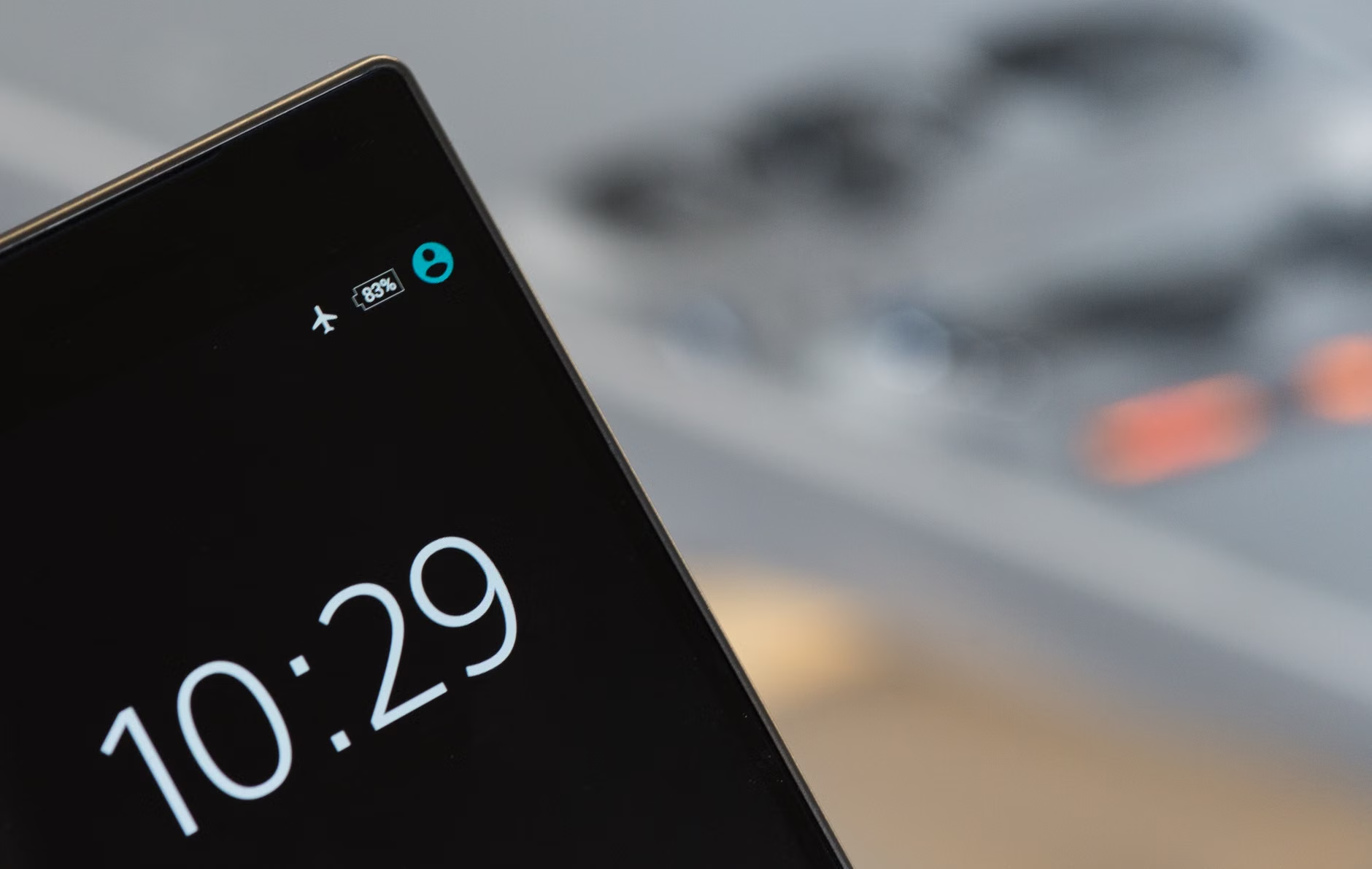
The Hidden Cost of “Cheap” Replacements
If you decide to replace the battery yourself or at a local shop, be aware of the “Non-Genuine Part” warning. Modern phones, especially iPhones, use a serialized chip on the battery. If you replace the battery with a generic part, the phone may stop showing battery health statistics entirely, or display a permanent “Important Battery Message” in your settings. This doesn’t affect the performance of the phone, but it destroys its resale value. Always ask a repair shop if they can perform a “battery swap” that maintains the serial number pairing, or stick to official parts.
Furthermore, ensure the replacement process includes new waterproof adhesive seals. Opening a phone compromises its IP rating (water and dust resistance). If the technician doesn’t replace the adhesive, your “refurbished” phone effectively becomes a “no-water-allowed” device.
Final Thoughts: Don’t Let Tech Anxiety Ruin Your Purchase
Buying refurbished is a smart, sustainable way to manage your tech budget, especially when you’re balancing the costs of family life. It allows you to get flagship-level hardware for the price of a mid-range device. However, “smart” only applies if you are informed. By taking the time to verify the battery health—either through software diagnostics or a simple hardware meter—you strip away the uncertainty of the secondary market.
Remember, a battery is just a part. It is not the soul of the phone. If you get a great deal on a device and the only issue is a tired battery, you now know exactly how to assess that cost and negotiate accordingly. Don’t let a low percentage ruin your excitement; use the data to make a better decision, and you’ll be using that device for years to come.
Frequently Asked Questions
Q: Does charging my phone overnight damage the battery health of my refurbished device?
A: Modern smartphones are designed to stop drawing power once they reach 100%. While keeping a battery at 100% for extended periods can cause minor chemical stress, it is not the primary cause of degradation. The real enemy is heat and extreme discharge cycles. You are better off charging your phone overnight than letting it drop to 0% repeatedly during the day.
Q: Is it worth buying a refurbished phone if the battery health is reported as 82%?
A: At 82%, you are close to the threshold where performance throttling may begin. If the price is significantly lower than a model with 95% health, it might be worth it, but factor in the cost of a battery replacement within the next 12 months. If the price difference is small, always choose the higher health percentage.
Q: Can I trust the “Battery Health” percentage reported by an Android phone?
A: Android’s reporting is generally less centralized than Apple’s. Because of the sheer variety of hardware, some manufacturers optimize their battery reporting better than others. If you are skeptical of your Android’s reported health, the physical USB power meter test mentioned above is the only 100% objective way to verify the capacity.
For further reading on lithium-ion battery care and industry standards, refer to Apple’s official documentation on battery performance and the Battery University resources for technical breakdowns on chemical aging.