- The “Cafe-Productivity Paradox”: Most cafes are designed for social turnover, not deep work. You must audit your workspace for noise, ergonomics, and power reliability before committing to a 4-hour session.
- The 90-Minute Rule: Research suggests our ultradian rhythms peak in 90-minute cycles; use this to time your cafe sessions and avoid the “diminishing returns” of public seating.
- Social Accountability vs. Distraction: The ambient noise of a “third space” can boost creativity for routine tasks but often sabotages complex analytical work. Choose your cafe based on the specific cognitive load of your current task.
The “Third Space”—that elusive, magical location between home and the office—has become the survival bunker for the modern professional. For those of us in our 30s and 40s, juggling the chaotic demands of parenting with the relentless pinging of Slack, the local cafe is often the only place where we can actually finish a report or clear an inbox. But here is the uncomfortable truth: most of us are using cafes all wrong. We treat them as a default office, ignoring the fact that these spaces are designed by business owners to maximize customer turnover, not your hourly output.
If you have ever spent two hours in a cafe only to realize you’ve only answered three emails, you aren’t failing—you are simply misaligned with the environment. Let’s break down how to audit your third space so you can actually get things done without losing your sanity.
The Anatomy of an Effective Third Space
What makes a cafe a “productive” space? It isn’t just the quality of the roast or the aesthetic of the interior design. It is a specific intersection of infrastructure and psychology. In our 30s and 40s, we don’t have the luxury of “finding our vibe” by trial and error. We need efficiency. There are three non-negotiable pillars to a productive third space:
1. The Infrastructure Check
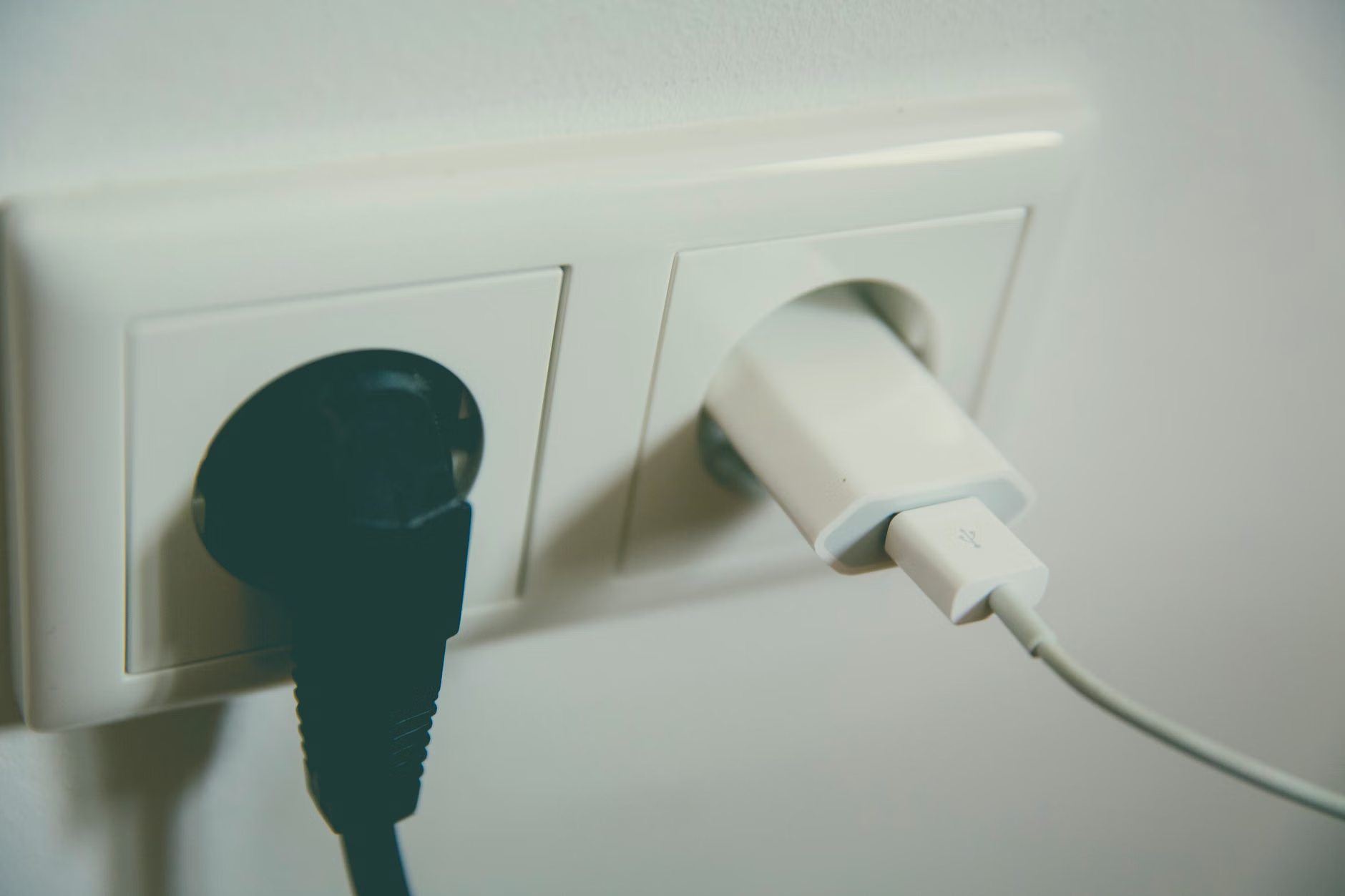
You shouldn’t have to play “outlet roulette.” Before you even open your laptop, perform a 30-second audit. Does the table wobble? Is the outlet accessible, or is it tucked behind a heavy velvet curtain? A wobbly table is a micro-stressor that drains your cognitive reserves over a three-hour session. If you are sitting in a position where your posture is compromised because you’re hunching over a low coffee table, you are effectively trading your physical health for a latte. Look for “high-seat” tables that allow for a neutral spine position. If you can’t maintain a 90-degree angle with your elbows while typing, you are setting yourself up for neck pain by the time you reach your 40s.
2. The Ambient Noise Threshold
Scientific research into “ambient noise” (often cited in studies on the “coffee shop effect”) suggests that a certain level of background sound—around 70 decibels—can actually boost creativity. This is because the mild distraction forces the brain to think more abstractly. However, there is a limit. If the music is too lyrical or the espresso machine is shrieking every five minutes, you are hitting a wall of “cognitive load.” If your work involves complex analytical tasks, such as coding, financial modeling, or drafting high-stakes strategy documents, you need a space that is “creatively ambient” but not “distractingly loud.”
3. The Social Turnover Rate
A cafe that is too quiet feels like a library, which brings a different kind of pressure—the pressure to be silent. A cafe that is too social, with long lines and loud conversations, creates a “vigilance drain.” You are subconsciously monitoring the room for threats or interruptions. The ideal third space for a professional in their 30s or 40s is one where the staff doesn’t care if you sit for two hours, provided you buy a second drink. If you feel like you are being watched by the barista, your cortisol levels will rise, and your productivity will plummet.
The Productivity Audit Framework: A Comparison Table
Not all cafes are built for the same type of work. Use this table to decide where to go based on your daily to-do list.
| Task Type | Ideal Cafe Environment | Key Metric |
|---|---|---|
| Deep Work (Writing, Strategy) | Quiet, minimal music, high-back chairs | Low social churn |
| Routine Tasks (Email, Admin) | Bustling, ambient noise, central location | High caffeine access |
| Creative Brainstorming | Visual stimulation, “lived-in” aesthetic | Low barrier to entry |
When you look at this table, notice that the “High Caffeine Access” category is only for routine tasks. Many people make the mistake of choosing a loud, busy cafe for deep, focused work because it “feels” like a productive place. They end up exhausted because they are fighting their own brain’s tendency to listen to the conversations around them. The key is matching the environment to the cognitive intensity of the task.
The Hidden Costs of the Third Space
We often romanticize the idea of working from a cafe, but there are hidden costs that we rarely acknowledge. Beyond the price of the coffee—which adds up if you are a daily visitor—there is the “Security-Ergonomic Tax.”
The Privacy Risk: If you are working on sensitive company data, are you considering who is sitting behind you? In many cities, shoulder-surfing is a genuine risk. If you are handling confidential client information, the “third space” might actually be a liability. Invest in a high-quality privacy screen for your laptop. It’s a small, one-time investment that allows you to work in public without the constant anxiety of a leaked screen.
The Ergonomic Debt: We mentioned the wobbly table, but what about the chair? Most cafe chairs are designed for a 30-minute drink, not a 4-hour work block. If you are a regular, consider bringing a portable laptop stand. It elevates your screen to eye level, preventing the “tech neck” that plagues so many of us in middle age. A simple, foldable aluminum stand weighs less than a pound and transforms a bad cafe seat into a semi-professional workstation.

Optimizing Your Flow State in Public
To really master the third space, you have to treat it like a professional tool, not just a place to hang out. Here is a step-by-step approach to a successful session:
- The Pre-Flight Check: Before you leave the house, ensure your devices are charged to at least 80%. Don’t rely on the cafe’s power. If you have a portable power bank, bring it. It is your insurance policy against a dead laptop at the worst possible moment.
- The “Gatekeeper” Strategy: If you are going with a colleague, set a clear “no-talk” rule for the first 90 minutes. It sounds cold, but it’s the only way to ensure you both get value out of the session.
- The Exit Trigger: Decide when you are leaving before you arrive. If you tell yourself “I’ll leave when I’m done,” you will never leave. If you tell yourself “I am leaving at 2:00 PM to pick up the kids,” you will naturally pace your work to finish by that time.
The biggest mistake most people make is not having a “shut-down” routine. When you work from home, the transition from work to parenting is often blurred. When you work from a cafe, use the commute home as your “buffer zone.” Use that time to clear your head, listen to a podcast, or simply sit in silence. By the time you walk through your front door, you need to be in “parent mode.” The cafe session should have been your focused “work mode,” and the commute is the bridge between the two.
Common Misconceptions About Remote Productivity
There is a persistent myth that “working from anywhere” means “working anytime.” This is dangerous for anyone in their 30s or 40s. You have responsibilities—school drop-offs, grocery shopping, household maintenance. The third space is not a place to escape reality; it is a place to condense your focus so you can return to reality faster.
Another misconception is that you need a “fancy” cafe to be productive. The most productive spaces are often the ones that are boring. If the cafe has a beautiful interior, you are distracted by the decor. If the cafe has a trendy menu, you are distracted by the food. Look for the “boring” neighborhood spot that has reliable Wi-Fi and a staff that doesn’t mind if you exist for a few hours. That is where the real work happens.
When to Give Up on the Third Space
Sometimes, the third space is simply not the right choice. If you have a high-stakes meeting where you need to speak clearly and without interruption, a cafe is a terrible idea. The background noise will make you sound unprofessional, and you will spend the entire meeting worrying about what the person at the next table can hear. In these cases, recognize the limitation. Use a co-working space, a library study room, or even your car (if parked safely and legally) as a temporary, private sound-dampened booth.
Always weigh the trade-offs. The cost of a $15 day-pass at a co-working space is often cheaper than the lost productivity of a bad cafe session. If you are doing deep, billable work, treat your workspace as a business expense. Don’t be afraid to pay for the environment that allows you to be your most effective self.
Practical Takeaways and Next Steps
The goal of using a third space is not to “be cool” or to show off your setup on social media. It is to create a controlled environment where you can execute your tasks with precision. Start by auditing your current favorite spot. Is it actually helping you, or is it just a comfortable place to procrastinate? If it’s the latter, don’t feel bad about breaking up with it. Find a new space that respects your time and your work.
Remember that your productivity is a finite resource. Every hour you spend in a suboptimal cafe is an hour you are taking away from your family, your hobbies, or your rest. Be intentional, be prepared, and treat your third space with the same respect you would give your office desk.
For those interested in the science of environmental psychology, I recommend looking into the studies published by the Association for Psychological Science regarding how environmental factors impact cognitive load. Understanding these mechanics can help you make better decisions about where you spend your time.
Frequently Asked Questions
1. How much is “too much” to pay for a cafe seat?
Think of your coffee purchase as “rent.” If you are staying for three hours, buying a $5 coffee is cheaper than a co-working space. However, if you are occupying a table for four hours, buy a second item. It’s not just about the money; it’s about maintaining a good relationship with the small business owners who provide you with this space.
2. Should I use noise-canceling headphones in a cafe?
Yes, but with a caveat. Use them to block out the “spiky” noises—people laughing, the espresso machine, doors closing. These are the sounds that interrupt your thought process. Even if you don’t play music, the physical barrier of headphones signals to others that you are in “deep work” mode, which reduces the chance of someone trying to start a conversation.
3. Is there a “best time” of day to work in a cafe?
The “sweet spot” is generally between 9:30 AM and 11:30 AM, or 2:00 PM and 4:00 PM. Avoid the lunch rush (12:00 PM – 1:30 PM) at all costs. During lunch, the noise levels spike, the staff is stressed, and you will likely feel pressured to vacate your table for paying lunch customers. Timing your session around the rush will significantly improve your output.
Disclaimer: The suggestions provided are for informational purposes based on general productivity principles. Always verify local regulations, safety standards, and business policies regarding remote work in your specific region.