The most effective way to stop the cycle of “mental load” exhaustion is to stop being the sole project manager of your household and start treating home operations like a shared, visible system.
- Visibility equals accountability: Moving tasks from your brain to a shared digital dashboard reduces the “nagging” dynamic by 80% because the system, not the person, tracks the work.
- Low-code isn’t just for developers: Tools like Notion, Airtable, or Glide allow you to build custom delegation apps without writing a single line of code, tailoring the interface to your family’s specific pace.
- The “Maintenance Threshold” rule: If a system takes more than 10 minutes a week to update, it will fail; prioritize automation and simple “one-tap” interfaces over complex data entry.
If you are in your 30s or 40s, you likely feel like you are perpetually juggling a dozen plates. Between work deadlines, school runs, meal planning, and the looming list of home repairs, the “mental load”—the invisible labor of remembering what needs to be done—is often heavier than the chores themselves.
When you are the only one who knows the trash needs to go out or that the dog is out of heartworm medication, you aren’t just doing the work; you are managing the entire operation. This is where a low-code dashboard changes the game. It isn’t about adding more “tech” to your life; it’s about moving the information out of your head and into a space that everyone can see.
Why Your Current “To-Do” List is Failing You
Most families rely on a mix of sticky notes, fragmented text messages, or the “I thought you were going to do that” verbal agreement. These methods share a fatal flaw: they are invisible. If a task isn’t written down where everyone can see it, it doesn’t exist for anyone except the person who remembered it.
In behavioral psychology, this is known as a lack of externalized cognition. When you carry the entire list in your head, you are constantly using cognitive energy to “hold” the data. This leaves you with less patience for the actual parenting and partnership moments that matter. A low-code dashboard isn’t just a list; it is a shared source of truth.
Consider the “Common Mistake” scenario: You ask your partner to “help with the kitchen.” They interpret this as loading the dishwasher, but you meant cleaning the counters, wiping the stove, and sweeping. Because the expectation was ambiguous and invisible, the outcome leads to frustration. A dashboard forces you to break these vague requests into concrete, trackable items.

Defining the “Low-Code” Advantage for Home Management
You don’t need a computer science degree to build a dashboard. “Low-code” platforms are visual builders. Think of them like digital Legos: you have blocks for “Dates,” “People,” “Checkboxes,” and “Images.” You snap them together to create a custom app that lives on your phone, tablet, or fridge-mounted screen.
Why use these instead of a generic app like Todoist or Any.do? Because your family is unique. A generic app is designed for a single user. A custom low-code dashboard allows you to:
- Assign photos: Show your kids exactly what a “clean room” looks like.
- Automate frequency: Set tasks to reappear automatically every Tuesday.
- Build a reward system: Link completed tasks to a visual progress bar for younger children.
If you are looking for a place to start, Notion is the gold standard for flexibility, while Glide is better if you want a mobile-first app experience that looks like it was built by a professional. Airtable is the winner if you have a high volume of recurring tasks and need to see them in a calendar or kanban view.
Step-by-Step: Building Your First Delegation System
Before you start building, you need to map out your “database.” Do not try to automate everything at once. Start with the “Top 5 Friction Points”—the chores that cause the most arguments. For most families, this includes dishes, laundry, pet care, garbage/recycling, and grocery list management.
Follow these steps to ensure your dashboard actually gets used:
1. The Data Mapping Phase
List your tasks and assign three attributes to each: Who (responsible party), When (frequency), and Definition of Done (a short sentence describing what completion looks like). This eliminates the “I didn’t know what you meant” excuse.
2. Selecting the Platform
If you want a visual board, go with a Kanban-style layout. If you want to track recurring maintenance (like changing air filters or booking dentist appointments), a calendar view is superior. Avoid platforms that require a steep learning curve; if you can’t figure out how to add a task in five minutes, it’s too complex.
3. The “One-Tap” Interface
The biggest reason these systems fail is that they take too long to update. If you have to open an app, log in, find the category, and type a description, you won’t do it. Use widgets. Both Notion and Airtable allow you to place a button on your phone’s home screen that opens directly to the “Add Task” or “View Today’s Chores” screen. If it takes more than three taps, it’s too slow.

Comparative Analysis: Which Tool Fits Your Family?
Not every tool is right for every family dynamic. Use this table to decide which platform aligns with your needs:
| Platform | Best For | Learning Curve | Key Strength |
|---|---|---|---|
| Notion | Families who want a mix of lists, documents, and meal plans. | Moderate | Incredible flexibility and design options. |
| Glide | Families who want a dedicated, app-like experience on their phones. | Low | Looks and feels like a native mobile app. |
| Airtable | High-volume task tracking and data-heavy households. | Moderate | Powerful automation and database connections. |
If you have younger children, Glide is often the best choice because you can create a simplified, colorful interface that is easy for them to navigate. If you are managing complex home projects or long-term renovations, Notion allows you to keep all your research, links, and budgets in the same place as your daily chore list.
The Hidden Costs and Common Pitfalls
The most common trap is “Over-Engineering.” It is tempting to add every chore imaginable, track completion percentages, and build complex reward algorithms. Resist this. The more complex the system, the higher the maintenance cost. If you spend your Sunday evening “fixing” the dashboard instead of relaxing, you have simply traded one form of stress for another.
Another overlooked variable is the “Update Friction.” If a task is completed but not marked as such, the dashboard becomes “stale.” Once the data is untrustworthy, the system breaks. You must create a “Dashboard Culture.” This means making it a habit to check the board during a set time—like right after dinner or during breakfast—until it becomes second nature.
Also, beware of the “Default Manager” trap. Even with a dashboard, you may find yourself checking to see if others have done their work. This is still mental labor. The goal is to move to a system where the dashboard notifies the responsible party, or where the “Definition of Done” is so clear that you don’t need to double-check. If you have to monitor the monitor, you haven’t actually delegated.
Integrating Kids into the Workflow
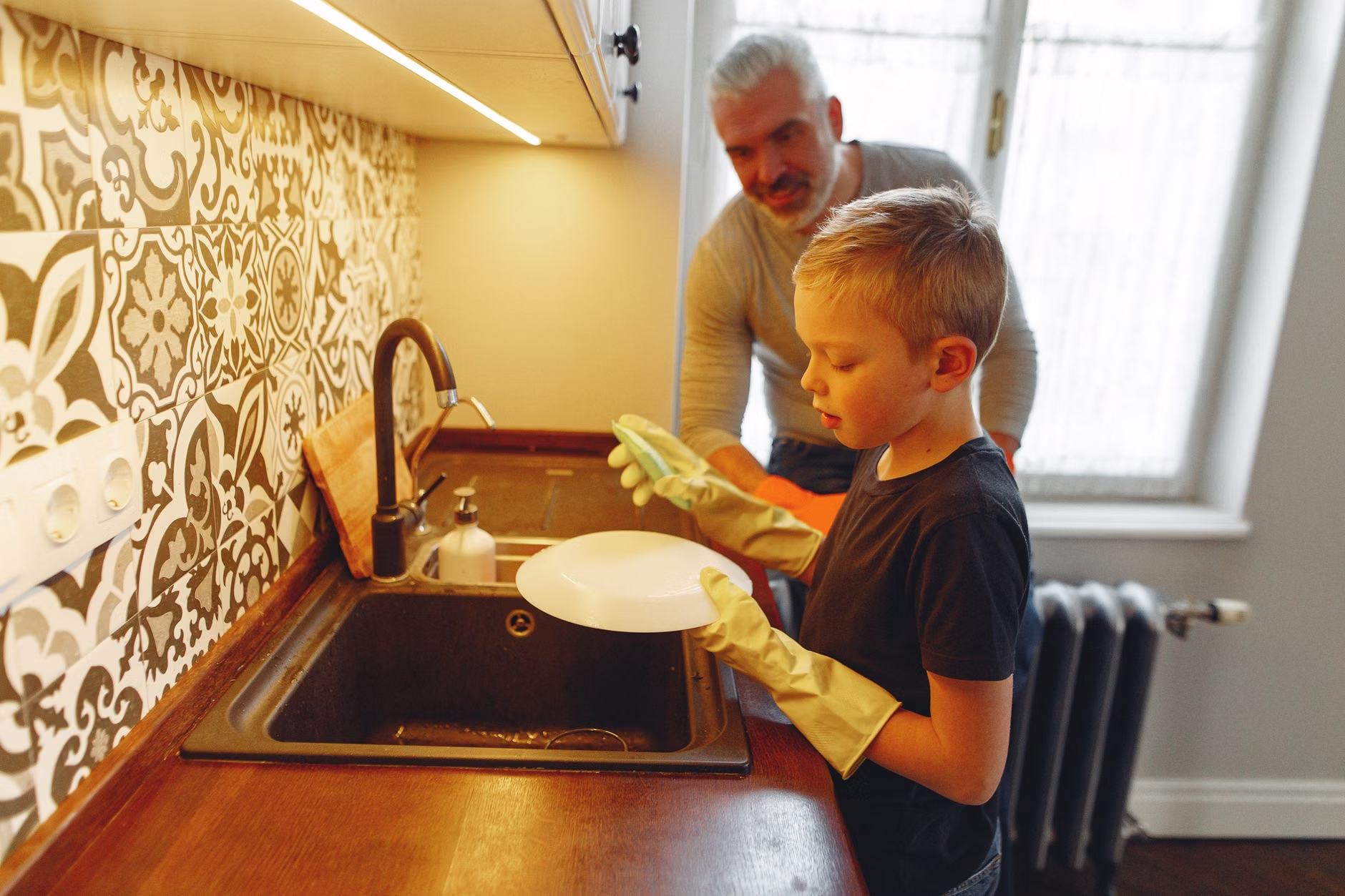
Involving children in the dashboard is a powerful way to teach responsibility, but it requires a different approach than adult delegation. For kids, focus on visual rewards and gamification. If you use a tool like Notion, you can create a gallery view where they can see their tasks as cards with images.
Don’t make the tasks about “work.” Make them about “capability.” Instead of saying, “Your chore is to unload the dishwasher,” frame it as, “You are the Kitchen Operations Lead for today.” This shift in language changes the psychological framing of the task from a chore to a role of responsibility.
A realistic scenario: Your 10-year-old struggles with morning routines. Instead of nagging them to brush their teeth and pack their bag, put a “Morning Launch” checklist on their tablet. When they check off the items, it unlocks a small, pre-agreed privilege. Because the system is digital, you aren’t the one being the “bad guy”—the list is just the list.
Sustainability: Keeping the System Alive
A system is only as good as its maintenance. To keep your dashboard from becoming a “digital graveyard” of unfinished tasks, implement a “Monthly Reset.” On the first Sunday of every month, spend 15 minutes reviewing the board with your family. Ask: “Which tasks are we actually doing? Which ones are we ignoring? Do we need to simplify?”
If you find that certain tasks are constantly being ignored, that is a signal, not a failure. It might mean the task is too large and needs to be broken down, or that the person assigned to it doesn’t have the capacity. Use the data to have a productive, non-emotional conversation about workload balance.
Remember that this is a living, breathing system. It will evolve as your children grow and as your work schedules shift. Don’t be afraid to delete entire sections of your dashboard if they aren’t serving your family’s needs. The goal is to reclaim your mental bandwidth, not to build a complex bureaucratic machine.
Final Thoughts on Reclaiming Your Time
The ultimate goal of a low-code dashboard is to reach a point where the household runs smoothly without your constant intervention. When you stop being the “human router” for every task and question, you regain the mental space to be a parent, a partner, and an individual, rather than just a manager.
Start small. Pick one area—perhaps the kitchen or the kids’ morning routine—and build your first dashboard today. The time you invest in setting this up will be paid back tenfold in reduced arguments, clearer communication, and the quiet satisfaction of a home that runs on a system rather than on your constant effort.
For further reading on task management principles, visit the MindTools Guide to Task Delegation, which provides excellent frameworks for ensuring tasks are appropriately assigned and understood.
Frequently Asked Questions
1. Does using a digital dashboard actually save time, or is it just more screen time?
It saves time by eliminating the “re-remembering” process. When you don’t have to hold the list in your head, you reduce cognitive fatigue. While there is a setup cost, the long-term reduction in “nagging” and redundant communication usually results in a net gain of time and emotional energy.
2. What if my partner or kids refuse to use the system?
If the system is too hard to use, they will refuse. Ensure the interface is extremely simple (the “one-tap” rule). If they still refuse, the issue is likely a lack of buy-in. Have a conversation about the “mental load” and explain how the dashboard is a tool to help the whole family, not just a way for you to control them.
3. Can I use these tools for free?
Yes. Notion, Airtable, and Glide all offer generous free tiers that are more than sufficient for household management. You only need to pay if you require advanced features like complex database integrations, large file storage, or multiple team members with administrative permissions, which are rarely needed for home use.
For more practical tech tips and lifestyle strategies, check out our latest guides on Home Management.