If you are running a business from your home, your single ISP-provided router is likely the weakest link in your security chain. A mesh network system isn’t just about getting rid of Wi-Fi dead zones in the hallway or the kitchen; it is a fundamental shift toward a segmented, manageable, and significantly more secure home infrastructure that keeps your professional data away from your household’s smart devices.
- Network Segmentation: Mesh systems allow you to create a “Guest” or “IoT” network, isolating vulnerable smart home devices (like lightbulbs or cameras) from your business laptop.
- Automated Security Updates: Unlike aging ISP routers, modern mesh systems push firmware updates automatically, closing security holes before they can be exploited.
- Centralized Control: You can monitor traffic, pause internet access for children, and manage device priority through a single, user-friendly app, reducing the complexity of maintaining a home office.
Think about your typical Tuesday afternoon. You are on a Zoom call with a client, your teenager is streaming a high-definition movie in the living room, and your smart thermostat is chirping away in the background. In a standard home setup, these devices are all competing for the same bandwidth and, more importantly, they are all sitting on the same network. If a single insecure smart device is compromised, it acts as an open door into your entire digital life—including your work files and client data.
Why Your Standard Router Is a Security Liability
Most of us use the black or white plastic box provided by our Internet Service Provider (ISP). While these units have improved over the years, they suffer from two major flaws: they are often “set and forget” devices that rarely receive security patches, and they offer zero network segmentation. For an entrepreneur, this is the equivalent of leaving your office door unlocked while you are out for lunch.
When you use a single router, every device—from your work-issued laptop to your toddler’s tablet—shares the same “front door.” If a piece of malware infects a cheap, unpatched smart device (like an inexpensive security camera or a smart plug), that malware can move laterally across your network. It can scan for other connected devices, potentially reaching your workstation. This is known as lateral movement, and it is a common tactic used in modern cyberattacks.
Furthermore, ISP routers are notoriously difficult to configure for advanced security. If you want to set up a Virtual Private Network (VPN) at the router level, or if you want to inspect incoming traffic, you are often blocked by the provider’s locked-down software. A mesh system, by contrast, gives you the administrative “keys to the castle,” allowing you to see exactly what is happening in your digital home.
What Exactly is a Mesh Network?
In simple terms, a mesh network replaces your single router with a series of “nodes” that work together to form a single, unified signal. Instead of one powerful signal trying to penetrate walls from a corner of the house, you have multiple points of access. This provides a more consistent, faster, and more reliable connection.

But the security benefit is the real story here. Because mesh systems are designed for the modern home, they usually come with dedicated management software. This software allows you to create separate “virtual” networks (VLANs) within your home. You can keep your professional devices on one network, your family’s personal devices on another, and all your “Internet of Things” (IoT) gadgets—which are notoriously insecure—on a third, isolated network.
If a guest visits or a smart device is breached, the “blast radius” is contained. They are on a restricted network that cannot “see” your primary work computer. This is a level of security that was previously reserved for enterprise-grade hardware, now available for a few hundred dollars and fifteen minutes of setup time.
The Entrepreneur’s Balancing Act: Security Without Friction
For those of us in our 30s and 40s, we don’t have time to be network engineers. We need security that “just works.” The primary advantage of a mesh system is the ease of management. Most systems, such as those from eero, Google, or TP-Link, are managed entirely through a smartphone app.
When your child needs to finish their homework, you can prioritize their device in the app. When you are done with work for the day, you can see if there are any devices behaving strangely. Most mesh systems now include built-in security features that scan for malicious websites and block them automatically. This is a proactive layer of defense that doesn’t require you to be a tech expert.

Consider this realistic scenario: You purchase a smart baby monitor. It’s cheap, convenient, and connects to your Wi-Fi. However, it doesn’t receive updates. On a standard router, this monitor is a risk. On a mesh network, you simply add it to your “IoT” or “Guest” network, and you can restrict its ability to communicate with your primary work computer entirely. You get the convenience of the device without the risk to your business assets.
Comparing Your Options: What to Look For
Not all mesh systems are created equal. When shopping for a system, you need to look beyond just “speed” and “range.” Here is how to evaluate your options:
| Feature | Why It Matters for Entrepreneurs |
|---|---|
| Network Segmentation (VLANs) | Crucial for isolating work devices from insecure smart home gadgets. |
| Automated Firmware Updates | Ensures security patches are applied without you needing to remember. |
| Subscription-based Security | Many systems offer advanced threat detection for a monthly fee. Is it worth it? Yes, if it prevents one data breach. |
| Parental Controls | Essential for managing screen time and filtering content for kids during work hours. |
When choosing a system, avoid the “entry-level” models that lack advanced security features. Look for systems that offer “WPA3” encryption, which is the latest standard for Wi-Fi security. This is significantly harder for attackers to crack than the older WPA2 standard. Also, prioritize systems that offer clear visibility into connected devices. If you see a device on your network you don’t recognize, you should be able to block it with one tap.
Step-by-Step: Securing Your Home Office
Once you have your mesh system installed, follow these steps to maximize your security. Don’t just plug it in and walk away.
- Create a Guest Network: Move all non-work devices (smart TVs, gaming consoles, smart home sensors) to this separate network.
- Update Your Passwords: Change the default admin password for the mesh system immediately. Do not use the same password you use for your email or business accounts.
- Enable Two-Factor Authentication (2FA): If the mesh system’s app supports 2FA, turn it on. This prevents someone from hijacking your network settings even if they guess your password.
- Schedule Regular Reboots: Many mesh systems allow you to schedule a nightly reboot. This clears temporary memory and can help flush out certain types of basic malware.
- Review Connected Devices Monthly: Spend five minutes once a month checking the list of connected devices in your app. If you see something odd, investigate it.
The Hidden Costs and Trade-offs
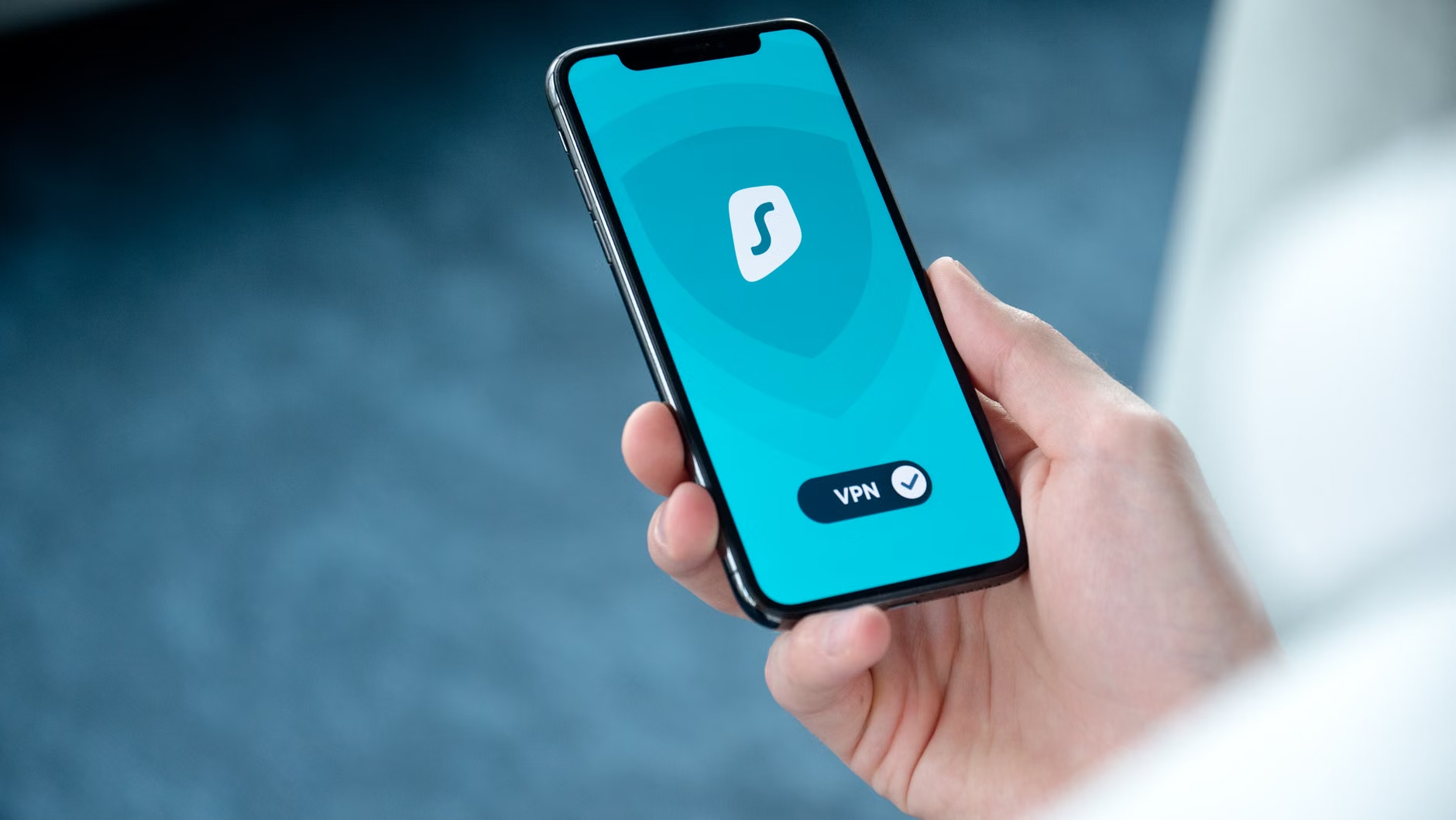
While mesh systems are fantastic, they aren’t magic. One common misconception is that a mesh system replaces a VPN. It does not. A mesh system secures your local network, but it does not encrypt your traffic once it leaves your house. If you are handling sensitive client data, you still need to use a VPN on your laptop. Think of the mesh system as the “perimeter fence” and the VPN as the “armored car” for your data.
Another trade-off is the subscription model. Many manufacturers, like Eero (owned by Amazon) or Netgear, charge a monthly fee for “advanced security” features, such as ad-blocking, malicious site filtering, and deep packet inspection. While it might feel like another “subscription fatigue” expense, it is often a worthwhile investment for a home business. These services act as a frontline defense, stopping threats before they ever reach your computer.
Finally, consider the placement of your nodes. A common mistake is hiding them in a cabinet or behind a TV. Mesh nodes need to “see” each other to communicate effectively. Placing them in open, central locations not only improves your Wi-Fi speeds but also ensures that the security coverage is consistent throughout the home.
Addressing Common Misconceptions
Many entrepreneurs believe that because they use a Mac or a high-end Windows machine, they are “too secure to be hacked.” This is a dangerous mindset. Most cyberattacks are automated; they don’t care what kind of computer you use. They are looking for the easiest, most vulnerable entry point. By failing to secure your home network, you are essentially providing that entry point on a silver platter.
Another myth is that “my internet is too slow for a mesh system.” In reality, a mesh system often improves your speeds because it handles traffic more efficiently than a single, struggling router. If your internet is slow, it is more likely due to your ISP plan or poor signal distribution, both of which a mesh system can help diagnose and resolve.
Practical Takeaways for Your Daily Routine
As you integrate these changes, remember that security is a process, not a destination. You don’t need to obsess over your network traffic every hour. Instead, make it part of your weekly “close-out” routine. On Friday afternoons, check the app. Are there any new devices? Did the system push an update? A quick glance is usually enough.
If you have children, use the mesh system to your advantage. Most systems allow you to create “profiles” for each family member. You can pause the internet for their devices during dinner or set bedtime schedules. This doesn’t just help with parenting; it reduces the amount of “noise” on your network while you are trying to finish up your work.
Ultimately, the goal is to create a digital environment where your business and your family life can coexist without one endangering the other. A mesh network is the foundational step in that process. It provides the visibility, control, and segmentation you need to work with confidence from your own home.
Frequently Asked Questions
1. Do I need to replace my existing router if I get a mesh system?
Yes, usually you will replace your ISP-provided router or put it into “Bridge Mode.” You want the mesh system to handle all the routing and security functions. If you leave your old router active, you create a “double NAT” situation, which can cause connection issues and make managing your network much more difficult.
2. Will a mesh system actually make my internet faster?
A mesh system cannot make your internet plan faster than what you pay for. However, it can make your Wi-Fi *feel* faster by eliminating dead zones and intelligently routing traffic. By placing nodes closer to where you actually work, you will likely see a significant improvement in connection stability and speed compared to a single router located in a distant closet.
3. Are mesh systems difficult to set up for someone who isn’t tech-savvy?
Modern mesh systems are designed for simplicity. The setup process is almost entirely automated through a mobile app. You plug in the main node, follow the on-screen instructions, and the app walks you through naming your network and setting a password. It is generally much easier than configuring a traditional router, which often requires navigating complex web-based settings menus.
For more information on cybersecurity best practices for home offices, you can refer to the Cybersecurity & Infrastructure Security Agency (CISA) Cyber Essentials, which provides a great framework for small businesses to start securing their digital infrastructure.
Taking control of your home network is one of the most impactful, high-return investments you can make for your business. Start with a solid mesh system, segment your devices, and enjoy the peace of mind that comes with a truly secure workspace.