- Firmware is the brain: If your baby monitor’s firmware isn’t updated, you are leaving an unpatched door open for hackers to access your private video feed.
- Isolate your devices: Always place your nursery cameras on a dedicated “Guest” or “IoT” VLAN to prevent a breach from spreading to your primary home computer or banking devices.
- The “Set-and-Forget” trap: Most security breaches occur because users never change default credentials or check for automatic update settings after the initial setup.
The most dangerous thing in your nursery might not be the sharp edges on the crib, but the silent, blinking camera perched on the shelf. If you’ve ever wondered why your smart baby monitor suddenly feels like a liability rather than a convenience, you’re not alone. The reality is that “smart” devices are essentially tiny, low-power computers that require consistent maintenance—specifically, firmware updates—to stay secure. If you haven’t audited your nursery tech in the last six months, you are essentially operating a digital front door with a broken lock.
Most of us buy these devices for peace of mind, assuming that because they come from reputable brands, they are inherently secure. Unfortunately, the firmware—the permanent software programmed into a device—is often the weakest link. When a vulnerability is discovered, manufacturers release a patch. If your device doesn’t auto-update, or if you haven’t checked for one since you bought it, that vulnerability remains wide open for anyone with the right tools to exploit.
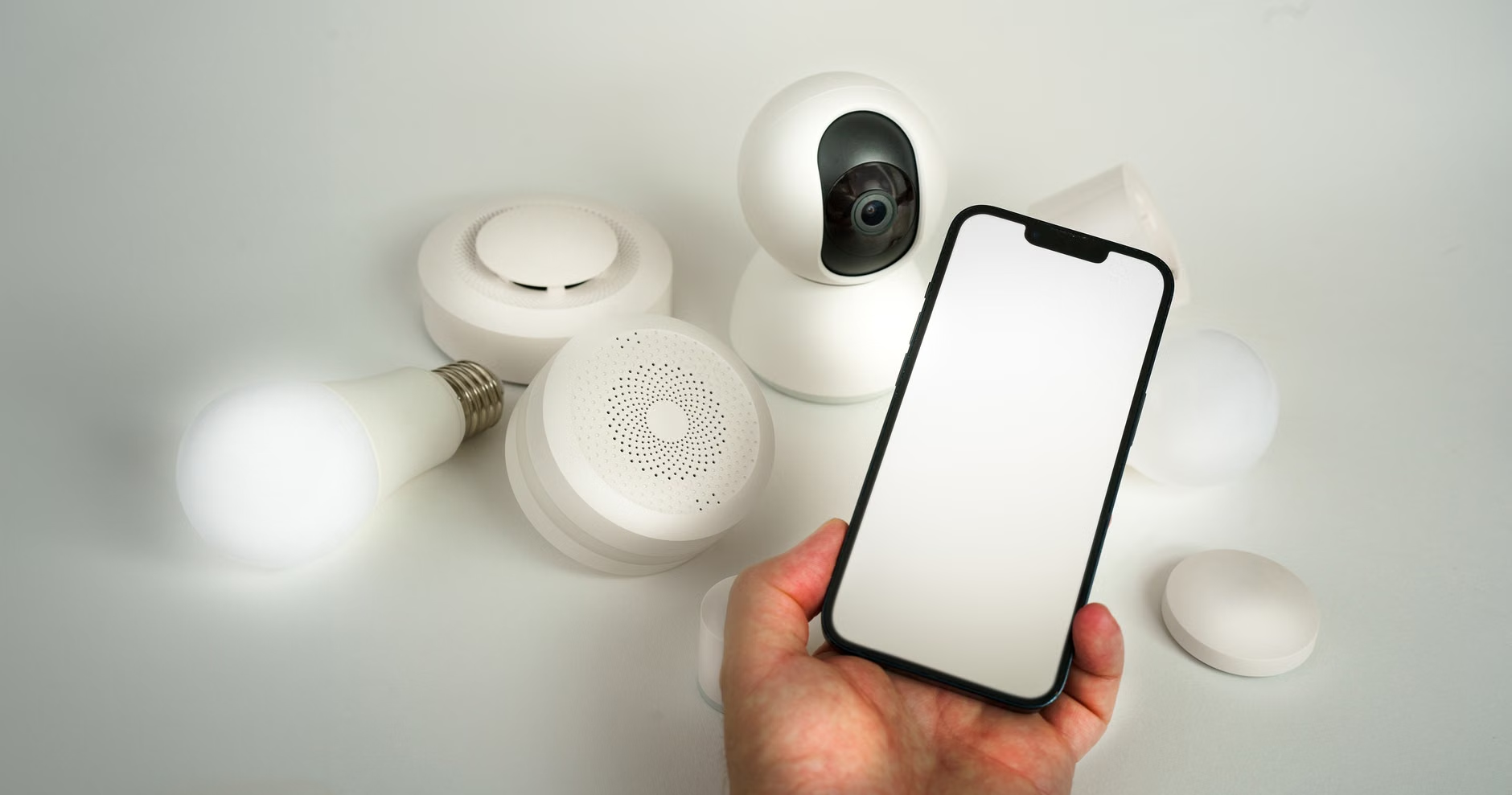
Why Firmware Security is the Invisible Guardian of Your Nursery
Think of firmware as the operating system for your hardware. Unlike the apps on your phone that update automatically in the background, many IoT (Internet of Things) devices require manual intervention or specific settings to receive security patches. When a hacker targets a nursery monitor, they aren’t usually trying to steal your identity directly; they are looking for “zombie” devices to add to a botnet or simply exploiting weak security to gain access to your home network.
The stakes are high because these devices have two things hackers crave: a microphone and a camera. Without regular firmware updates, known “exploits”—specific methods hackers use to bypass security—remain active on your device. For instance, a common exploit involves “credential stuffing,” where automated bots use leaked usernames and passwords from other data breaches to try and log into your camera. If your firmware is outdated, it may lack the modern protection protocols, such as multi-factor authentication (MFA) enforcement or encrypted transmission standards, that stop these attacks in their tracks.
In your 30s and 40s, you’re likely balancing a career, parenting, and a dozen other responsibilities. You don’t have time to be a cybersecurity engineer. That is why the goal here isn’t to make you an expert, but to give you a “security hygiene” routine that takes less than 30 minutes a year but provides 90% of the necessary protection.
The Step-by-Step Firmware Audit: A Practical Workflow
You don’t need expensive software to audit your devices. You need a systematic approach to check the “health” of your nursery tech. Follow these steps to ensure your devices are as secure as possible.
1. Identify and Inventory Your Devices
Start by listing every device that touches your nursery network. This includes the baby monitor, any smart white-noise machines, connected humidifiers, and even the smart lightbulbs in the room. Each of these is a potential entry point. Once you have the list, find the model number and the manufacturer’s name for each.
2. Check for “End-of-Life” (EOL) Status
This is the most overlooked variable. If your monitor is more than 3-4 years old, the manufacturer may have stopped releasing security patches. If you visit the manufacturer’s support page and see “Legacy” or “End-of-Support” next to your model, it is time to retire the device. No amount of configuration can fix a device that no longer receives security updates.
3. Verify the Current Firmware Version
Open the manufacturer’s companion app. Navigate to “Settings” or “Device Info.” You should see a firmware version number. Compare this to the “Latest Version” listed on the manufacturer’s official support website. If the numbers don’t match, you are running outdated software.
4. Enable Auto-Updates and Push Notifications
If the app allows it, toggle “Auto-Update” to “On.” If the device doesn’t support auto-updates, set a recurring calendar reminder for every three months to manually check the support portal. This is a classic “set-and-forget” trap—you must ensure you are notified when a new version is released.
Network-Level Security: The “Isolation” Strategy
Even with perfectly updated firmware, you should assume that any IoT device could eventually be compromised. This is where network isolation comes in. Most modern routers allow you to create a “Guest Network.” This is a separate Wi-Fi signal that is logically separated from your main home network.
Why this matters: If a hacker compromises your baby monitor, they can use it as a “bridge” to scan your other devices, like your laptop, phone, or NAS (Network Attached Storage) where you keep your tax documents and personal photos. By putting your nursery devices on a guest network, you create a digital “firewall.” If the monitor is breached, the attacker is stuck in a dead-end network with no access to your personal computer or sensitive data.
| Security Layer | Actionable Step | Why it’s necessary |
|---|---|---|
| Firmware | Check for updates quarterly | Patches known vulnerabilities. |
| Network | Use a Guest/IoT VLAN | Limits the “blast radius” of a breach. |
| Access | Enable 2FA/MFA | Prevents unauthorized logins even if password is leaked. |
| Physical | Disable remote access if not needed | Removes the “remote” from “remote hacking.” |
The table above highlights the hierarchy of protection. Start with the firmware, then move to network isolation. If you have to prioritize, focus on Multi-Factor Authentication (MFA). It is the single most effective way to prevent account takeovers, even if your password is stolen in a third-party breach.
Common Misconceptions and Hidden Risks
One common mistake is believing that “private” or “encrypted” marketing claims mean the device is unhackable. Encryption is vital, but it only protects data while it’s moving; it doesn’t protect the device if the software running it is inherently flawed. Another misconception is that if you have a strong Wi-Fi password, your devices are safe. A strong Wi-Fi password protects the connection, but it does nothing to stop an attacker from accessing the device through the manufacturer’s cloud server or via an unpatched firmware vulnerability.
The “Cloud” Factor: Most modern monitors stream video to a cloud server. This means your video is not just moving between your camera and your phone; it is passing through a third-party server. Always check the privacy policy of the manufacturer. Do they store recordings? If so, for how long? If you don’t need cloud storage, disable it and use a local SD card if the device supports it. This minimizes the amount of your personal data sitting on a server you don’t control.

Actionable Security Checklist for Parents
To keep your sanity while keeping your family safe, adopt this quarterly security routine:
- The 90-Day Audit: Every three months (set a reminder), log into your router and look at the “Connected Devices” list. If you see a device you don’t recognize, disconnect it immediately.
- Password Rotation: If your monitor requires an account login, ensure the password is unique. Use a password manager to generate a complex, 20+ character password. Never reuse your email or banking password for your baby monitor.
- Physical Disconnect: If you are home and the baby is with you, you don’t need the camera on. Physically unplugging the camera or using a physical privacy shutter provides 100% security. There is no software exploit for a device that has no power.
- Check for “Default” Settings: Many devices come with “UPnP” (Universal Plug and Play) enabled. This allows devices to automatically open ports in your router. Disable UPnP in your router settings; it is a notorious security risk that allows devices to bypass your firewall.
When to Replace vs. When to Repair
If you find that your device is no longer receiving updates, you have two choices: continue using it with the risk that it could be compromised, or replace it. For a nursery monitor, the decision should be clear. If you find a security vulnerability reported for your model, and the manufacturer has not released a patch within 6 months, the device is effectively “dead” from a security perspective.
When shopping for a replacement, look for “Security-First” brands. These are companies that publish a “Security Disclosure” policy or have a clear timeline for how long they support their devices with security updates. Avoid “no-name” brands from obscure online marketplaces. These cheap alternatives often lack the infrastructure to provide security updates, making them a high-risk choice for something as sensitive as a nursery monitor.
Addressing Potential Edge Cases
What if you live in a multi-generational home or have a nanny who needs access? This creates a challenge for access control. Instead of sharing your primary account credentials, use the “Shared Access” feature provided by the app. This allows you to revoke access at any time without changing your own password. Never share your primary account password with anyone. If you must share access, ensure the person you are sharing with also has 2FA enabled on their account.
Furthermore, if you use a smart home assistant (like Alexa or Google Home) to view your camera, remember that you are adding another layer of authentication. Your monitor is only as secure as your voice-assistant account. Ensure that account has a strong, unique password and 2FA enabled as well. Security is a chain, and the chain is only as strong as its weakest link.
Finally, be wary of “free” cloud services. If a service is free, there is a high probability that your data is being used for analytics or advertising. Always opt for paid, privacy-focused services if you need cloud storage. These companies are more likely to prioritize the security of the data they are paid to protect.
Closing Thoughts on Digital Parenting
Securing your nursery monitor isn’t about living in fear; it’s about acknowledging that our homes are now interconnected ecosystems. By taking these simple, proactive steps—updating firmware, isolating your network, and using strong credentials—you can enjoy the convenience of modern technology without the nagging worry that your privacy is being compromised. Technology should serve your parenting, not complicate it. Spend the 30 minutes to set this up today, and you can rest easy knowing you’ve done your part to build a secure environment for your family.
Frequently Asked Questions
Q: Does my baby monitor really need to be connected to the internet?
A: Not necessarily. If you only use the monitor while you are inside the house, many models can be set to “Local Mode” or “Direct Connection,” which bypasses the internet entirely. Check your manual to see if this is an option for your device; it is the most secure configuration possible.
Q: What should I do if I think my camera has been hacked?
A: If you notice the camera moving on its own, hearing strange noises, or seeing the “In-Use” light turn on when no one is watching, immediately unplug the device. Change your account password from a different device (like your phone) and perform a factory reset on the camera before reconnecting it to your network.
Q: Are there any specific routers that make this easier?
A: Yes. Many modern “Mesh” Wi-Fi systems (like Eero, Nest WiFi, or ASUS AiMesh) have built-in security features that alert you to suspicious activity on your network and make it incredibly easy to create a separate “Guest” network for your IoT devices. Investing in a quality router is often more important for security than the camera itself.
Official Resources and Further Reading: