A mesh network is the single most effective way to secure your home office while ensuring consistent, high-speed connectivity that doesn’t drop during critical video calls or sensitive file transfers. Unlike traditional routers that rely on a single point of failure, mesh systems distribute your connection across multiple nodes, creating a self-healing, encrypted perimeter that is significantly harder to breach than a standard ISP-provided modem-router combo.
- Better Encryption: Most modern mesh systems support WPA3, the latest security protocol, which offers superior protection against brute-force attacks compared to the aging WPA2 standard used by many ISP routers.
- Network Segmentation: A mesh system allows you to create a “Guest Network” or “IoT Network,” effectively isolating your work laptop from smart home devices like cameras or appliances that are often the weakest links in home security.
- Physical Redundancy: Because mesh networks use multiple nodes, they are more resilient to interference, meaning your work connection stays stable even when the rest of the family is streaming or gaming in other rooms.
If you have ever been in the middle of a high-stakes presentation only to have your video freeze—or worse, your connection drop entirely—you know the frustration of relying on a single, aging router tucked away in a closet. For those of us in our 30s and 40s, the home office isn’t just a place for spreadsheets; it’s the hub of our family’s digital life. Between your work-issued laptop, your partner’s streaming habits, and the kids’ endless tablet games, your home network is under constant pressure.
Many of us make the mistake of assuming that the router provided by our internet service provider (ISP) is “good enough.” In reality, these devices are often designed to be inexpensive to manufacture, not secure or high-performing. When you work from home, you are essentially extending your company’s network into a space that is also a playground, a school, and a cinema. That creates a massive attack surface for hackers who target residential networks to gain a foothold into corporate systems.
Why Your Current ISP Router Is Likely a Security Weakness
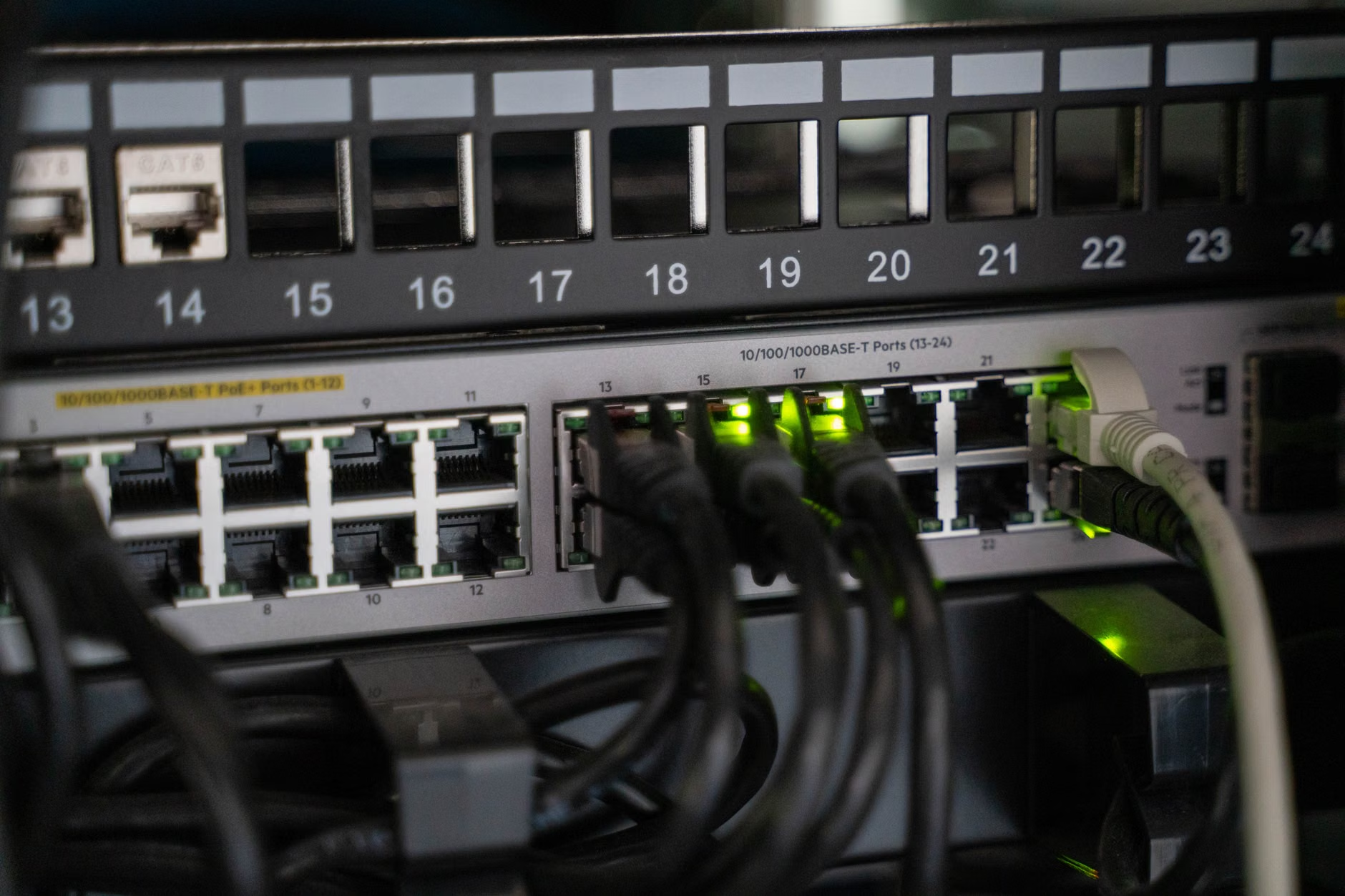
The primary issue with standard ISP-provided routers is that they are “all-in-one” devices that prioritize convenience over specialized security. They often run proprietary firmware that receives infrequent updates. In the world of cybersecurity, an unpatched device is an open door. When a new vulnerability is discovered, your ISP may take months to push a firmware update—or they may never push one at all for older hardware.
Furthermore, standard routers often lack sophisticated traffic monitoring. If a device on your network—say, a budget smart lightbulb you bought online—gets compromised, it can act as a “bot” within your network. Because standard routers rarely segment traffic, that compromised bulb could theoretically sniff the data packets traveling from your work laptop to your office VPN. This is known as “lateral movement” in cybersecurity, and it is a common way that attackers pivot from a low-security device to a high-value corporate asset.
The “Single Point of Failure” Risk: If your ISP router goes down, your entire digital life stops. With a mesh system, the network is decentralized. If one node experiences a hardware glitch or a local interference issue, the rest of the network reconfigures itself to keep your devices online. This is not just a productivity benefit; it is a security benefit. A stable, managed network is easier to monitor and audit than a struggling, fragmented one.
Understanding Mesh Networking: Not Just Another Extender
There is a common misconception that mesh networks are just “boosters” or “range extenders.” This is a fundamental misunderstanding of the technology. A range extender takes an existing signal and repeats it, which effectively cuts your bandwidth in half and creates a separate network name (SSID) that your devices struggle to switch between as you move through your home.
A mesh network, by contrast, uses a “backhaul” connection. One node acts as the primary router, and the other nodes connect to it via a dedicated high-speed radio band or a wired Ethernet cable. They all share the same network name, and your devices “roam” from one node to another seamlessly without dropping the connection. From a security standpoint, this means you have a unified, consistent policy enforced across your entire home.
| Feature | Standard ISP Router | Mesh Network System |
|---|---|---|
| Security Updates | Rare/Slow | Frequent/Automated |
| Network Segmentation | Limited or None | Easy (Guest/IoT VLANs) |
| Coverage | Single Point (Weak) | Distributed (Strong) |
| Management | Complex Browser UI | Intuitive Mobile App |
For a household of four, the mesh advantage is clear. You can assign your work laptop to a “High Priority” channel, while placing your kids’ gaming consoles on a separate network segment. If a game console is compromised, it cannot “see” your work laptop, effectively neutralizing the risk of lateral movement.

Step-by-Step: Building a Secure Home Office Perimeter
Transitioning to a mesh system is not just about buying hardware; it is about configuring it for your specific family needs. Many people buy a high-end mesh system and leave it at the default settings, which is a wasted opportunity. Here is how you should approach the setup for maximum security.
1. Isolate Your IoT Devices
Most modern mesh systems, such as those from Eero, TP-Link Deco, or ASUS ZenWiFi, allow you to create a “Guest Network.” This is your best friend. Do not connect your smart TVs, smart fridges, or cheap security cameras to your main network. Put them all on the Guest Network. Even if a hacker gains control of your smart toaster, they will find themselves trapped on a network that has no access to your main devices.
2. Enable WPA3 Encryption
During the setup process, look for the wireless security settings. Ensure that “WPA3” is selected. If you have older devices that do not support WPA3, most systems allow for “WPA3/WPA2 Mixed Mode.” This provides the highest possible level of security for the devices that support it, while maintaining compatibility for your older gear.
3. Use the App for Real-Time Monitoring
One of the biggest advantages of mesh systems is the companion app. Instead of logging into a clunky web interface, you can get push notifications whenever a new device joins your network. If you see an unknown device appear, you can block it with a single tap. This level of visibility is impossible with a standard ISP router.
4. Set Up Automated Firmware Updates
Check the “Advanced” or “System” settings in your mesh app to ensure that “Automatic Updates” are enabled. This ensures that your network is always running the latest security patches, even if you forget to check for them. This is the single most important “set it and forget it” task you can perform for your home office security.
Addressing Common Misconceptions and Hidden Costs
One of the most common questions I hear is, “Do I need to pay for a subscription?” Many mesh manufacturers now offer “Security+” or “Advanced Shield” subscription services. These services often include features like deeper malware scanning, ad-blocking, and more granular parental controls. While these are not strictly necessary for a functional network, they are often worth the cost for families with children.
Another misconception is that you need a “tri-band” or “quad-band” system to be secure. This is not true. Band-count refers to speed and capacity, not security. If you have a small home and a modest internet plan, a dual-band system is perfectly secure. Don’t fall for the trap of thinking that the most expensive hardware is automatically the most secure. Often, the mid-range models from reputable brands (like those mentioned in the CISA guidelines for home network security) offer the best balance of features and cost.
The Reality of Interference and Placement
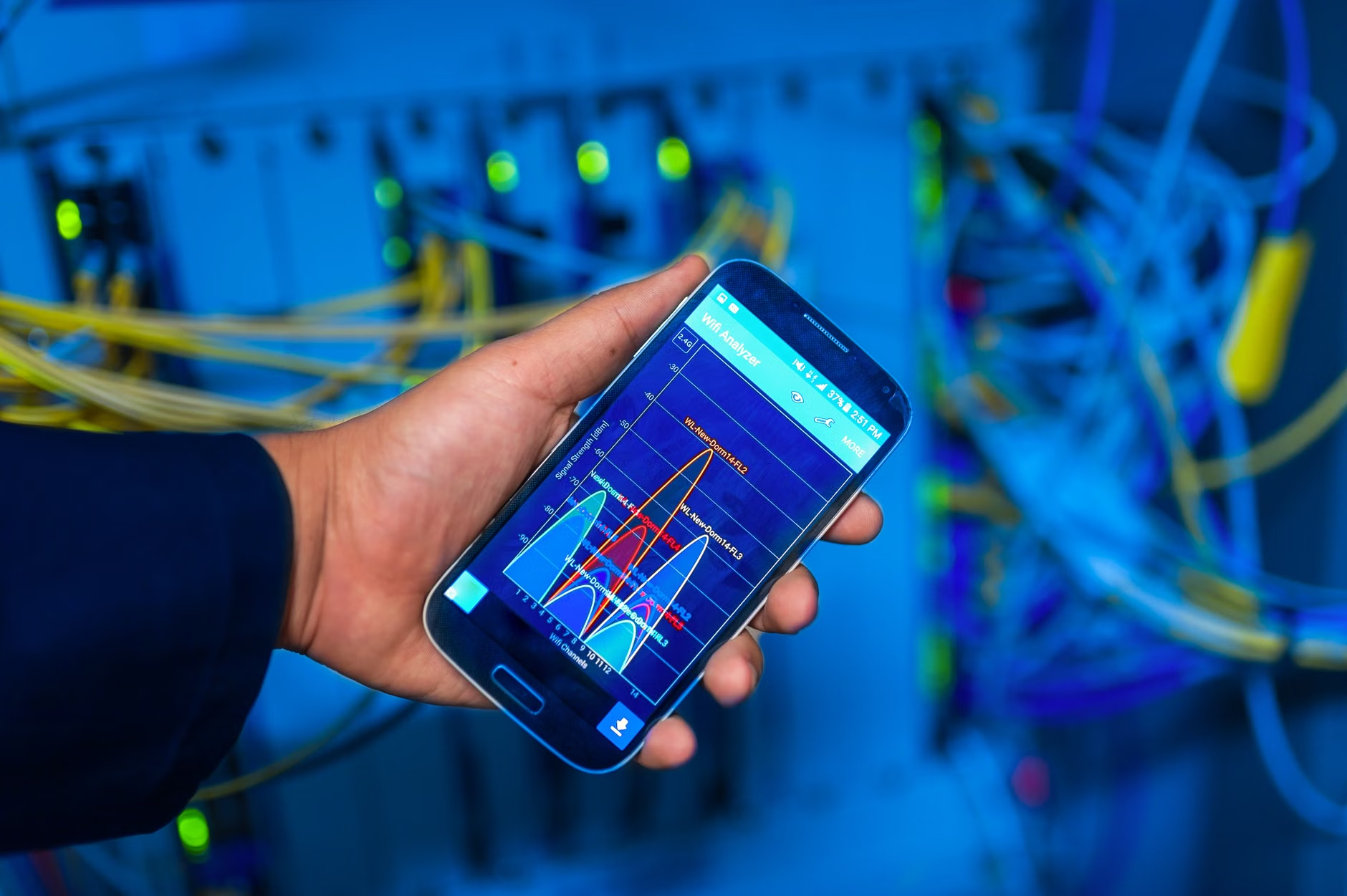
Even the best mesh system will fail if the nodes are placed incorrectly. A common mistake is placing nodes too close together. They need enough space to communicate effectively without causing signal interference. A good rule of thumb is to place nodes about two rooms apart. If you have a multi-story home, try to stagger them—one on the ground floor, one on the second floor—to create a “vertical” mesh that covers every corner.
Furthermore, avoid placing nodes inside cabinets or behind large metal objects. Metal reflects radio waves, which can create “dead zones” and force the system to work harder, potentially leading to instability. Think of your mesh nodes like lightbulbs; you want the signal to be able to “shine” throughout the room without being blocked by furniture or walls.
Beyond the Router: The “Defense in Depth” Mindset
While a mesh network provides a robust perimeter, it is not a silver bullet. You should still practice “Defense in Depth.” This means that even with a secure network, your individual devices must be hardened. Ensure that your work laptop is running updated antivirus software, that you are using a reputable VPN (Virtual Private Network) provided by your employer, and that your passwords are managed by a secure, encrypted password manager.
The role of the mesh network is to act as the first line of defense. It prevents the “low-hanging fruit” attacks—the scripts that scan the internet for vulnerable routers—from ever reaching your devices. By the time an attacker reaches your laptop, they should have to bypass your network firewall, your local machine’s firewall, your VPN, and your device-level authentication. That is a wall that most casual hackers are not willing to climb.
A Note on Privacy and Data Collection
One final consideration that often goes overlooked is the data collection policy of the mesh manufacturer. Since your mesh system acts as the gateway for all your internet traffic, some manufacturers have the technical capability to see which websites you visit. When choosing a system, look for companies that explicitly state they do not track or sell your browsing data. This is often buried in the “Privacy Policy” or “Terms of Service” on their websites. If a company is vague about what they do with your traffic metadata, it is safer to choose a different brand.
For readers in their 30s and 40s, balancing the needs of a busy household with the requirements of a modern career, this is an investment in your peace of mind. It’s about creating a digital environment where you can focus on your work, knowing that the infrastructure supporting you is as robust and secure as it can be.
Final Recommendations for Your Setup
If you are ready to upgrade, start by mapping your home. How many square feet do you need to cover? Are your walls made of thick brick or drywall? Brick and concrete are “WiFi killers,” so if you live in an older home, you may need more nodes than someone in a modern, open-plan apartment. Don’t feel pressured to buy the top-tier “gaming” mesh systems; focus on systems that prioritize security updates and ease of management.
Remember that your goal is to create a secure, stable, and invisible network. You shouldn’t have to think about it. If you have to reboot your router once a week, it’s time for a change. A reliable mesh system should run for months on end without intervention, quietly shielding your family and your career from the risks of the modern web.
Frequently Asked Questions
Q: Will a mesh network make my internet speed faster?
A: A mesh network will not make your actual internet plan faster, but it will make your *effective* speed more consistent. By reducing signal drops and interference, you will experience the full speed of your plan in more parts of your home, especially if you were previously dealing with “dead spots.”
Q: Can I mix and match different brands of mesh routers?
A: Generally, no. While there is a standard called “EasyMesh” that aims to make this possible, it is not yet widely implemented across all brands. For the best security and performance, it is highly recommended to buy a single system from one manufacturer and use their nodes together.
Q: How many nodes do I actually need for a 2,000-square-foot home?
A: For a typical 2,000-square-foot home, a 2-node or 3-node system is usually sufficient. However, if your home has a complex layout, lots of interior walls, or multiple floors, you may need an extra node to ensure full coverage. It is better to have slightly more coverage than you need rather than trying to stretch a single node too far.
For further reading on home network security, you can visit the official CISA (Cybersecurity & Infrastructure Security Agency) guide on securing your home network. Always ensure your hardware is purchased from reputable retailers to avoid “gray market” devices that may come with pre-compromised firmware.