- Low-code tools like Notion, Airtable, or Trello allow you to build a custom chore dashboard without needing a single line of programming knowledge.
- The “mental load” is reduced by making chores visible and assigning clear ownership, rather than relying on verbal reminders.
- Success depends on a “low-friction” design; if it takes more than three clicks to mark a task as done, the system will fail.
If you have ever spent a Tuesday evening wondering if the laundry was started, why the dishwasher is still full, or who was supposed to feed the dog, you aren’t just dealing with a messy house—you are dealing with a breakdown in system design. We often treat household management as a series of spontaneous, verbal negotiations, which is essentially the worst way to run a project. In any other context, like your career, you wouldn’t expect a team to function without a shared project board. Yet, at home, we rely on memory and nagging.
The “low-code” revolution has democratized software development. You don’t need to be a software engineer to build a bespoke application for your family. You only need to understand how to organize data. By moving your chore delegation from the chaos of your brain to a structured, low-code dashboard, you stop being the “project manager” of the house and start being the architect of a system that runs itself.
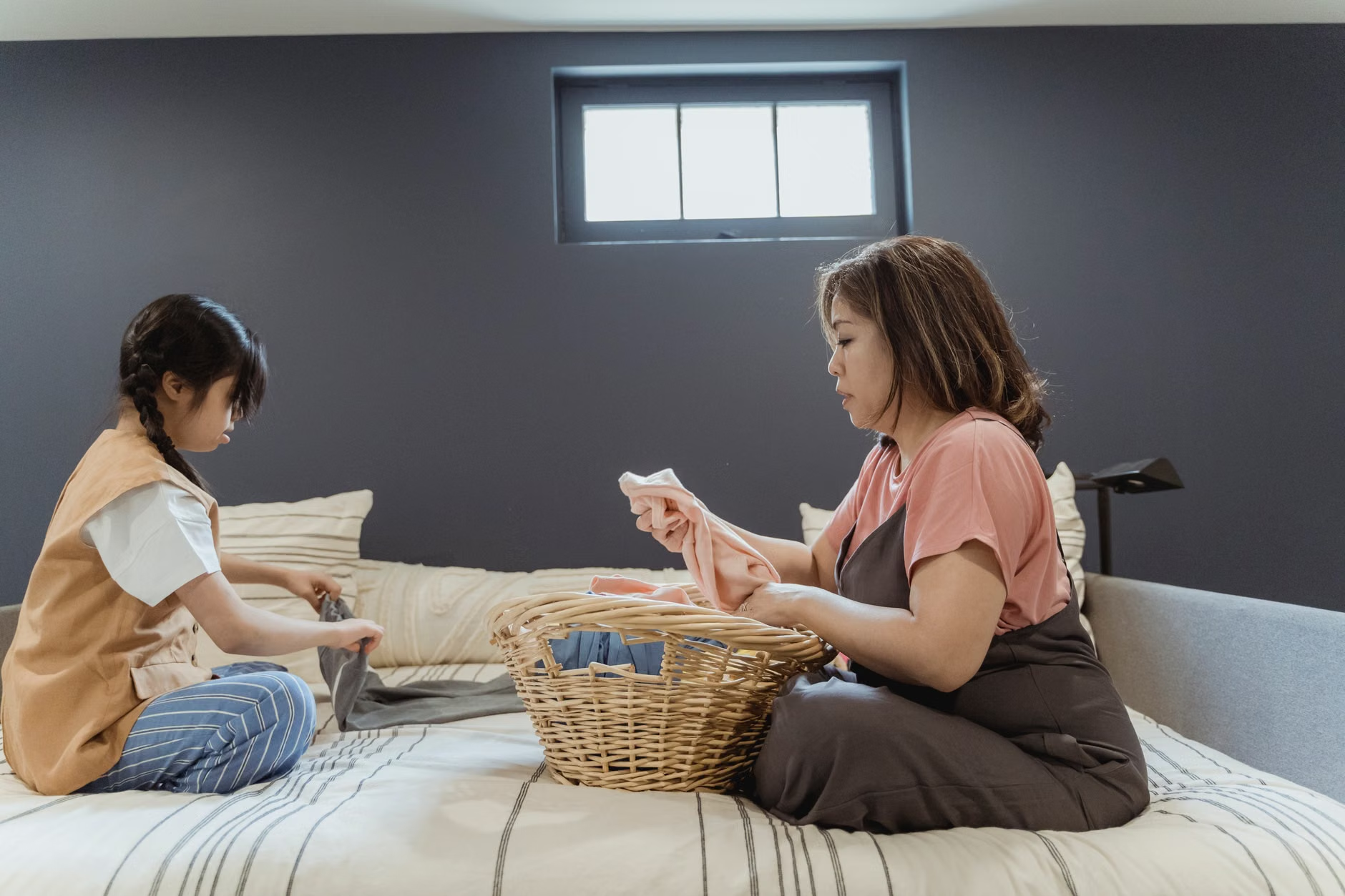
Why Standard Apps Often Fail Your Family
There is a graveyard of abandoned chore apps on the App Store. You have likely tried them: the ones with gamified points, the ones with cute monsters, or the ones that promise to revolutionize your life. Most of these fail because they are “opinionated” software. They force you to work the way the developer thinks a family should work. If you have a specific way you like to handle groceries or a unique weekly schedule, these apps become cumbersome.
Low-code platforms like Notion, Airtable, or Glide allow for “un-opinionated” design. This means you build the dashboard to fit your family’s actual rhythm, not the other way around. If you want a dashboard that tracks your garden tasks alongside your kid’s homework and your partner’s car maintenance, you can build that. If you want it to trigger a reminder only when a task is overdue by 48 hours, you can set that logic up with a few clicks.
The Psychology of Visibility and Ownership
The primary reason chores lead to arguments isn’t just the work itself; it’s the “invisible work.” When one person holds the master list in their head, they are performing a cognitive task called “monitoring.” Even if they aren’t doing the chore, they are doing the work of remembering that it needs to be done. A dashboard solves this by moving that information out of your brain and into a neutral, shared space.
When you use a dashboard, you aren’t “reminding” someone to do a chore; you are pointing to the system. This is a critical distinction. It shifts the dynamic from “You didn’t listen to me” to “The dashboard says this task is pending.” It removes the emotional weight of the request. The goal is to make the work visible so that ownership becomes the default state.
Choosing Your Low-Code Toolkit
Before you start building, you need to choose the right foundation. For 90% of families, the choice comes down to three platforms, each with different strengths. You don’t need to learn to code, but you do need to understand the “logic” of the tool.
| Platform | Best For | Learning Curve |
|---|---|---|
| Notion | Families who love documentation, recipes, and structured lists. | Low |
| Airtable | Families who need complex scheduling, automation, and data tracking. | Medium |
| Glide | Families who want a native-feeling mobile app experience. | Medium |
If you are just starting, Notion is the best entry point. It functions like a digital notebook that can turn into a database. You can create a “Board” view that looks exactly like a Kanban board (To Do, Doing, Done). This visual representation is incredibly effective for children who are visual learners and for adults who need a quick snapshot of the week.

Step-by-Step: Designing Your First Dashboard
Do not attempt to digitize every aspect of your life on day one. Start with the “Top 5” chores that cause the most friction. This might be trash collection, dishes, pet care, grocery shopping, and laundry.
1. Define the Data Fields
In low-code, you need to define your “properties.” For every task, you need:
- Task Name: (e.g., “Empty Dishwasher”)
- Assignee: (The person responsible)
- Due Date: (Daily, Weekly, or specific)
- Status: (Pending, In Progress, Complete)
- Importance/Priority: (Low, Medium, High)
2. Create the View
The magic happens in the “View.” Create a dashboard view that filters out everything except what is due today. This prevents the “overwhelm effect” where you see 50 items and decide to do nothing. By showing only the immediate tasks, you provide a clear, actionable path forward.
3. Automate the Recurrence
The biggest mistake people make is manually adding tasks every day. In Notion or Airtable, use the “Recurring Template” feature. Set the “Dishwasher” task to automatically generate every morning at 7:00 AM. If it’s not done, it remains in the “Pending” column. This removes the need for you to manually assign it.
Common Pitfalls and How to Avoid Them
Even the best systems fail if they aren’t maintained. The most common point of failure is “over-engineering.” You might be tempted to add a complex points system or rewards that require manual entry. Avoid this. The more manual effort required to maintain the system, the faster it will die.
Another common mistake is ignoring the “friction” of the interface. If you have to unlock your phone, find an app, wait for it to load, and navigate three menus to mark a chore as done, you will stop doing it. Use widgets. Both Notion and Airtable offer widgets that you can place on your home screen. The goal is to make marking a task as “Done” a one-tap interaction.
The “Ghost Task” Problem
What happens when a chore is assigned but not done? This is where your family culture needs to evolve. Don’t be the one to fix it. If the trash isn’t taken out, let the trash pile up for an extra day. The dashboard provides the accountability; you don’t need to provide the lecture. If the system is visible, the person responsible knows they are failing the system, not you.

Advanced Customization: Connecting to Your Smart Home
For those who want to take this further, you can use automation tools like Zapier or Make.com to connect your dashboard to other smart home services. For instance, you could set up an automation where, when a task is marked as “Complete” in Airtable, it triggers a smart light in the hallway to turn green, or it sends a “Great job!” notification to the family group chat.
However, be careful with “automation fatigue.” Just because you can automate something doesn’t mean you should. Keep the core system simple. Use automation only for things that provide genuine value or reduce significant manual effort, like syncing a grocery list to a shared shopping app when a “Need Groceries” tag is applied.
The Cultural Shift: From “Helping” to “Owning”
The ultimate goal of this dashboard isn’t just to get the house clean. It is to shift the language of the household. In many families, the non-primary caregiver says, “Let me know if you need help.” This phrasing reinforces the idea that the primary caregiver is the owner of the house, and everyone else is just an assistant.
By using a shared dashboard, you change the language to: “What is on my list today?” It moves the responsibility from the person to the system. It empowers family members—including children—to take ownership of their environment. When a child can look at a tablet and see that they have successfully completed their tasks, they feel a sense of autonomy that nagging can never provide.
The Trade-offs You Need to Accept
It is important to acknowledge that a dashboard is not a magic wand. It requires a “Maintenance Meeting” once a week. Spend 15 minutes on Sunday evenings to review the board. Did we miss anything? Do we need to adjust the frequency of certain chores? Is the system working for everyone? If you skip these check-ins, the board will become a graveyard of outdated tasks.
Also, accept that not everything can be digitized. Some things are better left to spontaneous communication. If you try to force every tiny interaction into a database, you will turn your home into a corporate office, which is the opposite of a relaxing environment. Use the dashboard for the “background” work—the daily, repetitive tasks that drain your mental energy—and leave the creative, spontaneous aspects of family life to human interaction.
Final Thoughts on Sustaining the System
If you find that your family is still not using the dashboard after a month, don’t blame the technology. Ask yourself if the system is too complicated. Are the tasks too large? If you have a task called “Clean the Kitchen,” that is too big. Break it down into “Wipe counters,” “Load dishwasher,” and “Sweep floor.” Smaller, more granular tasks are easier to complete and provide more frequent dopamine hits, which encourages continued use.
Start small, iterate often, and remember that the tool serves the family, not the other way around. Once you find that rhythm, you will find that the “mental load” you’ve been carrying for years starts to lighten, not because the chores have disappeared, but because they have finally found a home on a screen instead of in your head.
Frequently Asked Questions
1. How do I get my partner or children to actually use the dashboard?
The best way to encourage adoption is to involve them in the setup. If they help define the categories and choose the tasks, they are more likely to feel ownership. Also, keep the interface on a shared, central device like a wall-mounted tablet or a dedicated laptop in the kitchen, rather than hiding it inside a personal phone app.
2. What if a chore is too complex to be a simple “done” check-box?
For complex chores, use a “sub-task” list or a checklist within the main task card. For example, a “Deep Clean Living Room” task can contain a checklist of five specific items. This allows you to track progress even if the main task isn’t completed in one sitting.
3. Is it possible to integrate this with my calendar?
Yes, most low-code tools like Notion and Airtable have calendar views. You can sync your chore dashboard to your personal Google or Apple calendar using an iCal link. This allows you to see your household tasks alongside your work meetings, which helps in realistic daily planning.
Useful Resources:
- Notion Help Center – Excellent for learning how to build databases from scratch.
- Airtable Support – Best for understanding how to link data and create automations.
- Glide Documentation – The go-to resource for turning spreadsheets into mobile apps.