The most effective way to help your child succeed in home-schooling isn’t a new curriculum or a private tutor—it’s changing the physical environment to support their executive function, specifically by minimizing visual noise and creating “zoning” for tasks.
- Zoning is non-negotiable: Divide the desk surface into a “work zone” (current task) and a “storage zone” (supplies) to prevent cognitive overload.
- Visual timers beat digital ones: Physical analog timers provide a concrete representation of “time remaining,” which helps children with developing executive skills monitor their own pace.
- Environmental friction is a tool: Keep essential tools within reach but store distracting items—like fidgets or art supplies—in opaque, closed containers to reduce visual triggers.
If you have ever spent thirty minutes coaxing a child to “just start the math sheet,” you know that the friction isn’t always about the subject matter. Often, it is a failure of executive function. Executive function is the brain’s “management system”—it handles working memory, flexible thinking, and self-control. When a child looks at a cluttered desk, their brain has to process every pencil, loose paper, and toy before they can even register the assignment. For a child still developing these skills, that is an exhausting barrier to entry.
Why Your Child’s Desk Layout Dictates Their Focus
Most of us treat a desk as a “place to put things.” However, for a student, a desk is a cognitive engine. If the engine is clogged with debris, the car doesn’t move. When we talk about an “Executive-Function Desk,” we aren’t talking about aesthetics or expensive furniture; we are talking about reducing the cognitive load required to initiate a task.
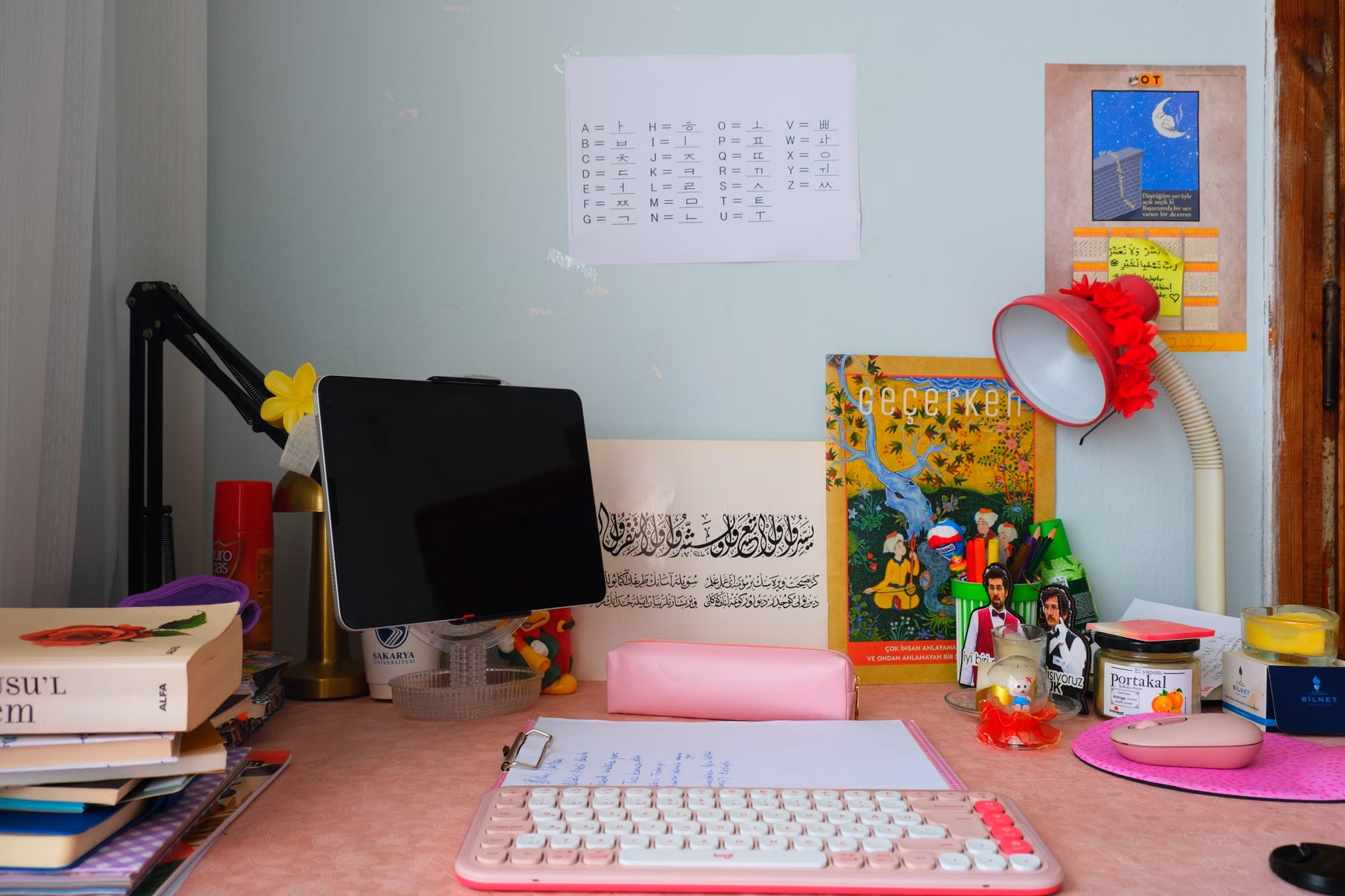
In a standard, unorganized setup, a child sits down and sees a stack of books, a tangled charging cable, and a pile of markers. Their brain must immediately filter out these stimuli. This process, known as “selective attention,” uses up mental energy before they have even opened their textbook. By the time they start, they are already experiencing “decision fatigue.”
The solution is to design the desk to be “task-ready.” This means the desk should only contain what is needed for the current activity. Anything else is a distraction. If your child is doing math, the science textbook should not be visible. If they are writing an essay, the art supplies should be tucked away. This is not about being a minimalist for the sake of interior design; it is about protecting your child’s limited supply of mental bandwidth.
The Anatomy of an Executive-Function Friendly Workspace
To build a desk that supports focus, you need to think like an office ergonomist. You are essentially creating a workflow. The goal is to minimize the number of “micro-decisions” a child has to make. Every time they have to stand up to find a sharpener or search for a calculator, they break their flow state.
1. The “Work Zone” vs. The “Storage Zone”
Divide the desk surface into two distinct areas. The “Work Zone” is the center of the desk, directly in front of the child. This should be kept clear of everything except the current assignment. If the child is working on a laptop, the laptop is the only thing in the Work Zone. If they are writing, only the paper and a single pen should be there.
The “Storage Zone” is the periphery. This is where you keep the tools they need access to, but not at every single second. Use a side caddy or a drawer unit that sits to the right or left of the desk. By moving tools out of the central field of vision, you reduce the “peripheral clutter” that often pulls a child’s eyes away from their work.
2. The Power of Opaque Storage
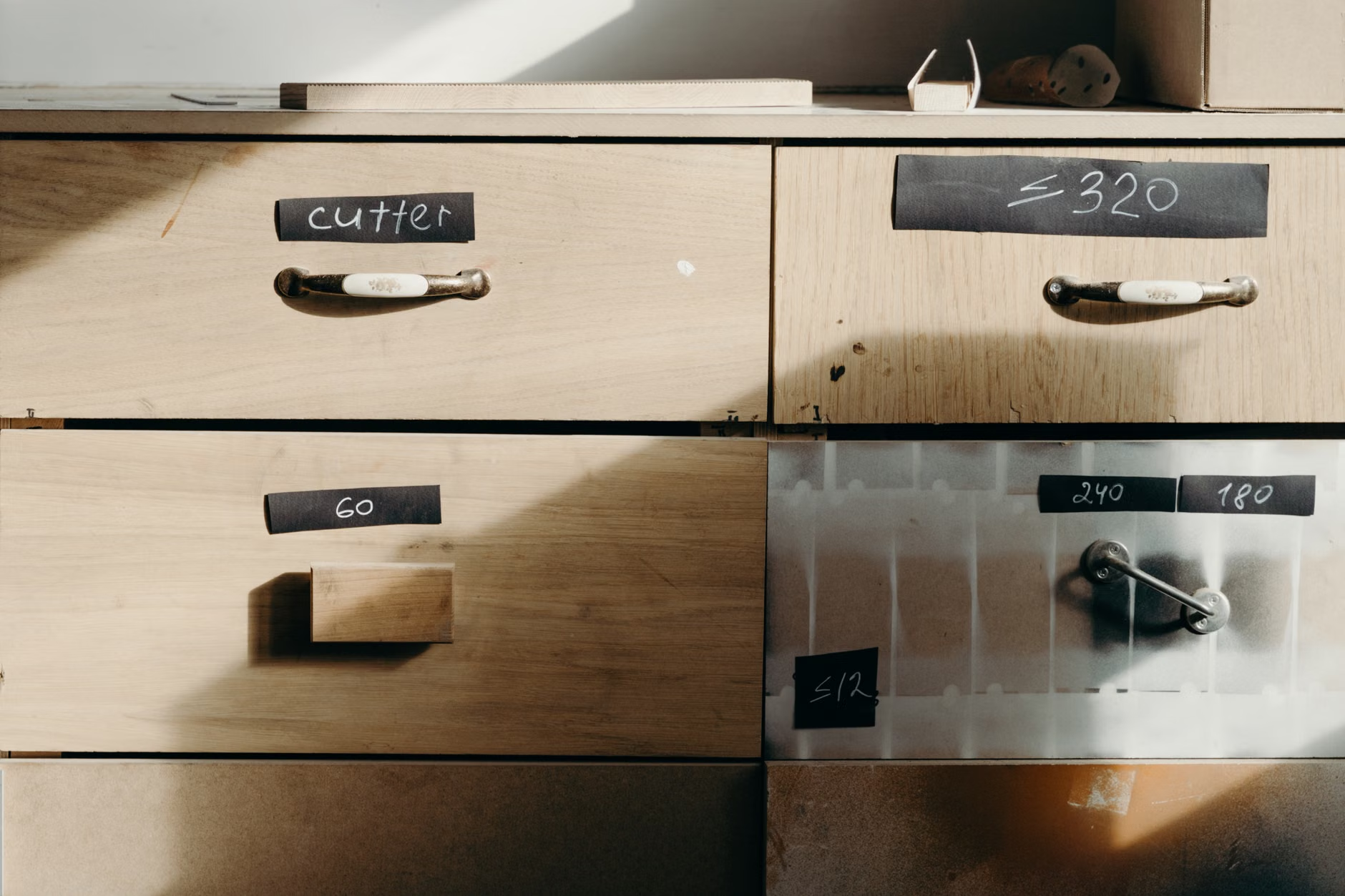
Clear plastic bins are popular, but for a child who struggles with distraction, clear bins are a trap. They allow the child to see the contents of every container, which acts as a constant visual cue to “play with the markers” or “organize the paperclips” instead of doing the work. Use opaque, solid-colored bins. Label them clearly with words or icons. If they can’t see it, they are less likely to be triggered by it.
3. Implementing the “Visual Timer” Rule
Time is an abstract concept for children. “Five more minutes” means nothing to a child who is struggling with impulse control. A visual, analog timer—one that shows a red disk shrinking as time passes—is a game-changer. It turns time into a physical object. Place this at the corner of the Work Zone. It allows the child to see their deadline approaching without having to ask you, “How much longer?”
| Feature | Common Mistake | Executive-Function Fix |
|---|---|---|
| Desk Surface | Covering with all subjects’ books | Only the current assignment visible |
| Storage | Clear containers showing supplies | Opaque containers with clear labels |
| Time Management | Verbal warnings or digital clocks | Analog visual timer in the Work Zone |
| Lighting | Harsh overhead glare | Task-specific warm light at desk level |
Managing the “Transition Friction”
One of the biggest hurdles in home-schooling is the transition between subjects. Moving from math to history requires a “cognitive reset.” If the desk is covered in math materials, the child will feel the “weight” of the math they just finished, which can make starting the next subject feel insurmountable.
The “Reset Ritual” is your secret weapon. Teach your child that the end of a subject is not complete until the “Reset” is done. This involves three simple steps:
- Clear the Zone: Return all math materials to their designated opaque bin.
- Sanitize the Surface: Wipe the desk down (this acts as a sensory “break” for the brain).
- Deploy the Next Task: Take out only the materials needed for the next subject.
This ritual serves a dual purpose. It provides a structured break between tasks, allowing the brain to “switch gears,” and it ensures that when they sit down for the next subject, they are greeted by a clean, inviting space rather than a reminder of work they haven’t finished yet.
Addressing Common Misconceptions About Desk Setup
Many parents believe that a “fun, colorful desk” encourages learning. While a welcoming space is good, “fun” often translates to “distracting.” If the desk is covered in stickers, posters, or colorful gadgets, you are essentially asking your child to work in a toy store. Keep the desk area neutral. Save the colorful decor for the rest of the room, but keep the workspace itself professional and calm.
Another common mistake is the “all-in-one” approach. Some parents buy large desks with built-in shelves above the surface. While this looks efficient, it often leads to a “wall of stuff” directly in front of the child. If your desk has built-in shelving, ensure that the shelves are either empty or used for items that are not needed during the school day. If you must use them, use curtains or cabinet doors to hide the contents.
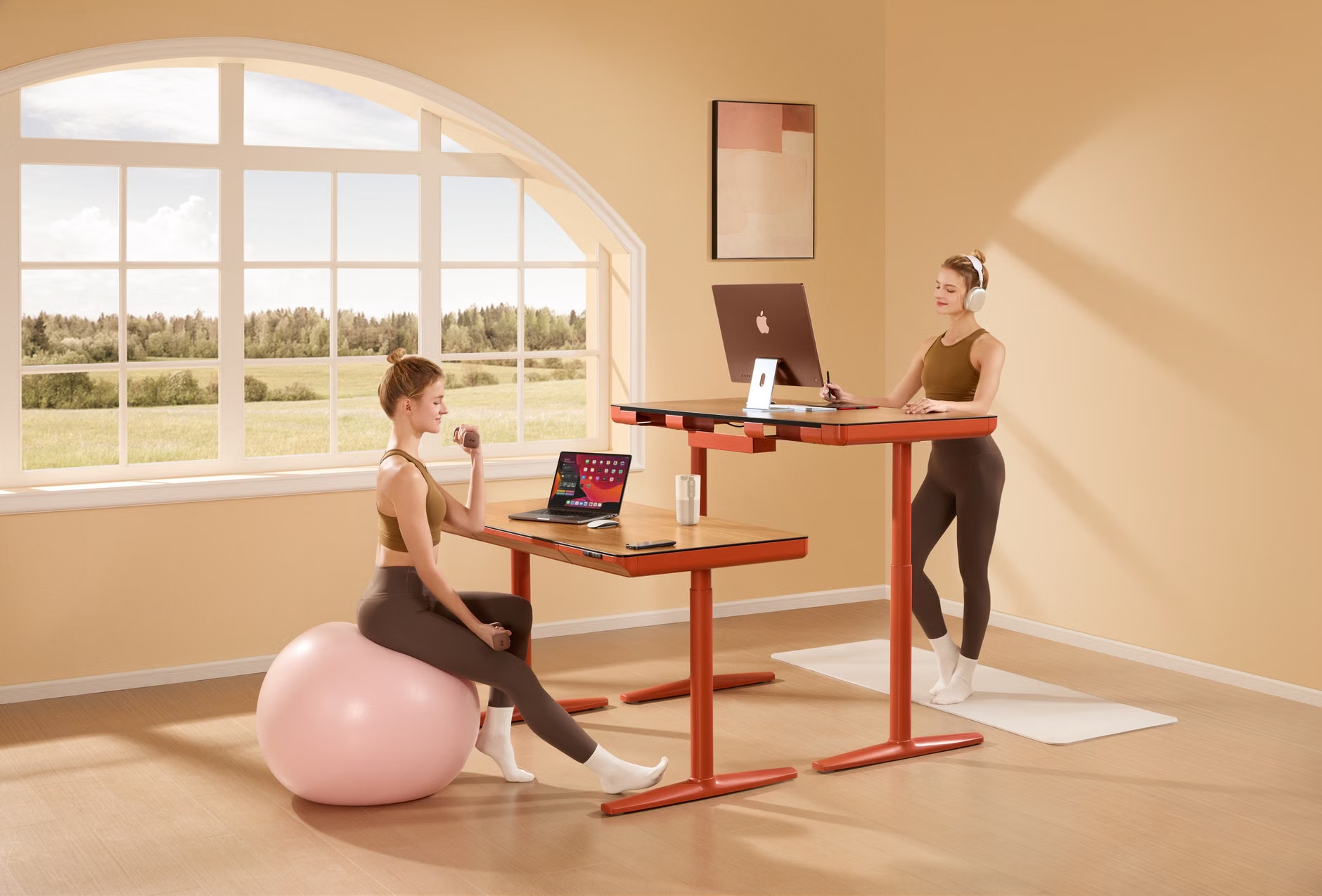
The Ergonomic Variable: Never underestimate the importance of feet placement. If a child’s feet are dangling, they are using core muscles to stabilize themselves, which diverts energy away from their brain. Ensure their feet are flat on the floor or on a footrest. A simple, inexpensive adjustable footrest can significantly improve a child’s ability to stay seated and focused for longer periods.
The Hidden Cost of “Convenience”
We often try to make things “convenient” by keeping everything within arm’s reach. While this reduces physical movement, it can actually hurt executive function. If everything is within reach, the child never has to pause, look up, or take a breath. Sometimes, a little bit of physical movement is necessary to break the “zombie mode” of staring at a screen or a book. If you find your child is getting too restless, consider moving the “storage zone” just a few steps away from the desk. This forces them to stand up and move, which acts as a natural reset for the brain.
Also, consider the “input” side of the desk. Does your child have a comfortable place to put their completed work? A “Done” tray is essential. When a task is finished, it should be moved immediately to the “Done” tray. This provides a sense of accomplishment and clears the desk for the next task. If a child leaves their finished work on the desk, it acts as a “visual anchor” that makes them feel like they are never actually making progress.
Step-by-Step Implementation Guide for Parents
You don’t need to rebuild the room in a day. Start with these steps to transition your home-schooling setup into an executive-function tool:
Week 1: The Declutter Phase
Remove everything from the desk. Only put back the absolute essentials. If it hasn’t been used in the last three days, move it to a closet or a different room. This is the “Base State” of the desk.
Week 2: The Zoning Phase
Define the Work Zone with a desk mat or by simply using painter’s tape to mark off the area. Teach your child: “Everything inside this line is for the current task. Everything outside is for storage.”
Week 3: The Ritual Phase
Introduce the “Reset Ritual.” Practice it together for a few days. Make it a game. Who can clear the desk the fastest? Who can set up the next subject the most efficiently? By gamifying the process, you remove the negative association with “cleaning up.”
Week 4: The Tool Phase
Introduce the visual timer. Explain that it’s not a punishment, but a tool to help them know when they can take a break. If they finish before the timer, they get extra “free time.” This creates a positive feedback loop.
If you notice that your child is still struggling, check the “Environmental Noise.” Is there a TV on in the other room? Is there a window that looks out onto a busy street? Sometimes the best desk in the world cannot overcome a chaotic environment. If possible, orient the desk so that the child is facing a plain wall, not a window or a high-traffic area of the house.
Addressing Potential Challenges
What if your child refuses to use the system? This is common. Change is hard, and children often prefer the “familiar chaos” of their old habits. Don’t frame it as “I am changing your desk.” Frame it as “We are trying a new experiment to see if we can finish schoolwork faster so you have more time to play.”
If they struggle with the “Reset Ritual,” simplify it. Instead of a complex system, just use one bin. If it’s not in the bin, it’s not on the desk. Sometimes, the simplest rules are the most effective. The goal is not to create a perfectly organized office; the goal is to create a space that doesn’t fight against your child’s brain.
Remember that executive function is a muscle. Just like any other muscle, it needs training. By designing a desk that supports these skills, you are effectively “outsourcing” some of the work to the environment. You are setting them up to succeed by removing the obstacles that make failing so easy.
Final Thoughts on Long-Term Success
Ultimately, the goal of an executive-function desk is to eventually make itself unnecessary. As your child grows, they will learn to organize their own space, manage their own time, and create their own “zones” for productivity. By providing this structure now, you are teaching them the meta-skill of how to learn. You are showing them that their environment is not something that happens to them, but something they can control and manipulate to achieve their goals.
Be patient with the process. There will be days when the desk looks like a disaster area—and that is okay. The goal is not perfection; it is progress. If you can help your child reclaim even ten minutes of focus per day, you have succeeded. That is ten minutes of less stress, less arguing, and more productive learning.
For more information on executive function in a home-learning context, you may find the resources from the Center on the Developing Child at Harvard University helpful. They offer excellent, science-backed insights into how these skills develop and how to support them effectively.
Frequently Asked Questions
Q: Does the desk need to be expensive or high-end?
A: Absolutely not. In fact, expensive, overly complex desks can sometimes be more distracting. A simple, sturdy surface that is the correct height for your child is all you need. Focus your budget on good lighting and an ergonomic chair, not on the desk itself.
Q: My child has ADHD; does this approach still apply?
A: This approach is actually most effective for children with ADHD or other executive function challenges. The “zoning” and “reduction of visual noise” are core strategies for managing attention in a home-schooling environment. If your child struggles with sensory processing, consider adding a noise-canceling headset to their “storage zone” for times when they need to focus deeply.
Q: How do I handle the transition if we share the space?
A: If the desk is shared, use a “portable office” approach. Keep each child’s supplies in a dedicated, labeled bin that stays on a shelf. When it is their turn to work, they bring their bin to the desk. When they are finished, they put everything back in the bin and take it away. This keeps the desk “neutral” for the next user.
Stay consistent, keep it simple, and remember that you are building the foundation for their future independence.