The most effective way to end the “chore-nagging cycle” isn’t by buying another rigid app, but by building a flexible, low-code dashboard that adapts to your family’s actual rhythm.
- Low-code tools like Notion, Airtable, or Glide allow you to build a custom chore system without writing a single line of programming code.
- The “Invisible Load” reduction comes from shifting the responsibility of tracking chores from the parent’s brain to a shared, visible source of truth.
- Automation vs. Manual Entry: Successful family dashboards prioritize ease of use for children over complex data tracking for parents.
If you are in your 30s or 40s, you are likely familiar with the “mental load.” It’s that constant, low-level hum of anxiety about who needs to unload the dishwasher, which kid has soccer practice, and whether the dog was fed. Traditional paper chore charts get lost or ignored, and most family management apps are either too simplistic to be useful or so complex that nobody wants to touch them.
This is where the “low-code” revolution changes the game. By using platforms designed to let non-programmers build applications, you can create a bespoke dashboard that works exactly the way your family does. You aren’t just making a list; you’re building a system that delegates, tracks, and rewards.

Why Low-Code Beats Out-of-the-Box Chore Apps
Most commercial chore apps suffer from “feature bloat.” They are built for a generic family—usually one with two parents and two school-aged children—and they rarely account for the nuances of your specific life. Perhaps you need a system that integrates with your shared Google Calendar, or maybe you want to link chores to a specific allowance system that isn’t pre-configured.
Low-code platforms, such as Notion, Airtable, or Glide, act as a bridge between a spreadsheet and a full-fledged app. They allow you to define your own fields, set your own triggers, and design the user interface. When you build it yourself, you only include the features you actually use. This minimalism is the secret to getting family members to actually engage with the system.
The biggest friction point in household management is the ambiguity of expectations. “I thought you were going to do it” is the death knell of domestic harmony. A low-code dashboard provides a “Single Source of Truth.” When a task is assigned to a person, it sits in their view. There is no ambiguity. When you shift the responsibility of “reminding” from the parent to the dashboard, you effectively change the family dynamic from “Parent vs. Kids” to “Family vs. The Dashboard.”
Choosing Your Platform: A Comparative Analysis
Before you dive into building, you need to choose the right tool. Not all low-code platforms are built for the same purpose. Here is a breakdown of how the big three options compare for family use:
| Platform | Best For | Learning Curve |
|---|---|---|
| Notion | Visual organization, documentation, and lists. | Low |
| Airtable | Data-heavy tracking, complex automations, and reporting. | Medium |
| Glide | Creating a mobile-first app experience from a spreadsheet. | Medium-High |
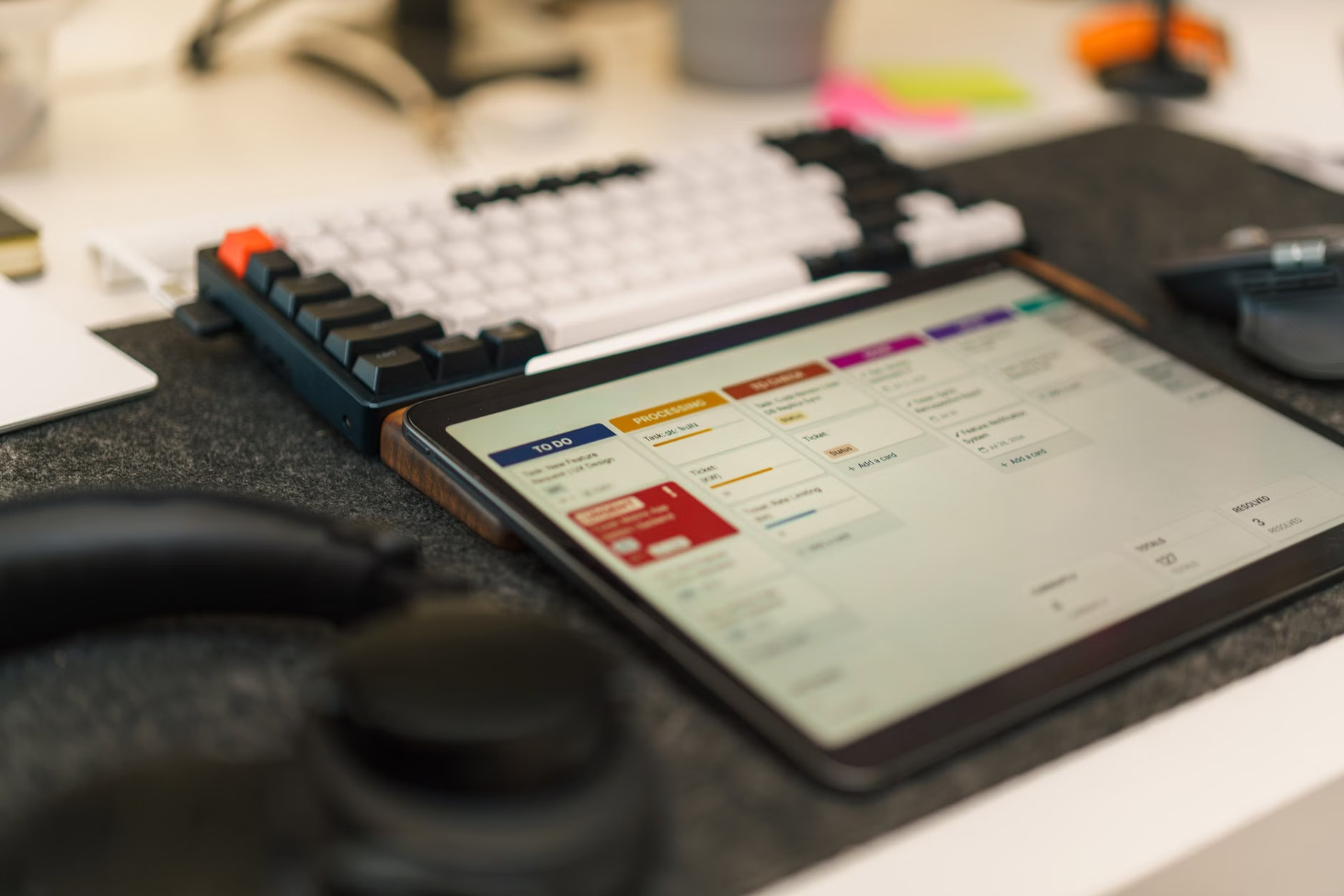
If you want something up and running by Sunday night, start with Notion. Its “Board” view functions like a Kanban board, which is perfect for visualizing chores as “To-Do,” “In Progress,” and “Done.” If you have a family that loves data and you want to track chore history over years, Airtable is the superior choice. If you want a dedicated app icon on your children’s phones that feels like a real product, Glide is your go-to.
Phase 1: Defining the Data Architecture (The “What”)
Before you drag and drop a single block, you need to map out your data. Don’t start by building the UI; start by listing your requirements. A common mistake is trying to track too much. Start with these four core data fields:
- Task Name: Keep it actionable (e.g., “Empty Dishwasher” instead of “Kitchen”).
- Assignee: Who is responsible?
- Frequency/Due Date: When does it need to happen?
- Status: Use a simple dropdown (Not Started, In Progress, Done).
Once you have these fields, think about the “hidden” logic. Do certain chores require a photo proof? Does the task reset automatically after it’s marked as done? In a low-code environment, you can set “Automations.” For example, in Airtable, you can create an automation that sends an email or a Slack/Discord notification to a family member when a chore is assigned or becomes overdue.
The “Child-Friendly” UI Design Rule
If your children are under 12, your dashboard must be visual. Use emojis for categories, color-coded tags for family members, and keep text to a minimum. If the interface looks like a spreadsheet, your kids will treat it like homework. If it looks like a game, they are far more likely to engage with it. Use large, tappable buttons and hide the “manager” settings behind a password-protected view so the kids don’t accidentally delete your entire database.
Phase 2: Building the Automation Engine
This is where the magic happens. Automation is the antidote to the “I forgot” excuse. Most low-code tools offer built-in automation builders. You want to focus on two specific types of triggers:
- Time-Based Triggers: Every Sunday night, the system should reset the “Status” of all recurring chores from “Done” back to “Not Started.” This prevents you from having to manually clear the board every week.
- Logic-Based Triggers: If a chore is marked “Done,” perhaps it triggers a notification to the parent, or increments a “points” column if you use a gamified allowance system.
A common pitfall: Over-engineering. Do not try to automate every single aspect of your life at once. Start with the chores that cause the most friction—usually the daily ones like dishes, trash, and pet care. Get those working perfectly for two weeks before you add “seasonal” chores like vacuuming under the couch or cleaning the windows.
Phase 3: Real-Life Implementation and Adoption
The best software in the world is useless if nobody uses it. The transition from “the way we used to do it” to “the new system” requires a family meeting. Do not frame this as a “productivity tool.” Frame it as a way to “get chores done faster so we have more time to hang out.”
The “One Week” Pilot Test
Run your dashboard as a pilot program for seven days. During this week, encourage feedback. If your teenager says the interface is confusing, change it. If your spouse finds the alerts annoying, adjust the frequency. The beauty of a low-code dashboard is its malleability. It is not set in stone; it is a living document that grows with your family.
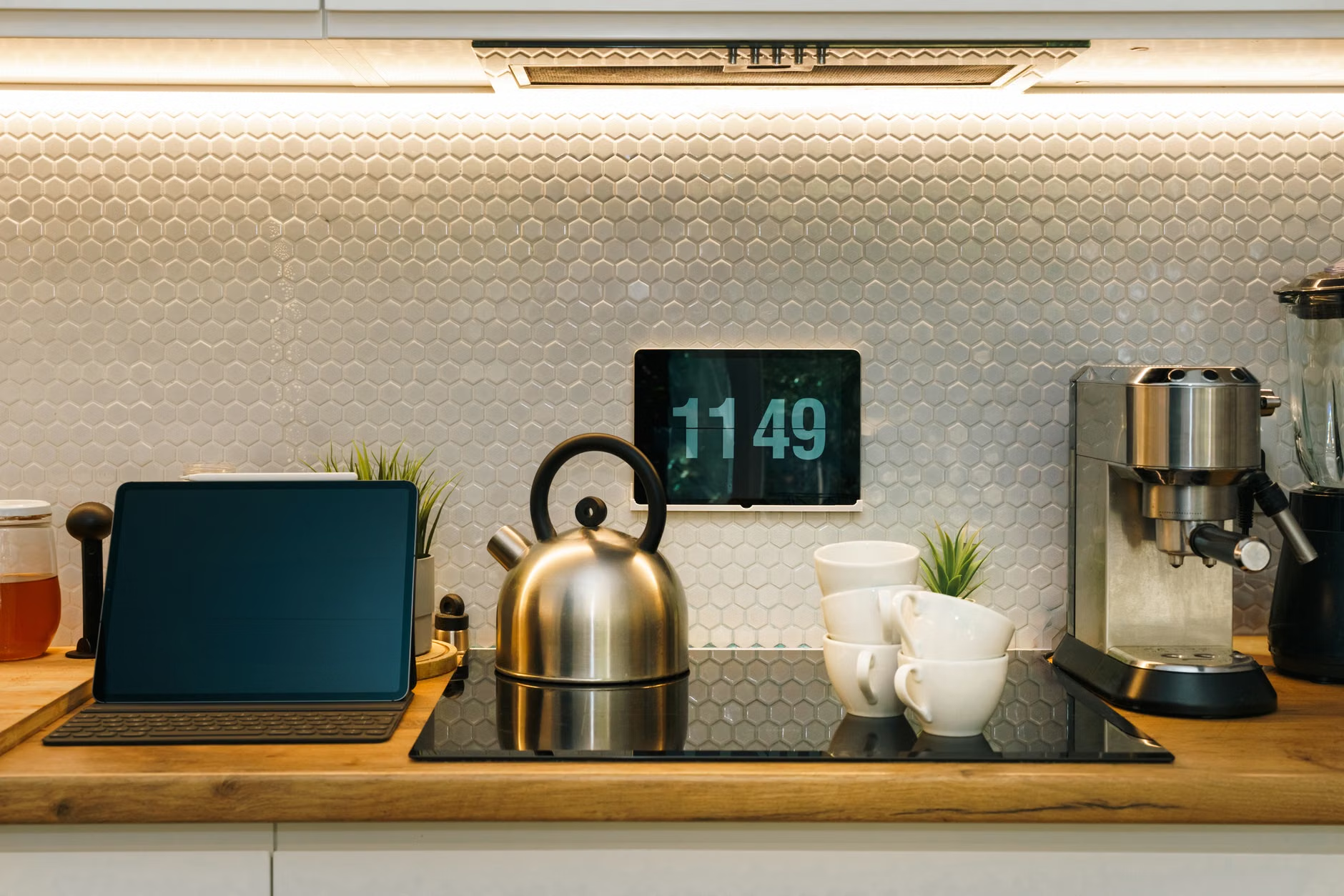
Consider placing a dedicated tablet in a high-traffic area, like the kitchen or near the front door. This turns the dashboard into a “Command Center.” It is physically present and serves as a constant, non-verbal reminder of what needs to be done. By making the data accessible in a shared physical space, you eliminate the “where is the list?” excuse entirely.
Refining Your System: Advanced Tips
Once you have the basics down, you can start adding “Advanced Logic.” For example, you can introduce a “Difficulty Rating” for chores. A chore like “mowing the lawn” might be worth 10 points, while “setting the table” is worth 1. This creates a fair system for allowance or rewards that you can track directly within the dashboard.
Another advanced feature is the “Conditional View.” You can create a view that only shows “Today’s Tasks.” This prevents family members from being overwhelmed by a list of 50 things they need to do this month. By filtering the view, you ensure they only see what is relevant to them, right now. This is a powerful psychological trick for reducing anxiety and increasing focus.
The Hidden Cost of Maintenance
While low-code platforms are powerful, they are not “set it and forget it.” You should allocate about 15 minutes once a month to “system maintenance.” Check that your automations are still firing correctly, update the chore list to reflect new family needs (like a new pet or a change in school schedule), and archive completed tasks so the database doesn’t become bloated and slow.
What happens when the system fails? What if the internet goes down, or you accidentally delete a task? Always have a “Plan B.” A simple whiteboard in the kitchen for emergency tasks or major schedule changes is a great safety net. Technology is there to supplement human organization, not to replace the need for clear, face-to-face communication. If the dashboard is causing more arguments than it is solving, pause, step back, and re-evaluate whether you have made the system too complex.
Remember that the goal is to reduce the “invisible load” of the primary caregiver. If you, as the parent, are spending more time managing the dashboard than you would have spent just doing the chores yourself, you have failed the objective. The system should be a net-positive in terms of time and mental energy. If it isn’t, simplify it immediately.
Key Takeaways for Long-Term Success
Building a low-code chore dashboard is an iterative process. You will start with a version that works, and over time, it will evolve into something that feels like it was tailor-made for your household. The key to success is consistency over complexity. A simple, ugly dashboard that everyone uses is infinitely better than a beautiful, complex one that everyone ignores.
Start small, involve the whole family in the design phase, and focus on removing the friction from the daily tasks that drive you crazy. By shifting from a parent-led model to a system-led model, you are not just delegating chores; you are teaching your children, and yourself, how to manage a household with clarity and intention.
Frequently Asked Questions
1. What if my family members refuse to use the digital dashboard?
Refusal usually stems from the system being too difficult to use or feeling like a “surveillance” tool. Ensure the system is incredibly easy to access and frame it as a tool for “earning rewards” or “freeing up time” rather than a tool for monitoring their every move. If they still resist, start by making only one or two tasks digital and keep the rest paper-based until they get comfortable with the digital interface.
2. Do I need to pay for these low-code platforms?
Most of these platforms (Notion, Airtable, Glide) offer generous free tiers that are more than sufficient for a single family’s needs. You only run into costs if you need advanced integrations, enterprise-level security, or massive data storage, none of which are typically required for a home chore dashboard.
3. How do I handle tasks that are “partially done” but not finished?
This is a common issue. In your dashboard, avoid a binary “Done/Not Done” status. Instead, use a “Progress” bar or a status dropdown with options like “Started,” “Waiting for Supplies,” or “Needs Inspection.” This allows for nuance and prevents the frustration of someone marking a task as “Done” when it was only half-finished.
For more information on the tools mentioned, you can visit their official help centers: Notion Help, Airtable Support, and Glide Documentation.