- Visual Load Reduction: Executive function relies on working memory; by clearing the desk surface of everything except the current task, you reduce cognitive friction and the urge to procrastinate.
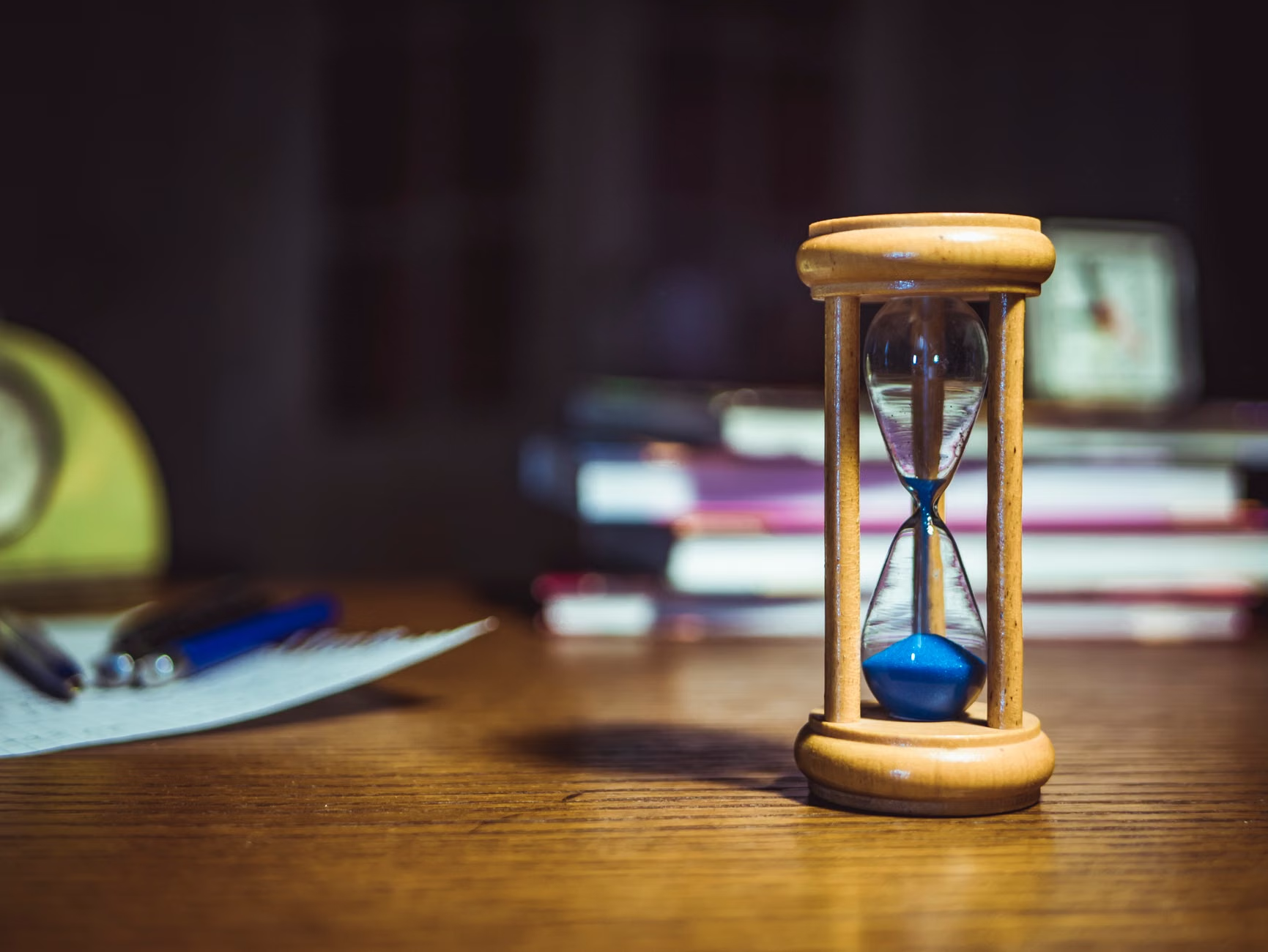
- Externalizing Time: Use analog visual timers rather than digital devices to help teens with ADHD or executive function challenges perceive the passage of time without being lured into digital distractions.
- Zoned Storage: Organize materials by “frequency of use” rather than category, placing daily essentials within arm’s reach and long-term storage in lower-access areas to prevent workspace clutter.
If you have ever walked into your teenager’s bedroom and felt like you were stepping into a physical manifestation of their brain—scattered, overwhelming, and slightly chaotic—you aren’t alone. As parents, we often think that a “study desk” is just a piece of furniture where a chair meets a flat surface. But for a teen navigating the complex demands of middle or high school, that desk is actually a cognitive cockpit.
Executive function refers to a set of mental skills that include working memory, flexible thinking, and self-control. When these skills are still developing, as they are throughout the teenage years, the environment plays a massive role in whether a student can successfully initiate and complete a task. If the desk is a mess, the brain often follows suit. Let’s look at how to build a setup that acts as an external support system for their brain.
The Cognitive Cost of Desk Clutter
Most of us underestimate the “visual noise” that a desk creates. When a student sits down to write an essay but is surrounded by old craft projects, a pile of unread magazines, and a tangled mess of charging cables, their brain is forced to process all of that input. This is what psychologists call “cognitive load.” Every item in their peripheral vision is a potential distraction, a reminder of a task they haven’t finished, or a source of sensory overload.
For a teen with executive function challenges, the desk isn’t just a place to work; it’s a place where they often feel the most failure. If they struggle to organize their thoughts, a cluttered desk reinforces the idea that they are “messy” or “disorganized.” Instead of fighting their nature, we need to design a system that makes the “right” choice—starting the work—the easiest choice.
A high-functioning desk setup prioritizes clearance over capacity. The goal is to have the desk surface completely clear before a new task begins. This creates a psychological “reset button” that signals to the brain that it is time to shift gears from leisure to focus.
Step 1: Implementing the ‘Clean Slate’ Policy
The first rule of an executive-function desk is the “Clean Slate.” This is the practice of clearing the desk surface completely at the end of every study session. This isn’t about being tidy for the sake of aesthetics; it is about reducing the barrier to entry for the next day. If a student sits down and the first thing they have to do is clear off yesterday’s snack plates and loose papers, they have already burned through a portion of their limited “initiation energy.”
To implement this, you need a “landing zone” nearby. This could be a rolling cart or a designated shelf where items go when they aren’t in use. The desk surface should only hold what is needed for the current 45-minute block. If they are doing math, the English textbook goes into the landing zone. If they are studying for history, the calculator goes away.
Common Mistake: Many parents buy large desks with built-in hutch shelving. While these look great, they often encourage “stuffing.” A teen will shove papers into corners, creating a “hidden” mess that still contributes to anxiety. Instead, prefer a flat, open surface without elevated shelves that block the field of vision.
Step 2: Externalizing Time with Analog Tools
One of the hallmarks of executive function is “time blindness”—the inability to accurately perceive how much time has passed or how long a task will take. Digital clocks are often ignored, and phones are the enemy of focus. The solution is the analog visual timer.
A visual timer (often a circular disk that disappears as time passes) provides a concrete, non-abstract representation of time. When a student sees a red slice of time shrinking, they can physically see the deadline approaching. This is far more effective for the teenage brain than a number on a screen, which requires more cognitive effort to interpret.
Place this timer in the center of the desk, slightly to the side of their primary workspace. By making time a physical object on the desk rather than a concept in their head, you reduce the “time anxiety” that often leads to avoidance behaviors.
Step 3: Managing the Digital Infrastructure
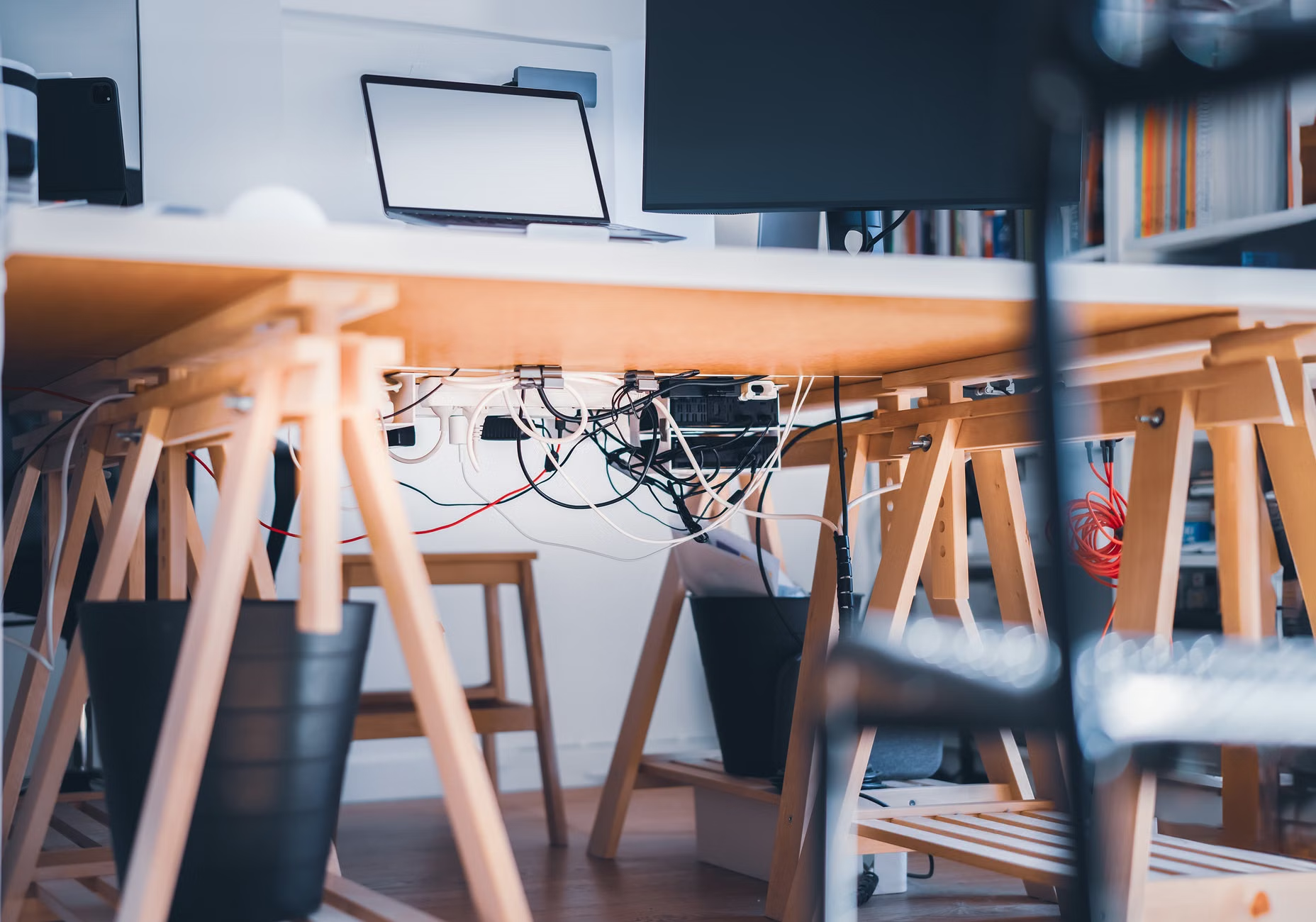
We cannot talk about teen desks without talking about cables. A tangle of wires is a visual representation of chaos. It creates a subconscious feeling that the workspace is “unmanaged.” Furthermore, if a phone is charging within arm’s reach, the temptation to check notifications is constant. Even if they don’t check it, the mere presence of the phone occupies a portion of their working memory—a phenomenon known as “brain drain.”
To address this:
- Cable Management: Use under-desk trays or simple Velcro ties to bundle wires. A single power strip mounted under the desk can keep everything tucked away.
- The “Phone Parking” Rule: The desk should be a “no-phone zone.” Create a charging station in a different part of the room, or at least at the far end of the desk, where the phone is out of the direct line of sight.
- Lighting: Use a warm, focused task lamp rather than a harsh overhead light. A dedicated lamp creates a “focus bubble” that helps the brain transition into a state of deep work.
Step 4: The Logic of Zoned Storage
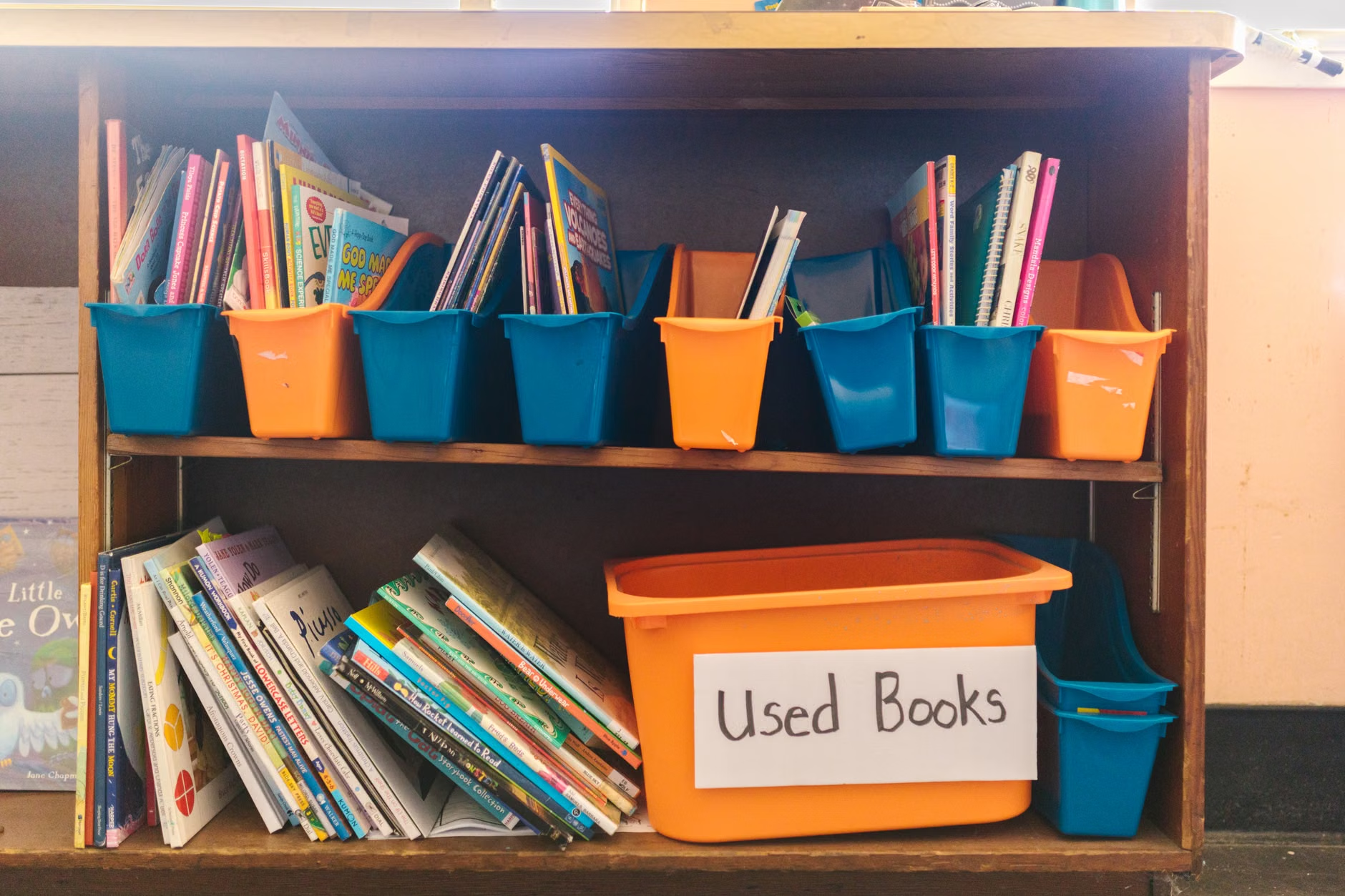
Storage should be categorized by frequency of use, not by subject. Most students store items by subject (Math bin, Science bin), but this requires them to know exactly what they need before they start. If they are forgetful, they end up dumping the entire bin to find one pencil.
Instead, use the following hierarchy for storage:
| Location | What to Store | Why? |
|---|---|---|
| Desk Surface | Current assignment, pen, visual timer. | Reduces cognitive load for the immediate task. |
| Top Drawer/Shelf | Daily essentials: calculator, ruler, highlighters. | Easily accessible for frequent tasks. |
| Lower Storage | Reference books, old notes, craft supplies. | Removes clutter from the visual field. |
By keeping the items they use every single day within reach and everything else tucked away, you build an environment that supports the brain’s natural workflow rather than fighting against it.
Step 5: Addressing the ‘Body-Brain’ Connection
Executive function is also tied to physical comfort. If a teen is slumping, they are more likely to lose focus. Conversely, if they are physically uncomfortable, they will constantly fidget, which breaks their concentration. A chair that supports good posture is not a luxury; it is a focus tool.
Ensure the desk height is appropriate for their stature. If their shoulders are hunched because the desk is too high, or they are leaning too far forward because it is too low, they will experience fatigue much faster. If you are using a standard chair, consider a footrest. Having feet flat on the floor or a stable surface provides a sense of grounding that helps the brain stay engaged.
Additionally, consider the “movement break” zone. If the room allows, keep a small space for them to stand up, stretch, or pace during their 5-minute break. Movement is the brain’s way of resetting its executive function. Encouraging them to move away from the desk during these breaks is just as important as the desk setup itself.
Beyond the Desk: The Hidden Variables
There are a few overlooked variables that often sabotage even the best-designed setups. The first is ambient noise. Many teens believe they can study with music, but for those with executive function challenges, lyrics can be a significant distraction. If they must have background sound, suggest “Brown Noise” or instrumental lo-fi beats, which provide a consistent, non-intrusive auditory floor.
The second is the color palette. While it is tempting to let teens decorate their space with posters and neon lights, high-contrast or high-clutter decor can be overstimulating. If your teen is easily distracted, suggest a “neutral zone” directly in front of their desk—a blank wall or a soft-toned bulletin board—to prevent their eyes from wandering to busy patterns while they are trying to think.
Finally, remember that consistency is not perfection. Your teen will have days where the desk becomes a disaster zone again. This is normal. The goal is to build a “reset ritual” into their week—perhaps every Sunday evening—where they spend 10 minutes clearing the desk, sharpening pencils, and organizing papers for the week ahead. This ritual itself is an executive function exercise.
Actionable Next Steps for Parents
If you are looking to overhaul your teen’s workspace, don’t try to do it all in one afternoon. Start by involving them in the process. Ask them, “What is the one thing about this desk that drives you crazy when you’re trying to work?” Their answer will tell you exactly where to start.
1. Audit the current space: Remove everything from the desk that hasn’t been used in the last 48 hours.
2. Define the zones: Establish the desk surface as a “work-only” area and the surrounding shelves as “storage” areas.
3. Install the support system: Add the visual timer, a dedicated cable management solution, and a “phone parking” spot.
Executive function is a skill set that is built through repetition and supportive environments. By curating their desk, you aren’t doing the work for them; you are providing the scaffolding they need to build their own capacity for focus. It is a small investment in their environment that yields significant dividends in their ability to manage the increasing demands of their academic and personal lives.
Frequently Asked Questions
Q: My teen insists on having their phone on the desk for music. Should I allow it?
A: It is generally better to avoid it. The phone is a primary source of dopamine-driven distraction. If they need music, try a dedicated MP3 player or an old device that doesn’t have social media apps installed. If they must use the phone, suggest they put it on “Do Not Disturb” and place it face down at the furthest edge of the desk.
Q: How often should we reset the desk?
A: Ideally, a “micro-reset” should happen at the end of every study session—just taking 30 seconds to clear the surface. A “macro-reset,” where you organize files and restock supplies, should be a weekly habit, ideally on Sunday night to prepare for the week.
Q: What if my teen has a small room and cannot fit a large desk?
A: Focus on vertical storage. Use wall-mounted shelves or a pegboard system above the desk to keep the flat surface clear. The goal is to maximize the usable workspace, not the total furniture footprint. Even a small desk can be highly effective if it is kept clear of everything except the task at hand.
For further reading on how environments impact cognitive performance, you can explore resources from the Children and Adults with Attention-Deficit/Hyperactivity Disorder (CHADD) organization, which offers evidence-based strategies for managing study spaces for neurodivergent students.