- Peak-Time Pricing: Most global utility providers are shifting to time-of-use (TOU) billing by 2026; shifting your heaviest computing tasks to off-peak hours can reduce your monthly bill by up to 15-20%.
- Smart Load Management: Investing in smart plugs and automated energy monitors is no longer a luxury but a necessity to prevent ‘vampire power’ drain during your non-working hours.
- Hardware Efficiency: Moving from older desktop towers to modern, power-sipping laptops or mini-PCs is the single most effective way to lower your baseline energy consumption while working from home.
If you have noticed your electricity bill creeping upward every month despite your best efforts to turn off the lights, you aren’t imagining it. As we move deeper into 2026, global energy markets are undergoing a fundamental structural shift. Governments and utility providers are moving away from flat-rate pricing toward dynamic, time-of-use tariffs that reflect the real-time cost of generating and distributing electricity. For those of us working from home, balancing kids’ school schedules with our own professional output, this isn’t just an administrative annoyance—it is a direct hit to our household budget.
This article isn’t about saving a few cents by switching off a lightbulb. It is about understanding the systemic changes in how we are billed for the energy that keeps our home offices running and how we can adapt our daily habits to stay ahead of these rising costs.

Understanding the 2026 Shift: Why Your Bill Is Changing
For decades, many of us were accustomed to tiered pricing: the more you used, the more you paid per unit. However, the 2026 energy landscape is defined by Dynamic Load Balancing. Because renewable energy sources like wind and solar are intermittent, utility providers are now charging more during ‘peak’ hours—typically when the sun goes down and everyone in the neighborhood plugs in their devices and turns on their heaters or air conditioners—and significantly less during off-peak hours.
In regions like the EU, Australia, and parts of North America, this is becoming the standard. If you are working a standard 9-to-5, you are likely consuming the bulk of your home’s energy exactly when electricity is at its most expensive. This is the primary driver of the sudden, sharp increases in household energy bills that many families are reporting this year.
The “Vampire Load” Problem in Modern Home Offices
Even when you aren’t actively using your computer, your home office is likely consuming power. This is known as standby power or ‘vampire load.’ In 2026, with the proliferation of smart home devices, high-speed routers, NAS (Network Attached Storage) drives, and secondary monitors, this cumulative drain has increased. A typical home office setup can consume between 50 and 150 watts even when in sleep mode. Over the course of a month, this adds up to a significant amount of electricity that you are paying for at peak-time prices.
To combat this, you need to audit your setup. Are your monitors staying in standby mode all night? Is your printer drawing power just to stay connected to the Wi-Fi? These are the silent killers of your energy budget.
Strategic Hardware Adjustments: Efficiency Over Power
There is a persistent myth that you need a high-powered desktop tower to be productive. While that might be true for video editors or software engineers, for the vast majority of us managing emails, spreadsheets, and video calls, a modern laptop is far more efficient. In 2026, the performance-per-watt ratio has improved drastically.
| Device Type | Avg. Power Consumption | Energy Efficiency Rating |
|---|---|---|
| High-End Desktop Tower | 250W – 500W | Low |
| Modern Productivity Laptop | 30W – 65W | High |
| Mini-PC (e.g., Mac Mini/NUC) | 20W – 45W | Very High |
If you are still using a desktop machine from 2020 or earlier, you are likely paying a ‘legacy tax’ on your electricity bill. Switching to a modern, ARM-based processor or a highly efficient laptop can reduce your office energy footprint by over 70%. When you multiply that by 20 days of work per month, the hardware pays for itself in energy savings within 18 to 24 months.
Mastering Time-of-Use (TOU) Schedules
The most effective way to handle the 2026 tariff shift is to align your work habits with the grid’s availability. Most utility providers now offer an app that shows the ‘spot price’ of electricity. Your goal is to move energy-intensive tasks to the ‘valley’—those times when demand is low, and prices are at their floor.
Step-by-Step: Shifting Your Workload
- Identify Peak Hours: Check your provider’s website. Usually, peak hours are 4 PM to 9 PM.
- Batch Processing: If you need to perform heavy tasks like large file exports, cloud syncing, or system updates, schedule them for before 8 AM or after 9 PM.
- The ‘Coffee Break’ Rule: If you are working during peak hours, keep your secondary devices (printers, secondary monitors, external drives) unplugged. Only connect what you absolutely need for the next hour.
This isn’t just about saving money; it’s about participating in a more stable energy grid. When you shift your usage, you are helping to prevent grid strain, which, in many jurisdictions, actually qualifies you for ‘demand response’ rebates or lower tier pricing.
The Role of Smart Home Automation
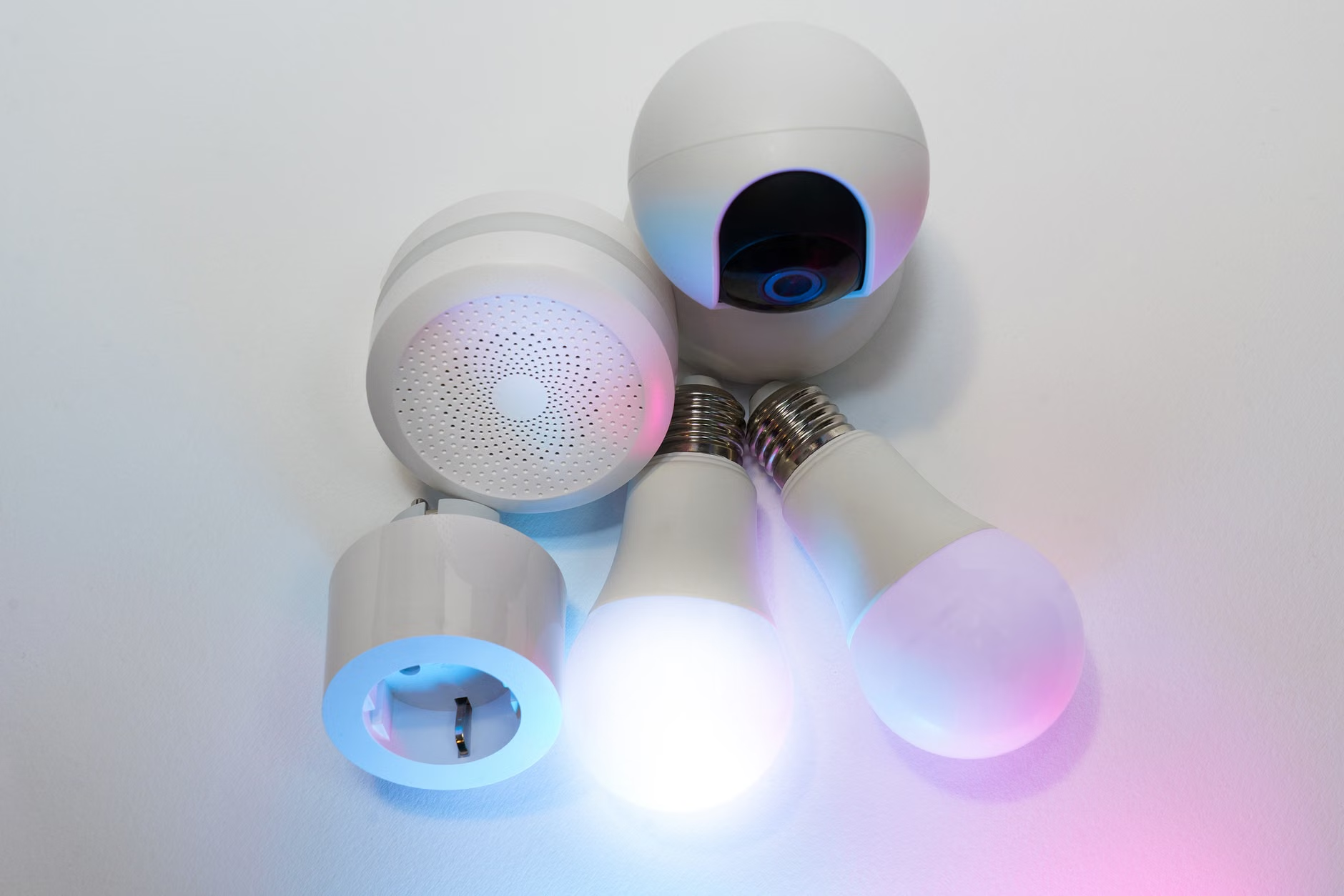
We are well past the stage where ‘smart home’ was just about voice-controlled lightbulbs. In 2026, smart automation is a cost-management tool. A smart plug is essentially an automated gatekeeper. By setting up a routine that cuts power to your entire office circuit at 6 PM, you eliminate the risk of forgetting to turn off a power-hungry device.
Common Mistake: Many people use smart plugs but leave them on ‘always-on’ schedules. The true value lies in using the IFTTT (If This Then That) or native app automation to sync your office power with your work calendar. If your calendar says you are done at 5 PM, the smart plug should kill the power to your peripherals at 5:05 PM.

Addressing the Lighting and Climate Control Trade-off
Working from home in 2026 means we are also responsible for our own environment. Lighting and climate control are the largest non-computing energy drains. If you are working in a room with poor natural light, you might be tempted to use overhead halogen or incandescent bulbs. Replacing these with high-CRI (Color Rendering Index) LED bulbs is a non-negotiable step.
Regarding climate control: if you are working in a large room, do not try to heat or cool the entire space. Use a localized heating pad or a high-efficiency fan. The difference in wattage between a space heater (1,500W) and a heated desk mat (50W) is massive. By focusing on heating your body rather than the air around you, you can significantly reduce your daily energy consumption during the winter months.
Long-term Planning: Is Off-Grid Potential Real?
You might be wondering if installing solar panels or home battery storage is the ultimate solution. For a family in their 30s or 40s, this is a significant capital expenditure. If you own your home and plan to stay for more than five years, the ROI (Return on Investment) in 2026 is increasingly attractive due to government subsidies for battery storage. However, do not view this as a ‘get out of jail free’ card. Even with solar, you still need to manage your load because battery capacity is limited. If you drain your battery during the day, you will be forced to draw from the grid during the expensive evening peak hours.
Practical Decision-Making Criteria
When deciding which energy-saving measures to prioritize, use the following hierarchy:
- Priority 1: Behavioral Changes (Zero Cost). Shifting your work hours and manually unplugging devices.
- Priority 2: Low-Cost Hardware Upgrades. Replacing bulbs, buying smart plugs, and using efficient power strips.
- Priority 3: Major Hardware Upgrades. Replacing your primary computer or monitors.
- Priority 4: Infrastructure Investment. Solar panels and home battery systems.
Start with Priority 1 and 2. Most people find that by simply changing their habits and adding a few smart plugs, they can reduce their office energy consumption by 25% without spending more than $100.
Final Thoughts on the 2026 Energy Future
The transition to dynamic energy tariffs is a reality we must navigate. It can feel like an extra layer of stress in an already busy life, but once you set up your automated routines, the effort becomes minimal. By treating your energy usage with the same intentionality you apply to your work projects, you can insulate your household budget from the volatility of the global energy market. Start by checking your utility provider’s peak-time schedule today—knowledge is the first step toward taking back control of your monthly bills.
For more information on local energy regulations and how to read your bill, visit your national energy regulatory body’s website (e.g., Energy.gov in the US or the European Commission’s Energy portal).
Frequently Asked Questions
1. Does using a smart plug actually save enough money to cover its cost?
Yes, if you have multiple peripherals. A smart plug typically costs around $15–$20. If it prevents 50W of vampire power draw for 12 hours a day, it saves you roughly 18kWh per month. Depending on your local rates, it pays for itself in less than a year.
2. Should I keep my computer on all day or turn it off during lunch?
If you are away for less than an hour, keep it in ‘Sleep’ mode. If you are away for more than two hours, shut it down completely. Modern computers use very little power to ‘wake’ from sleep, but keeping them running during long breaks is a waste of energy.
3. Are ‘Energy Star’ ratings still relevant in 2026?
Yes, but look for the specific year of the rating. Efficiency standards are updated regularly. A device that was ‘Energy Star’ compliant in 2020 might be significantly less efficient than a 2026 model. Always check the annual estimated energy cost label on the product packaging.
Disclaimer: This article provides general guidance based on common 2026 energy trends. Specific energy tariffs and government incentives vary significantly by country and region. Always consult your local utility provider for the most accurate information regarding your specific service plan.