- Modular-tech desks are defined by their ability to reconfigure, not just adjust height; prioritize frames that support aftermarket attachments like monitor arms, pegboards, and cable trays.
- For parents working from home, the “hidden-in-plain-sight” approach—using modular shelves and fold-away panels—is more effective for mental boundary-setting than dedicated office rooms.
- When investing, the frame longevity outweighs surface aesthetics; ensure your desk uses a standard mounting pattern (often VESA or universal clamp-compatible) to avoid becoming obsolete in three years.
If you are in your 30s or 40s, your home office is rarely just an office. It is a command center for your career, a homework station for your children, a late-night gaming nook, or a place to pay bills while the laundry cycles. The traditional “static” desk—a heavy slab of wood on four immovable legs—is an artifact of a different era. Today, the “modular-tech” desk has emerged as the essential upgrade for those of us living in high-traffic, multi-functional homes.
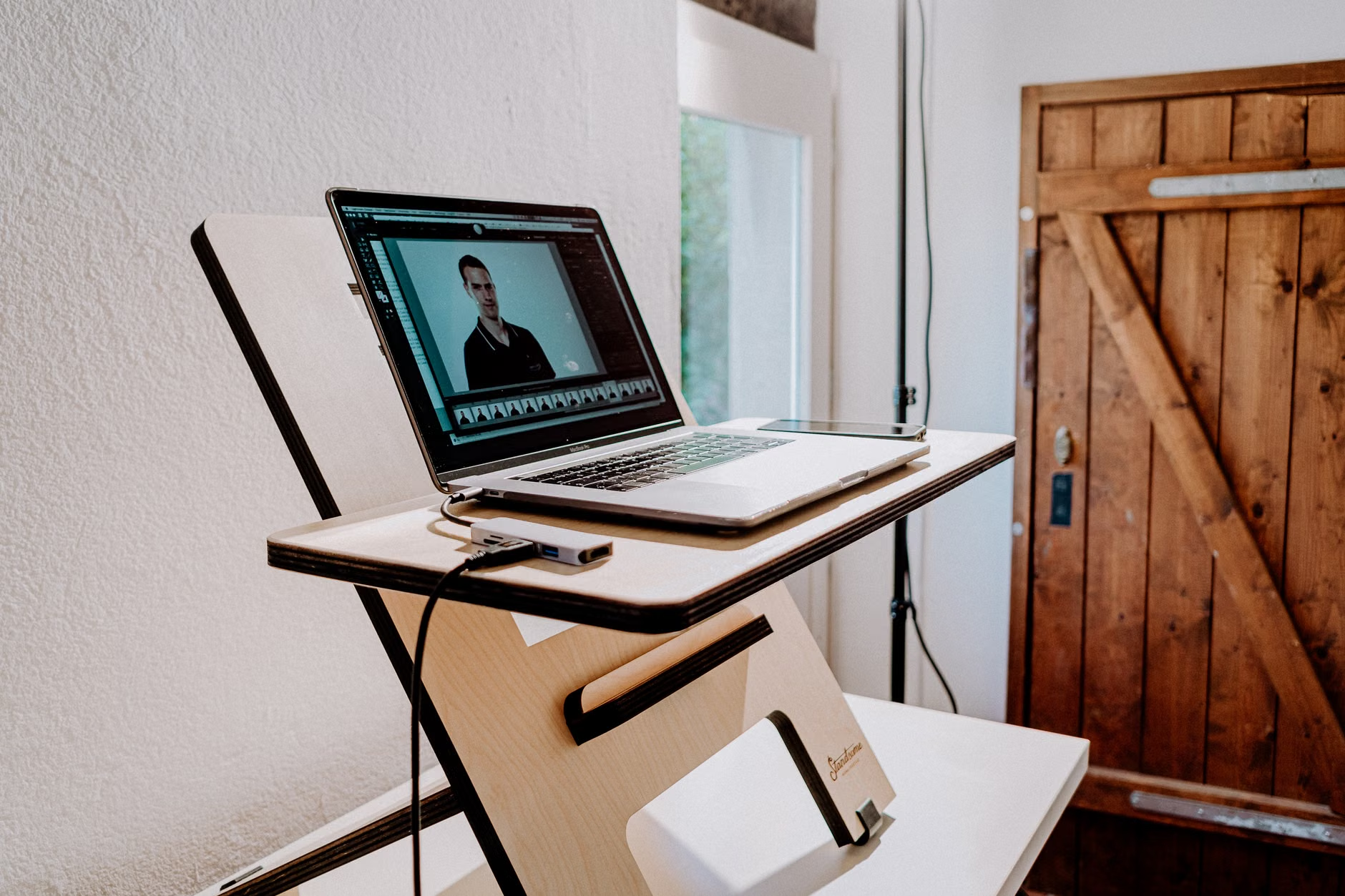
Why Static Desks Are Failing Your Dynamic Lifestyle
We often think of a desk as a piece of furniture, but in a modern household, it is a piece of infrastructure. If your current desk is a fixed-height, non-expandable unit, you are likely experiencing what I call “the friction of clutter.” This happens when your work tools, personal devices, and family items compete for the same square footage. When you cannot move your equipment, you end up working around the mess instead of working through your tasks.
The core problem with traditional desks is their inflexibility. They are designed for one purpose and one user. However, your life in your 30s and 40s is defined by transitions. You might start your day with a focused deep-work session, pivot to a video call, and then clear the space for your child to do an art project by 4:00 PM. A modular-tech desk is designed to facilitate these transitions through interchangeable components.
What makes a desk “modular-tech”? It isn’t just about having a motor for height adjustment. It is about a chassis-based design philosophy. This means the frame of the desk is built with standardized attachment points, allowing you to add or remove components—such as privacy screens, cable management spines, headphone hooks, or even secondary surface tiers—without needing a drill or a master’s degree in carpentry.
The Anatomy of a Future-Proof Modular Desk
Before you commit to a purchase, you need to understand the three pillars of a true modular-tech system: the frame, the interface, and the power management. Many budget desks claim to be “modular” because they come with a hook or a drawer. That is not modularity; that is just an accessory. True modularity is about systemic compatibility.
1. The Frame: Stability and Standardized Mounting
The frame is the most important investment. Look for desks that utilize a C-leg or T-leg construction with pre-drilled, standardized mounting holes along the underside of the frame. This allows you to bolt on third-party accessories like monitor arms or cable trays that aren’t necessarily sold by the desk manufacturer. If the frame is proprietary—meaning it only accepts parts from one specific company—you are locked into their ecosystem, which often carries a “brand tax” on every upgrade.
2. The Interface: Beyond the Height Button
In your 30s, ergonomics are no longer a “nice to have”; they are a medical necessity for your back and wrists. A modular-tech desk should feature a programmable handset that isn’t just for height. The best systems integrate with smart home hubs or offer app connectivity. This might sound like a gimmick, but being able to set a “posture timer” that gently nudges the desk to move every 45 minutes can change your physical comfort levels significantly during a ten-hour workday.
3. Power Management: The Hidden Infrastructure
The biggest aesthetic killer in a home office is the “cable nest.” A modular desk should integrate power rails directly into the frame. Look for desks that feature a “trough” or a “channel” that runs the full length of the desk, capable of holding a power strip and managing surge protectors. This ensures that when you raise or lower the desk, your cables move with it, preventing the dreaded “accidental unplug” that happens when a cord gets pulled taut.

Comparing Your Options: What Actually Fits Your Needs?
It is easy to get lost in technical specs. Let’s break down the three most common types of desk setups for parents and professionals and see which one actually holds up over time.
| Desk Type | Best For | Key Trade-off |
|---|---|---|
| Fixed-Frame Modular | Small apartments, dedicated corners. | Limited surface expansion. |
| Motorized Standing Desk | Long hours, back health, focus. | Higher initial cost and maintenance. |
| Wall-Mounted Modular | Minimalist aesthetics, multi-use rooms. | Requires wall drilling; permanent. |
For most of us in our 30s and 40s, the Motorized Standing Desk is the clear winner for long-term health. However, don’t just buy the cheapest one you see on a marketplace. Check the “wobble factor.” A desk that wobbles at standing height is a desk you will eventually stop using. If you are a parent, check for “child-lock” features on the height controller. Yes, this is a real thing—children love buttons, and a motorized desk can be a dangerous toy if it doesn’t have a safety lock or collision detection.
Real-Life Application: Transitioning from Work to Life
Consider a hypothetical scenario: You work from 9:00 AM to 5:00 PM. Your desk is filled with a dual-monitor setup, a laptop dock, and a mechanical keyboard. At 5:30 PM, your child needs the table for a LEGO build or a school project. If you have a modular setup, this transition takes less than two minutes. You raise the desk to a “standing” height or push it against the wall, use a magnetic cable clip to snap your main wires out of the way, and attach a secondary “side tray” that holds your work files, leaving the main surface clear.
This is the “Modular-Tech” advantage. It isn’t just about the desk; it is about the workflow architecture. By having a desk that can physically change its shape or capacity, you are psychologically signaling to your brain that the “work” phase of the day is over. This boundary-setting is critical for preventing burnout, especially when your office is also your living room.
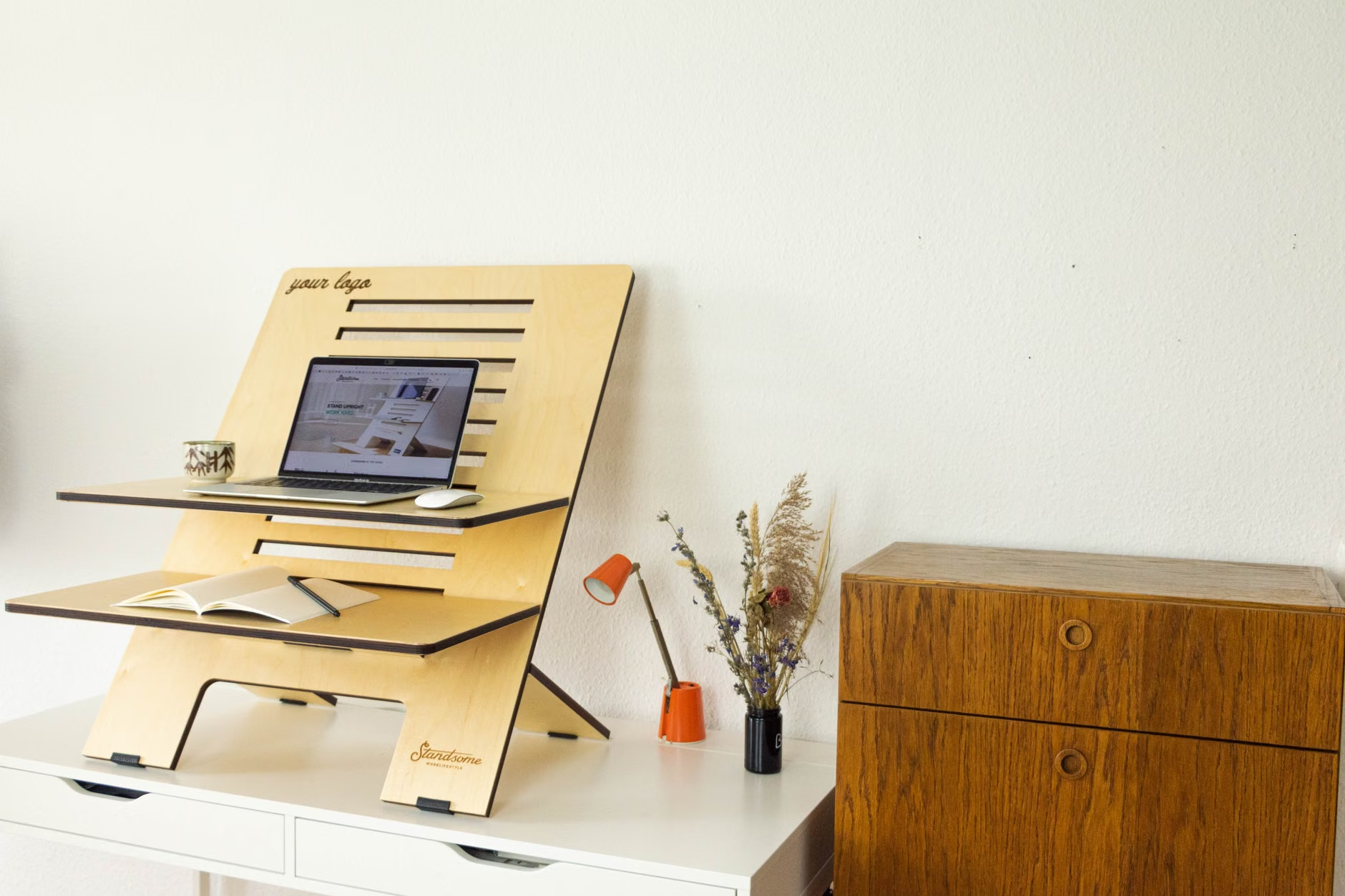
Common Mistakes to Avoid
I have seen far too many people spend $800 on a high-end desk only to ruin it with the wrong accessories. Here are the three most common pitfalls I encounter:
- Ignoring the Weight Capacity: People often forget that their monitors, heavy desktop towers, and even their own arms (when leaning) add up quickly. Check the motor’s lift capacity. If your total load is 100 lbs, don’t buy a 120 lb capacity desk. You want a 20-30% buffer to keep the motors from straining and failing prematurely.
- The “Wall-Hugger” Trap: If you place your desk against a wall, you often lose the ability to use clamp-on monitor arms or cable trays. Always leave a 2-inch gap between the back of the desk and the wall. This gap is the “utility zone” that makes a modular desk actually work.
- Prioritizing Surface Over Frame: You can always replace a desktop surface if it gets scratched or if you want a different color. You cannot easily replace a frame. Spend your budget on the metal, the motors, and the controller. The top is just wood or laminate—it is the least important part of the long-term equation.
The Hidden Costs and Maintenance Realities
When you buy into a modular-tech system, you are essentially buying a platform. This means you will likely spend an additional 15-20% of the desk’s cost on “ecosystem” items over the first two years. These include specialized cable sleeves, under-desk drawers, and potentially a better power strip. Budget for this upfront so you aren’t frustrated when you realize your new desk doesn’t have a place to put your pens.
Maintenance is also surprisingly simple but often overlooked. Every six months, take a moment to check the bolts. Because these desks move (especially motorized ones), vibrations can loosen screws over time. A quick tightening session once every half-year will double the lifespan of your desk. Additionally, if you have a motorized desk, ensure the “collision detection” is calibrated. Most modern desks have a simple reset procedure (usually holding the down button for 10 seconds) that resets the sensors. If you move your desk to a new room, always perform this reset.
Why This Matters for Your Mental Health
We often treat furniture as static, but our lives are fluid. In your 30s and 40s, you are likely managing more variables than ever before. If your physical environment is rigid, you will feel the pressure of that rigidity. A modular-tech desk provides a sense of agency. When you can physically change your environment to suit your current task, you feel more in control of your time and your space.
This isn’t about having the fanciest setup on social media. It is about reducing the cognitive load of your daily life. If you don’t have to spend five minutes clearing a desk or moving a pile of papers every time you need to switch tasks, you save 30 minutes of “friction time” every single day. Over a year, that is nearly 180 hours of reclaimed time. That is the real value of modular technology.
Final Recommendations for Your Next Step
If you are ready to upgrade your workspace, start by auditing your current desk. What is the one thing that annoys you most? Is it the cables? The height? The lack of space? Use that as your primary filter. If you are tight on space, look for a modular desk with a “c-frame” that offers more legroom. If you are a parent, prioritize a desk with a rounded edge (to prevent bumps) and a robust, child-proof controller.
Don’t fall for the “lifestyle influencers” who suggest you need a $2,000 setup to be productive. You need a stable frame, a reliable power management system, and the ability to add accessories as your life changes. Start with the frame, build your cable management first, and let the desk grow with your needs. Your future self—and your back—will thank you.
Frequently Asked Questions
1. Does a modular-tech desk really help with back pain, or is it just marketing?
It is not just marketing, but it requires active use. The benefit comes from the change in position, not just the standing itself. Research consistently shows that static standing is as bad as static sitting. The modular-tech desk is effective because it makes the act of switching between sitting and standing effortless. If you don’t actually trigger the motor to move, you won’t see the health benefits.
2. Can I use a modular desk if I have a very small apartment?
Absolutely. In fact, modular desks are often better for small spaces because they allow for vertical organization. By using a modular frame, you can attach shelves or monitor risers that move with the desk, effectively giving you “more desk” without increasing the footprint on the floor. Look for “compact modular” models that are specifically designed for 48-inch widths.
3. What if I buy a modular desk and the company goes out of business? Will I be stuck with a useless frame?
This is a valid concern. To mitigate this risk, stick to frames that use standard mounting patterns. If you buy a desk that uses a standard VESA-compatible mounting system or a universal clamping system for accessories, you will never be locked into a single brand. Always check the desk’s manual for “mounting compatibility” before purchasing to ensure it doesn’t use proprietary, non-standard screws or brackets.
For further reading on workspace ergonomics and health, you can visit the OSHA eTool for Computer Workstations, which provides excellent, science-backed guidelines for setting up a desk that prevents musculoskeletal injuries.