- Digital sovereignty is the right to own, control, and protect your family’s personal data, moving beyond passive acceptance of terms of service.
- You can reclaim control by auditing app permissions, opting out of data tracking, and implementing “data minimization” habits in your household.
- Protecting your children’s “digital shadow” now is a long-term investment that prevents future identity risks and privacy intrusions as they grow.
Your family’s digital sovereignty is not just about avoiding hackers or dodging viruses; it is about reclaiming the right to decide how your personal information is used, shared, and monetized by the tech giants you interact with every day. In your 30s and 40s, you are likely the primary “data manager” for your household, juggling school portals, smart home devices, streaming services, and social media. The convenience of these tools often comes with a hidden cost: your family’s behavioral patterns, location history, and preferences are being harvested as commodities.
Most of us treat “Terms and Conditions” as an obstacle to be clicked through as quickly as possible. But by doing so, we are effectively signing away our digital autonomy. Digital sovereignty is the proactive strategy of limiting your data footprint and demanding transparency from the platforms that host your life. It is not about living off the grid; it is about living on the grid, but on your own terms.

Understanding the Digital Shadow Your Family Leaves Behind
Every time you log into a grocery delivery app, sync your fitness tracker, or post a photo of a family vacation, you are creating a “digital shadow.” This shadow is a persistent, evolving profile of your family’s habits. For parents, this is particularly sensitive because your children are building these profiles before they are even old enough to understand the implications.
Data brokers aggregate this information to create predictive models. They don’t just know what you bought; they know when you are likely to be home, what your health concerns might be based on search history, and even the developmental stages of your children based on the educational apps they use. This is not just about targeted advertising; it is about the long-term commodification of your private life.
The first step toward sovereignty is acknowledging the “data asymmetry.” These companies have thousands of pages of documentation on how to process your data, while you have a single “Accept” button. To tip the scales, you must move from a state of passive consumption to active management. This starts with a simple audit: what apps actually need your location? Which services are tracking you across other websites? The goal is to shrink the surface area of your vulnerability.
The Practical Framework for Data Minimization
Data minimization is the gold standard of digital sovereignty. If you don’t share the data, it cannot be leaked, sold, or misused. This sounds simple, but in an era of “all-in-one” ecosystems, it requires a deliberate, step-by-step approach to how you configure your digital life.
1. Audit Your Account Permissions
Most mobile apps are “permission-hungry.” A simple flashlight app or a basic calculator often asks for access to your contacts, camera, and precise location. These are red flags. Go into your phone’s settings—whether iOS or Android—and check the “Privacy” or “App Permissions” menu. Systematically revoke any access that is not strictly necessary for the app’s core function.
Decision Rule: If an app asks for a permission that doesn’t make sense for its primary job (e.g., a photo editor wanting your contact list), deny it. If the app stops working, consider it a sign that the developer values your data more than your user experience. Find a privacy-focused alternative.
2. The “Guest” and “Limited” Strategy
When you sign up for a new service, you are often asked to link your Google or Facebook account for “convenience.” While it is faster, it creates a master key for that third party to access your core identity data. Whenever possible, use a dedicated email address or an “Hide My Email” service (like those provided by Apple or Firefox Relay) to create unique, disposable email addresses for different services. If that service gets breached, your primary inbox remains safe, and you can instantly identify which company leaked your data.

Protecting Your Children’s Digital Identity
One of the most overlooked aspects of family digital sovereignty is the “sharenting” phenomenon. Posting photos of your children, their school achievements, or their locations creates a digital history that they did not consent to. By the time they are 18, they may have a massive, public-facing data profile that they had no hand in creating.
To exercise sovereignty for your children, treat their data with more caution than your own. Avoid public social media posts that include their faces, full names, or school locations. Use encrypted messaging apps (like Signal) for sharing family photos with relatives rather than posting them on platforms that train AI models on user-uploaded images. This isn’t about paranoia; it is about granting your children the agency to define their own digital identity when they reach adulthood.
| Activity | High-Risk Practice | Sovereign Practice |
|---|---|---|
| Social Sharing | Public posts with full names/locations | Private group chats with limited audience |
| App Logins | “Sign in with Google/Facebook” | Unique account per service + Password Manager |
| Location | “Always Allow” for all apps | “While Using” or “Never” only |
Managing the “Hidden Costs” of Smart Home Convenience
Smart speakers, video doorbells, and connected thermostats make life easier, but they also turn your home into a data-collection node. The “hidden cost” here is that these devices are often “always-on.” Many manufacturers claim that audio is only recorded when the “wake word” is spoken, but the processing of this data often happens in the cloud, where it can be analyzed for marketing purposes.
To maintain sovereignty, look for “local-first” smart home devices. These are devices that process data locally on the hardware rather than sending it to a server. If you must use cloud-connected devices, check the privacy dashboard provided by the manufacturer. Most major tech companies (like Google, Amazon, and Apple) now provide a “Privacy Checkup” tool. Use it to automatically delete your voice recordings and location history every three months.
Common Mistake: Many families buy smart devices without reading the “Privacy Policy” regarding third-party data sharing. Some companies explicitly state that they share your data with “partners.” Always verify if you can opt out of this “partner sharing” in the account settings. If you cannot opt out, the device is not designed for your sovereignty.
Tools and Habits for the Long-Term
Digital sovereignty is a marathon, not a sprint. You don’t need to be a cybersecurity expert to make significant improvements. The following tools and habits are the baseline for a modern, privacy-conscious family:
- Password Managers: Stop reusing passwords. Use a reputable, encrypted password manager (like Bitwarden or 1Password) to generate and store unique, complex passwords for every single account. This prevents a breach at one site from compromising your entire digital life.
- Two-Factor Authentication (2FA): Enable 2FA on every account that offers it. Use an authenticator app (like Authy or Raivo) instead of SMS-based 2FA whenever possible, as SMS is vulnerable to “SIM swapping” attacks.
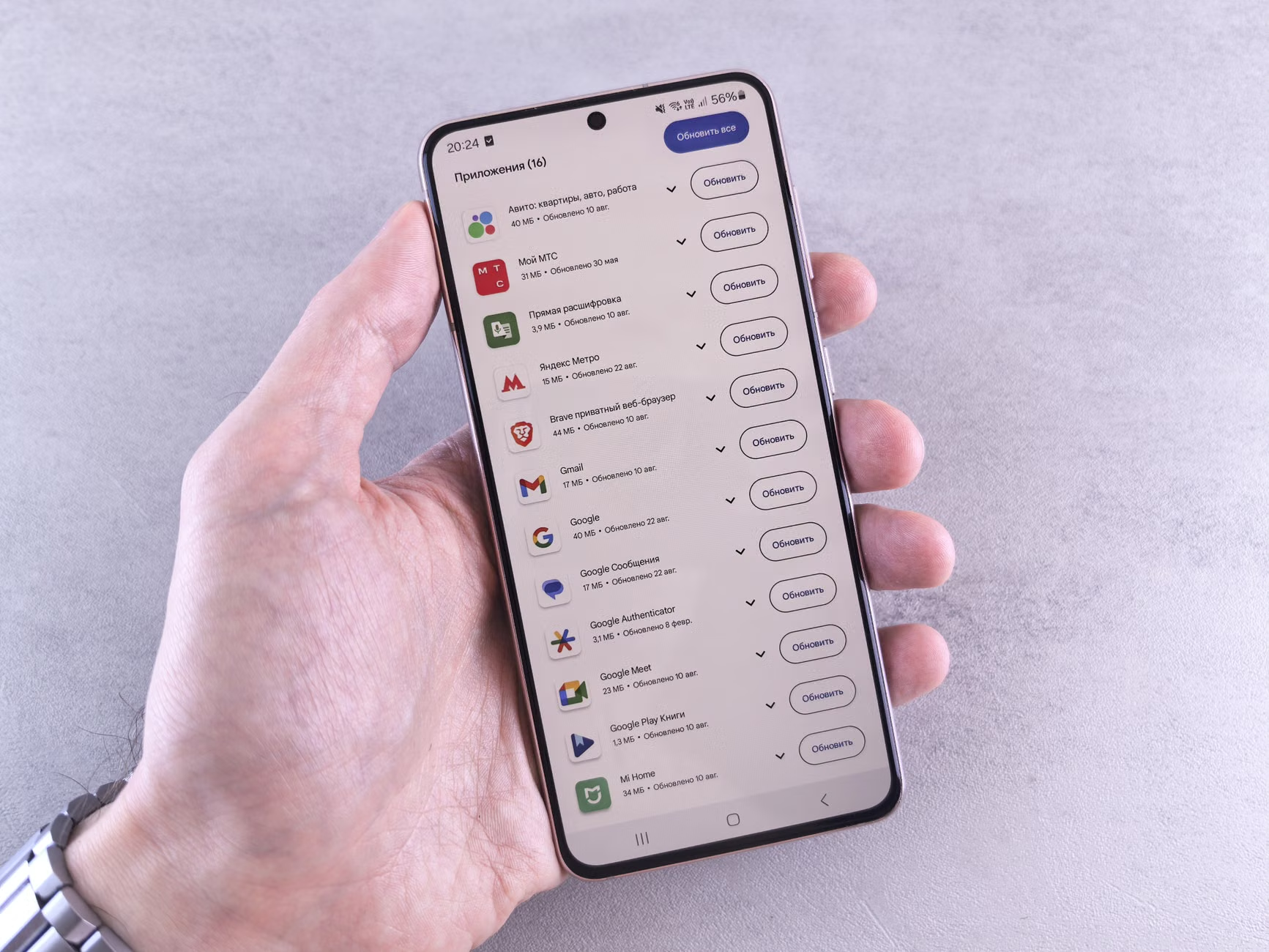
- Privacy-Focused Browsing: Consider using browsers like Brave or Firefox with privacy-enhancing extensions (like uBlock Origin). These tools automatically block the third-party trackers that follow you from site to site.
- DNS Filtering: Use a service like NextDNS or Cloudflare (1.1.1.1 for Families) at the router level. This can block tracking domains and malicious websites for every device connected to your home Wi-Fi, providing a layer of protection that doesn’t require individual configuration on every tablet or phone.
The Trade-Offs of Digital Autonomy
It is important to be realistic about the trade-offs. Choosing digital sovereignty often means losing some “frictionless” experiences. You might have to manually type in your address more often because you aren’t using an auto-fill service that tracks your every purchase. You might spend five minutes setting up a new device instead of one minute. You might find that some “free” apps simply don’t work if you refuse to give them access to your contacts.
However, this “friction” is actually the price of privacy. In the digital age, convenience is almost always a trade for data. By choosing to accept a little bit of friction, you are making a conscious decision to value your family’s data integrity over the convenience of a tech platform. This is a trade-off that pays dividends in the form of fewer targeted ads, less spam, and a significantly reduced risk of identity theft.
Establishing a Family Digital Governance Policy
Treat your family’s digital life like a business. Establish a “Digital Governance Policy” that is age-appropriate. For your children, this means clear rules about what information they can share and which apps they can install. For the adults, it means periodic “clean-up” sessions where you go through your accounts together, check for unused subscriptions, and review your privacy settings.
Make this a constructive, non-anxious process. It should be about empowerment, not fear. When you discuss these topics with your partner or children, frame it as “taking care of our digital home” rather than “hiding from the bad guys.” This positive framing encourages long-term adoption of better habits.
Moving Forward with Confidence
Digital sovereignty is ultimately about reclaiming the space between your personal life and the public digital infrastructure. You have the power to decide which parts of your life are shared and which remain private. By implementing these practical steps—minimizing data collection, auditing permissions, and securing your accounts—you are building a more resilient, private future for your family.
Start today by tackling one item from the list above. Perhaps it is enabling 2FA on your most important accounts or checking your location settings on your phone. Small, consistent actions are the most effective way to build a sustainable digital boundary. You are the architect of your family’s digital legacy; take the time to ensure it is built on a foundation of privacy and control.
Frequently Asked Questions
Q: Is it really possible to be completely “private” online today?
A: No, and attempting to be 100% private can lead to burnout. Instead, aim for “privacy-conscious” living. This means reducing your data footprint to a level where you are no longer an easy target for data brokers and advertisers, while still being able to participate in modern life.
Q: If I use a VPN, am I automatically protected?
A: A VPN (Virtual Private Network) only hides your IP address and encrypts your internet traffic from your ISP. It does not stop companies from tracking you once you log into their websites or apps. A VPN is a useful tool, but it is not a “magic bullet” for complete privacy.
Q: How do I talk to my children about digital privacy without scaring them?
A: Focus on “digital reputation” and “personal boundaries.” Explain that just as they wouldn’t share their home address or personal secrets with a stranger on the street, they shouldn’t share their location or private information with apps that don’t need it. Teach them that their digital footprint is a reflection of their personal space.
For further reading on data rights and privacy regulations, consult the official resources provided by the Federal Trade Commission (FTC) on Privacy and Security or the European Data Protection Board (EDPB) for global standards on data protection.