The most effective way to secure your smart home today is to choose devices that process video data locally on the hardware itself—a technology known as Edge-AI—rather than sending your private moments to a remote cloud server.
Key Takeaways
- Local Processing is Non-Negotiable: Edge-AI keeps your video data on the device, meaning it never leaves your home network, effectively eliminating the risk of cloud-based server breaches.
- Privacy Filters vs. Motion Detection: Modern privacy filters use on-device AI to mask faces or exclude private zones (like your neighbor’s yard) before any data is even recorded or transmitted.
- Hidden Costs of Cloud Subscriptions: Cloud-reliant systems often require monthly fees; Edge-AI devices usually have a higher upfront cost but zero ongoing subscription fees, saving you money in the long run.
If you are a parent in your 30s or 40s, you’ve likely felt that creeping sense of hesitation when installing a smart camera. You want the peace of mind that comes with knowing the kids are safe, but the idea of a server halfway across the world potentially hosting footage of your living room is, frankly, unsettling. We live in an era where “smart” often implies “connected to a giant database,” but the tide is turning toward local intelligence.
Why Cloud-Based Security is Becoming a Liability
For years, the standard for smart cameras was simple: the camera captures the video, and the video is uploaded to the cloud for processing. This allowed companies to offer “smart” features like person detection, package alerts, and facial recognition. However, this model creates a massive privacy bottleneck. Every frame of video recorded in your home is transmitted over the internet, stored on a third-party server, and analyzed by algorithms you have no control over.
When you rely on cloud-based processing, you are essentially outsourcing your security to a company’s server infrastructure. If that company experiences a data breach, or if their employees have unauthorized access to their internal tools, your private footage is theoretically at risk. For a parent, this isn’t just about data; it’s about the sanctity of your private family space. The “cloud” is just someone else’s computer, and when it comes to your home, you want the data to stay on your hardware.
Furthermore, cloud-based systems introduce latency. If your internet connection dips, your security camera might stop recording or fail to send that critical alert when a delivery person arrives. Edge-AI solves these issues by shifting the “brain” of the camera from the cloud to the device itself.
What Exactly is Edge-AI and How Does It Protect You?
Edge-AI, or Edge Computing, refers to the practice of performing data processing—specifically AI-driven tasks like object detection, facial recognition, or motion analysis—directly on the device (the “edge” of the network). Instead of sending a video stream to a server to ask, “Is this a person or a cat?”, the camera’s internal chip performs that calculation in milliseconds.
Because the AI is running locally, the raw video doesn’t need to leave your home to be analyzed. This is the “privacy filter” in action. Many modern, high-end cameras now allow you to set “Activity Zones” or “Privacy Masks” that are enforced at the hardware level. If you don’t want the camera to record your neighbor’s front door or the sidewalk, the AI can be set to ignore those pixels entirely before the image is even saved to your local storage.
The Real-Life Impact of Local Processing
Imagine you have a camera in your child’s playroom. With a standard cloud camera, every time your child moves, the camera sends a stream to the cloud to analyze the motion. With an Edge-AI camera, the device detects the motion, determines it’s a person, and only then decides whether to trigger an alert. If you’ve set a privacy mask over a window or a specific area, the device effectively “blinds” itself to that section of the frame. This isn’t just a software setting; it is a fundamental shift in how the hardware operates.
Comparing Cloud-Dependent vs. Edge-AI Security Systems
When you are shopping for home security, it is easy to get caught up in the marketing jargon. To make a smart choice, you need to look at the underlying architecture. The following table breaks down the differences in how these systems handle your data and your wallet.
| Feature | Cloud-Dependent System | Edge-AI (Local) System |
|---|---|---|
| Video Storage | Remote Cloud Servers | Local SD Card / Home Server |
| Privacy Risk | Higher (Server Breaches) | Lower (Data Stays Home) |
| Subscription | Usually Required | Optional or None |
| Internet Dependency | High (Requires Constant Link) | Low (Works Offline) |
As you can see, the Edge-AI model is significantly more robust for the privacy-conscious parent. While the initial investment might be higher—you are buying a more powerful chip inside the camera—the long-term benefits of no monthly fees and total data ownership are substantial.
Setting Up Your Privacy-First Home Security
Transitioning to an Edge-AI setup isn’t as complicated as it sounds, but it does require a different mindset regarding hardware. You aren’t just buying a camera; you are buying a local node in your home network.
Step 1: Choose Hardware with Local Storage Support
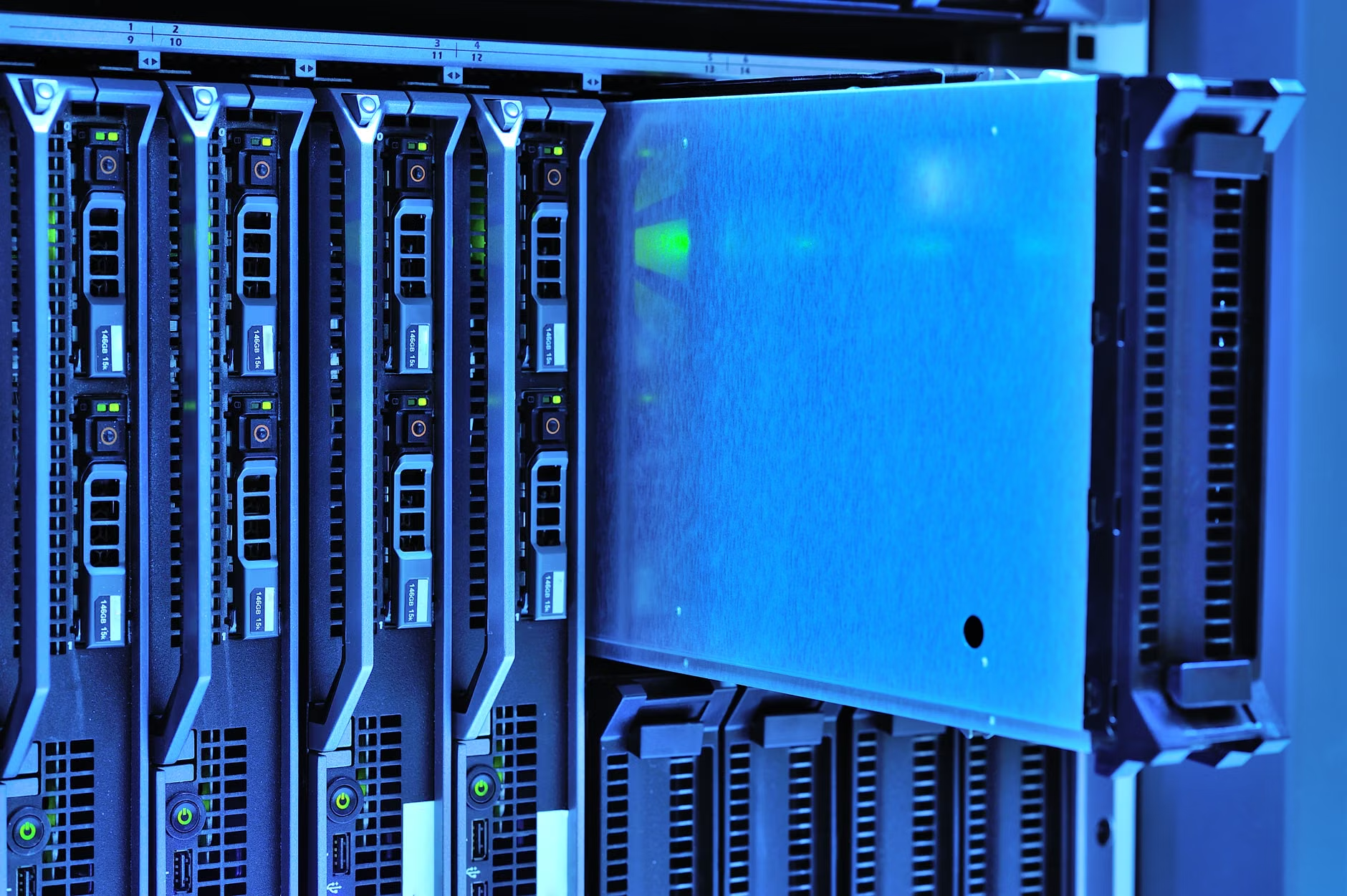
Look for cameras that specifically mention “Local Storage” or “NVR (Network Video Recorder) Compatibility.” If a product’s main selling point is its “Cloud Subscription,” skip it. You want hardware that gives you a slot for a microSD card or the ability to stream directly to a NAS (Network Attached Storage) device in your home.
Step 2: Configure Your Privacy Zones
Once your camera is installed, the first thing you should do is configure the privacy zones. Do not rely on the default settings. Spend ten minutes in the app testing the “motion masking.” Walk around your room and check the app to see if the camera is recording areas you didn’t authorize. If the camera has a physical privacy shutter—a mechanical cover that slides over the lens—use it when you are home. There is no software substitute for a physical barrier.
Step 3: Secure Your Network
Even if your camera is “Edge-AI,” it still needs to connect to your phone if you want to view the feed remotely. This means your home Wi-Fi is the weakest link. Ensure your router is running the latest firmware and that you have a strong, unique password. If possible, put your smart home devices on a “Guest Network” or a separate VLAN (Virtual Local Area Network) to isolate them from your primary computers and sensitive personal data.
Common Misconceptions About Local Intelligence
One common myth is that “local” means “less smart.” People assume that if the AI isn’t connected to a massive cloud database, it won’t be able to distinguish between a person, a car, or a pet. This is largely outdated. Modern NPU (Neural Processing Unit) chips have become incredibly efficient. They can perform high-level object detection with 99% accuracy right on the device. You aren’t losing functionality; you are simply changing where the computation occurs.
Another misconception is that local storage is “unsafe” if someone breaks into your house and steals the camera. This is a valid concern. To mitigate this, consider a two-pronged approach: use the local storage for immediate, high-resolution recording, and set up a secondary, encrypted backup that uploads only motion-triggered clips to a private, end-to-end encrypted cloud storage service. This way, if the hardware is stolen, you still have the evidence, but the company providing the cloud service cannot view your files because they don’t hold the encryption keys.
The Hidden Trade-offs You Need to Consider
While Edge-AI is superior for privacy, it does come with a few trade-offs. First, the hardware is often more expensive. You are paying for the silicon that makes the local processing possible. Second, maintenance is on you. If a cloud-based camera breaks, the manufacturer replaces it or fixes the server. If your local storage drive fails, you are responsible for replacing the drive and ensuring the data is backed up. This is the “tax” of privacy—it requires a slightly higher level of technical engagement.
Also, consider the physical placement of your devices. If you are using local storage, the camera needs to be close enough to your Wi-Fi router to maintain a stable connection for remote viewing, but if you are truly concerned about security, hardwiring your cameras with Ethernet (Power over Ethernet, or PoE) is the gold standard. PoE cameras are almost exclusively used in professional-grade local systems and are significantly harder to hack than Wi-Fi-based devices.
Final Thoughts: Taking Control of Your Privacy
For parents in their 30s and 40s, the goal of home security isn’t just to watch the front door—it’s to ensure the digital footprint of your home remains within your four walls. Edge-AI provides a practical, effective, and increasingly accessible way to achieve this. By shifting your reliance from the cloud to local hardware, you gain more than just privacy; you gain peace of mind that your home is truly your own.
Start by auditing your current devices. If you find that your cameras are tethered entirely to a cloud subscription, look for an upgrade path toward a local storage-compatible system. It’s an investment in your family’s digital boundaries that pays dividends in both security and long-term cost efficiency. Don’t wait for a data breach to decide that your privacy is worth protecting.
Frequently Asked Questions
1. If I use local storage for my security cameras, can I still check the feed when I am away from home?
Yes. Most modern Edge-AI systems use a secure, encrypted tunnel (often called P2P or “peer-to-peer” connection) to allow you to view the live feed on your smartphone while you are away. The video is transmitted directly from your home to your phone and is not stored on a third-party server during the transit.
2. Is Edge-AI technology as accurate as cloud-based AI in identifying people?
Yes, in many cases, it is even more accurate. Because the AI is trained on specific scenarios and runs locally, it can be fine-tuned to your home’s unique layout. While cloud-based systems are trained on general data, an Edge-AI system learns the specific lighting and movement patterns of your house, which often reduces false alarms caused by shifting shadows or tree branches.
3. What happens if my local storage device (like an SD card) gets full?
Most cameras with local storage support “loop recording.” Once the storage is full, the device automatically overwrites the oldest footage with new data. If you want to keep specific clips, you should use the app to “lock” or export those videos to your phone or a secondary backup drive before they are overwritten.
For further reading on smart home privacy and data security standards, you can refer to the NIST Privacy Framework, which provides comprehensive guidelines on how to manage data risks in connected home environments.