The Right-to-Repair movement is no longer just a niche interest for tech enthusiasts; it is a critical shift in consumer power that directly determines whether your household smart devices become expensive paperweights or long-term investments.
- Legislation is shifting: Regions like the EU and several US states have passed laws requiring manufacturers to provide spare parts and manuals, meaning you are increasingly legally entitled to fix your own gear.
- Design matters: Many “smart” devices are intentionally built with glued-in batteries or proprietary screws to discourage repair; checking a device’s “repairability score” before buying can save you hundreds in the long run.
- DIY is safer than you think: Most common smart home failures (like battery degradation or screen cracks) are manageable with basic tools, provided you have access to the right internal schematics.
You have likely been there: a smart vacuum that stops charging after two years, or a connected doorbell that loses its connectivity because a proprietary battery has degraded. You call the manufacturer, and they offer one solution: buy a new one. It feels like a waste, especially when you know the rest of the machine is perfectly functional. This is the “planned obsolescence” trap, and the Right-to-Repair movement is the industry’s response to it.
Why Your Smart Home Tech Feels Disposable
For those of us in our 30s and 40s, balancing the demands of work, kids, and home maintenance, technology should make life easier, not more complicated. Yet, the current design philosophy of “smart” tech is often built on a model of replacement rather than maintenance. Why does a $500 smart air purifier become useless just because a $10 sensor module fails?
The core issue is vertical integration. Manufacturers often prefer that you use their certified repair centers—or simply upgrade to the next model—because it keeps you within their ecosystem. They achieve this through several subtle, effective design choices:
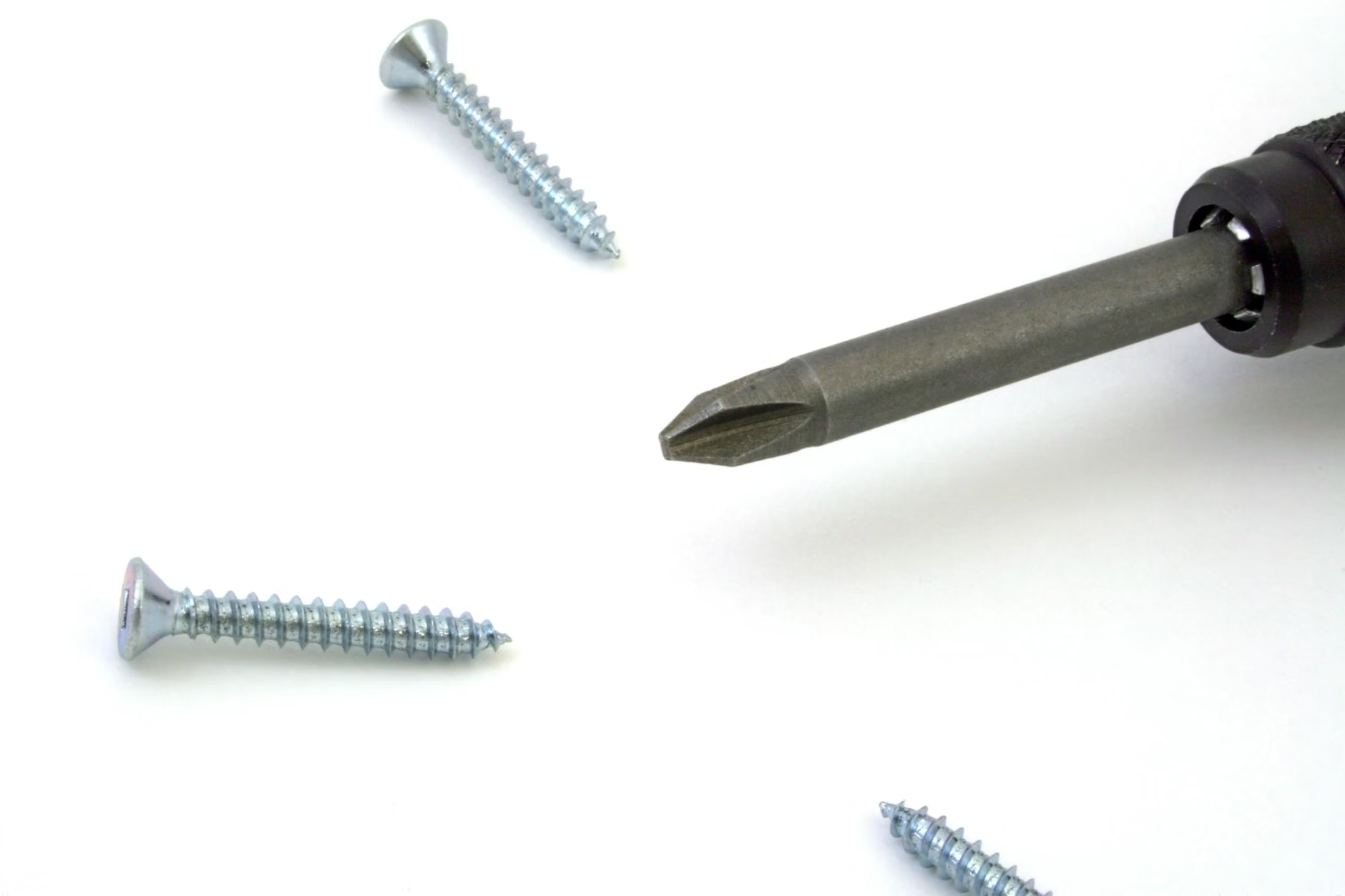
- Proprietary Fasteners: Using screws that require non-standard drivers, effectively keeping the average consumer out of the device’s housing.
- Adhesives over Fasteners: Gluing batteries or screens in place makes opening the device without damaging internal components nearly impossible.
- Software Locks: Even if you replace a part, the device’s firmware might refuse to recognize it unless a proprietary “handshake” is performed by an authorized service center.
Understanding these barriers is the first step toward reclaiming your property. When you purchase a device, you aren’t just buying the hardware; you are buying the right to maintain that hardware for as long as it lasts. Companies that fight against right-to-repair legislation argue that it compromises security and safety. While there is a grain of truth in that—tampering with high-voltage appliances can be dangerous—the argument is often used as a blanket excuse to monopolize repair services.
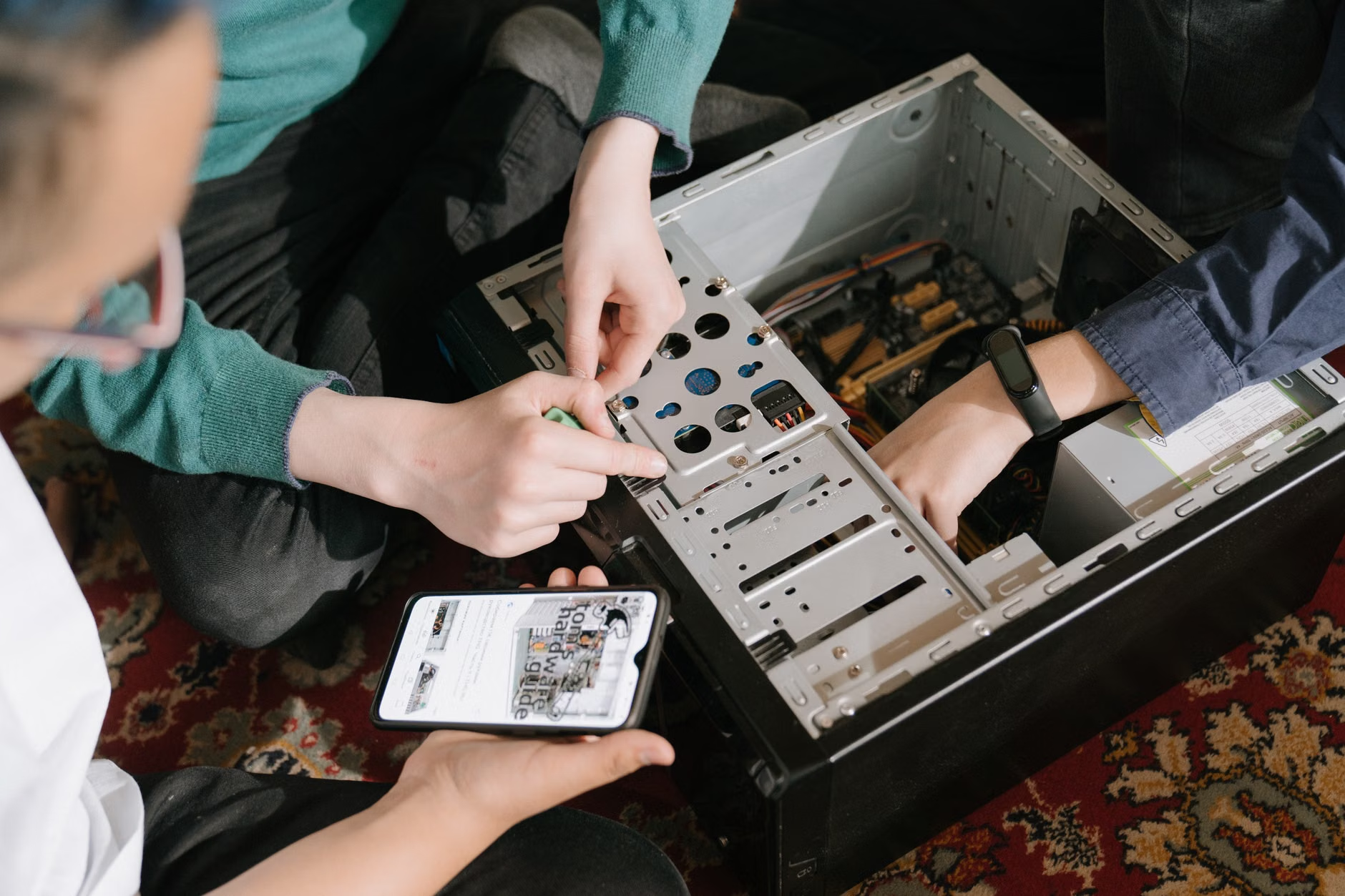
The Financial Impact of Repairability
Let’s look at a concrete example. Suppose you own a high-end smart coffee machine. After three years, the internal pump fails. The manufacturer quotes you $250 for a repair, plus shipping, which is nearly half the cost of a new machine. Because the machine is “smart,” you cannot find a third-party repair shop that has the software to calibrate the new pump.
If the device were designed for repairability, you could buy a $40 replacement pump, access a publicly available manual, and install it in 30 minutes. The difference isn’t just $210; it is the difference between keeping a functional appliance in your home and creating electronic waste. Over the course of a decade, managing your household tech this way can save a family thousands of dollars.
Comparing Repair Costs vs. Replacement
| Device Type | Typical Failure | Manufacturer Cost | DIY Repair Cost |
|---|---|---|---|
| Smart Vacuum | Battery Degradation | $150+ | $35 |
| Smart Thermostat | Connectivity Module | $100+ | $15 |
| Smart Lighting Hub | Power Supply | $80 | $10 |
As shown above, the “DIY” route is significantly cheaper. However, there is a trade-off: time and risk. You are trading your own time—and the potential risk of breaking a component—for the savings. If you are a parent with limited free time, the decision often comes down to the complexity of the repair. Simple battery swaps? Definitely worth it. Complex micro-soldering on a motherboard? Perhaps not.
How to Evaluate a Device Before You Buy
The best way to handle the Right-to-Repair is to influence it with your wallet. Before you commit to a major smart home purchase, perform a “Repairability Audit.” You don’t need to be an engineer; you just need to look for a few indicators:
- Check the Repairability Score: Organizations like iFixit provide teardowns and scores for many consumer electronics. If a device receives a 2/10, expect zero support for self-repair.
- Availability of Documentation: Search the manufacturer’s website for “service manual” or “spare parts catalog.” If you can’t find one, it is a red flag.
- Modular Design: Look for devices that advertise modularity. This means components like batteries, displays, and sensors are designed to be swapped out rather than fused into the main chassis.
Common mistakes often occur when we prioritize aesthetics over durability. A device that looks sleek because it has no visible screws or seams is often the hardest to repair. Always prioritize a design that allows for physical access to the interior. If the device looks like a “sealed brick,” treat it as a disposable item.
The legal environment is changing rapidly. The EU has been at the forefront with the “Ecodesign for Sustainable Products Regulation,” which mandates that manufacturers must make spare parts available for up to 10 years for certain appliances. In the United States, states like California, New York, and Minnesota have passed their own versions of Right-to-Repair laws.
What does this mean for you? It means that manufacturers are beginning to release “Self-Repair Kits.” These kits often include the necessary tools (like specific screwdrivers) and the genuine parts required to fix a device. If you are in a region with strong protections, you may find that calling the manufacturer and stating your intent to repair the device yourself results in them providing the necessary technical documentation, or at least selling you the parts at a fair price.
However, be aware of “Software Pairing.” Even if you have the physical part, some companies use software to “lock” the part to the motherboard. If you replace a screen on a modern tablet, for example, the device might disable features like face recognition because it doesn’t recognize the new hardware’s digital signature. Always check forums or Reddit communities related to your specific device to see if others have successfully performed the repair you are planning.
Step-by-Step: The Mindset of a Household Repairer
If you decide to undertake a repair, approach it with the right framework. This isn’t about being an expert; it’s about being methodical.
Step 1: Diagnostic Phase. Don’t assume the worst. A “broken” device is often just a software glitch or a loose connection. Perform a factory reset and check for firmware updates first. If the device is still unresponsive, use a multimeter to check if power is reaching the internal components.
Step 2: Documentation. Before you even touch a screwdriver, take photos of every step. As you unscrew components, organize them in a small tray or on a magnetic mat. A common mistake is losing a tiny screw that holds a critical ribbon cable in place.
Step 3: Sourcing Parts. Only buy parts from reputable sources. While “generic” parts on auction sites might be cheaper, they often lack the quality control of original components. Sometimes, the best source is a “parts donor”—a device of the same model that has a different failure but is otherwise intact.
Step 4: The “Point of No Return.” Recognize when to stop. If you have to break a plastic tab or force a connector, you are likely doing something wrong. Most modern electronics are designed with pressure clips; if it feels like it requires excessive force, look for a hidden screw under a rubber foot or a sticker.

Unexpected Challenges and Hidden Costs
It is important to discuss the “hidden” variables of repair. The most significant is warranty voiding. In many regions, the law protects your right to repair, but manufacturers still attempt to include “warranty void if seal is broken” stickers. While these are often legally unenforceable, they can make your interactions with customer service difficult if you ever need a warranty claim for a completely different issue.
Another overlooked factor is calibration. Some smart sensors require precise calibration after installation. If you replace the heart rate sensor on a smart watch or the airflow sensor on a smart purifier, the device might report inaccurate data unless it is recalibrated. Check if your device requires a “service mode” or specific software tool to complete the repair.
Finally, consider the longevity of the ecosystem. A device is only as good as the software that supports it. If the manufacturer decides to shut down their servers, no amount of physical repair will make your device “smart” again. This is why, when choosing between two smart devices, the one that supports open-source protocols (like Matter or Zigbee) is almost always the better long-term choice.
Practical Takeaways for Your Household
The Right-to-Repair is about more than just fixing a toaster; it is about shifting your relationship with the objects in your home. You should view yourself as the custodian of your electronics, not just a temporary owner. By choosing repairable goods, documenting your maintenance, and advocating for your right to access the internal workings of your devices, you contribute to a more sustainable and cost-effective household.
Start small. Don’t start by trying to fix your primary smart television. Start with a broken smart lamp or a battery-operated toy. Learn the feel of the components and the logic of the assembly. Once you gain confidence, you will find that the “mystery” of technology disappears, replaced by the satisfying reality that you are in control of your own home infrastructure.
If you are truly stuck, do not hesitate to reach out to local “Repair Cafes” or community makerspaces. These groups are often filled with people who have the skills and tools to help you, and they are usually happy to teach you how to perform the repair yourself. It is a fantastic way to meet people and learn a skill that will serve you for the rest of your life.
Frequently Asked Questions
Q: Does opening my smart device automatically void my warranty?
A: In many jurisdictions, such as the US (under the Magnuson-Moss Warranty Act), a manufacturer cannot void your warranty simply because you opened the device, unless they can prove that your actions caused the specific damage you are claiming for. However, always check your local consumer protection laws.
Q: Where can I find reliable repair manuals for my specific appliances?
A: The best starting point is iFixit (ifixit.com), which hosts thousands of community-verified repair guides. For proprietary appliances, check the manufacturer’s official support page, or look for forums dedicated to that specific brand where users often share leaked service manuals.
Q: Is it worth repairing a smart device if it’s already several years old?
A: It depends on the “software support” lifespan. If the manufacturer has stopped providing security updates for the device, it may become a security risk on your home network. In that case, prioritize repairing devices that are “offline-capable” or have long-term software support cycles.
Official Resources for Further Learning:
– iFixit – The Free Repair Manual
– The Repair Association – Advocacy and Policy
– European Commission: Right to Repair
By taking these steps, you are not just saving money; you are participating in a movement that demands better, more sustainable design for everyone. Keep your tools sharp and your curiosity sharper.