The most effective home office for a neuro-diverse brain isn’t the one that looks best on social media; it’s the one that actively reduces the cognitive load required to start and sustain a task. If you find yourself paralyzed by the “start-up cost” of work or easily derailed by the hum of the refrigerator, your workspace environment is likely working against your natural cognitive rhythms.
- Visual Overload is a Productivity Killer: Use “closed storage” to hide non-essential items, as peripheral clutter acts as a constant, low-level distraction for the ADHD or neuro-divergent brain.
- Sensory Regulation Over Aesthetics: Prioritize lighting, temperature, and acoustic control over trendy furniture; your nervous system needs a stable baseline to engage in “deep work.”
- Externalize Executive Function: Move your to-do list from your head to a physical, high-visibility board to reduce the mental energy spent on “keeping track” of tasks.
Why Standard Office Design Often Fails the Neuro-Diverse Mind
We often think of a home office as a desk, a chair, and a laptop. For someone with ADHD, Autism, or other neuro-divergent traits, this “standard” setup is often a recipe for sensory burnout or paralysis. The mainstream advice—”just get a tidy desk”—misses the point entirely. It isn’t just about tidiness; it’s about cognitive friction.
When your brain is neuro-divergent, your executive function—the mental processes that allow you to plan, focus, and multitask—operates differently. If your environment is overly stimulating, your brain spends precious energy filtering out background noise, visual clutter, or temperature fluctuations. By the time you actually start your work, you’ve already depleted your “battery” for the day. This isn’t a lack of discipline; it’s a physiological response to an environment that doesn’t account for your specific sensory or organizational needs.
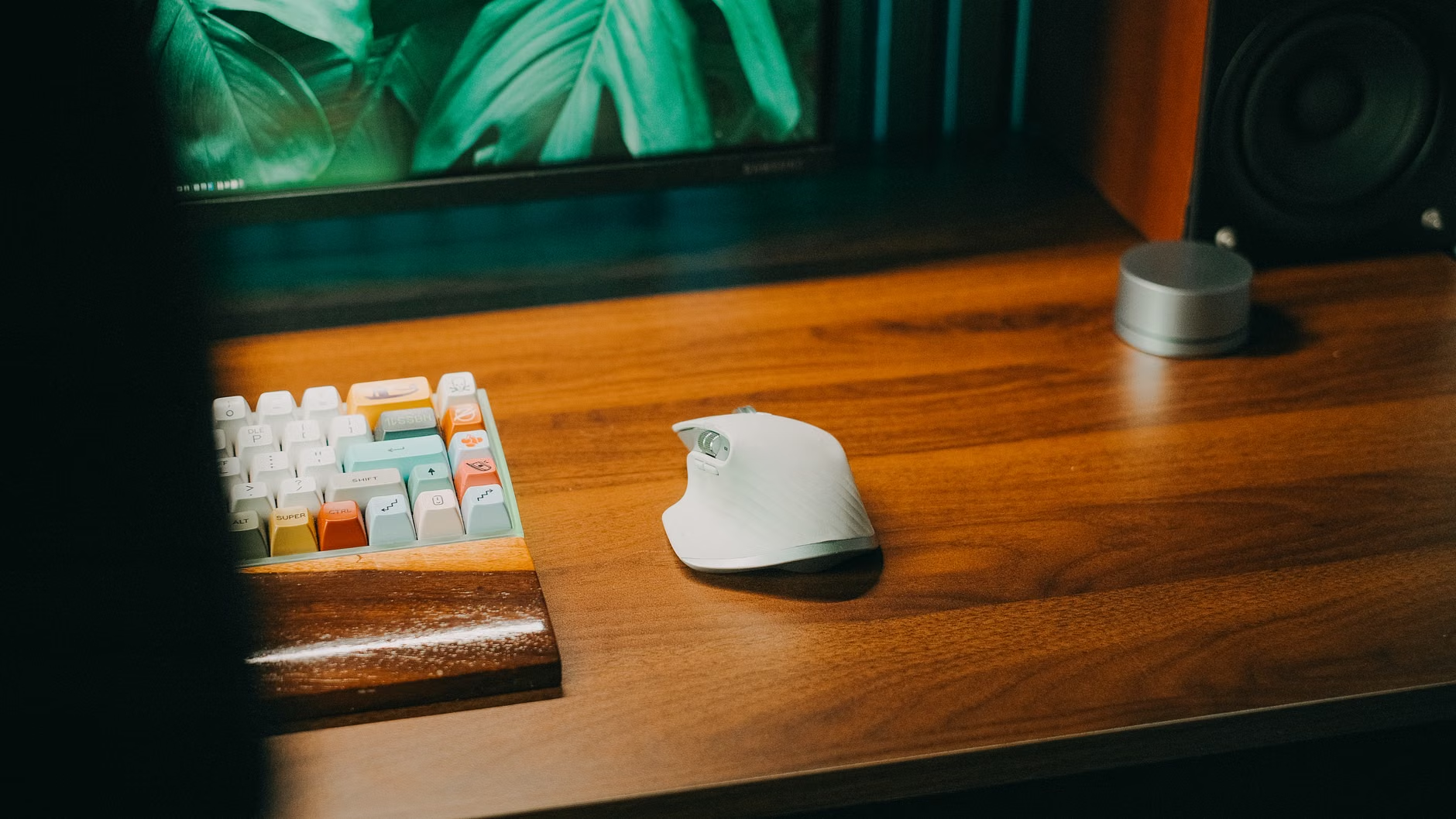
1. Managing Visual Noise to Protect Working Memory
Visual clutter is not just an aesthetic issue; for many, it is a constant, nagging demand for attention. Every object in your line of sight is a potential “open tab” in your brain. If you see a pile of mail, a half-finished project, and a stack of books, your brain is silently cataloging those items while you are trying to write an email.
The Fix: Implement a “Clear Desk Policy” that is actually achievable. Instead of forcing yourself to be a minimalist, focus on hiding what you aren’t currently using. Use opaque bins or drawers. If you can’t see the clutter, it ceases to compete for your attention. If you are a visual learner who needs to see your projects, use a vertical pegboard or a single wall-mounted whiteboard where all “active” items live. Everything else goes into a closed container.
2. The “Sensory Baseline”: Lighting and Acoustic Control
Standard office lighting is often harsh, flickering, or too blue, which can trigger sensory fatigue. Similarly, unpredictable sounds—the neighbor’s lawnmower, the hum of the HVAC, or the muffled sound of family members in another room—are significant distractors.
The Strategy:
- Lighting: Swap overhead fluorescent lights for warm-toned LED floor lamps. Dimmable bulbs are essential. If you are sensitive to glare, use a matte screen protector for your monitor.
- Acoustics: You don’t need a soundproof booth. Use active noise-canceling headphones, but pair them with a “sound mask” like brown noise or binaural beats. Unlike white noise, brown noise has a deeper, more soothing frequency that is often preferred by those with sensory sensitivities.
3. Externalizing Executive Function with Physical Anchors
The “out of sight, out of mind” phenomenon is common for neuro-divergent individuals. If your task list is hidden in a browser tab, it essentially doesn’t exist until you remember to check it. To manage this, you need to turn your workspace into a “second brain.”
Create a Physical Task Anchor. This could be a large, analog whiteboard placed directly in your line of sight. Write only the three most important tasks for the day. If you struggle with time blindness, keep an analog clock—not a digital one—on your desk. A physical clock face helps you visualize the passage of time, making it easier to see how much of an hour has actually passed compared to the abstract, rapidly changing numbers on a digital screen.
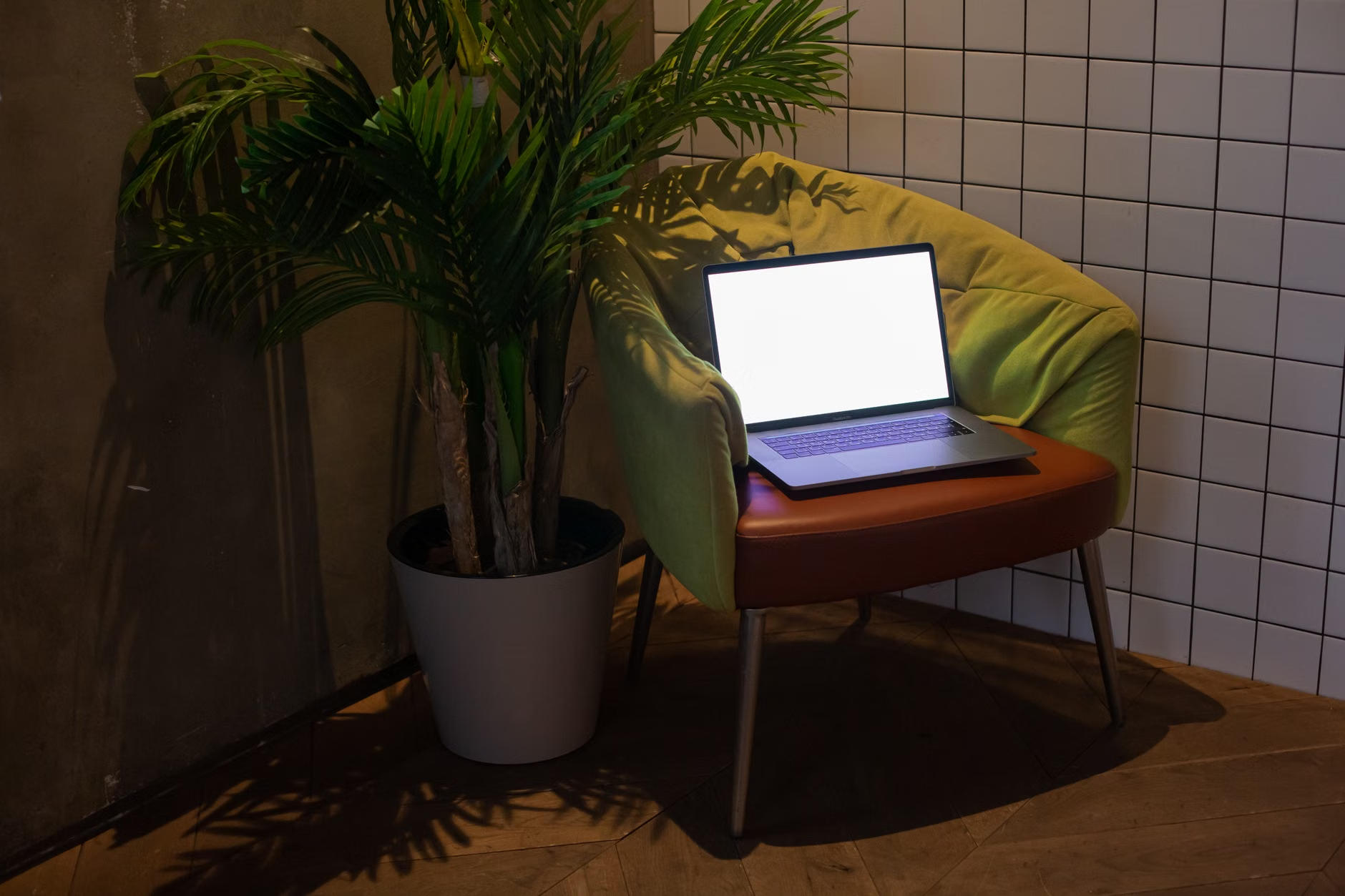
4. The Ergonomics of Fidgeting and Movement
Sitting perfectly still is not a requirement for productivity; in fact, for many, movement is a prerequisite for focus. If you find yourself tapping your feet, clicking a pen, or shifting constantly, your body is telling you that it needs sensory input to keep your prefrontal cortex engaged.
Decision Rule: Instead of fighting the urge to move, integrate it. Use a wobble stool or a standing desk with a balance board. Keep “low-distraction” fidget tools—like a smooth stone, a metal spinner, or a silent cube—on your desk. These tools provide the necessary sensory “background noise” your brain craves without requiring you to look away from your screen. The goal is to provide just enough stimulation to keep your brain from seeking out more distracting forms of entertainment, like checking your phone.
5. Zoning Your Space by Mental Task
If you live in a multi-use home, your brain might struggle to switch from “parent mode” to “work mode.” The solution is to create distinct physical zones, even if you are working in a small space. This is often called “contextual anchoring.”
If you have a desk, use it only for work. If you have to work at the dining table, use a specific “work mat” or a dedicated tray that holds your laptop, mouse, and notebook. When you put the mat down, you are at work. When you put the mat away, you are home. This physical ritual signals to your brain that it is time to shift gears, which is often the hardest part of the day for someone struggling with executive dysfunction.
6. Addressing the “Hidden Costs” of Cable Management
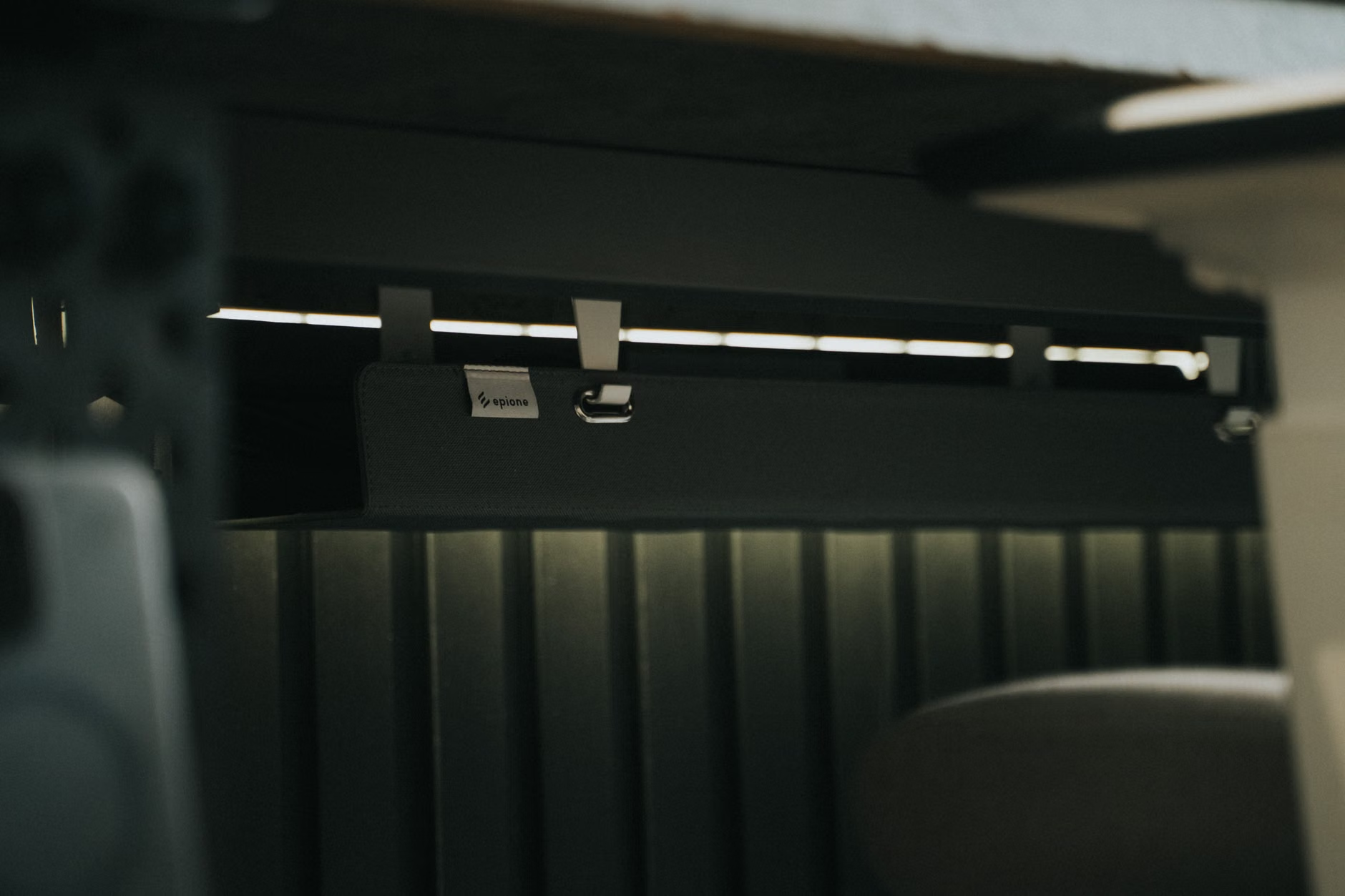
It sounds trivial, but a “spaghetti nest” of cables under your desk is a major source of visual and tactile frustration. When you reach for something and snag a cord, or when you see tangled wires, your brain registers this as a “disorder” that needs fixing. This is a classic example of an unnecessary cognitive tax.
Step-by-Step Cable Cleanup:
- Unplug Everything: Start fresh.
- Use Velcro Ties: Unlike plastic zip ties, velcro allows you to easily add or remove cables as you swap tech.
- Mount a Power Strip: Use heavy-duty double-sided tape to mount your power strip to the underside of your desk. This keeps the floor clear and makes vacuuming or cleaning easier, which reduces the chance of “cleanup paralysis” later.
- Cable Sleeves: Use a simple mesh sleeve to bundle cables running from the floor to the desk. This turns a dozen messy wires into one single, clean line.
7. The “Reset” Ritual for Tomorrow’s Success
The biggest mistake people in their 30s and 40s make is ending their workday in a state of chaos. You close your laptop, walk away, and leave your desk in a mess. The next morning, you return to a “crime scene” of yesterday’s stress. This immediately spikes your cortisol levels and makes it harder to start the day.
The 5-Minute Reset Rule: Before you leave your desk, you must perform a 5-minute reset.
- Clear the trash.
- Close all browser tabs (use an extension like “OneTab” if you are afraid of losing them).
- Write down the ONE thing you need to do first tomorrow morning.
- Physically place your notebook or project on the desk so it is ready for you.
This ritual is not about being “tidy”; it is about removing the friction for your future self. By making the start of your next work session as easy as possible, you eliminate the barrier of decision fatigue.
Comparison: Which Setup Fits Your Needs?
Neuro-diversity manifests in different ways. Your needs may lean more toward sensory regulation or more toward executive function support. Use this table to decide where to focus your initial efforts.
| Challenge | Primary Need | Recommended Action |
|---|---|---|
| Overstimulation | Sensory Regulation | Dim lighting, brown noise, matte screen filters, closed storage. |
| Executive Dysfunction | External Structure | Analog whiteboard for top 3 tasks, physical clock, desk reset ritual. |
| Restlessness/Boredom | Physical Input | Wobble stool, silent fidget tools, standing desk transitions. |
If you are highly sensitive to sound, investing in high-quality noise-canceling headphones is a higher priority than buying a new desk. If you struggle with time blindness, an analog wall clock is a better investment than a fancy desk lamp. Prioritize based on the specific “bottleneck” that currently stops you from working.
Common Misconceptions and Unexpected Trade-offs
One common trap is the “Productivity Tool Overload.” You might feel that buying a fancy planner, a new app, or an expensive ergonomic chair will “fix” your focus. While tools help, they are not a substitute for behavioral changes. If you buy a standing desk but don’t have a plan for when to stand, it will just become a very expensive shelf for your coffee cup.
Another overlooked variable is the “Social Cost” of the home office. If you live with family, your office isn’t just about you. If you are prone to deep focus (hyper-focus), you might need a “do not disturb” signal—like a physical sign or a light—that informs your family when you are in a state where you cannot be interrupted. This isn’t being rude; it’s setting boundaries that protect your ability to function.
Practical Next Steps
Do not try to overhaul your office in one weekend. That is a recipe for burnout. Pick one of the seven areas mentioned above—perhaps the one that causes you the most daily frustration—and address it this week. If the cable mess is driving you crazy, start there. If the lighting is giving you headaches, prioritize the lamp. By making small, incremental changes, you build a workspace that supports your brain rather than fighting it.
Remember that your brain’s needs may change. What works for you when you are managing a high-stress project might be too rigid for a lighter week. Keep your setup flexible. The most important thing is that you feel in control of your environment, rather than the environment being in control of your focus.
Frequently Asked Questions
1. I don’t have a dedicated room for an office. How can I still create these zones?
If you don’t have a separate room, use visual boundaries like a folding screen, a rug to define the “work area,” or even just a specific color-coded mat on your table. The goal is to create a clear “start” and “end” to your work environment that your brain can recognize visually.
2. How do I know if I’m being “too sensitive” or if my setup really needs changing?
There is no such thing as being “too sensitive” when it comes to your productivity. If a sound, a light, or a cluttered desk is distracting you, it is a legitimate barrier. If it affects your ability to work, it is worth addressing, regardless of whether others find those same things distracting.
3. Are there specific apps you recommend for neuro-diverse workers?
While physical tools are often better, apps like “Forest” (which gamifies focus) or “Brain.fm” (which uses scientifically backed music for focus) can be very effective. However, be careful not to fall into the trap of spending more time managing your apps than doing the actual work.
For further reading on how environments impact neuro-diverse brains, you may find the resources from CHADD (Children and Adults with Attention-Deficit/Hyperactivity Disorder) or the National Autistic Society helpful for understanding how to adapt your living and working spaces for better sensory regulation.