Key Takeaways
- Data Sovereignty is not just about privacy: It is about ensuring you have permanent, offline access to your family history, independent of cloud provider terms or service outages.
- The 3-2-1 Rule is the gold standard: Keep at least three copies of your data, on two different media types, with one copy stored off-site or in an offline environment.
- Cloud is a convenience, not an archive: Big-tech storage platforms are third-party services that can terminate accounts or change policies, making them unsuitable as your sole repository for irreplaceable memories.
The most important thing you can do for your family’s digital history today is to stop assuming that your photos are safe just because they are in the cloud. We have collectively fallen into a trap of convenience, trusting massive corporations to act as the permanent guardians of our memories. However, the reality of “data sovereignty”—the concept that you have absolute control over your digital assets—is often compromised the moment you hit “sync” on your smartphone.
When you store photos in a cloud service, you are essentially renting space in someone else’s house. If the landlord decides to change the locks, raise the rent, or delete your belongings because of a misunderstood Terms of Service (ToS) violation, you have very little recourse. This isn’t theoretical; thousands of users have found their accounts locked or photos flagged by automated content moderation systems, leaving them with no access to years of family memories.
Why Your ‘Cloud Sync’ is Not a Backup
There is a fundamental difference between synchronization and archiving. Most users in their 30s and 40s treat their cloud photo app as an archive. They take a photo, it syncs to the cloud, and they delete it from their phone to save space. This is a synchronization process. If you accidentally delete a photo from your phone, the cloud service “syncs” that action and deletes it from the server, too. Your “backup” just disappeared.
True data sovereignty requires you to hold a master copy of your data that is not subject to the whims of an internet connection or a company’s algorithm. Think of it like this: if your cloud provider went bankrupt tomorrow, would you still have your child’s first steps or your wedding photos? If the answer is “no,” you don’t own your data; you are merely leasing access to it.
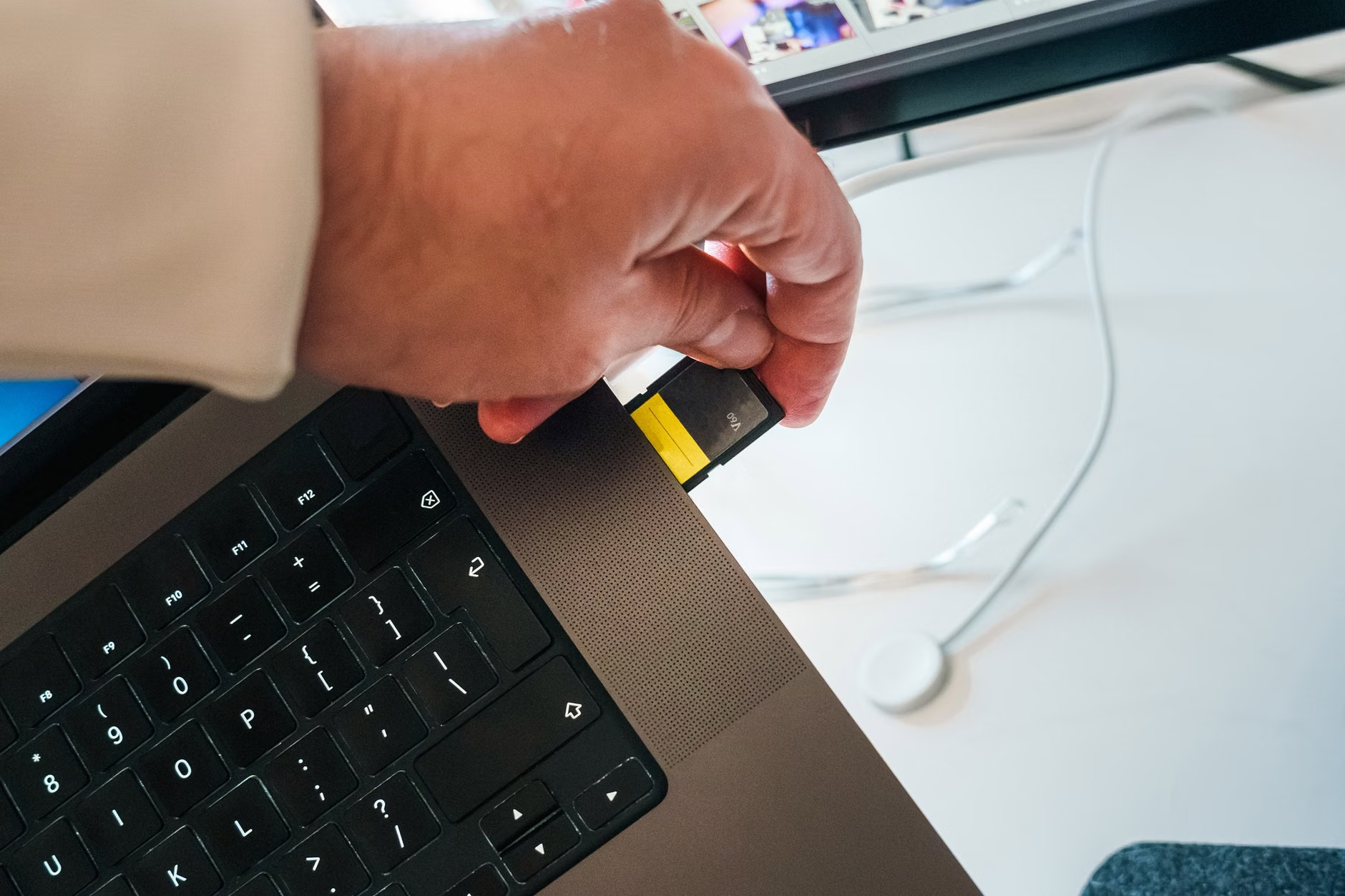
Beyond the risk of data loss, there is the issue of metadata and file format. Many cloud services compress images to save space. While they look fine on a phone screen, you are losing the original high-resolution data that you might want for printing or future editing. By maintaining a local, sovereign archive, you ensure that you possess the original, uncompressed files in a format that you control, not a proprietary format dictated by the platform.
The Anatomy of a Sovereign Storage Strategy
To achieve true data sovereignty, you need to transition from a passive cloud-only user to an active curator of your digital life. This involves a shift in mindset: you are no longer just “using” a service; you are “managing” a long-term asset.
The industry-standard framework for this is the 3-2-1 rule, adapted for personal use. It is simple, effective, and surprisingly affordable if you plan it correctly.
| Layer | Method | Purpose |
|---|---|---|
| 3 Copies | Original + 2 backups | Prevents loss from single-point failure. |
| 2 Media Types | External SSD + NAS or Cloud | Protects against hardware-specific corruption. |
| 1 Off-site | Encrypted cloud or physical drive | Protects against fire, theft, or natural disaster. |
Implementing this doesn’t require an IT degree. It starts with a dedicated “Master Drive”—a high-capacity, rugged external SSD that you keep at home. Once a month, or whenever you have a significant number of new photos, you manually move your files from your phone or computer to this drive. This ensures that you have a “cold” copy that is disconnected from the internet, immune to hackers or cloud-based deletions.
The Hidden Risks of Automated Content Moderation
We often ignore the “black box” nature of modern cloud storage. Most major platforms use AI-driven content scanning to detect prohibited material. While the intent is to stop illegal content, these algorithms are notoriously prone to false positives. A photo of your child in the bathtub or an innocent picture at the beach can be flagged as “sensitive” or “inappropriate” by a machine that lacks human context.
When this happens, the response is often swift and automated: your account is restricted, and your access to your library is cut off. Recovering an account from a major tech company is notoriously difficult, often involving automated emails and no human to appeal to. If that cloud storage was your only copy, you are essentially locked out of your own life.
Data sovereignty provides an escape hatch from these algorithmic errors. When you maintain a local archive, you are not dependent on a company’s automated judgment. You own the files, you own the storage, and you own the right to view your memories whenever you choose.
Tools for Taking Control: NAS vs. External Drives
For most families, the choice between an External Hard Drive (HDD) and a Network Attached Storage (NAS) system is a matter of budget and convenience. An external drive is the cheapest way to start. You simply plug it into your computer, copy your photos, and unplug it. It is secure because it is offline.
A NAS, on the other hand, is like a private, home-based cloud. It is a dedicated box that sits on your home network. Brands like Synology or QNAP offer “Photos” apps that look and feel just like Google Photos or iCloud. The difference? The data lives in your house, not in a data center in another country. You can set it up to sync with your phone automatically, giving you the convenience of the cloud with the ownership of a local server.
A common mistake: People often buy a NAS and think they are done. They forget that a NAS is a computer; it can fail, catch fire, or be stolen. A NAS is not a backup; it is a primary storage location. You must still have an external drive or a secondary, encrypted cloud service that acts as your off-site backup.
The Logistics of Digital Organization
Sovereignty isn’t just about storage; it is about discoverability. If you have 50,000 photos scattered across five different hard drives, you don’t really have a photo library; you have a digital junk drawer. Part of the sovereignty process is implementing a consistent file-naming and folder structure.
Adopt a “Year-Month-Day” folder structure (e.g., /2023/2023-10-15_EventName). This is universal, sortable, and readable by any operating system. Avoid using proprietary software to organize your photos if possible. If you rely on a specific app to view your photos, and that app goes out of business, your metadata (tags, ratings, facial recognition data) might become inaccessible. Keep your master files in standard, open formats like JPEG, HEIC, or RAW, and store your organization in the folder structure itself.
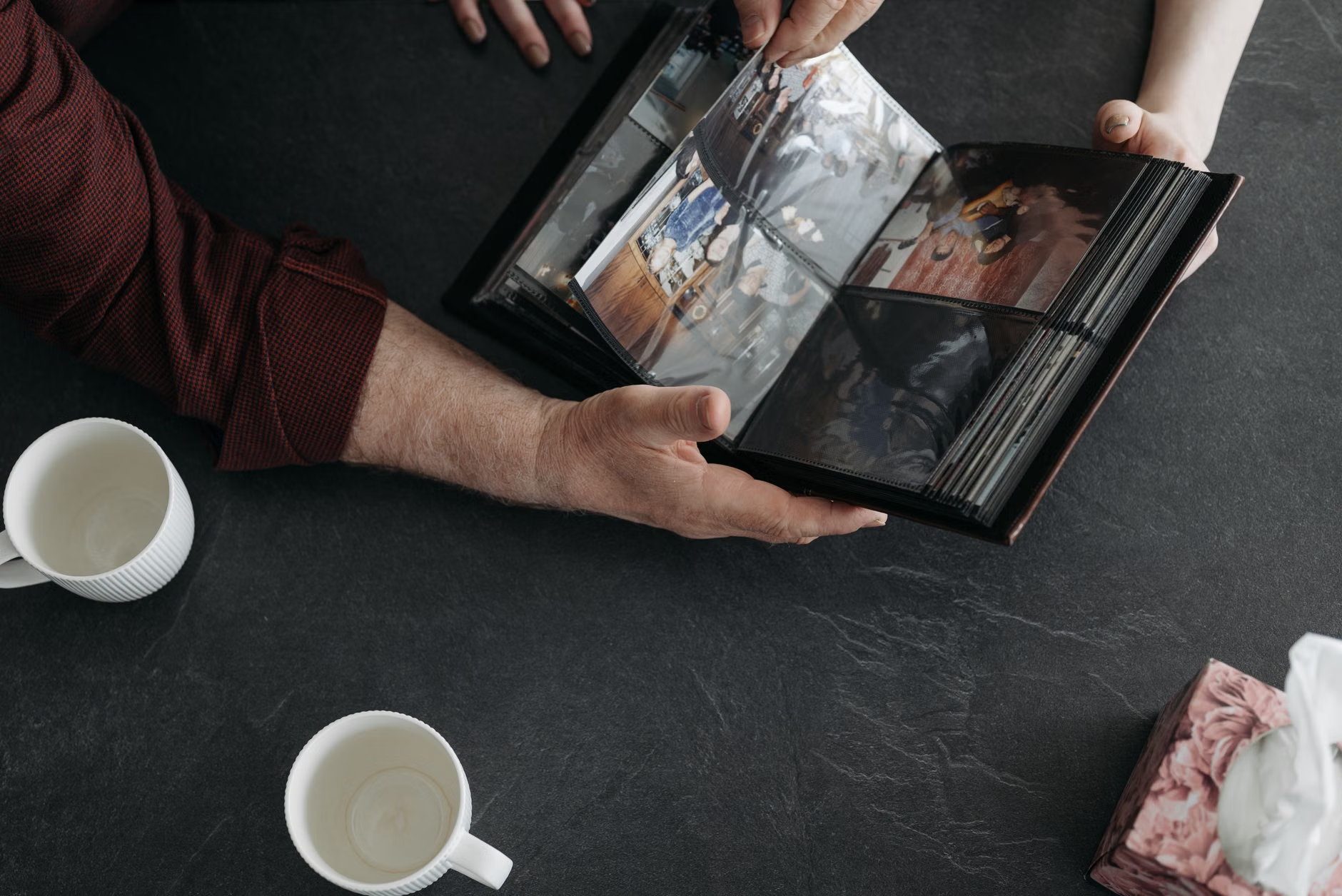
Consider using “sidecar” files (XMP files) for metadata if you need to keep tags. This ensures that if you move your library from one software to another, your edits and labels stay with the image. It takes a little extra time to set up, but it future-proofs your collection against the inevitable death of software platforms.
Addressing the “Convenience Tax”
There is no denying that the cloud is convenient. Searching for “dog” and having your phone find every photo of your pet is a luxury. You don’t have to give this up to achieve data sovereignty. You can have your cake and eat it too. Keep using the cloud for your daily browsing and sharing, but treat it as a convenience layer, not your archive.
Think of it as a “read-only” mirror of your life. Your “master” remains on your home storage, and the cloud is just the interface you use to enjoy those photos on the go. If you ever lose access to the cloud, you simply re-sync from your master archive. This removes the “fear” from your digital life. You no longer worry about account bans or service price hikes, because the source of truth remains in your possession.
Practical Steps to Start Today
Don’t try to organize a decade of photos in one weekend. You will burn out. Start with a “Capture Date” strategy. First, buy a high-quality 2TB or 4TB portable SSD. These are now remarkably affordable and durable. Spend one hour a week downloading your photos from your cloud service to this drive.
Second, audit your cloud services. Do you have photos in three different places? (e.g., Facebook, Google Photos, iCloud). Consolidate them. Download everything to your master drive. This is your “Base Layer.” Once everything is in one place, you can move on to the “Organizing Layer.”
Third, implement an off-site backup. This could be a second hard drive that you keep at a relative’s house, or an encrypted cloud storage service (like Backblaze B2 or Proton Drive) that is strictly for storage, not for social sharing. The key is to keep this separate from your “daily driver” cloud account.
Common Misconceptions and Why They Matter
“The cloud is more secure than my home.” This is a half-truth. While major tech companies have massive security teams, they also have massive attack surfaces. You are a target for automated phishing and credential stuffing. A local, offline drive is immune to remote hacking. If it’s not connected to the internet, it cannot be breached over the internet.
“I’ll just use a USB stick.” USB sticks are notorious for silent data corruption. They are not designed for long-term storage. Use a dedicated external SSD (Solid State Drive) or a high-quality HDD (Hard Disk Drive) specifically marketed for “backup” or “NAS” use. These are built for longevity, not just portability.
“My photos are too boring for anyone to hack.” Data sovereignty isn’t just about hackers. It’s about availability. It’s about making sure that when you want to show your children their baby photos in 15 years, the files are still there, still openable, and still high-quality. It is about protecting your memory against the “link rot” and platform decay that has claimed so much of the early internet.
The Emotional Weight of Digital Preservation
We are the first generation in human history to have nearly every moment of our lives documented. This is a privilege, but it is also a burden. We are currently creating a “digital dark age” where our inability to manage our data will lead to the permanent loss of our personal histories. When you delete a photo from a phone to save space, you are essentially throwing away a page of a diary.
By taking ownership of your data, you are acting as an archivist for your family. You are ensuring that these memories are not just ephemeral bits of data that exist as long as your subscription is active, but a tangible, preserved history that you can pass down. It is a profound act of care for your future self and your family.
Take the time to verify your backups. Every six months, plug in your drive and open a few random photos. Do they load? Is the file corrupted? This “bit rot” check is a crucial part of data sovereignty. If you don’t check, you aren’t backing up; you are just hoping.
Start small, stay consistent, and remember: the cloud is for sharing, but the local drive is for keeping. Your memories are your property. Treat them with the same care you would a physical photo album, because in the digital age, that is exactly what they are.
Frequently Asked Questions
1. Is an encrypted cloud service (like Proton Drive) a good substitute for a local physical drive?
Encrypted cloud services are an excellent part of a strategy, especially for the “off-site” copy required by the 3-2-1 rule. However, they should not be your only copy. If you lose your encryption key or if the service experiences a long-term outage, you are still at risk. Use them as a supplement to, not a replacement for, your local, offline master archive.
2. How often should I replace my physical storage drives?
A good rule of thumb is to replace your primary backup drives every 5 to 7 years. Even if they haven’t failed, the technology improves, and the risk of mechanical failure increases over time. Always migrate your data to a new drive rather than just copying it, and keep the old drive in a safe place for a few months before decommissioning it. This ensures you have a fallback if the transfer process fails.
3. What if I am not tech-savvy? Is there a simpler way?
If you find NAS systems or external drive manual backups intimidating, start with a “dual-cloud” strategy. Use two different reputable cloud providers (e.g., iCloud and Google Photos) to store your photos simultaneously. While this does not give you full “offline” data sovereignty, it protects you against the failure or account-locking of a single provider. It is a stepping stone toward full ownership.
For further reading on data privacy and digital archiving, you can explore resources from the Electronic Frontier Foundation (EFF), which provides comprehensive guides on protecting your digital rights and managing personal data.