The most effective way to secure a modern smart lock is to choose a model that supports local-only operation, ensuring your entry logs and access codes never reach a public cloud server.
- Choose Local Processing: Prioritize locks that use Z-Wave, Zigbee, or Matter-over-Thread to keep data within your local network rather than relying on cloud-based Wi-Fi connections.
- Minimize App Permissions: A privacy-hardened setup involves disabling remote access features if you don’t need them and strictly limiting the permissions granted to the lock’s companion app.
- Physical Security isn’t Optional: A smart lock is only as secure as the strike plate and screws holding it to the door frame; always upgrade to 3-inch hardened steel screws during installation.
We have all been there: standing on the porch with a crying toddler in one arm, a bag of groceries in the other, and a set of keys that seem to have vanished into the abyss of a diaper bag. Smart locks promise to end this specific brand of parental chaos. But as someone who spends far too much time reading privacy policies, I know the trade-off. Every time you unlock your door with an app that relies on a cloud server, you are potentially broadcasting your family’s daily routine to a third-party corporation.
If you are in your 30s or 40s, you are likely balancing the convenience of a “smart” home with a growing concern for what happens to your data. The goal here isn’t to live in a digital cave; it is to build a smart home that works for you, not for a data broker. Let’s walk through how to choose, install, and harden a smart lock so you can keep the convenience without compromising your front-door privacy.
Why Your Smart Lock’s Connection Type Matters
When you start shopping, you will see terms like “Wi-Fi enabled,” “Bluetooth,” “Z-Wave,” and “Matter.” To the average consumer, these are just ways to connect to a phone. To a privacy-conscious user, these are fundamentally different architectures. Wi-Fi locks are the most common, but they are also the most problematic. They typically require a connection to the manufacturer’s cloud to function, especially if you want to unlock the door while you are at work or on vacation.
Cloud-based locks create a permanent trail of your comings and goings. If the manufacturer’s server is hacked, or if they decide to change their terms of service, your home security is suddenly tied to their business model. Instead, look for locks that support local protocols like Z-Wave or Zigbee. These protocols communicate with a local hub—like a dedicated home automation controller—rather than talking directly to the internet. Your data stays inside your four walls, where it belongs.
Consider the “Local vs. Cloud” comparison:
| Feature | Wi-Fi / Cloud Lock | Z-Wave / Zigbee / Matter |
|---|---|---|
| Data Storage | Manufacturer Cloud Server | Local Controller / Hub |
| Internet Dependency | High (Often stops working if Wi-Fi drops) | None (Works locally via hub) |
| Privacy Risk | High (Access logs stored externally) | Low (Logs remain in your home) |
| Setup Complexity | Easy (Plug and play) | Moderate (Requires a separate hub) |
For most families, the slight increase in setup complexity is a massive win for privacy. You aren’t just buying a lock; you are buying the assurance that your family’s schedule isn’t being harvested for advertising profiles.
The Physics of Installation: More Than Just Software
A common mistake people make is focusing entirely on the digital security of the smart lock while ignoring the physical installation. A top-tier encrypted smart lock is completely useless if the strike plate—the metal piece on your door frame—is held in place by half-inch screws. If a burglar can kick your door in with one solid strike, the “smart” features won’t matter.
When you are installing your new device, treat the physical hardware as your first line of defense. Most smart lock kits come with standard mounting hardware, which is often insufficient for high-security applications. Go to your local hardware store and purchase 3-inch hardened steel wood screws. Replace the short screws currently holding your strike plate to the door frame. These longer screws will bite into the structural stud behind the door frame, making it exponentially harder to force the door open.
During the installation, check for “door play.” If the door wobbles when it is latched, the smart lock’s motor will struggle to engage the deadbolt smoothly. This causes excessive battery drain and, eventually, mechanical failure. Use a strike plate adjustment tool or simply bend the metal tab on your strike plate slightly to ensure a snug fit. A smooth, frictionless lock operation is essential for the longevity of your device.
Configuring for Privacy: The “Hardening” Process
Once the lock is physically installed, the next phase is software hardening. Most users download the manufacturer’s app, grant all requested permissions (location, contacts, microphone), and never look at the settings again. This is exactly what you want to avoid.
Start by auditing the app permissions on your smartphone. Does your lock app really need access to your contact list? Does it need your precise GPS location at all times? Usually, the answer is no. If the app refuses to function without these permissions, it is a red flag regarding the manufacturer’s privacy practices. In such cases, consider using a secondary device—like an old tablet that stays at home—to manage the lock, rather than your primary smartphone.
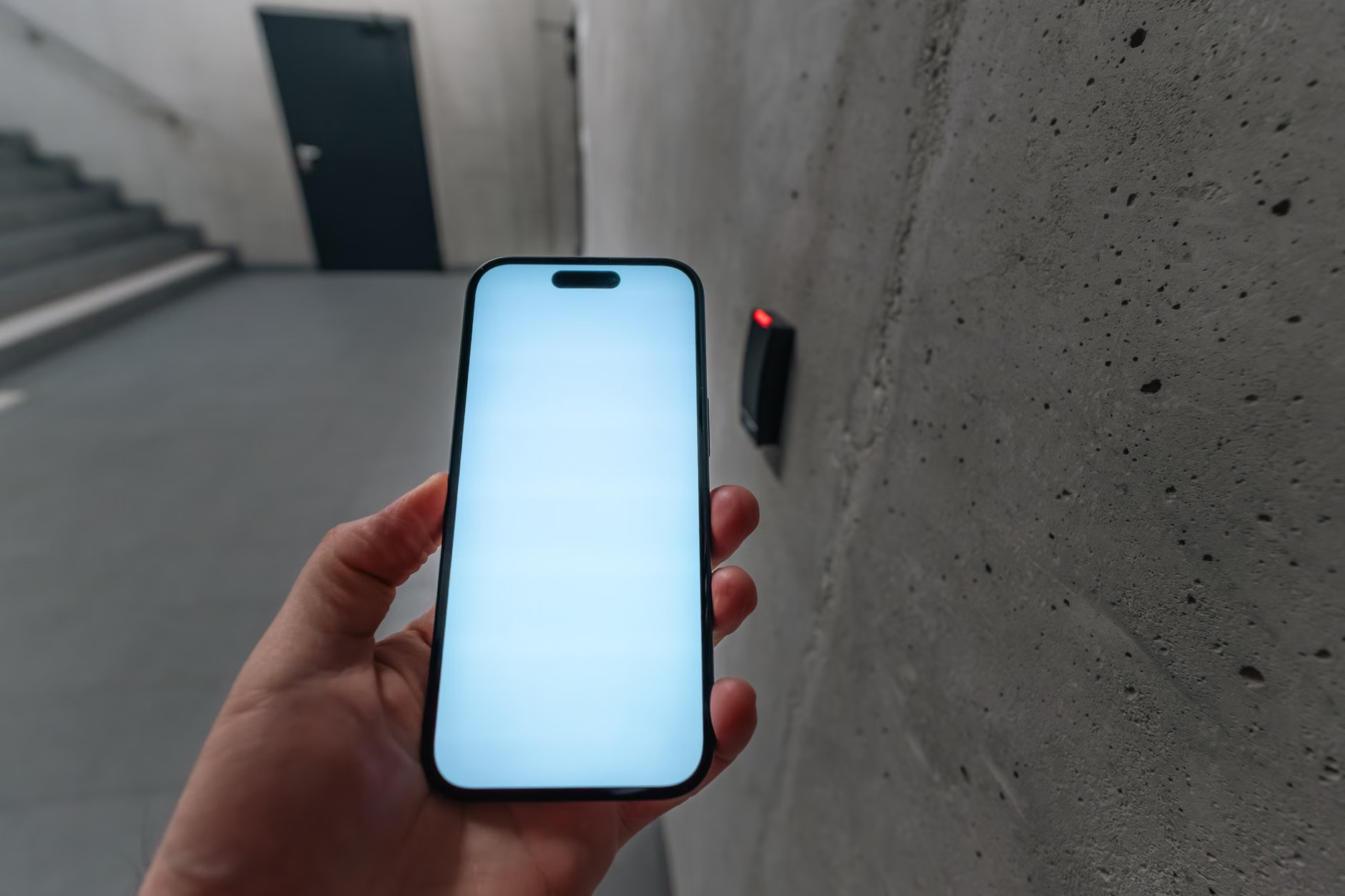
Next, dive into the notification settings. Do you need a push notification every time someone enters the house? For many parents, this is a useful feature, but realize that these notifications are often routed through the manufacturer’s cloud. If you are truly privacy-hardened, disable these notifications and rely on local logs that are stored on your hub or the lock itself. If you must have notifications, ensure you have enabled Multi-Factor Authentication (MFA) on your account. If the manufacturer doesn’t offer MFA, look for a different brand. In the year 2024, there is no excuse for a security device to lack basic MFA.
Another often-overlooked setting is the “Auto-Unlock” feature. This feature uses your phone’s location to detect when you are arriving home and unlocks the door automatically. While convenient, it is a privacy nightmare. It requires your phone to constantly track your location and report it to the cloud. If you value privacy, turn this off. Use a keypad entry or a physical key fob instead. It takes two seconds to enter a code, and it keeps your location data off the server.
Managing Access for Family and Guests
One of the biggest benefits of a smart lock is the ability to issue temporary codes. This is fantastic for babysitters, dog walkers, or visiting family. However, the way you manage these codes matters. Avoid using “Admin” accounts for everyone. If you have a regular house cleaner, give them a unique, temporary code that only works during their scheduled hours. Most high-quality smart locks allow you to set time-bound access.
This is where the “privacy-hardened” aspect meets “practical parenting.” By using unique codes for each person, you don’t need to track anyone’s location or install invasive apps on their phones. You simply issue a code, and the lock handles the rest locally. If you ever suspect a code has been compromised, you can delete it instantly without changing your own credentials. This is a much cleaner, more private way to manage access than sharing a single “family code” with the entire neighborhood.
Common mistakes in access management include:
- Sharing codes via text: Never send a temporary entry code in a plain-text SMS. If you must share a code, use an encrypted messaging app, or better yet, tell them the code in person.
- Leaving old codes active: Perform a “code audit” every three months. Delete any codes that haven’t been used in a while or that belong to people who no longer need access.
- Using easy-to-guess patterns: Avoid birthdays or simple sequences like 1-2-3-4. Even if the lock has a lockout feature after too many attempts, why make it easy for someone to guess?
The Role of the Smart Home Hub
If you want to move away from cloud-based dependence, you need a local hub. This is a device that acts as a translator for your smart home gadgets. Instead of your lock talking to the internet, it talks to the hub, and the hub talks to your local network. Popular options include Home Assistant (for the DIY-inclined), Hubitat, or even certain smart speakers that support local control.
By using a hub like Home Assistant, you can create “automations” that are completely private. For example, you can program your hallway lights to turn on only when the front door is unlocked at night. Because this is handled locally by your hub, no data ever leaves your house. You aren’t relying on a server in another country to tell your lightbulb to turn on. This setup is the gold standard for privacy-hardened smart homes.
Is this level of setup for everyone? Honestly, no. It requires a bit of learning and occasional maintenance. But for a parent in their 30s or 40s who is concerned about their family’s digital footprint, it is an incredibly empowering project. You gain full control over your home’s ecosystem, and you stop being the “product” for the company that made your lock.
Addressing Potential Failures: When Tech Meets Reality
No matter how well you install and harden your smart lock, technology can fail. Batteries die, firmware updates go wrong, and network glitches happen. A privacy-hardened, secure home is one that still functions when the power goes out or the internet dies. Never, ever discard your physical keys.
Always keep one physical key hidden in a secure, non-obvious location outside your home—perhaps with a trusted neighbor or in a high-security lockbox that is not attached to the front door. This is your “analog fail-safe.” If the smart lock motor dies or the hub loses connection, you won’t be locked out of your own house. It sounds obvious, but you would be surprised how many people rely entirely on their phone to get inside.
Another point of failure is the firmware. Manufacturers periodically release updates to patch security vulnerabilities. While you want to avoid constant cloud connectivity, you should check for firmware updates once or twice a year. Some locks allow you to update via a direct connection to a computer or a smartphone app in a “offline” mode. If you have a hub, it often manages these updates for you, keeping your device secure without needing a persistent cloud connection.
If you notice your lock behaving erratically—such as the motor sounding strained or the keypad becoming unresponsive—don’t ignore it. It is usually a sign of a battery issue or a mechanical misalignment. Replacing the batteries with high-quality lithium-ion cells rather than cheap alkalines can prevent many of these issues. Lithium batteries perform much better in temperature fluctuations, which is critical for a device mounted on an exterior door.
The Long-Term Outlook: Why Privacy is a Feature
Privacy is often framed as “having something to hide,” but that is a flawed perspective. Privacy is about “having something to protect.” You are protecting your family’s routine, your children’s safety, and the sanctity of your home. When you choose a privacy-hardened smart lock, you are making a deliberate choice to keep your home’s data local.
As smart home technology continues to evolve, the industry is slowly moving toward standards like Matter, which emphasizes local control and interoperability. This is a positive trend. By supporting companies that prioritize local-first architecture, you are voting with your wallet. You are telling the market that you care about your data, and that you are willing to pay for products that respect your boundaries.
Take the time to do the installation right. Secure your strike plate, choose a local-first protocol, audit your app permissions, and keep an analog backup. It might take a weekend to set up properly, but once it’s done, you will have a smart lock that provides convenience without the creeping feeling that your front door is being watched by a server thousands of miles away.
Common Questions About Privacy-Hardened Smart Locks
Q: If I use a Z-Wave lock with a hub, can I still unlock my door from my phone while I’m at work?
A: Yes, but it depends on your hub’s configuration. If you use a secure setup like Home Assistant with a VPN (Virtual Private Network) or a secure remote access tool like Tailscale, you can access your hub remotely without exposing your lock directly to the public internet. This keeps your connection encrypted and private, unlike the standard cloud-based apps that route everything through their own servers.
Q: Are smart locks really more secure than a standard deadbolt?
A: In terms of physical resistance, no. A high-quality manual deadbolt with a hardened strike plate is physically just as secure as a smart lock. The “security” in a smart lock comes from the ability to manage keys, see who has entered, and lock the door remotely if you forget. If you want the best of both worlds, install a high-quality physical deadbolt and add a smart retrofit device that replaces only the interior thumb-turn. This keeps your external keyhole original and your physical security intact.
Q: What happens if the internet goes down? Will my smart lock stop working?
A: If you choose a lock that relies on Wi-Fi and the cloud, then yes—you might lose the ability to use the app to unlock the door. However, if you use a Z-Wave or Zigbee lock connected to a local hub, it will continue to work perfectly fine. The lock and the hub communicate locally using radio frequencies, so they don’t need an internet connection to talk to each other. Your keypad codes will also continue to work regardless of the internet status.
Final Recommendation: Start by identifying whether your current or prospective lock supports local control (Z-Wave, Zigbee, or Matter). If it only supports Wi-Fi, look for a model that offers a robust local API or integration with a platform like Home Assistant. Prioritize physical hardware upgrades—like 3-inch screws—immediately upon installation. Your goal is a home that is smart, convenient, and—most importantly—entirely your own.
For further reading on securing your smart home, you can refer to the CISA guidelines on securing Internet of Things (IoT) devices, which provides a comprehensive framework for understanding how to manage connected devices safely.