- Biometric wallets are not yet a universal replacement for physical passports; they currently function as “digital credentials” that speed up specific airport checkpoints.
- The primary risk for families isn’t just data theft, but “digital friction”—the inability to access travel credentials if your device battery dies or biometric data fails to match.
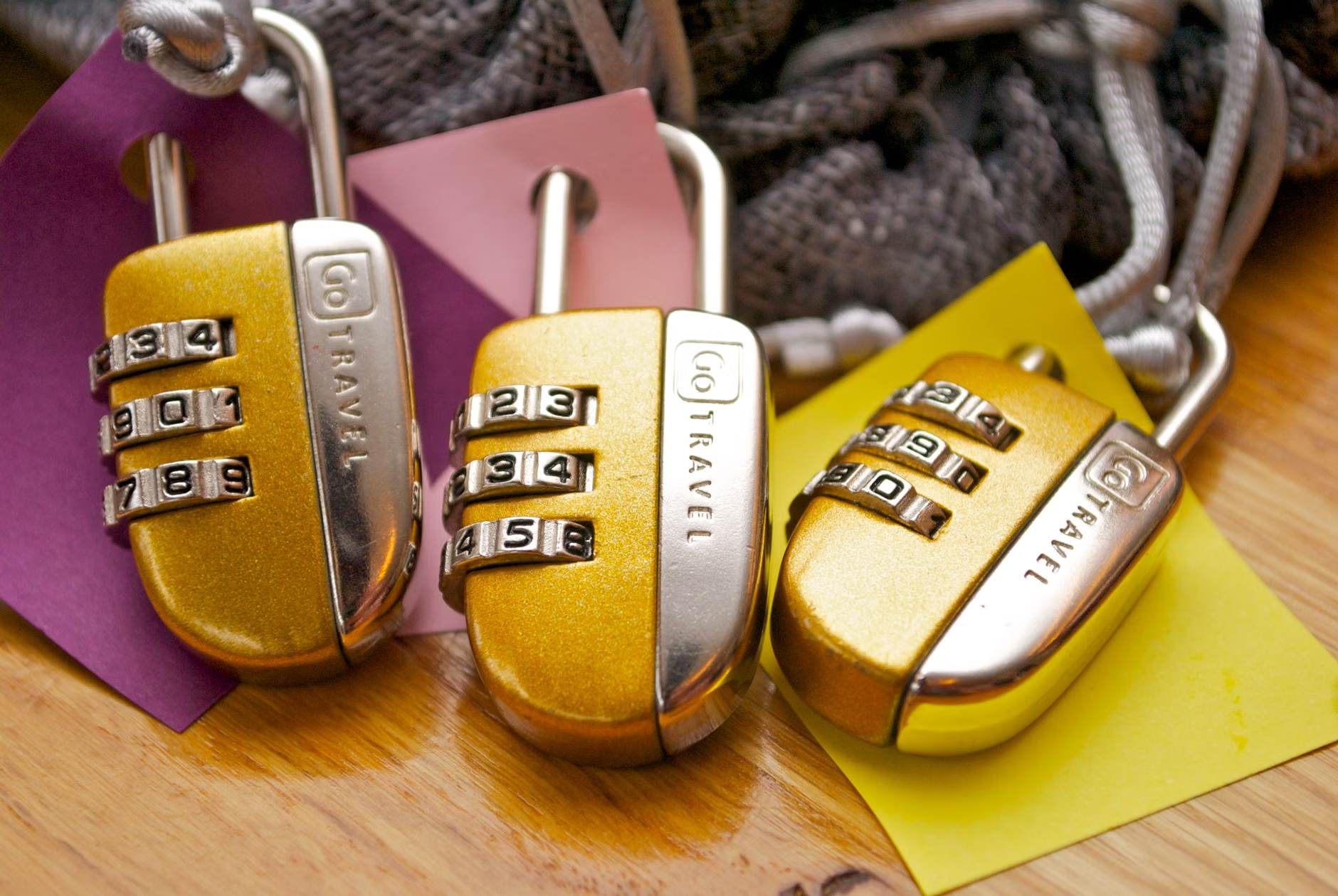
- For families, the most secure approach remains a hybrid model: store digital copies in an encrypted biometric-locked app, but keep physical backups in a RFID-blocking organizer.
If you have ever stood in a crowded airport security line with a toddler screaming on one hip and a heavy carry-on bag threatening to tip over, you have likely daydreamed about a world where you don’t need to fumble for physical passports and boarding passes. The “biometric wallet”—a digital ecosystem where your face, fingerprint, or iris acts as your primary travel document—promises to turn that nightmare into a smooth, frictionless experience. But as parents in our 30s and 40s know, “convenience” in technology often comes with a hidden tax in privacy and reliability.
Is this technology ready for the chaos of family travel, or is it just another layer of complexity that could leave you stranded at a gate? Let’s strip away the marketing fluff and look at what this means for your next vacation.
What Exactly is a “Biometric Wallet” in Travel?
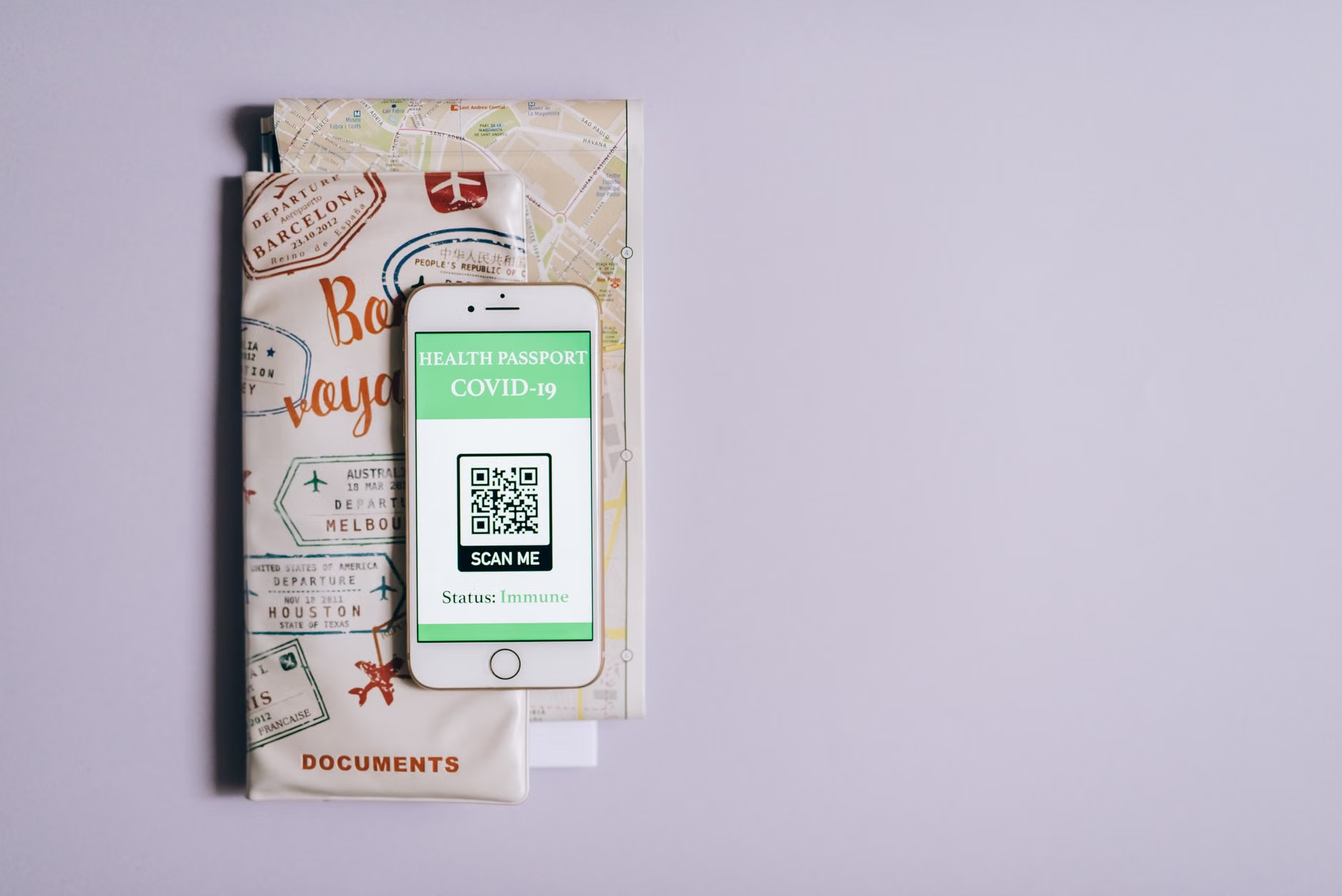
When we talk about a biometric wallet, we aren’t just talking about a digital wallet app like Apple Wallet or Google Wallet. We are talking about the integration of your physical identity—your face or fingerprint—with your legal travel credentials. In practice, this currently manifests as programs like TSA PreCheck, Clear, or the IATA Travel Pass. These systems use a “tokenized” version of your biometric data to verify your identity at airport kiosks, removing the need for a physical document scan.
The “wallet” part of the equation is where your various credentials—boarding passes, vaccination records, hotel keys, and loyalty memberships—are stored behind a biometric lock on your phone. To unlock your boarding pass, you don’t need a PIN; you need your face. To authorize a payment at a duty-free shop, you use your fingerprint. This sounds simple, but the architecture behind it is highly complex.
For a parent, this means the potential for a “hands-free” travel experience. Imagine walking through a boarding gate where the camera system recognizes you and your child’s digital profiles, confirms your tickets, and opens the turnstile without you ever touching a screen. This is already happening in specific hubs like Singapore Changi, London Heathrow, and select US airports.
Why It Matters for Parents
The biggest challenge for families is “document management.” Keeping track of four passports, four boarding passes, and a set of birth certificates for the kids is a recipe for anxiety. A biometric wallet theoretically collapses these into one secure digital container. However, the stakes are higher when dealing with children. If a biometric sensor fails to recognize a child—perhaps because they are having a growth spurt or just won’t stand still—you are suddenly at the mercy of human agents who may not be as technologically optimistic as the kiosk.
The Privacy Trade-off: What Are You Actually Sharing?
There is a common misconception that your “biometric data” is stored in your phone like a photo. In reality, modern security protocols use a method called “hashing.” When you scan your face, the system creates a mathematical map of your features. The original image is often discarded or encrypted, and only the mathematical “key” is used to match you against the database.
However, you must consider the “centralized vs. decentralized” trade-off. If you use a proprietary airport security service, your data is being processed through their servers. While these companies claim to have enterprise-grade security, you are essentially trading your physical privacy for a few minutes of time saved in line. For a family, this is a decision about the long-term storage of your children’s biometric information.
| Feature | Physical Wallet | Biometric Wallet |
|---|---|---|
| Security | High (if kept physically safe) | Very High (if encrypted properly) |
| Speed | Slow (manual checks) | Fast (seconds) |
| Reliability | 100% (doesn’t need power) | Variable (requires battery/internet) |
The table above illustrates the core tension. The biometric wallet wins on speed, but the physical wallet remains the ultimate fail-safe. Never rely solely on biometric systems for international travel, as border patrol laws in many countries still mandate physical passport verification regardless of what your digital wallet says.
Real-Life Scenarios: When Technology Fails
Let’s look at a hypothetical scenario to understand the risks. Imagine you are at a foreign airport. You have opted into a biometric fast-track program. Your phone battery dies because you were using it to keep the kids entertained during a five-hour delay. You reach the gate, and the system requires a digital refresh to sync your boarding pass. Without a physical backup, you are now stuck.
This “digital friction” is the most overlooked variable in travel tech. When you travel alone, you can troubleshoot. When you travel with a family, your stress levels are already maxed out. If the technology glitches, it doesn’t just annoy you; it delays the entire family unit. The lesson here is simple: Always keep a physical “travel folder” that mirrors your digital one.
Common Mistakes to Avoid
- The “One-Device” Trap: Never store all family travel documents on a single parent’s phone. If that phone is lost or stolen, you have lost everything. Always keep copies on two devices and at least one set of physical backups.
- Ignoring Offline Access: Many “wallet” apps require an active internet connection to refresh your credentials. If you are roaming or have poor airport Wi-Fi, you might find your ticket “unavailable.” Always screenshot or download your passes to your device’s local memory before you head to the airport.
- Over-Trusting “Fast” Lanes: Sometimes the “fast” lane is actually longer because of the technical setup time for families with children. Always observe the line length before committing to a specific biometric checkpoint.
How to Set Up Your Family for Success
If you want to use biometric technology effectively, start with a “tiered” security approach. Don’t go all-in on one provider. Instead, use a secure, encrypted password manager or a dedicated travel app that allows you to store encrypted PDFs of passports, visas, and insurance documents. This provides a “digital wallet” that is accessible even if the specific airline app fails.
Second, ensure that your children’s information is managed under your secure account but is easily accessible. Some airlines allow you to link family members’ tickets to a single “lead passenger” account. This is a massive time-saver. Before you leave, practice the “what-if” scenarios. What if your phone is stolen? Do you have the recovery codes printed out? Do you have a secondary way to access your cloud storage?
For those living in regions with specific national ID programs (like the EU’s Digital Identity Wallet or various state-level digital IDs in the US), keep in mind that these are often limited to domestic travel or specific jurisdictional borders. Do not assume your digital ID will work at an international customs checkpoint.
The Hidden Costs of Convenience
Beyond the obvious privacy considerations, there is a “hidden cost” of maintenance. Biometric systems require your data to be current. If you get a new passport, you must remember to update your biometric profile in every app you use. Failure to do so can result in a “mismatch” error at the airport, which often triggers an manual review that takes significantly longer than the standard boarding process.
Furthermore, consider the “vendor lock-in.” If you start using a specific biometric service, you are essentially tied to their ecosystem. If they change their pricing, data policies, or service availability, you are forced to adapt. For a family, this makes it harder to switch airlines or travel providers, as your “identity” is essentially tethered to the provider’s platform.

The Future is Hybrid
We are currently in a “transitional phase” of travel security. We aren’t quite at the point where biometrics replace physical documents, but we are well past the point where physical documents are the only option. The most successful travelers in their 30s and 40s are those who treat their biometric wallet as a “convenience layer” rather than a “security foundation.”
Use the technology to save time at the check-in desk or to move through security faster, but never assume it is infallible. The goal of travel is to reduce stress, not to create new technical hurdles to overcome. If the biometric line looks long or the technology seems shaky, don’t be afraid to revert to the traditional, manual process. Sometimes, the “old way” is still the most reliable way.
Final Recommendations for Parents
- Prioritize physical backups: Keep a high-quality color copy of all passports and travel documents in a secure, RFID-blocking folder in your carry-on.
- Use local storage: Never rely on cloud-only apps. Ensure your documents are downloaded to your phone’s local storage or a secure, offline-accessible app.
- Stay informed: Before your trip, check the specific airline and airport websites. Rules regarding digital documents change frequently and vary wildly by country.
Travel should be about the destination and the memories you create with your family, not the stress of navigating a digital gate. Use these tools to make your life easier, but keep your feet firmly planted in the physical world when it comes to the essentials.
Frequently Asked Questions
1. Can I use a digital biometric wallet instead of a physical passport for international travel?
Generally, no. While some countries are experimenting with digital travel credentials, most international borders still strictly require a physical, machine-readable passport. Treat your biometric wallet as a way to speed up airport processes, not as a replacement for your legal travel documents.
2. Is my children’s biometric data safe when I use these apps?
The safety of your data depends on the provider. Reputable airlines and government-vetted programs (like TSA PreCheck) use high-level encryption and hashing. However, you should always review the privacy policy of any app you use to see how long they store your data and if they share it with third parties. If you are uncomfortable with the terms, it is perfectly fine to opt out and use traditional security lines.
3. What should I do if my phone runs out of battery at the airport?
This is exactly why you should always carry a physical backup of your boarding pass and travel documents. If you find yourself in this situation, head to the airline’s check-in counter. They can print a physical boarding pass using your passport information, though you should expect a wait. Always carrying a compact power bank is a simple, effective way to mitigate this risk.
For more information on current travel security regulations, you can check the official TSA travel guidelines or the IATA travel centre for international entry requirements.