Three Key Takeaways for Privacy-Conscious Families:
- Mainstream smart displays often process voice and scheduling data in the cloud; switching to a local, self-hosted dashboard ensures your family’s routine remains strictly private.
- Building a “privacy-hardened” hub is now accessible for non-engineers using tools like Home Assistant, which integrates calendars without requiring third-party data mining.
- The most effective privacy setup involves a “local-first” approach where devices communicate directly with your internal network, bypassing external ad-tracking ecosystems entirely.
You probably know the feeling: you’re trying to coordinate a hectic Tuesday—soccer practice, the dentist appointment, and that grocery run—and you ask your smart display to add an item to the calendar. A second later, you realize that your entire family’s daily rhythm is being parsed, indexed, and stored on a server halfway across the world. For parents in their 30s and 40s, the convenience of a shared family dashboard is undeniable, but the cost—your personal data—is becoming increasingly difficult to justify.
If you have ever wondered if there is a way to have the organization of a smart home hub without the constant surveillance, the answer is a firm “yes.” It requires a shift in how you think about technology: moving away from “convenience-at-all-costs” and toward “local-first” control.
Why Your Current Smart Display is a Privacy Liability
Most popular smart displays on the market today operate on a cloud-dependency model. When you speak to them, your voice isn’t just processed locally; it’s sent to the cloud to be transcribed, interpreted, and often stored for “product improvement.” While companies claim this is to make their AI smarter, the reality is that your family’s schedule, shopping habits, and even the tone of your voice are valuable data points used to build a profile of your household.
For a family, this is more than just a privacy concern; it’s a security issue. If your calendar data is synced with a major provider, that data is subject to the security protocols—and the occasional data breach—of that provider. By moving to a privacy-hardened setup, you aren’t just protecting your privacy; you are effectively air-gapping your family life from the advertising ecosystem.
The Anatomy of a Privacy-Hardened Scheduling Hub
Building a private hub involves three core components: the hardware (the display), the brain (the server), and the software (the interface). To achieve true privacy, you want to avoid anything that requires a mandatory account login to a major tech conglomerate. Instead, we look toward open-source solutions like Home Assistant or Nextcloud.
The “Brain”: Instead of relying on a cloud service, you host your calendar on a small, low-power computer like a Raspberry Pi or an older mini-PC. This device sits in your home, on your local network. It doesn’t send your data out to be processed; it keeps the “source of truth” for your family schedule right in your living room.
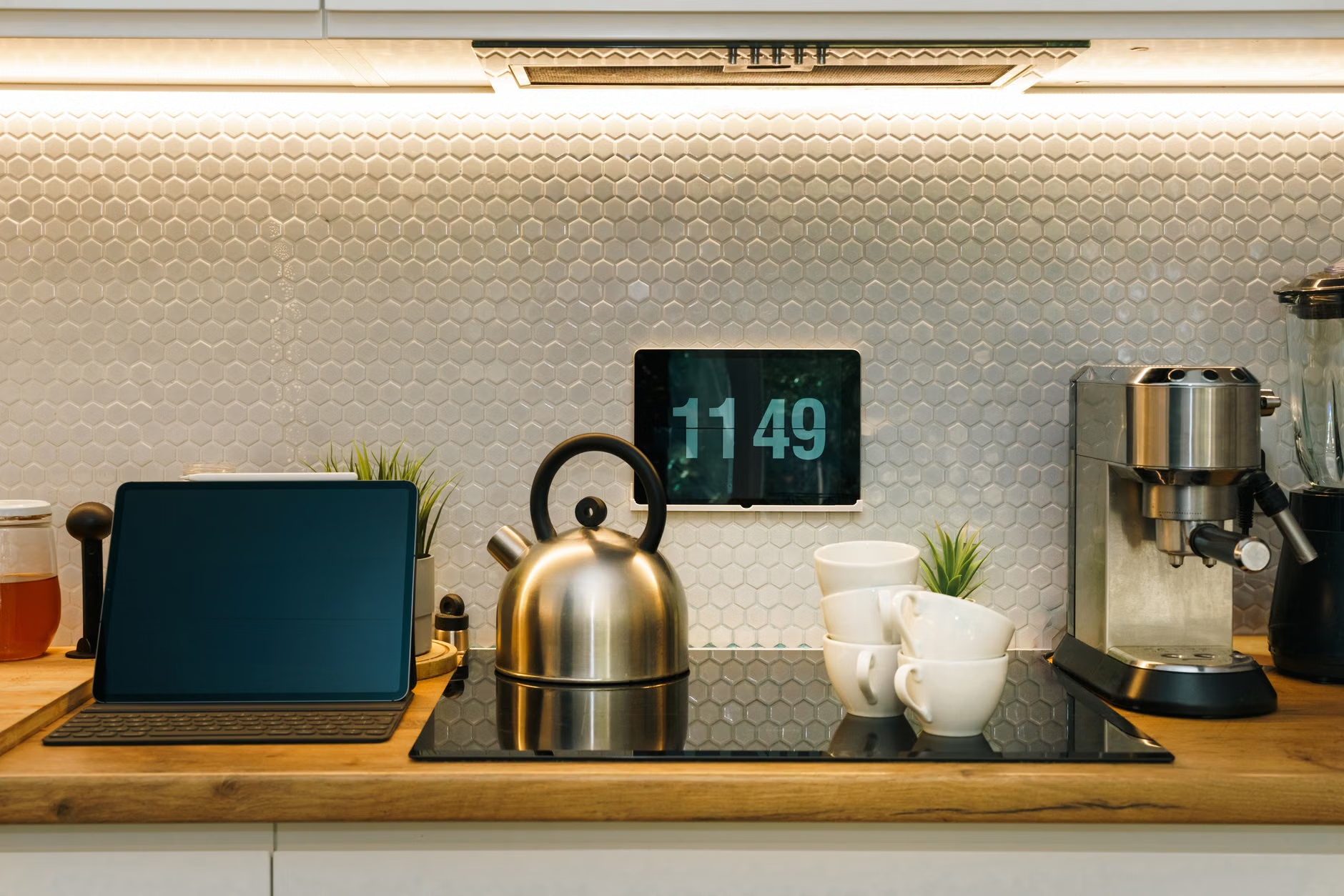
The “Interface”: You still want a screen. You can use an old tablet or a dedicated e-ink display. E-ink is particularly great for families because it doesn’t emit harsh blue light, consumes almost zero power, and looks more like a piece of paper on your wall than a glowing screen. By using a “kiosk mode” browser, you can lock the device to only show your calendar, preventing it from wandering off into apps that track your activity.
Step-by-Step: Moving from Cloud-Dependent to Local-First
Transitioning your family to a private setup might sound like a project for a software engineer, but the tools have evolved significantly. Here is how you can practically approach this transition without needing a degree in computer science.
- Select Your Local Server: Start with a dedicated device. A Raspberry Pi 4 or 5 is the gold standard for this, as it is quiet, energy-efficient, and runs 24/7 without needing a reboot.
- Install Privacy-Focused Software: Look into Home Assistant. It allows you to integrate calendar feeds (like CalDAV) without relying on Google or Apple’s proprietary APIs that track your usage.
- Network Isolation: This is the step most people skip. Once your server is up, configure your router to prevent the server from accessing the internet unless absolutely necessary. This prevents “telemetry” (the background data sent back to manufacturers) from ever leaving your home.
- The Display Setup: Use a tablet or a wall-mounted monitor. Use a “Fully Kiosk” browser app to lock the screen to your calendar dashboard. This ensures that no one—not even a child playing with the screen—can accidentally open a web browser and drift into tracking-heavy websites.
This setup might take a weekend to configure, but the result is a system that remains functional even if your internet goes down. That is a stability benefit that cloud-based systems simply cannot offer.
Comparing Your Scheduling Options
It is helpful to weigh the trade-offs before you dive into a DIY project. The following table highlights the differences between a standard smart display and a privacy-hardened alternative.
| Feature | Standard Smart Display | Privacy-Hardened Hub |
|---|---|---|
| Data Storage | Cloud (Company Servers) | Local (Your Home) |
| Internet Dependency | High | Low/None |
| Maintenance | Automatic Updates | Periodic Manual Updates |
| Customization | Limited | Complete |
The “Standard” option is clearly superior for someone who wants zero friction. However, if you value the ability to control your family’s digital footprint, the “Privacy-Hardened” option is the only one that puts you in the driver’s seat. The trade-off is maintenance; you are now the system administrator of your home. You will need to check for updates occasionally, but you will never have to worry about a company changing their terms of service and suddenly locking you out of your own data.
Common Pitfalls and How to Avoid Them
The biggest mistake people make when building a private hub is over-complication. They try to automate everything—from the lights to the thermostat to the oven—all at once. This usually leads to a “broken” home when one piece of software fails to communicate with another. Start with the calendar. Get it running perfectly, and only then add other sensors or controls.
Another common mistake is ignoring the physical security of your local server. If you put your server in an open area, someone could theoretically plug into it. Keep your “brain” in a secure, ventilated spot, perhaps near your router. Ensure that you have a backup strategy for your calendar data. Even if it is stored locally, hard drives can fail. A simple automated backup to an encrypted off-site cloud storage (or a physical USB drive) is a necessary safety net.
The Hidden Value of “Local-First” Thinking
Beyond the privacy gains, there is a psychological benefit to a private, non-distracting smart display. Mainstream displays are designed to keep you engaged—they suggest recipes, show news headlines, and try to sell you subscriptions. A privacy-hardened display, by contrast, is “boring” by design. It shows the calendar, perhaps the weather, and that’s it.
In a world of constant digital interruption, having a screen in the kitchen that only shows what you put on it is a massive relief. It changes the family dynamic. Instead of the screen being a source of distraction or a gateway to the internet, it becomes a tool for coordination. It’s a return to the simplicity of a paper wall calendar, but with the digital flexibility of being able to update it from your phone while you are at work.
Refining Your Workflow
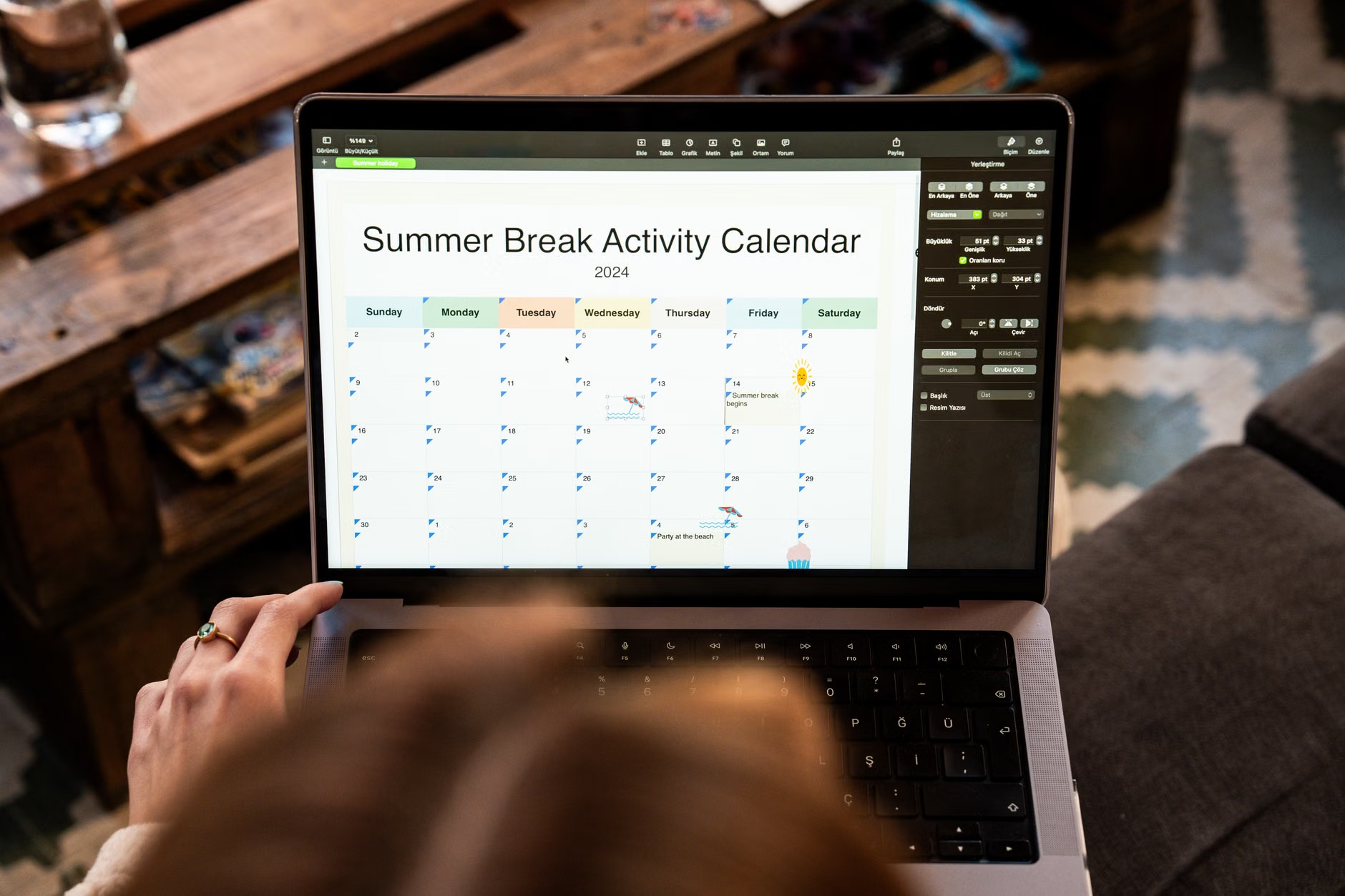
To keep this system sustainable for your family, you need to establish a “data entry” protocol. If everyone in the family is using different apps, you will struggle to sync them to your local hub. Try to standardize on a single, open-standard calendar format like CalDAV. Most calendar apps, even those from big tech companies, allow you to export your data as a CalDAV feed.
By using this standardized feed, you can pull your data into your private server. If you decide to switch calendar apps later, you won’t have to rebuild your entire display system. You simply point the server to the new feed. This is the beauty of open standards—they prevent you from being “locked in” to a single ecosystem.
Advanced Considerations: Voice Control and Privacy
Many readers will ask, “But what about voice commands?” This is the hardest part to replicate in a privacy-hardened setup. Technologies like Rhasspy or Wyoming Protocol allow for local voice control, but they are significantly more complex to set up than a standard smart speaker. My advice? Start without it. The trade-off for privacy is often a slight decrease in convenience. If you can manage your calendar through a touch interface, you have already solved 90% of the problem.
If you absolutely need voice control, look into hardware that has a physical “mute” switch for the microphone. While this isn’t as good as local processing, it does give you a physical, mechanical guarantee that the device isn’t listening when you don’t want it to. However, remember that as soon as you toggle that switch, you are trusting the manufacturer’s hardware implementation. A physical disconnect is always superior to a software-based “off” button.
The Reality of Maintenance
Let’s be honest: things will break. An update might break a connection, or a power surge might reset your server. This is the reality of self-hosting. You are trading the “it just works” experience of a trillion-dollar company for the “I own this” experience of a hobbyist. For most people, this is a fair trade. But it does require a mindset shift. You are no longer a consumer; you are a maintainer.
Keep a simple logbook or a digital note document on your own computer where you jot down the steps you took to set up your system. If you have to rebuild it in two years, you will be grateful for those notes. This documentation is your “user manual” for your own home.
Why This Matters Now More Than Ever
The landscape of data privacy is shifting. Laws like the GDPR in Europe and the CCPA in California are attempts to rein in data collection, but they are playing catch-up. By the time a law is passed, the technology has already moved on. The only way to guarantee your family’s data privacy is to keep the data where it belongs: in your home.
As our homes become increasingly digitized, we are essentially building a digital profile of our lives for companies to exploit. By reclaiming our scheduling hub, we are taking back a small, manageable piece of our autonomy. It’s not about being a luddite or fearing technology; it’s about using technology in a way that serves your family rather than the other way around.
Practical Next Steps for Your Family
If you are ready to take the plunge, start small. Buy a Raspberry Pi, grab an old tablet from a drawer, and spend an afternoon following a tutorial on setting up Home Assistant. You don’t need to do everything at once. Start by just getting the calendar to display. Once you see your own family’s schedule on a screen that you control, you’ll start to see the potential for other improvements.
You will likely encounter challenges. You might struggle with network settings or finding the right way to sync your calendar. This is part of the process. Don’t be afraid to search the forums of the tools you are using; there is a vibrant community of people doing exactly what you are doing. The knowledge you gain from this process will make you more tech-savvy and more aware of how the world around you is connected.
Final Thoughts on Digital Sovereignty
The goal isn’t perfection; it’s control. You don’t need to be a security expert to build a system that is infinitely more private than what you can buy at a big-box store. By choosing to host your own data, you are making a conscious decision to prioritize your family’s privacy over the convenience of a polished, ad-supported interface.
Start your journey by auditing what you currently have. Ask yourself: “Does this device need to be connected to the internet to function?” If the answer is no, find a way to isolate it. If the answer is yes, ask if the convenience justifies the data cost. You have more power than you think, and the tools to take back control are closer than ever. Enjoy the process of building a home that is truly yours, not just a digital extension of a corporation.
Frequently Asked Questions
1. Do I need to be a programmer to build a privacy-hardened smart display?
Not at all. While some technical troubleshooting is required, most modern open-source platforms like Home Assistant have user-friendly interfaces and extensive documentation for beginners. If you can follow a step-by-step guide and have the patience to troubleshoot minor issues, you are more than capable of completing this project.
2. What happens to my calendar data if my local server goes offline?
Your data remains safe on the server’s storage. Since the “brain” of your system is local, the information isn’t deleted or lost just because the power goes out or the network drops. Once the server reboots, it will simply re-sync the calendar, and your display will return to normal. It is a much more robust system than one that relies on a constant, stable internet connection to a cloud provider.
3. Can I still use my existing calendar apps on my phone with this setup?
Yes. You can continue using your preferred calendar app on your smartphone, provided it supports standard protocols like CalDAV or iCal. You simply point your local server to your calendar feed. This means you get the convenience of mobile entry with the security and privacy of local storage for your home display. You get the best of both worlds without the privacy trade-off.
For more information on self-hosting and privacy, you can explore the official documentation for Home Assistant at home-assistant.io and the privacy-focused community discussions on Nextcloud at nextcloud.com.