The most important thing to understand about energy ratings for smart appliances is that the label is a baseline, not a guarantee of your actual monthly bill. As a renter, your ability to influence your home’s energy footprint is limited by the infrastructure you don’t own, which makes choosing the right, efficient smart devices the most effective way to claw back control over your utility costs.
- Labels are relative: Energy ratings are based on standardized test cycles that rarely match real-world household habits, especially in multi-person households.
- Smart doesn’t mean low-wattage: Connectivity features (Wi-Fi, Bluetooth) draw “phantom power,” meaning a smart appliance can sometimes use more energy than a “dumb” equivalent when idle.
- Prioritize “Active” savings: Focus your budget on smart devices that manage high-draw appliances (like smart plugs for heaters or smart thermostats) rather than just “smart” gadgets that provide convenience but high standby power usage.
If you are in your 30s or 40s, you are likely balancing the chaos of work, parenting, and trying to keep the household budget from spiraling out of control. When you see an “A++” or “Energy Star” label on a smart appliance, it’s easy to assume it will automatically slash your electric bill. Unfortunately, the reality is a bit more nuanced. For renters, who often inherit inefficient HVAC systems or older kitchen appliances from landlords, the smart devices we bring into our homes are our only real levers for energy management.
Understanding the Energy Label “Trap”
Most energy rating systems, such as the EU’s A-G scale or the US Energy Star program, are designed to compare models within the same category. They test appliances under very specific, controlled conditions. For a washing machine, that might mean a specific temperature setting and a specific load weight. The problem for the average renter is that our lives are anything but standardized.
When you look at an energy label, you are looking at a snapshot of potential efficiency. If you live in an apartment where your landlord provides the refrigerator, you have zero control over its efficiency. However, when you add a smart plug to monitor that fridge, or when you buy a smart air purifier, you are introducing new variables into your energy consumption. A common mistake is assuming that “smart” features are inherently energy-efficient. In reality, every device connected to your home Wi-Fi is consuming a small, constant amount of power to stay “awake” and responsive to your app commands.
Let’s look at a realistic scenario: A family of four uses a smart coffee maker. If that machine has a “quick start” feature that keeps the heating element slightly warm to ensure the water heats up in seconds, it is drawing power 24/7. Over a month, that “convenience” might add a few dollars to your bill. While it seems small, if you multiply that across five or six “smart” devices, you are effectively paying a subscription fee for convenience that you might not even be using.
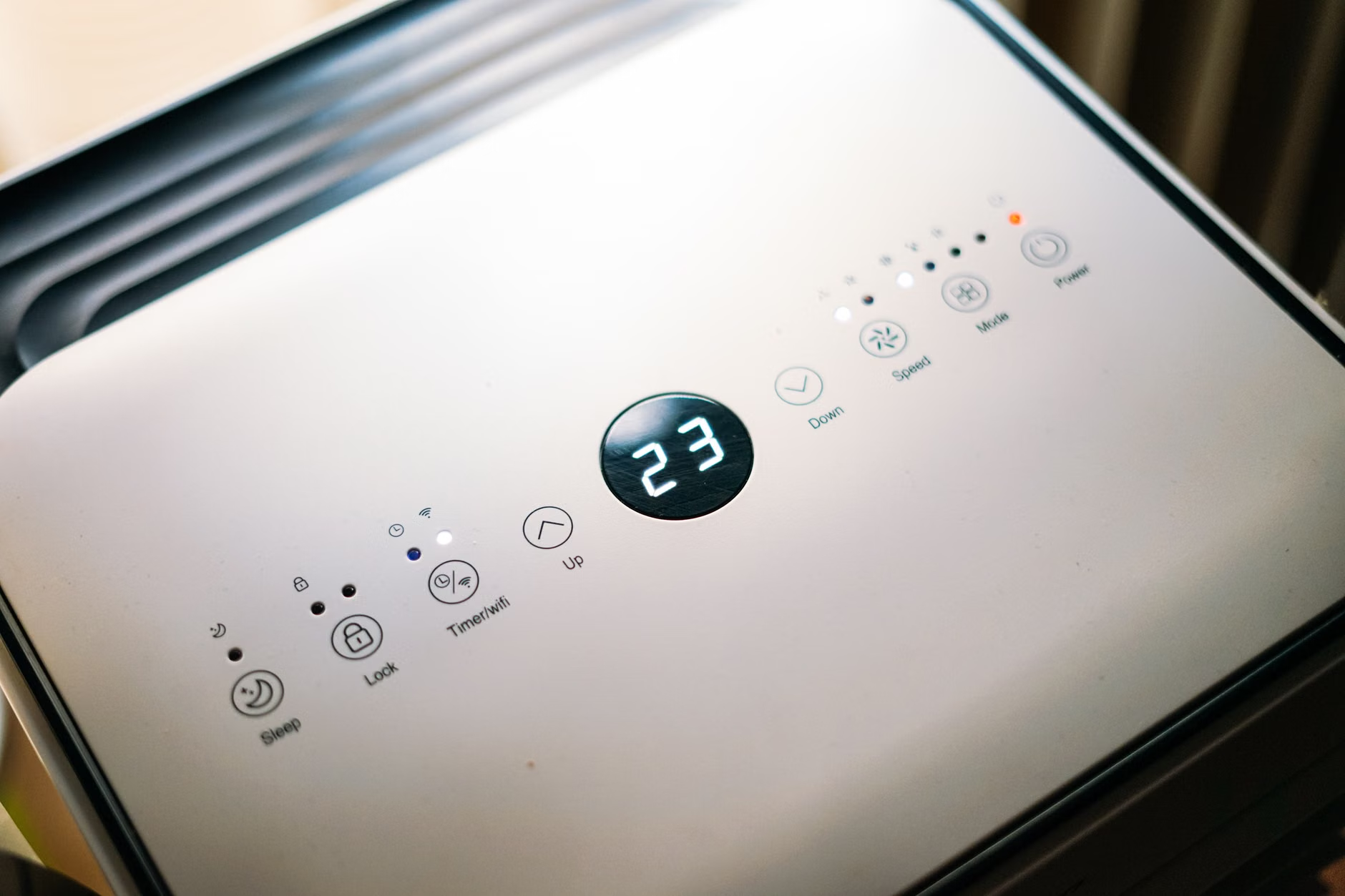
The Hidden Costs of “Always-On” Technology
We often talk about “vampire power” or “phantom load”—the electricity consumed by devices when they are turned off but still plugged in. For renters, this is particularly annoying because we often have fewer outlets available, leading to daisy-chained power strips that hide the energy usage of our tech.
Smart home devices are notorious for this. A smart speaker, a smart light bulb, and a smart hub all need to maintain a connection to your router. Individually, these draw very little—often less than 5 watts. But when you have a fully automated home, these “idle” devices can account for up to 10% of your total residential electricity usage. This is a significant chunk of change for someone trying to optimize a household budget.
To mitigate this, you should look for devices that support “Energy-Efficient Ethernet” or those that use low-power communication protocols like Zigbee or Z-Wave instead of Wi-Fi. Unlike Wi-Fi, which requires a power-hungry radio to maintain a high-bandwidth connection, Zigbee devices communicate via a central hub, allowing them to remain in a deep sleep state for much longer periods. This is a classic “overlooked variable” that makes a massive difference over the lifespan of your smart home setup.
Evaluating Appliances: The Renter’s Decision Matrix
When deciding whether to upgrade an appliance to a smart version, you need to weigh the upfront cost, the energy savings, and the “renter mobility” factor. Since you may move in a year or two, you don’t want to invest in permanent fixtures that you cannot take with you.
| Appliance Category | Smart Benefit | Efficiency Verdict |
|---|---|---|
| Smart Thermostat | High (Schedule optimization) | Highly Recommended (Portable) |
| Smart Plugs | High (Kill phantom power) | Essential for monitoring |
| Smart Lighting | Medium (Automation) | Good, but watch idle draw |
| Smart Kitchen Gadgets | Low (Convenience focus) | Avoid for energy savings |
As you can see in the table, the best investments for a renter are devices that provide systemic control. A smart thermostat, for example, can pay for itself within 12 months by ensuring your apartment isn’t being heated or cooled while you’re at work or school. Because most smart thermostats are designed to be removable, you can take them with you when you move, making them a safe long-term investment.

Step-by-Step: How to Audit Your Own Home
You don’t need a professional energy auditor to understand your home’s efficiency. You can do this yourself over a weekend. The goal here is to identify which of your devices are “energy hogs” versus which ones are actually helping you save.
- Map your “always-on” load: Turn off everything you can in your home. Go to your electrical meter. If it’s still spinning, you have phantom loads. Use smart plugs to identify which specific devices are the culprits.
- Check the “Standby” rating: When buying a new device, look for the “Standby Power” or “Off-mode Power” on the technical specification sheet (not the marketing brochure). If it’s not listed, it’s often hidden in the user manual. A target of less than 0.5 watts is excellent.
- Leverage Automation: Use the “Scheduling” feature in your apps. If you have a smart air purifier, don’t leave it on “Auto” 24/7 if your air quality is generally good. Set it to run only during peak allergy hours or when you are home.
- The “Renter’s Mobility” Test: Ask yourself: “If I move out in 6 months, can I take this with me easily, and will it work in my next place?” If the answer is no, the energy savings need to be massive to justify the purchase.
A common mistake is buying “smart” appliances that replicate the function of a simple, manual switch. For instance, a smart kettle that requires Wi-Fi just to boil water is often an energy-inefficient solution compared to a standard kettle with an auto-off feature. The energy cost of the Wi-Fi chip and the standby circuitry often outweighs the tiny efficiency gains of “precision heating.”
The Intersection of Parenting and Energy Management
When you have kids, your energy needs are unpredictable. You might need to run the washing machine at 2 PM because of a sudden school uniform disaster, or keep the nursery at a specific temperature. In these cases, the “efficiency” of a device isn’t just about the kWh rating; it’s about the usability of the energy-saving features.
Look for devices that offer “Eco-modes” which are easy to toggle. If an energy-saving feature is buried three menus deep in an app, you will never use it. The best smart appliances for parents are those that allow for quick, one-tap overrides. For example, a smart thermostat that has a “Hold” or “Away” button on the physical unit—not just in the app—is far more useful when you are rushing out the door with a toddler.
Furthermore, consider the “noise” of your energy management. If your smart devices are constantly sending notifications about energy consumption, you will eventually develop “alert fatigue” and stop paying attention. Set up your smart home to notify you only when there is a significant anomaly—like a fridge door left open or an unexpected spike in power usage—rather than providing daily reports that you won’t have time to read.

Addressing the “Smart Home” Misconception
There is a prevailing myth that buying the latest “Smart Home” kit will result in a more efficient home. In many cases, the opposite is true. The more devices you add to your home network, the more energy you consume. The goal of a smart renter should not be to have the most connected home, but the most purposefully connected one.
Think of your smart home like a diet. You don’t get healthier by adding more supplements; you get healthier by eating better food. Similarly, don’t add more smart devices. Instead, replace your most inefficient “dumb” devices with smart ones that offer real-time monitoring. A $15 smart plug that tells you your old space heater is drawing 1500 watts is worth more than a $300 “smart” space heater that you can’t monitor.
Always check the manufacturer’s official support page for energy specifications. If a company doesn’t provide detailed technical data on power consumption, it’s usually because they don’t want you to see it. Avoid these brands, especially when you are trying to optimize your household budget.
Closing Thoughts for the Conscious Renter
Managing energy as a renter is an exercise in balancing convenience with cost. You don’t have the luxury of retrofitting your home with solar panels or high-efficiency windows, but you do have the power to choose which devices enter your space. Focus on devices that give you visibility into your consumption and those that allow you to automate energy savings without constant manual input.
Your goal is to reach a point where your home works for you, not the other way around. Start by auditing your current “always-on” devices, prioritize the purchase of a smart thermostat or monitoring plugs, and always check the standby power ratings before clicking “add to cart.” By making these small, calculated changes, you can lower your utility bills and make your home a bit more sustainable—no matter where you live.
If you want to dive deeper into the technical standards for your specific region, you can check the Energy Star Product Finder for the US, or the European Commission’s EPREL database for the latest labeling requirements. These resources are the gold standard for verifying the efficiency claims of the products you bring into your home.
Frequently Asked Questions
- Do smart plugs actually save money or just track it? They save money by allowing you to completely cut power to devices that have a high “standby” or “vampire” load. They also help you identify which of your appliances are the most inefficient, allowing you to change your usage habits.
- Is Wi-Fi-connected smart home gear always less efficient than Zigbee or Z-Wave? Generally, yes. Wi-Fi radios are designed for high bandwidth and require more power to maintain a constant connection. Zigbee and Z-Wave are mesh-networking protocols specifically designed for low-power, intermittent communication, making them much more energy-efficient for smart home sensors and switches.
- Should I replace all my “dumb” appliances with smart ones? No. This is a common trap. Only replace appliances that are nearing the end of their life or those where “smart” features (like scheduling or remote monitoring) will directly result in significant energy savings. For simple tools like a toaster or a basic fan, the energy cost of the extra smart circuitry will likely never be offset by the efficiency gains.