Three Key Takeaways
- Cloud-dependency is a liability: If your internet goes down or the manufacturer’s server crashes, your “smart” home shouldn’t turn into a series of expensive, non-functional plastic switches.
- Local control is the gold standard: Devices that communicate via Zigbee, Z-Wave, or Thread/Matter with a local hub provide near-instant response times and keep your data inside your four walls.
- Prioritize interoperability: Choosing a platform that isn’t locked to a single brand allows you to mix and match hardware, ensuring your system doesn’t become obsolete when a company pivots its business model.
The most frustrating sound in a modern home isn’t a crying baby or a barking dog; it’s the silence that follows your command, “Hey, turn on the lights,” when the Wi-Fi has cut out. We’ve all been there—holding a laundry basket in the dark, waiting for a server in a different country to process a request that should have happened locally. If your smart lighting system stops working because your internet provider is having a bad day, you aren’t living in a “smart” home; you’re living in a home with a very fragile remote control.
For those of us in our 30s and 40s balancing careers, school runs, and the chaos of household management, technology should be invisible and reliable. It should work because it has to, not because the cloud is feeling cooperative. Moving to an “offline-first” lighting setup is the single best upgrade you can make to reclaim your home’s stability. It’s not about becoming a tech wizard; it’s about choosing hardware that respects your time and your privacy.
Why the “Cloud-First” Model Is Failing Families
Most entry-level smart lighting systems are built on a “cloud-first” architecture. When you flip a switch in your app, the signal travels from your phone to your router, then to the manufacturer’s server, and finally back to your light bulb. While this seems fast on a good day, it introduces a “latency chain” that is prone to breaking. If your router restarts, your internet service provider (ISP) has an outage, or the manufacturer decides to shut down their legacy servers, your lights stay off.
Beyond reliability, there is the issue of privacy. Every time you turn on a light, the cloud-based system registers that event. While that might seem trivial, aggregating this data creates a detailed profile of your daily habits: when you wake up, when you leave for school, and when you go to bed. For a busy parent, this isn’t just about technical inconvenience; it’s about who has access to your domestic rhythm.
Finally, there is the “planned obsolescence” trap. We have seen major smart home companies discontinue support for older hubs or force users into subscription models. When your hardware is tied to a proprietary cloud service, you are essentially renting your own home’s functionality. When the company decides they are done with your device, your investment becomes electronic waste.
Understanding Local Control: The Heart of Offline-First
Local control means that your smart home devices communicate directly with each other or with a local controller (a hub) within your house, without needing an internet connection to execute commands. If you are standing in the hallway and press a button, the message goes: Switch → Hub → Light. That’s it. It’s faster, more reliable, and completely immune to external outages.
To achieve this, you need to look for specific communication protocols. Most Wi-Fi smart bulbs are inherently cloud-dependent because they maintain a constant connection to a server to be “reachable.” Conversely, protocols like Zigbee and Z-Wave were designed for low-power, local, mesh networking. In a mesh network, every powered device acts as a repeater, strengthening the signal throughout your home. This is particularly useful in older houses with thick walls where Wi-Fi signals often struggle.
The arrival of Matter and Thread is changing the landscape. Matter is an industry-standard protocol that allows devices from different manufacturers to talk to each other locally. Thread is the underlying network technology that makes this possible without needing a heavy, power-hungry hub. By choosing Matter-over-Thread devices, you are effectively “future-proofing” your home against the whims of individual manufacturers.
| Protocol | Dependency | Best For |
|---|---|---|
| Wi-Fi | High (Cloud) | Single-room additions |
| Zigbee/Z-Wave | Low (Local) | Whole-home automation |
| Matter-over-Thread | None (Local) | Modern, future-proof setups |
If you are starting from scratch, I strongly recommend avoiding Wi-Fi-only bulbs. They clog your router’s bandwidth and rely on the cloud. Invest in a dedicated hub that supports local processing. This might feel like an extra step, but it is the difference between a home that works for you and a home that you work for.
Designing Your System: The “Offline-First” Roadmap
Building an offline-first system isn’t about buying the most expensive gear; it’s about a design philosophy. You want to ensure that if every piece of “smart” tech fails, your home remains functional as a “dumb” home. This is known as “manual override capability.”
1. The Switch vs. The Bulb Debate
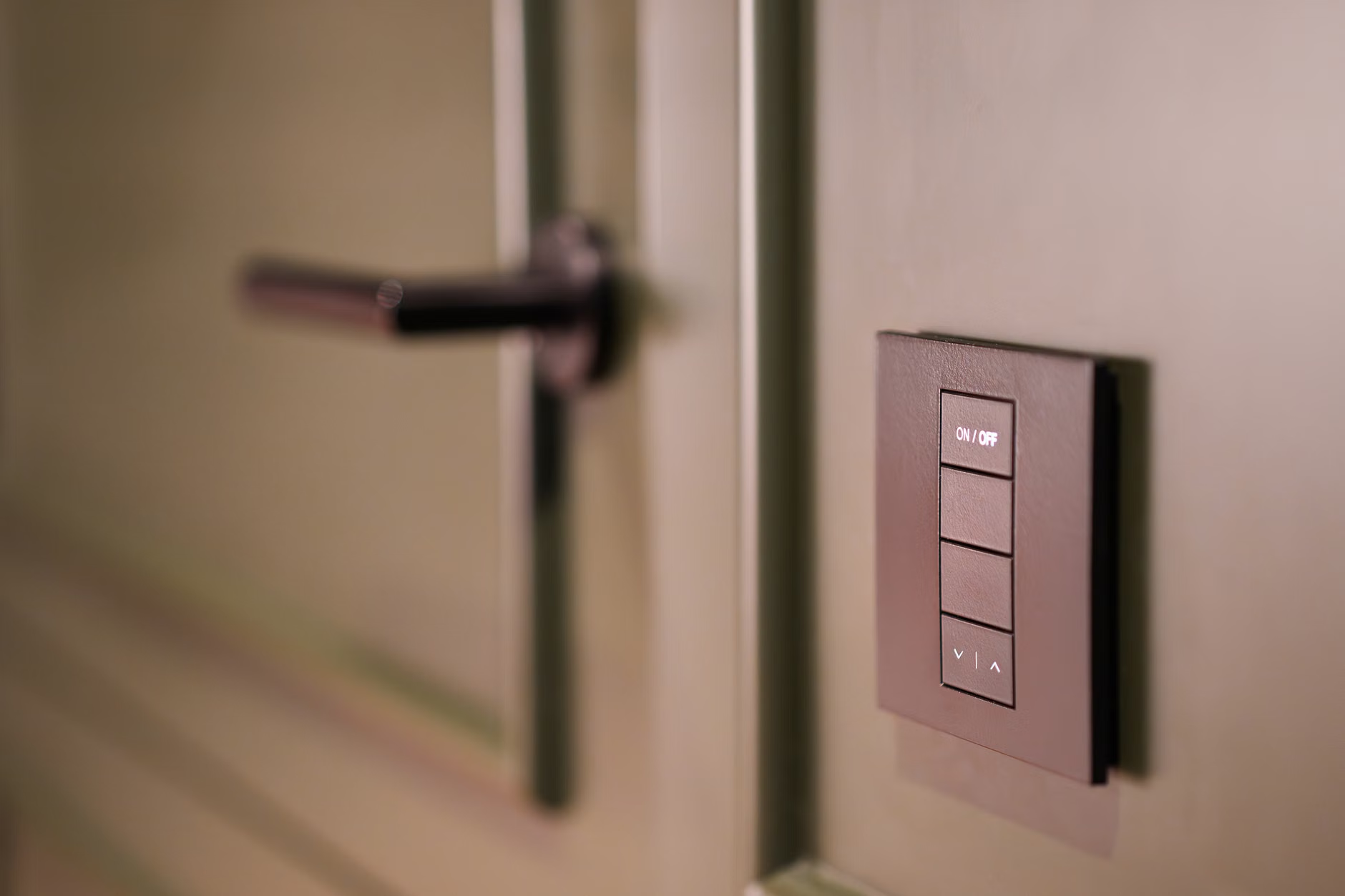
The most common mistake people make is replacing every light bulb with a smart bulb. This is a trap. If someone flips the physical wall switch off, the smart bulb loses power, goes offline, and becomes useless. Instead, focus on smart switches or smart dimmers. By keeping the “smart” part in the wall, you ensure that the physical switch always works, while the automation layer works on top of it. This is crucial for households with children or guests who don’t know how to use your specific app.
2. Choosing the Right Hub
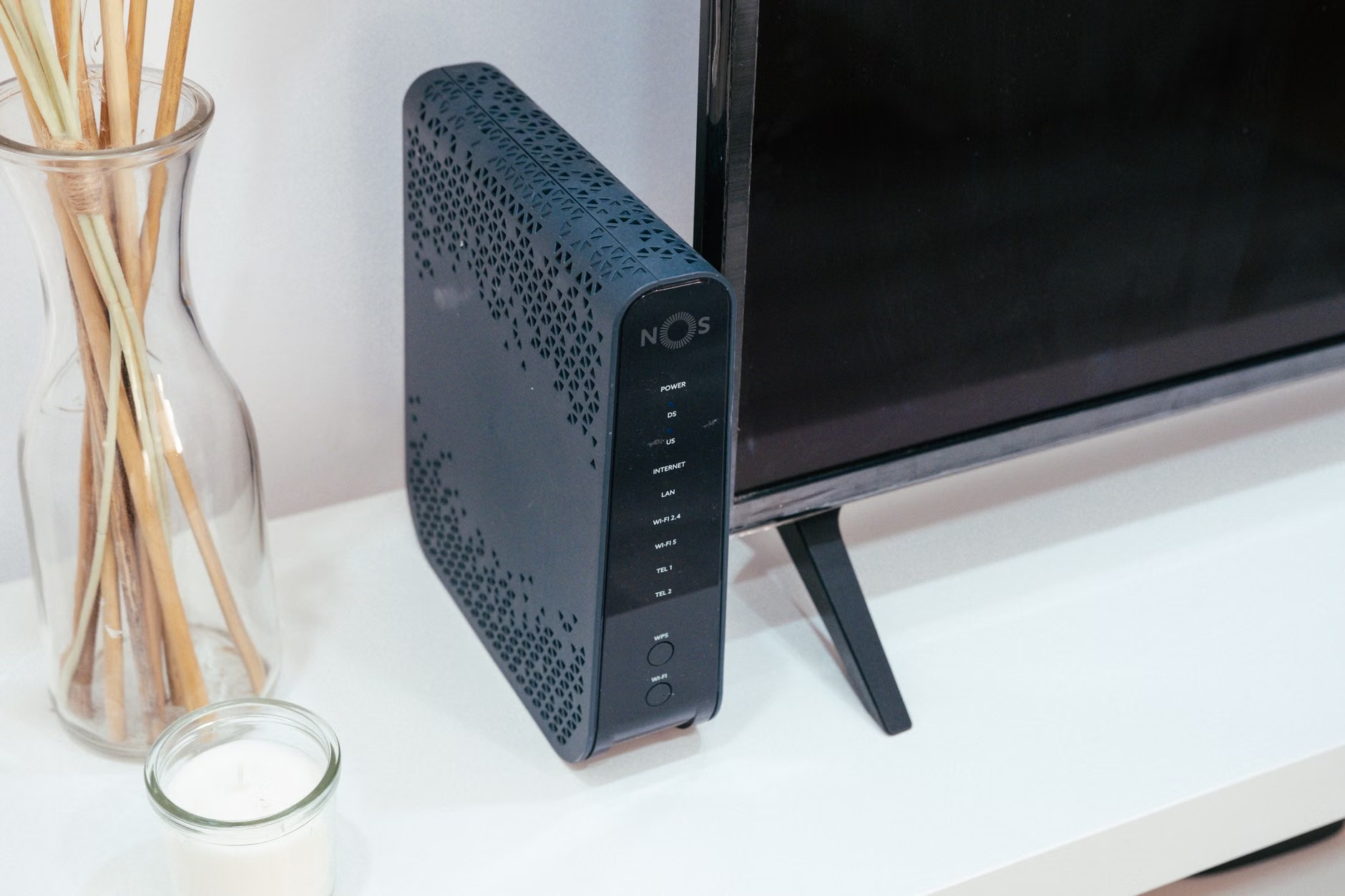
Your hub is the brain of your home. If you want a user-friendly, privacy-focused experience, look for hubs that emphasize local execution. Platforms like Home Assistant (for the tech-inclined) or dedicated hubs from established brands that explicitly state “local control” are your best bets. Avoid hubs that require a paid subscription to unlock advanced automation features; that is a sign that the company is monetizing your data and your dependence on their server.
3. The “Wife/Husband/Child Approval Factor”
If your automation is so complex that it requires a manual to turn on the bathroom light, you have failed the family test. An offline-first system should feel invisible. Use sensors (motion or presence) for areas like hallways or closets, but keep physical, tactile controls for living spaces. The goal is to reduce the cognitive load on your family, not increase it.
Managing Expectations and Troubleshooting
Even the best systems have hiccups. The advantage of an offline-first setup is that when things go wrong, the solution is usually local. If a light isn’t responding, check the mesh network signal strength rather than calling your ISP. Often, a single device that acts as a repeater might be unplugged, causing a “blind spot” in your mesh network. Simply plugging it back in restores the path, and everything starts working again—no cloud sync required.
Another common issue is interference. Zigbee devices operate on the 2.4GHz frequency, which is the same frequency used by many older Wi-Fi routers. If you find your smart devices are sluggish, check your router settings. Changing your Wi-Fi channel to 1, 6, or 11 can often clear up the congestion, allowing your local smart devices to communicate clearly. This is a “hidden” variable that many people overlook, leading them to believe their hardware is faulty when it’s actually just experiencing radio-frequency traffic jams.
Be wary of “smart” devices that don’t have a clear path to local control. If you buy a device and the first step in the manual is “Create an account and connect to Wi-Fi,” you are already in the cloud-first ecosystem. Look for devices that support “Gateway” or “Hub” configurations and prioritize those that list “Local API” or “Matter” on the box.

The Long-Term Value of Local Intelligence
Investing in offline-first lighting isn’t just about avoiding a five-minute internet outage. It is about building a digital infrastructure that survives the inevitable turnover of tech companies. When you buy a bulb that relies on a specific app, you are betting that the company will exist in five years. When you buy a standards-compliant device that works with a local hub, you are betting on your own home’s longevity.
For parents, this stability is priceless. You don’t want to be troubleshooting your living room lights while trying to settle a toddler. You want systems that are predictable. Reliability is the ultimate luxury in a busy life. By keeping your lighting logic local, you are choosing a path that values your time, protects your privacy, and ensures that your home remains a sanctuary rather than a technical maintenance project.
Start by identifying the rooms where reliability matters most—the kitchen, the nursery, and the main entryways. Replace the switches in those rooms with local-control hardware. Once you see how seamless and responsive these areas become, the transition to the rest of the house will feel like a natural upgrade rather than a chore. Remember, the best technology is the kind you stop noticing because it just works.
Frequently Asked Questions
Does “offline-first” mean I can’t control my lights when I’m away from home?
Not at all. You can still control your home remotely, but the logic remains local. Your hub acts as a secure bridge. When you send a command from your phone while at work, it connects to your hub locally through a secure, encrypted tunnel (often via a VPN or a secure cloud relay), but the actual execution of the command happens within your house. Your home doesn’t need the internet to function; the internet is just a remote control for your local system.
Is it expensive to set up a system with a dedicated hub?
It can be a higher upfront cost than buying a cheap Wi-Fi bulb, but it is cheaper in the long run. Wi-Fi bulbs often have a shorter lifespan, and you have to replace them individually. With a hub-based system, the bulbs are generally more affordable, and the hub is a one-time investment that supports dozens or even hundreds of devices. Think of it as investing in the infrastructure of your home rather than just buying disposable appliances.
What happens if my hub dies?
This is the most critical question for any smart home enthusiast. If you choose an open-standard system, you can replace the hub and re-pair your devices. If you choose a proprietary system, you might have to re-configure everything. This is why I strongly recommend choosing hardware that supports Matter or established, open-protocol Zigbee/Z-Wave devices. This ensures that your investment is in the light switches, not the controller, making it much easier to swap out the “brain” if it ever fails.
For further reading on open-source standards and local-first home automation, you can explore the official documentation for Matter by the Connectivity Standards Alliance. For those interested in the technical side of local control, the Home Assistant community documentation provides excellent insights into how local networks function without cloud dependency.