If you are tired of your video calls dropping the moment you walk into the kitchen or your kids complaining that their games are lagging in their bedrooms, the solution isn’t just buying a “stronger” router—it is moving to a mesh network system.
- Mesh systems replace your router: They create a single, unified network name (SSID) across your entire home, eliminating the need to manually switch between networks.
- Placement is everything: Nodes should be placed in open areas with a clear line of sight to the main unit, rather than tucked away inside cabinets or behind heavy furniture.
- Hardwiring is the gold standard: Whenever possible, use an Ethernet backhaul (connecting nodes via cables) to ensure maximum speed and stability for high-bandwidth activities like 4K streaming.
The Reality of Wi-Fi in Large Homes
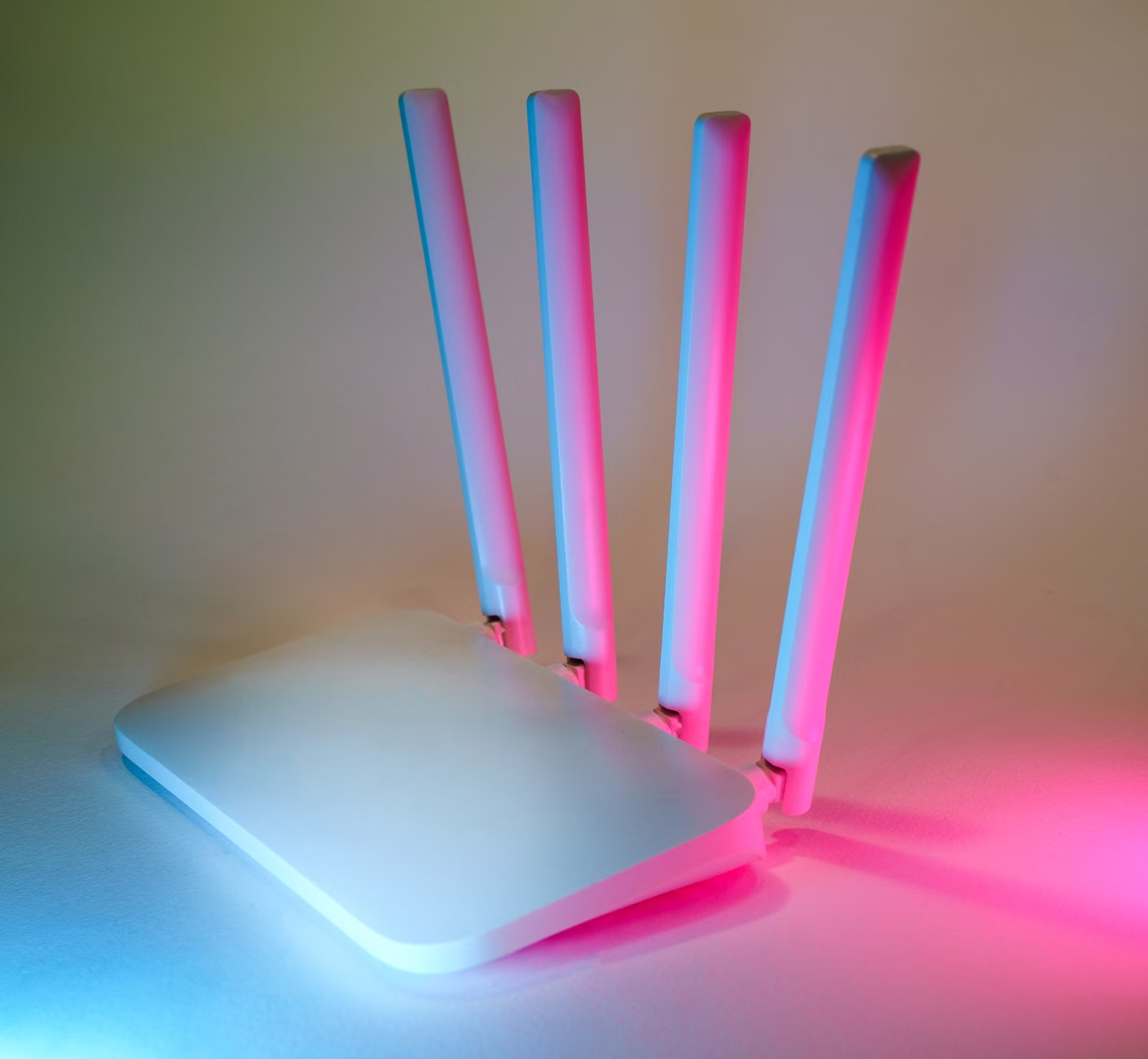
We often treat our home Wi-Fi like a single lightbulb trying to illuminate a mansion. We buy the most expensive, antenna-bristling router we can find, place it in the living room, and expect it to magically penetrate through thick walls, floorboards, and the laundry room. But physics doesn’t work that way. Radio waves have a finite range, and every wall they pass through acts like a dampener, absorbing the signal and thinning it out until you are left with those frustrating “dead zones.”
For parents in their 30s and 40s juggling remote work, virtual schooling, and streaming services, this isn’t just a minor annoyance; it is a productivity killer. When you have a house larger than 1,500 square feet, or a home with complex layouts, a single router simply cannot keep up. You might have tried “extenders” in the past, but those are often a half-measure. They work by grabbing the existing signal and repeating it, which effectively cuts your bandwidth in half and often creates a second, separate network you have to manually connect to when you walk from the bedroom to the office.
A mesh network is fundamentally different. It is a system of multiple “nodes”—small, unobtrusive boxes—that communicate with each other to form a web-like structure. They all share the same network name and password. As you move through your home, your device (phone, laptop, or tablet) intelligently hands off the connection to the closest node without you ever noticing a drop in service. It is seamless, smart, and for a modern family, it is the only way to manage a dozen connected devices simultaneously.
Why Mesh Beats Traditional Routers for Busy Families
The primary advantage of a mesh system is the concept of “seamless roaming.” With a traditional router and an extender, your phone stays latched onto the weakest possible signal until it is practically dead before finally switching to the extender. This results in that annoying “buffering” wheel or a frozen screen during a conference call.
Mesh systems use a technology called 802.11k/v/r standards, which allows the router to tell your device, “Hey, the node in the hallway has a much better connection than the one in the living room; jump over there.” It does this in milliseconds. Furthermore, mesh systems are designed for high-density environments. If you have a smart doorbell, three tablets, a smart TV, and two laptops running at the same time, a mesh system manages that traffic more efficiently than a single router, which can get overwhelmed by the sheer volume of “requests” coming from different rooms.
Think of it like a highway system. A single router is a one-lane road where everyone is trying to merge at once. A mesh network is a multi-lane highway with traffic controllers at every intersection, ensuring that data packets get to their destination without hitting a bottleneck. For parents, this means the difference between a smooth 4K movie night and a series of “Network Error” messages that ruin the evening.

How to Strategically Place Your Nodes for Maximum Coverage
One of the most common mistakes people make is treating Wi-Fi nodes like decorative art—tucking them into bookshelves, behind the TV, or inside a closed utility closet. Radio waves need space to travel. If you hide your node, you are effectively putting a muffler on your internet signal.
When setting up your mesh system, follow these three rules:
| Rule | Why It Matters |
|---|---|
| The Line-of-Sight Rule | Nodes talk to each other best when they can “see” each other. Avoid placing them behind heavy furniture or mirrors. |
| Avoid Obstructions | Metal, concrete, and large appliances (like fridges) are the enemies of Wi-Fi. Keep nodes at least 3-5 feet away from them. |
| The “Middle” Strategy | Place nodes in central hallways or open living areas rather than the extreme corners of the house. |
If you have a two-story home, the best placement for the main node is often in the center of the first floor, with secondary nodes placed at the top of the stairs or in a central upstairs hallway. This creates a “daisy chain” or “star” topology that covers the maximum square footage. If you have a basement, you will likely need a dedicated node down there, as concrete foundation walls are essentially impenetrable to standard Wi-Fi signals.
The Hidden Power of Ethernet Backhaul
Most mesh systems are marketed as “wireless,” which is true—they connect to each other through the air. However, if your house is wired with Ethernet ports (common in newer constructions or homes that have undergone renovations), you should absolutely use them. This is called “Ethernet Backhaul.”
By connecting your mesh nodes to each other via physical cables, you free up the wireless frequency (the “airwaves”) for your devices. Without a backhaul, the mesh nodes have to use part of their wireless capacity just to talk to each other. By plugging them in, you essentially give your Wi-Fi an “express lane” that isn’t competing with your kids’ tablets or your Netflix stream. If you are a heavy user—someone who edits video, works with large cloud files, or games competitively—this is the single most effective way to guarantee rock-solid performance.
Managing Your Network: The Modern Parent’s Dashboard
Mesh systems are not just about signal strength; they are about management. Almost every major mesh system (like Eero, Google Nest, or TP-Link Deco) comes with an app that acts as your command center. In your 30s and 40s, you are likely looking for simplicity and control, and these apps deliver exactly that.
Most of these apps allow you to:
- Pause the Internet: Need to get the kids to the dinner table? A single tap on your phone can pause internet access for specific devices.
- Set Guest Networks: Give visitors access to the internet without giving them access to your home printer or file server.
- Run Speed Tests: Check if your ISP is actually providing the speed you are paying for, directly from the source.
- Prioritize Devices: If you have a big presentation, you can set your laptop as the “top priority” device so that it gets the best bandwidth, even if the kids are streaming in the other room.
This level of control was once reserved for IT professionals, but it is now accessible to anyone with a smartphone. It takes the “black box” mystery out of home networking and puts the power back in your hands.

Common Pitfalls and How to Avoid Them
Even with the best system, you can run into issues. One common mistake is buying too many nodes. “More” is not always “better.” If you place nodes too close together, they can actually interfere with each other, creating “co-channel interference.” A good rule of thumb is to keep nodes at least 20 to 30 feet apart. If you live in a 1,500 square foot apartment, a two-node system is usually plenty. For a 3,000 square foot house, three nodes are the sweet spot.
Another issue is firmware. Because mesh systems are essentially small computers, they need regular updates. Most systems update automatically overnight, but it is worth checking the app once a month to ensure everything is running the latest version. These updates often include security patches that are vital for protecting your home network from vulnerabilities.
Finally, do not expect a mesh system to fix a bad ISP plan. If you are paying for 50 Mbps and you have 20 devices in your house, no amount of mesh hardware will make your internet feel “fast.” Mesh improves the distribution of the internet you have, not the source. If your speed tests consistently show slow results even when you are standing right next to the main node, your issue is with your service provider, not your router.
Making the Final Decision
When choosing a system, consider the ecosystem you are already in. If you are a heavy user of smart home devices (like voice assistants or smart lights), look for a mesh system that supports the “Matter” or “Thread” protocols. These are newer standards that make it easier for smart devices to talk to each other and your network, reducing the “lag” often associated with smart home commands.
Don’t be swayed by “AX” or “Wi-Fi 6/6E/7” marketing jargon. While newer standards are technically better, for most families, a high-quality Wi-Fi 6 system will be more than enough for the next five years. Unless you have a gigabit-plus internet plan and cutting-edge devices, you don’t need the most expensive model on the shelf. Focus on the number of nodes and the ease of the app.
Ultimately, a mesh network is an investment in your home’s infrastructure. It is the backbone of your digital life. Once you set it up correctly, it is one of those “set it and forget it” improvements that makes every single day just a little bit easier. No more shouting, “Is the Wi-Fi down?” or running to the router to reboot it. Just reliable, invisible, and fast internet everywhere you need it to be.
Frequently Asked Questions
- Do I need to replace my existing modem?
No. A mesh system replaces your router (the device that creates the Wi-Fi signal), not your modem (the device that connects to your ISP). You will plug the main mesh node into your existing modem via an Ethernet cable. - How many nodes are actually enough?
For most homes under 2,000 square feet, two nodes are sufficient. For homes between 2,000 and 3,500 square feet, three nodes are recommended. Anything larger may require a fourth node, but be careful not to crowd them. - Will a mesh system make my internet faster?
It will not increase the total speed provided by your ISP, but it will ensure that you receive the maximum possible speed throughout your home by eliminating signal degradation and managing device traffic more effectively.
For more technical details on Wi-Fi standards and network optimization, you can consult the official resources provided by the Wi-Fi Alliance regarding mesh certifications.