- Choose “Matter” over proprietary ecosystems: Always look for the Matter logo to ensure your device works with Apple Home, Google Home, Amazon Alexa, and Samsung SmartThings simultaneously.
- Local control is non-negotiable: Matter-enabled plugs operate locally on your Wi-Fi or Thread network, meaning your automations still work even if your internet connection drops.
- Complexity is a choice, not a requirement: Modern open-standard plugs require only a QR code scan for setup, eliminating the need for bridge hubs or complicated manual pairing.
If you have ever spent an hour trying to get a smart plug to “talk” to your voice assistant, only to find out you bought the wrong brand for your specific ecosystem, you are not alone. It is a common frustration for parents in their 30s and 40s who just want the coffee maker to start on time or the nursery lamp to dim without a manual struggle. For years, the smart home market was a walled garden of fragmented standards. You were either a “Google house” or an “Apple house,” and rarely the twain would meet.
That changed with the introduction of Matter, the industry-wide open standard. Today, buying a smart plug is no longer about choosing a brand loyalty program; it is about choosing a protocol that plays well with others. If you are looking to automate your home, here is how to navigate the shift to open standards and why it matters for your peace of mind.
Why the “Matter” Standard Changes Everything for Your Household
In the past, a smart plug functioned based on its manufacturer’s cloud. If you bought a plug designed for Alexa, it might not work with Apple HomeKit. This forced families to keep a spreadsheet of which devices worked with which hub. It was inefficient, expensive, and frankly, unnecessary. Matter, developed by the Connectivity Standards Alliance (CSA), is an IP-based connectivity standard that allows devices from different manufacturers to communicate natively.
When you buy a Matter-certified smart plug, you are buying interoperability. You can set it up using your iPhone’s Home app today, and if you decide to switch to a Google Pixel or an Android-based tablet next year, the plug will migrate with you without needing a firmware update or a factory reset. This is the definition of future-proofing your home technology.
Furthermore, Matter operates locally. In older systems, when you asked your smart speaker to turn on a light, your command had to travel to the manufacturer’s server in the cloud and back again. That is why you sometimes experienced that annoying two-second lag. Matter devices communicate directly with your hub (like a HomePod, Nest Hub, or Echo device) over your local network. This means faster response times and, crucially, a system that doesn’t “break” just because your ISP is having a bad day.
The Hidden Costs of Proprietary Ecosystems
Beyond the inconvenience, there are real financial and practical costs to ignoring open standards. When you buy into a proprietary system, you are locking yourself into a cycle of purchasing only that company’s accessories. If that manufacturer decides to discontinue a line, raise their subscription prices, or stop supporting legacy devices, you are left with a collection of “dumb” plastic bricks.
Consider the following comparison table to understand why moving to open standards is the smarter financial decision for a busy household:
| Feature | Proprietary Plug | Matter-Certified Plug |
|---|---|---|
| Ecosystem Support | Single (e.g., Alexa only) | Universal (Apple, Google, Alexa, SmartThings) |
| Connection Speed | Cloud-dependent (latency) | Local network (near-instant) |
| Privacy | Data routed through manufacturer | Data stays within your home |
| Longevity | Risks “bricking” if company fails | Standardized, long-term support |
When you look at this table, the choice becomes clear. The “Proprietary” model is designed to keep you trapped in one ecosystem. The “Matter” model is designed to respect your ownership of the hardware. For a parent managing a busy home, the reliability of local control is not just a luxury—it is a necessity for keeping routines running smoothly.
Step-by-Step: Setting Up Your First Matter-Enabled Plug
If you are worried that “open standards” implies a complex, IT-heavy setup process, you can breathe a sigh of relief. The beauty of Matter is that it has standardized the setup process as well. You no longer need to download a third-party app from a manufacturer you’ve never heard of. You can use the home automation app you already have on your phone.
Here is the standard workflow for installing a modern open-standard plug:
- Check your Hub: Ensure you have a Matter-compatible controller. This could be a recent Apple HomePod (Mini or 2nd Gen), an Amazon Echo (4th Gen), a Google Nest Hub (2nd Gen or Max), or a Samsung SmartThings Station.
- Power On: Plug your smart plug into the wall outlet. Wait for the indicator light to blink, signaling it is in “pairing mode.”
- Scan the QR Code: Open your primary home app (e.g., Apple Home or Google Home). Select “Add Device” and use your phone’s camera to scan the QR code found on the plug or its instruction manual.
- Multi-Admin Pairing (Optional): If you want the plug to be controlled by both a family member’s iPhone and your Android tablet, you can trigger the “pairing mode” again in your first app to generate a setup code for the second platform.
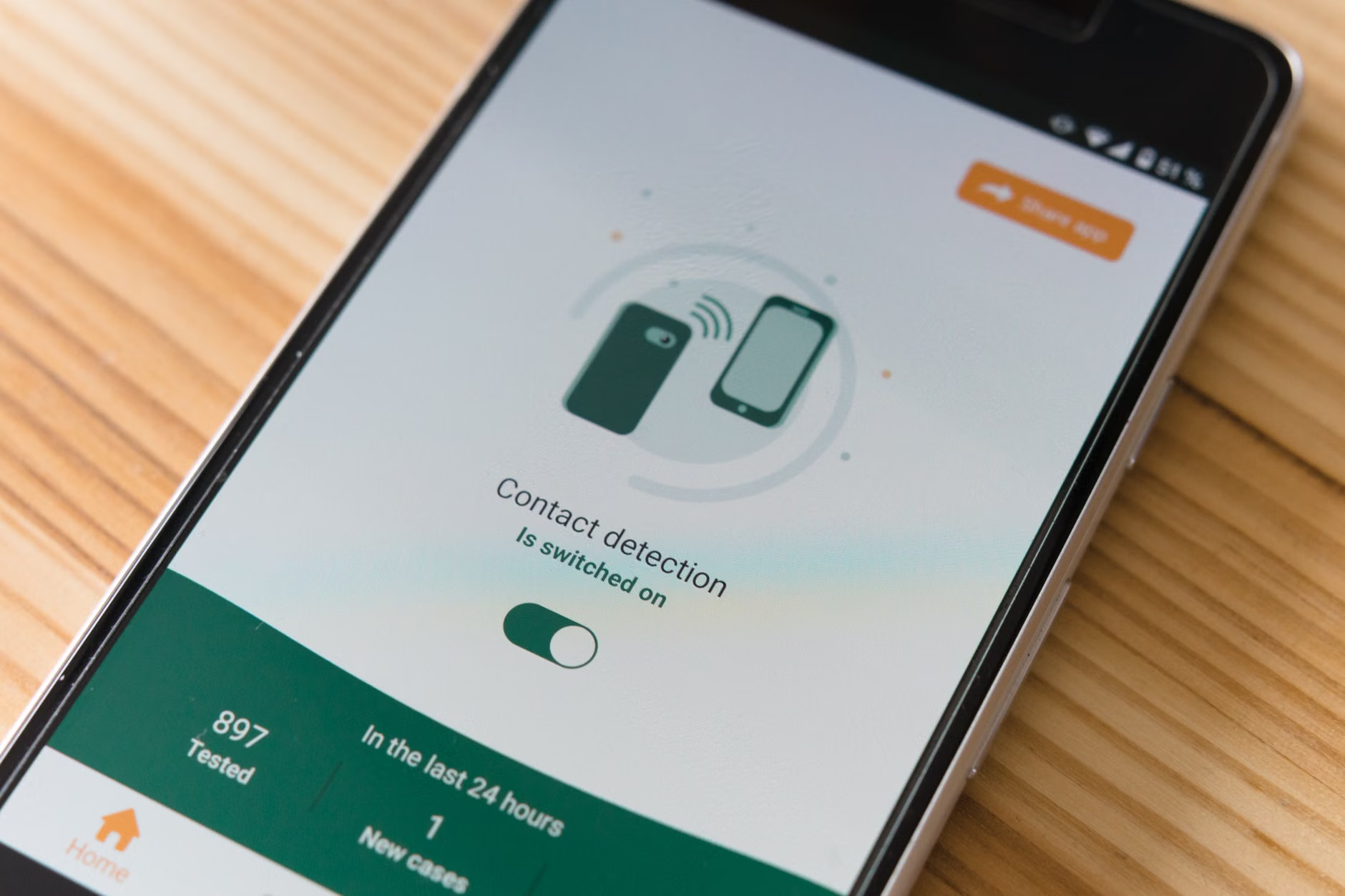
The most common mistake people make is trying to use the manufacturer’s proprietary app first. With a Matter device, you can skip the manufacturer’s app entirely. By using your native home app, you keep your phone’s storage clean and your data footprint small.
Even with a universal standard, technology can occasionally be stubborn. If your plug isn’t showing up, do not jump to the conclusion that the device is broken. Most issues in the Matter ecosystem stem from network configuration rather than hardware failure.
The 2.4GHz Wi-Fi Rule: Most smart plugs, even Matter-enabled ones, require a 2.4GHz Wi-Fi connection to initialize. If you have a high-end mesh router that automatically combines 2.4GHz and 5GHz bands under one name, your phone might be on the 5GHz band while the plug is searching for the 2.4GHz band. If pairing fails, temporarily turn off the 5GHz radio in your router settings or move your phone to the edge of your Wi-Fi range (where 2.4GHz signals travel further) during the setup process.
Thread vs. Wi-Fi: You will see some Matter plugs labeled as “Thread” devices. This is actually a good thing. Thread is a low-power mesh network that makes your smart home more reliable as you add more devices. If you have a Thread-enabled hub, always prioritize buying Thread-based smart plugs over Wi-Fi-based ones. They don’t clog up your Wi-Fi router and they create a stronger, more resilient network as they connect to one another.
Firmware Updates: Because Matter is relatively new, manufacturers are frequently pushing updates to improve stability. Do not ignore those “Update Available” notifications in your home app. These updates often contain critical security patches that protect your home network from unauthorized access.
Practical Applications: Beyond Just Turning Lamps On
We often think of smart plugs as tools for lamps, but their utility in a modern household goes far beyond simple on/off commands. Because Matter allows for sophisticated automation, you can use these plugs to manage energy consumption and safety effectively.
Energy Monitoring: Many high-quality Matter plugs include energy monitoring. By plugging your high-draw appliances (like a space heater or a dehumidifier) into these, you can track exactly how much power they use. You can even set up automations that send a notification to your phone if an appliance stays on for more than four hours—a perfect safety feature for those of us who have walked out the door and panicked about whether we left the iron on.
Automation Scenarios:
- The Nursery Routine: Set a smart plug connected to a white noise machine to turn on automatically at 7:30 PM, and turn off at 7:00 AM. Since it is Matter-enabled, if your partner wants to turn it off manually via their own phone, they don’t need your login credentials.
- The Work-from-Home Cutoff: If you use a standing desk with a monitor setup, put the power strip into a smart plug. Create a “Shutdown” scene that kills power to the entire workstation at 6:00 PM, ensuring you aren’t tempted to check emails in the evening.
- The Vacation Simulation: Use a randomizer automation in your home app to turn lamps on and off at irregular intervals while you are away. Because the command is handled locally by your hub, this will continue to work even if your internet goes down while you are on holiday.
The Overlooked Variable: Why Your Hub Matters More Than the Plug
One detail that is frequently overlooked in tech reviews is the importance of the Thread Border Router. If you buy a Matter-over-Thread plug, it will work “okay” on its own, but it will work “perfectly” if you have a proper Border Router. A Border Router is a device that bridges your Thread network to your main home Wi-Fi network.
If you have an Apple HomePod Mini, an Apple TV 4K (recent versions), or a Google Nest Hub (2nd Gen), you already have a Border Router. If you don’t, your Matter-over-Thread devices will rely on fallback methods that might be slower. Before buying a large quantity of smart plugs, check your home’s existing hardware. If you don’t have a Border Router, consider making your first investment in one, as it will act as the backbone for every future smart device you add to your home.
Final Recommendations for Your Smart Home Journey
The transition to open-standard smart home technology is a shift toward taking control of your domestic environment. You are no longer a consumer of a specific brand’s ecosystem; you are an architect of a system that serves your specific needs. Start small—perhaps with one or two plugs for high-traffic areas—and ensure they carry the official Matter logo on the packaging. Avoid buying “compatible with” devices that require a proprietary bridge; the goal is to eliminate hubs, not add more of them.
As you build your setup, remember that the goal is simplicity. If a device requires you to create an account, share your email, or link to a cloud service just to turn on a lamp, look for an alternative. The true power of the Matter standard is that it works without those barriers. Your home should be a place of relaxation, not a place where you are constantly troubleshooting connectivity issues. By choosing open standards, you are investing in a future where your home technology is as reliable as the light switch on the wall.
Frequently Asked Questions
1. Does Matter replace Wi-Fi or Bluetooth?
No, Matter is a protocol that runs on top of existing network technologies like Wi-Fi and Thread. Think of it as a common language that allows your smart devices to understand each other, regardless of whether they are using Wi-Fi or Thread to physically transmit the data.
2. Can I use a Matter plug if I don’t have a smart speaker?
Technically, you need a “Matter Controller” to set up and manage the device. While this is usually a smart speaker or display, it can also be a dedicated smart home hub. If you have no hub at all, you won’t be able to automate the device or control it remotely, but you would still be able to control it via a Matter-compatible app on your phone if you are within range.
3. Will my old “non-Matter” smart plugs stop working?
Not at all. Your existing devices will continue to function exactly as they do today. However, they will remain siloed within their respective ecosystems. You cannot “update” an older plug to become a Matter device; it is a hardware-level certification. You should continue using your old devices until they reach the end of their lifecycle, and simply prioritize Matter-certified devices for all future purchases.
For more information on the evolving standards of smart home connectivity, you can visit the official Connectivity Standards Alliance Matter portal for the latest technical updates and certified product lists.