The most effective way to protect your child’s privacy in a smart home is not to unplug everything, but to shift from cloud-dependent devices to local-processing, privacy-first hardware that keeps data within your own four walls.
- Prioritize Local Processing: Choose devices that process voice commands locally on the hardware rather than sending audio clips to remote cloud servers.
- The “Mute Switch” Rule: For any voice assistant in a bedroom or play area, physical hardware kill-switches (the ability to physically disconnect the microphone) are non-negotiable.
- Data Minimization: Regularly audit your device history and set up automatic deletion schedules to ensure your family’s voice logs are purged every 24 hours.
We have all been there. You are trying to juggle a toddler, a grocery list, and a work call, and the convenience of saying, “Hey, play some nursery rhymes,” feels like a life-saver. But then, a nagging thought kicks in: Where does that audio go? Who is listening? And more importantly, what is being built into a profile about my child’s habits?
For parents in their 30s and 40s, the “smart home” has become a standard feature of modern life. Yet, as we integrate these devices, we often inadvertently invite a silent observer into the most intimate parts of our homes. The good news is that you do not have to live like a Luddite to keep your home safe. You just need to change your criteria for what “smart” means.
Moving Beyond the Cloud: Why Local Processing Matters
Most mainstream voice assistants operate on a “cloud-first” architecture. When you speak to them, your voice is recorded, compressed, and sent to a massive data center. There, it is analyzed by complex algorithms to understand your intent, and the response is sent back. This process takes milliseconds, but it creates a permanent digital footprint.
For a parent, this is the core privacy risk. These companies are not just storing your command; they are often storing the background noise of your home life. In some cases, third-party contractors have been known to review anonymized snippets to “improve” the AI. When you have children, that “anonymized” data might include their names, their routines, or even their private conversations.
Local processing is the antidote. Devices that use local processing handle your voice commands directly on the device chip. The audio never leaves your home network. If the device cannot understand you, it simply fails to act, rather than sending your data elsewhere to figure it out. This is the gold standard for a kid-safe home.
The Reality of “Always-On” Hardware
There is a common misconception that if a device is “smart,” it must be connected to the internet to function. This is increasingly untrue. Modern edge-computing chips are powerful enough to handle basic tasks like setting timers, controlling smart lights, or playing local music libraries without reaching out to the cloud.
If you are setting up a nursery or a kids’ playroom, look for devices that explicitly state “local voice control” or “offline processing.” If you are using a standard assistant, check the settings for “offline mode.” While you may lose some advanced features like real-time weather updates or complex web searches, you gain a massive security buffer for your child’s environment.
Physical Control: The Ultimate Privacy Safeguard
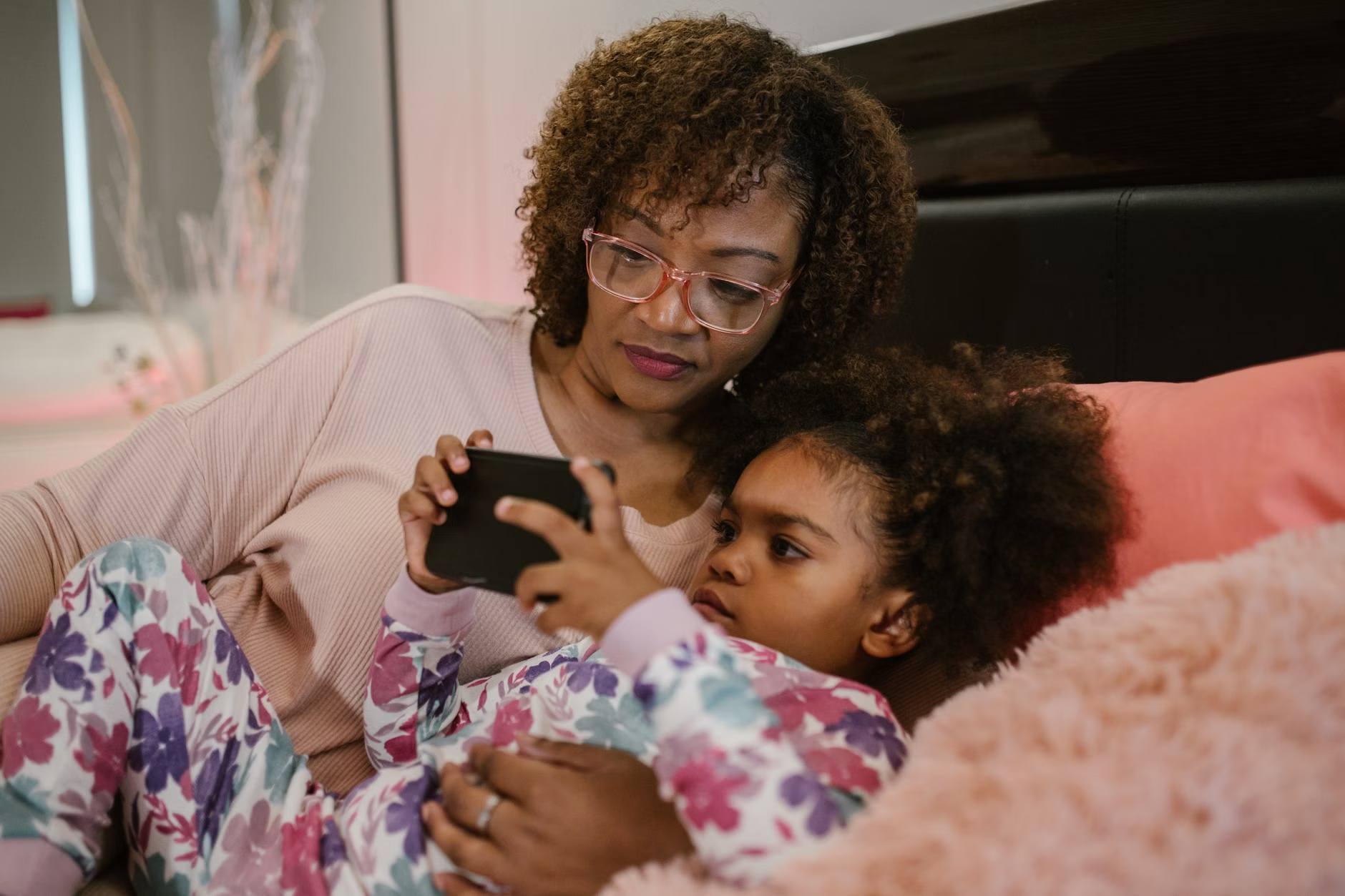
Software settings can be toggled by a software update, a bug, or an accidental tap by a curious child. Physical controls, however, are absolute. When you are looking for smart home tech for your children, the presence of a physical “mic-off” switch is the single most important hardware feature.
A physical switch is not just a button that tells the software to ignore the microphone; it is a hardware interrupt that physically cuts the power or the circuit to the microphone array. If the light is red or the switch is in the “off” position, it is electrically impossible for the device to hear you.
Comparing Privacy Controls
Not all “off” buttons are created equal. Use this table to understand the difference in security levels when selecting devices for your home.
| Control Type | How It Works | Privacy Level |
|---|---|---|
| Software Mute | Toggled in an app or via voice command. | Low (Vulnerable to software bugs). |
| Physical Mute Button | A button that signals the OS to stop listening. | Medium (Can be bypassed by firmware). |
| Hardware Kill-Switch | Physically breaks the microphone circuit. | High (Impossible to bypass electronically). |
When you are shopping, look for the term “physical mute switch” or “camera shutter.” For cameras specifically, a physical shutter is vital. Even if a hacker gains access to your camera’s feed, they cannot see your child if there is a piece of plastic physically covering the lens.

Data Minimization: Managing What You Cannot Avoid
Sometimes, we choose to use cloud-connected devices because they offer features (like home monitoring or remote access) that we genuinely need. In these cases, you must adopt a “Data Minimization” strategy. This means proactively managing the data trail your family leaves behind.
Most major tech companies now allow you to set an automatic deletion schedule. If you have to use a cloud assistant, set the data retention period to the shortest possible option—usually 24 hours. This ensures that even if your account is compromised, the attacker only has access to a single day of data, rather than a multi-year archive of your family’s history.
Step-by-Step Data Hygiene
- Disable Personalization: Go into the privacy settings of your assistant and turn off “personalization” or “voice recognition.” This stops the device from building a unique profile on your child’s voice and habits.
- Delete Voice History: Most apps have a “Voice History” or “Activity” section. Make it a monthly habit to clear this. Better yet, enable the “Auto-Delete” feature.
- Restrict Third-Party Access: Many voice assistants allow “Skills” or “Actions” from third-party developers. These are often the biggest privacy loopholes. Disable all third-party access unless you absolutely need it.
The goal here is to make your smart home a “stateless” system. It should know how to perform a task in the moment, but it should not “remember” that task tomorrow. If your device is constantly trying to “learn” your family’s preferences to provide “better recommendations,” it is not working for you—it is working for its data-harvesting parent company.
The Hidden Risks of “Kid-Friendly” Modes
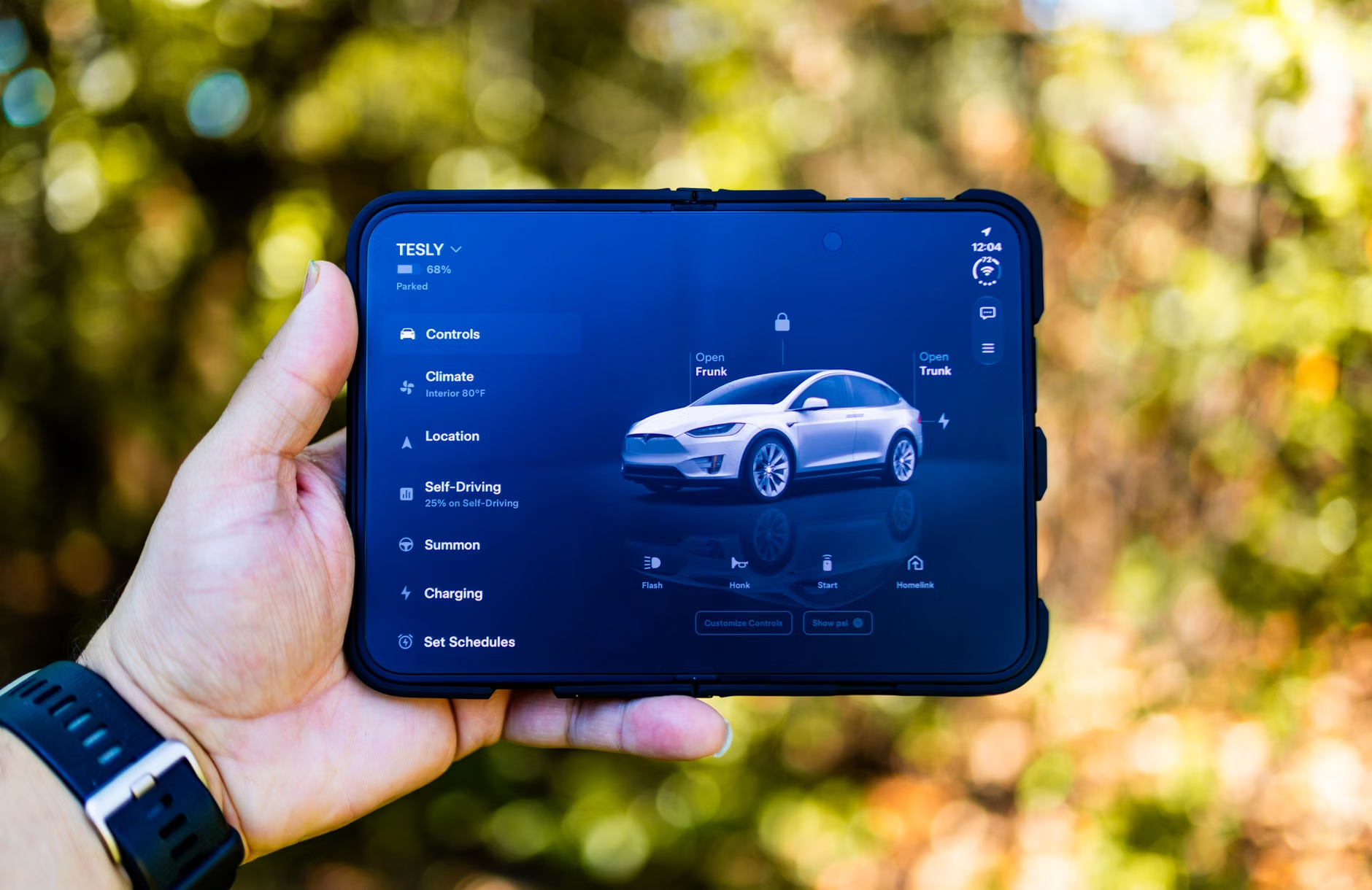
Many smart speakers come with a “Kids Mode.” It sounds perfect: it filters explicit content, prevents purchases, and provides child-appropriate answers. However, parents often overlook the trade-off. These modes are designed to keep the child engaged for as long as possible, which means they are also collecting data on what keeps your child interested.
If you enable a Kids Mode, you are essentially creating a behavioral profile for your child. Advertisers and data brokers covet this kind of data because it is predictive. By knowing what your child likes at age five, they can infer what they will like at age seven, ten, and beyond. This is why it is critical to use these modes sparingly and always keep the “targeted advertising” toggle firmly switched to “off.”
Common Pitfalls to Avoid
- The “Free Trial” Trap: Do not sign up for premium subscription services on your voice assistant. They often come with hidden data-sharing clauses that allow the provider to share your usage patterns with “partners.”
- Shared Accounts: Never link your child’s voice assistant to your main financial account. Always use a separate, restricted account with no stored credit card information.
- Ignoring Updates: While privacy is key, security patches are equally important. Ensure your devices are updated to patch vulnerabilities that could allow unauthorized access to your home network.
The most common mistake parents make is assuming that “child-safe” means “privacy-safe.” They are two entirely different things. You can have a device that blocks inappropriate content (child-safe) while simultaneously recording every word your child says (privacy-invasive). Always audit the privacy policy of any “Kids Mode” feature before enabling it.
Building Your Own Private Smart Home Ecosystem
If you are feeling overwhelmed, start small. You do not need to replace every lightbulb and plug in your house at once. Focus on the areas where you spend the most time: the living room, the kitchen, and the bedrooms. By choosing “Privacy-First” hardware, you can build a system that respects your family’s boundaries.
Consider using a home automation hub that runs locally, like Home Assistant. This is a more technical route, but it allows you to control all your devices from a single, private interface that never talks to the cloud. It requires some effort to set up—you will need a dedicated small computer like a Raspberry Pi—but once it is running, you are the sole owner of your data.
If that feels like too much, stick to the “Local-Only” device rule. When you buy a new smart device, check the box. Does it say “Works with [Big Tech Cloud]?” If so, look for an alternative that uses open standards like Zigbee or Z-Wave, which communicate locally with your hub rather than routing through the manufacturer’s server.
Taking Action: Your Next Steps
Privacy is not a destination; it is a process. Start today by taking these three actions:
- The Audit: Walk through your home and list every device with a microphone. Ask yourself: “Does this device *need* to be connected to the internet to perform its function?” If the answer is no, disconnect it or move it to a restricted network.
- The Settings Scrub: Spend 30 minutes tonight going through the privacy settings of every smart device you own. Turn off “Improve Product Experience,” “Personalized Recommendations,” and “Voice Recording.”
- The Physical Check: If you have devices in bedrooms, ensure they are either unplugged at night or have a physical disconnect switch. If they don’t, consider replacing them with a simple, “dumb” alternative like a standard alarm clock.
As parents in a digital-first world, we have to be the gatekeepers of our children’s digital lives. By prioritizing local processing, demanding physical controls, and practicing strict data hygiene, you can enjoy the benefits of a modern home without compromising the sanctity of your family’s private space. It is a bit of work, but the peace of mind is worth every second.
Frequently Asked Questions
Q: Does using a VPN on my router protect my child’s voice data?
A: A VPN encrypts your traffic as it leaves your house, but it does not stop the device from sending your voice data to the manufacturer’s cloud servers. The manufacturer still receives, processes, and stores your data once it reaches their server. A VPN is good for network privacy, but it is not a complete solution for voice-assistant data security.
Q: Is it really necessary to worry about a smart speaker in the kitchen?
A: The kitchen is the heart of the home, which means it is often where family conversations, sensitive discussions, and schedules are discussed. Because these devices are “always listening” for their wake word, they can be triggered accidentally, recording snippets of those private conversations. If you use a voice assistant in the kitchen, keep it in a location where you can easily mute it when not in use.
Q: What is the best way to explain “smart home privacy” to my child?
A: Keep it simple. Use an analogy: “Just like we don’t tell our secrets to strangers on the street, we don’t tell them to the computer in the living room.” Teach them that the device is a tool, not a friend, and that it is okay to turn it off when they want to talk about something private. Empowering them to understand these boundaries is a vital digital literacy skill.
For further reading on protecting your family’s digital footprint, you can visit the Federal Trade Commission’s guide on children’s online privacy or check the Electronic Frontier Foundation’s resources on smart home security.