Key Takeaways
- Data Ownership is a Right: Digital sovereignty means you, not the clinic, are the primary controller of your health history, which prevents fragmented care during emergencies.
- Centralization vs. Security: Using a consolidated health app is significantly more efficient than paper records, but you must enable two-factor authentication to mitigate privacy risks.
- Proactive Management: You should request your full electronic health record (EHR) from primary providers annually to ensure your history is accurate and ready for specialist visits.
The most important realization you can have regarding your family’s health is that your medical history is currently scattered across a dozen different databases, clinics, and paper filing cabinets that don’t talk to each other. We are finally entering an era of “digital sovereignty,” where you can bring all that information under your own control, effectively becoming the CEO of your family’s health data.
If you have ever spent an hour in a specialist’s waiting room filling out the same paper form for the fifth time, or worse, struggled to recall the exact dosage of a medication your child took three years ago during an after-hours emergency, you already know the current system is broken. The shift toward patient-controlled digital records isn’t just about convenience—it is about ensuring that you have the accurate, comprehensive data necessary to make life-saving decisions when the stakes are high.
Why Your Health Data is Currently Trapped in Silos
For decades, healthcare systems operated under a model where the institution owned the data. When you visited a general practitioner, the records stayed there. When you visited a dermatologist, they created their own file. If you moved cities or changed insurance providers, that thread of continuity was often severed. This is what experts call “data silos.”
For a parent in their 30s or 40s, this is a logistical nightmare. You are likely managing your own health, your children’s vaccinations and growth charts, and perhaps even assisting aging parents with their complex medical histories. Without a centralized, portable digital record, you are forced to act as the human messenger between these disconnected systems.

The “digital sovereignty” shift is a movement toward giving patients the technical tools to aggregate this data. It is the transition from being a passive recipient of healthcare to an active manager of your health assets. When you own your data, you are no longer dependent on a specific clinic’s IT system. You can switch providers, get a second opinion, or handle an emergency away from home without starting from scratch.
Understanding the Mechanics of Digital Sovereignty
Digital sovereignty in health is not just about having a PDF of your lab results. It is about interoperability—the ability for different systems to exchange information. When your pharmacy app talks to your primary care portal, and both can be imported into your personal health vault, you have achieved true sovereignty.
To understand the landscape, we have to look at the three levels of control you can exercise:
| Level | Control Type | Best For |
|---|---|---|
| Provider Portals | Low (You only see what they share) | Quick scheduling and basic messaging |
| Aggregator Apps | Medium (You pull data from multiple sources) | Consolidating visits and medication lists |
| Personal Health Vaults | High (Full control and ownership of files) | Long-term storage and cross-provider management |
Most readers are currently stuck at the “Provider Portal” level. While convenient for booking, these portals are designed to keep you within the provider’s ecosystem. If you leave that health network, you often lose access to your history. True sovereignty requires moving your data into an “Aggregator” or “Vault” system that exists independently of your doctor’s office.
The Hidden Risks of Digital Health Ownership
While taking control of your data is empowering, it comes with a new set of responsibilities. If you are the owner, you are also the security guard. The primary mistake people make is treating their health records with the same casual security they use for a social media account. Your medical record contains sensitive information that, if leaked, cannot be “changed” like a password.
Common Security Pitfalls to Avoid:
- The “Convenience” Trap: Using the same password for your health vault as you do for your email. If your email is compromised, your health history is exposed. Always use a unique, complex password managed by a dedicated password manager.
- Public Network Exposure: Accessing your health portal via free, unsecured Wi-Fi at a coffee shop. Even if the app is secure, the data in transit can be vulnerable. Use a VPN or your cellular data when checking medical records on the go.
- Over-Sharing: Granting third-party “wellness” apps access to your aggregated health data. Before you sync your health vault with a fitness app or a calorie tracker, verify what data they are pulling. Do they need your full medical history to track your steps? Probably not.
Before you start aggregating your data, perform a “data hygiene” audit. Check the permissions of every app currently connected to your health data. If you don’t recognize an app, revoke its access immediately. This isn’t just about paranoia; it’s about maintaining the integrity of your personal health narrative.

Step-by-Step: Taking Ownership of Your Records
If you are ready to stop being a guest in your own health record, follow this roadmap. This process is designed to be completed over a weekend, but the maintenance is ongoing.
1. Request Your Full Records
In many regions, including the US (under HIPAA) and the UK/EU (under GDPR), you have the legal right to access your full medical records. Do not just ask for a “summary.” Ask for your complete file, including imaging reports, lab results, and consultation notes. This is a one-time “baseline” upload that serves as your foundation.
2. Choose a Neutral Vault
Avoid apps tied to specific hospital chains. Look for platforms that support standards like FHIR (Fast Healthcare Interoperability Resources). These are the protocols that allow different medical systems to “speak” the same language. A neutral vault ensures that even if a clinic goes out of business or changes its software, your data remains accessible to you.
3. The “Emergency Folder” Rule
Within your digital vault, create a high-priority folder labeled “Emergency.” This should contain:
- Current medication list with dosages and frequencies.
- Known allergies and past adverse reactions.
- A summary of chronic conditions.
- Contact information for your primary providers and specialists.
Why this matters: In an emergency, doctors don’t have time to browse through 10 years of history. They need the “Need to Know” facts immediately. Keep this folder accessible and ensure a trusted family member knows how to access it if you are incapacitated.
The Future of Health: Why You Should Start Now
We are currently in a transition phase. As AI-driven diagnostic tools become more common, the quality of their output will depend entirely on the quality of the data you provide. If you hand an AI a fragmented, incomplete set of records, you will get a fragmented, potentially dangerous diagnostic suggestion. Conversely, if you present a clean, centralized, and accurate health history, you are giving yourself a massive advantage in preventative care.
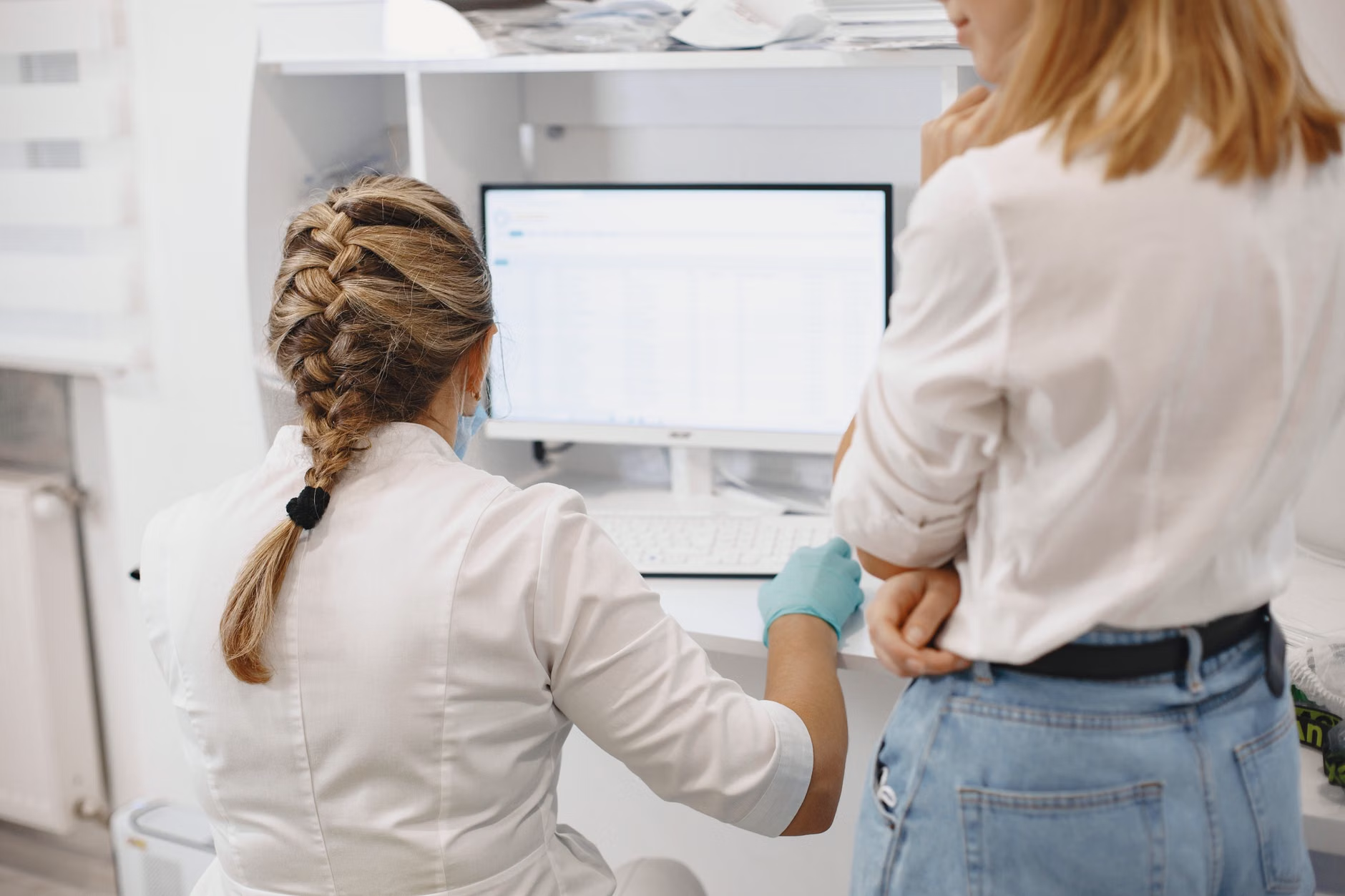
Consider the scenario of a parent managing a child with a chronic condition like asthma or allergies. Having a digital log of every flare-up, medication adjustment, and school nurse report stored in one place allows you to spot patterns that a doctor might miss in a 15-minute appointment. You might notice, for example, that flare-ups only occur during specific seasons or after exposure to specific environments. That isn’t just “data”—that is actionable intelligence that improves your child’s quality of life.
Common Misconceptions About Digital Records
There is a persistent myth that “if my records are digital, they are automatically safer.” This is false. Digital records are only as safe as the systems hosting them and the habits of the user accessing them. Another misconception is that “the hospital will always have my records.” Hospital systems update, merge, and purge old data. Relying on a provider to keep your 20-year history intact is a gamble you don’t need to take.
Decision Criteria for Choosing a Digital Health Solution:
- Data Portability: Can I export my data in a machine-readable format (like JSON or XML) if I decide to leave this platform? If the answer is no, stay away.
- Offline Access: Does the app allow me to view my data when I don’t have an internet connection? This is crucial for travel or emergency situations where network coverage is spotty.
- Security Standards: Does the app use multi-factor authentication (MFA)? If it relies only on a password, it is not secure enough for your health data.
Taking the Next Step
The shift to digital sovereignty is not an overnight task, but it is a necessary one for anyone managing a family in the modern age. Start by requesting your records from your current primary care provider. Most clinics have a process for this, often involving a simple request form through their patient portal. Once you have that data, choose a secure, neutral vault, and begin building your archive.
Do not wait for a medical emergency to realize that your data is locked away in a system you don’t control. By taking these steps today, you are not just organizing files; you are building a safety net for your family’s future. It is time to move from being a patient who waits for information to a proactive owner who directs it.
Frequently Asked Questions
Q: Is it legal for a doctor to charge me for a copy of my records?
A: In many jurisdictions, providers are allowed to charge a “reasonable, cost-based fee” for the labor and materials involved in copying records. However, under laws like HIPAA in the US, these fees must be limited to the actual cost of production and cannot include fees for searching or retrieval. Always ask for an estimate before they process the request.
Q: Should I store my health records in a general cloud storage service like Google Drive or Dropbox?
A: While these services offer strong encryption, they are not specifically designed for the sensitivity of health data. They lack the specialized features for medical data, such as standard coding (like SNOMED or LOINC) that allows doctors to understand the data. If you use general cloud storage, ensure you use a dedicated, encrypted container or vault app to keep the files organized and secure.
Q: How often should I update my personal health records?
A: Aim for a “trigger-based” update schedule. Every time you have a significant medical event—a new diagnosis, a change in medication, a surgery, or a new vaccination—update your vault within 48 hours. Additionally, perform a “full audit” of your records once a year to ensure that information from different providers has been correctly consolidated.
For further information on your rights regarding health data, you can visit the following resources: