Moving your family’s shared calendar to a self-hosted platform is the single most effective step you can take to stop big tech companies from profiling your daily life, but it requires a trade-off between absolute data sovereignty and the convenience of “it just works” cloud services.
- Data Ownership: Self-hosting means you own the database files, preventing third-party companies from harvesting your location and scheduling patterns for targeted advertising.
- The Convenience Gap: While modern open-source solutions like Nextcloud are user-friendly, you are responsible for your own backups and security updates, which adds a layer of “digital chores” to your life.
- Strategic Implementation: Most families benefit from a hybrid approach—using self-hosted infrastructure for sensitive scheduling while keeping a minimal, non-identifying bridge for essential work-related integrations.
You’ve likely felt the subtle creep of data harvesting. You mention a dentist appointment in a shared cloud calendar, and suddenly your social media feed is flooded with ads for teeth whitening or local dental practices. It’s not a coincidence; it’s the business model of free calendar services. For parents in their 30s and 40s, juggling school runs, medical appointments, and work deadlines, the calendar is the “brain” of the household. When that brain is stored on a corporate server, your family’s habits become a commodity.
But does moving to a self-hosted system actually make sense for your busy life, or is it just another technical hobby that will end up collecting digital dust? Let’s break down the reality of managing your family’s time on your own terms.

Why Your Calendar Is a Privacy Minefield
When you use mainstream calendar apps, you aren’t just storing dates. You are providing a comprehensive map of your family’s life. Think about the metadata attached to a single entry: “Soccer Practice, 5:00 PM, Oakwood Park.” The server knows exactly where you are, when you are there, and how often you repeat that pattern. Over time, this creates a behavioral profile that is incredibly valuable to advertisers and data brokers.
Self-hosting—running your own calendar server on hardware you control, like a Raspberry Pi or a home NAS (Network Attached Storage)—removes the middleman. You are the only one with the keys to the database. However, this shift changes your relationship with the technology. You move from being a “user” who is the product, to an “administrator” who is the owner.
In real life, this looks like moving your data from a company’s massive, impenetrable vault to a sturdy safe in your own home. The safe is yours, but if you lose the key or forget to lock the door, you have no customer support line to call. This is the fundamental trade-off: you gain privacy, but you inherit the responsibility of maintenance.
The Real-World Cost of Going Self-Hosted
Many tech enthusiasts suggest that self-hosting is “free.” This is a dangerous misconception. While you might save on monthly subscription fees, you pay in time, hardware costs, and the occasional frustration of troubleshooting. If you are a parent with a full-time job, you need to calculate the “cost of interruption.”
| Feature | Mainstream Cloud (Google/Apple) | Self-Hosted (Nextcloud/Radicale) |
|---|---|---|
| Setup Complexity | Zero (Instant) | Moderate to High |
| Data Privacy | Low (Data is scanned/analyzed) | High (Private to you) |
| Reliability | High (Managed by engineers) | Depends on your hardware |
| Maintenance | None | Updates, Backups, Security |
If your calendar goes down for two hours because of a server update, can you handle that? If you are a busy professional, the answer might be no. If you are comfortable with basic technical troubleshooting, it becomes a manageable task. The most common mistake people make is trying to move everything to a self-hosted setup at once. Instead, start with a “pilot” calendar for non-critical family events to see if the workflow fits your lifestyle.
Getting Started: The Software Landscape
If you have decided to take the plunge, you don’t need to be a software engineer. The landscape of self-hosted software has improved dramatically in the last five years. You aren’t writing code; you are installing packages.
Nextcloud is the gold standard for families. It provides not just a calendar, but a full suite of tools including file storage, contacts, and photos. It has a polished mobile app that syncs seamlessly with your phone’s existing calendar app. You treat it like an account—you enter the server URL, your username, and your password, and it just works.
Radicale is a lighter, more focused alternative. It is essentially a CalDAV server (the protocol that syncs calendars). It is much less resource-intensive than Nextcloud. If you have an older computer or a low-power device, Radicale is an excellent choice. It doesn’t have a fancy web interface for management, but it is rock-solid at doing one thing: syncing calendars.
Regardless of the software you choose, you need a “host.” This could be a Raspberry Pi, an old laptop, or a dedicated NAS like a Synology device. The key variable here is uptime. If you turn your server off when you leave the house, your calendar won’t sync. You need a device that stays powered on 24/7, which means you should also consider the power consumption of your chosen hardware.
Addressing the “What If” Scenarios
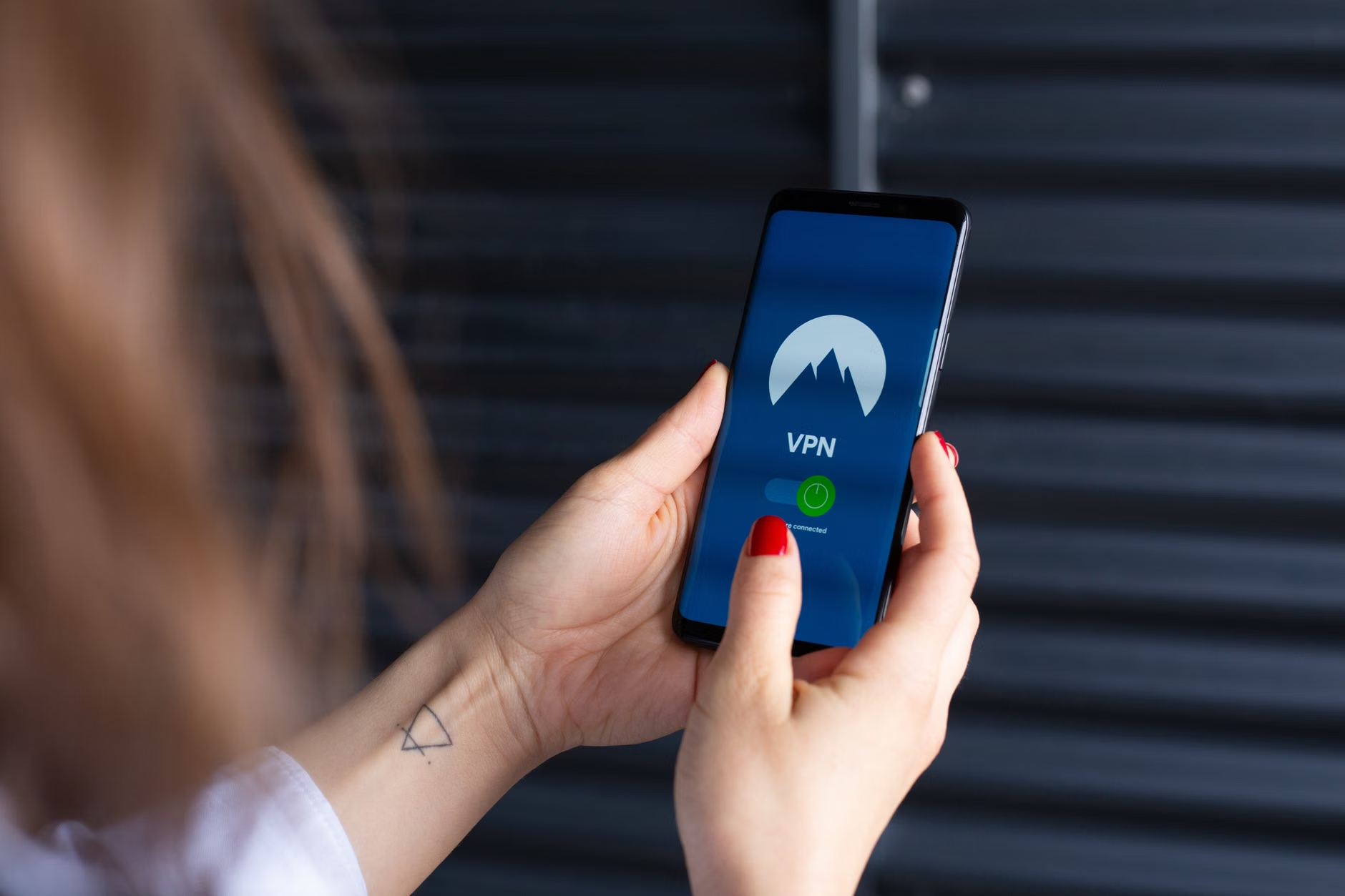
What happens when you are out of the house and need to add an event? This is where many people get stuck. If your server is at home, how do you reach it from the outside world? You have two main choices: a VPN (Virtual Private Network) or a reverse proxy. A VPN like Tailscale is the modern, secure way to do this. It creates a private, encrypted tunnel between your phone and your home server. It is incredibly easy to set up and requires no complex networking knowledge.
Another common concern is backups. If your home server dies, and you haven’t backed up your calendar, you lose your family’s history. You should implement a “3-2-1” backup strategy: keep three copies of your data, on two different types of media, with one copy off-site (like an encrypted cloud backup or a secondary hard drive at a relative’s house).
This sounds daunting, but it is a one-time setup. Once you have an automated backup script running on your server, you can effectively “set it and forget it” for months at a time. The real work is in the initial configuration and the occasional check to ensure the backups are actually working. Don’t wait for a hardware failure to test your recovery process.
The Hidden Trade-Off: Social Integration
Here is an overlooked variable: your social circle. If your child’s school uses a specific platform that only integrates with Google Calendar or Microsoft Outlook, you will face a friction point. You can’t force the school to use your private server.
This is where the “hybrid strategy” comes in. Many people find success by keeping a “public-facing” calendar for external invites (school, work, clubs) and a “private” calendar for family-only events (medical, personal, home planning). You can then use tools to sync or overlay these calendars on your phone. This way, you minimize your data exposure without cutting yourself off from the necessary logistics of modern parenting.
If you try to go 100% off-grid, you will likely find yourself manually copying events from email invites into your private calendar. For most, this becomes a chore that leads to missed appointments. Be realistic about where your boundaries lie. Privacy is a spectrum, not a binary switch.
Step-by-Step Decision Framework
Before you buy hardware or download software, go through this checklist to determine if you are ready to manage your own family data:
- The “Time Budget”: Can you dedicate one Saturday afternoon to set up the server and one hour a month to check on backups and updates? If not, the administrative burden might lead to data loss.
- The “Hardware Audit”: Do you have a device that can run 24/7? A Raspberry Pi 4 or 5 is ideal due to low power draw. Avoid using your main desktop computer, as it needs to be on constantly.
- The “Sync Test”: Do you use apps that support standard protocols like CalDAV? Almost all do, but check your specific calendar apps to ensure they can connect to a custom server address.
- The “Recovery Plan”: If your server catches fire tomorrow, do you know how to restore your data? If you don’t have an off-site backup, you are one accident away from losing your schedule.
If you answer “no” to any of these, stick with a mainstream provider but tighten your security settings. Use two-factor authentication, use unique passwords, and consider using a “privacy-focused” cloud provider like Proton Calendar or Tuta, which offer better encryption than the standard free giants while keeping the “it just works” convenience.
Final Thoughts on Digital Sovereignty
Self-hosting your family calendar isn’t just about privacy; it’s about reclaiming agency. We have become so accustomed to outsourcing our digital lives to corporations that we have forgotten what it’s like to own our data. It is a powerful feeling to know that your family’s schedule is physically located in your home, not on a server in a data center halfway across the globe.
Start small. Set up a test server, sync one calendar, and see if the process brings you peace of mind or unnecessary stress. There is no shame in choosing a middle ground. The goal is to make your digital life serve your family, not the other way around. If you decide to go the self-hosted route, take your time, prioritize your backups, and enjoy the satisfaction of building something that is truly yours.
For more information on the protocols involved, you can look into the IETF documentation for CalDAV, which is the standard that makes all of this interoperability possible. It is a dry read, but it explains exactly how your devices talk to servers.
Frequently Asked Questions
1. Will I lose my data if I don’t know how to code?
Not at all. Modern self-hosting platforms like Nextcloud use a simple web-based installer. You don’t need to write code, but you do need to be comfortable following technical documentation and performing basic file management tasks. If you can install a program on your computer, you can manage a basic server.
2. Can I still sync my phone if I move to a self-hosted calendar?
Yes. Most smartphones have built-in support for CalDAV, the standard protocol for calendar syncing. You simply add a new account in your phone’s settings, enter your server address, and it will sync just like a Google or iCloud account.
3. Is it cheaper than paying for a cloud service?
In the long run, yes, but the initial investment in hardware (like a Raspberry Pi and a power supply) can cost between $50 and $150. You also have to consider the small cost of electricity to keep the device running 24/7, which is usually negligible, but it is a factor compared to the “free” price of mainstream services.
Disclaimer: This article is for informational purposes and does not constitute technical advice. Always ensure your home network is secured with a strong firewall when exposing services to the internet, and prioritize regular, encrypted backups of your data.