An E-Ink family dashboard is the most effective tool for reducing “screen creep” in your home because it provides constant visibility of your schedule without the addictive design patterns—like notifications and infinite scrolling—that characterize traditional tablet or phone-based organizers.
Key Takeaways:
- Visibility vs. Interaction: E-Ink displays offer “glanceable” information, meaning you get the data you need in one second without the urge to check email or social media.
- The “Cognitive Load” Reduction: By moving your shared calendar to a dedicated wall-mounted device, you remove the barrier of unlocking a phone to remember what time soccer practice starts.
- Hardware Reality Check: E-Ink devices are not tablets; they are slow to refresh and lack color, which is a feature, not a bug, for maintaining a calm home environment.
Why Your Smartphone is the Wrong Tool for Family Scheduling
Most of us have tried to solve family chaos with a shared Google or Apple Calendar. It works, in theory. But in practice, you open your phone to check if your partner has picked up the kids, and suddenly you’re stuck in a loop of Slack notifications, news alerts, and the dreaded “just one more email.”
This is the “friction of focus.” When your household management tool is tethered to a device designed for infinite engagement, the tool itself becomes a source of distraction. For parents in their 30s and 40s, this isn’t just a minor annoyance; it’s a constant drain on your mental bandwidth.
E-Ink (electronic ink) technology changes the game because it mimics the properties of paper. It uses reflected ambient light rather than a backlit screen, meaning it doesn’t emit blue light that keeps your brain in “alert” mode. More importantly, these devices do one thing well: they display information. They don’t have browsers, they don’t have games, and they don’t beep when you receive a marketing email.
Understanding the E-Ink Difference: What Actually Matters?
When shopping for a dashboard, the technical specs can be confusing. You’ll see terms like “refresh rate,” “grayscale depth,” and “DPI.” Here is how to filter through the noise to find what actually impacts your daily life.
The Refresh Rate Trade-off
Unlike an iPad, an E-Ink screen takes a moment to update. If you tap a button to change the view, you might see a “ghosting” effect or a momentary flash as the screen resets. This is normal. It is a physical limitation of the pigment-based technology. If you are looking for a device that offers the snappy, vibrant performance of a tablet, an E-Ink dashboard will disappoint you. However, if you are looking for a device that stays on 24/7 without being a source of digital noise, this limitation is actually your best friend.
Connectivity and Data Privacy
Most E-Ink dashboards sync via Wi-Fi with platforms like Google Calendar, Outlook, or iCloud. When choosing a device, consider where the data is processed. Does the company store your calendar data on a proprietary cloud server, or does it pull directly from your existing provider? For families concerned about privacy, look for devices that use direct API integrations with major calendar services rather than requiring you to upload your schedule to a third-party, less-secure platform.
Real-World Scenarios: How a Dashboard Changes Household Dynamics
Let’s look at a hypothetical scenario to see the difference between “Smartphone Management” and “Dashboard Management.”
| Scenario | Smartphone Approach | E-Ink Dashboard Approach |
|---|---|---|
| The “Is there school tomorrow?” check | Unlock phone, open app, get distracted by a text message, forget to check the calendar. | Glance at the wall while walking to the kitchen. Information obtained in 2 seconds. |
| Updating the family schedule | Requires a device, typing, and potential app-switching friction. | Update on your phone; it syncs automatically to the wall, visible to everyone in the house. |
| Dinner time distractions | Phone is often on the table, tempting everyone to check social media. | The “tech” is on the wall, not the table. Dinner remains a screen-free zone. |
The core benefit here is passive information consumption. You don’t have to “seek” the information; it is simply part of your environment. This reduces the mental load of having to actively remember to check your schedule.

Common Mistakes When Setting Up Your Dashboard
Even with the best hardware, you can sabotage your own success. Here are the three most common traps:
- Overloading the Display: Just because the software allows you to display 15 different calendars doesn’t mean you should. A cluttered dashboard is just as bad as a messy paper calendar. Stick to the essentials: school events, work meetings, and shared family appointments.
- Mounting Location Missteps: If you put the dashboard in a home office, it’s useless for the rest of the family. If you put it in a dark hallway, it becomes hard to read. The ideal location is high-traffic but low-clutter—think the kitchen wall near the coffee station or the mudroom entrance.
- Ignoring the “Sync Lag”: Some devices sync every 30 minutes to save battery. If you are the type of person who needs real-time updates for last-minute changes, ensure your device supports manual sync or has a faster refresh frequency.
The Hidden Costs and Trade-offs
It is important to be realistic. These devices are not cheap. A high-quality E-Ink display can cost anywhere from $200 to $600. Beyond the initial purchase, there are ongoing considerations:
- Subscription Fees: Many companies that produce these dashboards rely on a recurring subscription model to keep the software updated and the servers running. Check if the device you are buying requires a monthly fee to function.
- Proprietary Ecosystems: Some devices only work with their own specific apps. If you are deeply embedded in Google Calendar, make sure the device supports a native integration rather than requiring you to learn a new, inferior scheduling app.
- Durability: E-Ink screens are delicate. While they don’t have the same glass-cracking issues as tablets, the internal components can be sensitive. Ensure your mounting solution is secure, especially if you have young children or pets.
Selecting the Right Device for Your Household
When selecting a unit, don’t just look at the marketing images. Look at the software ecosystem. Here is a decision framework:
- If you value simplicity: Look for a device that acts as a “mirror” for your existing Google or Apple calendar. You want the device to be a passive display, not a new place to manage tasks.
- If you need task management: Some E-Ink devices allow for to-do lists alongside the calendar. This is great for households that struggle with chores, but be careful—this increases the complexity of the display.
- If you are tech-savvy: Consider a DIY approach using a Raspberry Pi and an E-Ink display module. This is significantly cheaper and gives you total control over privacy, but it requires technical maintenance.
Decision Rule: If you spend more than 10 minutes a day managing the device itself, it is failing its purpose. The goal of a dashboard is to save you time, not create a new chore.
The Psychological Impact of “Screen-Free” Spaces
There is a growing body of research suggesting that the constant presence of smartphones in our living spaces disrupts our ability to “switch off.” Even if you aren’t using the phone, its presence triggers a subconscious awareness of potential notifications. By moving the family schedule to a dedicated, static wall display, you are reclaiming your living space.
This is a small but significant shift. When you look at an E-Ink display, your brain treats it like a piece of art or a wall clock. It doesn’t trigger the dopamine response associated with “checking” for updates. Over time, this contributes to a lower-stress household environment. It’s not about the technology itself; it’s about the nature of the technology.
For parents in their 30s and 40s, this is often the most overlooked variable in productivity: your environment dictates your behavior. If your environment is filled with “glowing rectangles,” your behavior will be erratic. If your environment is filled with static, calm, and purposeful information, your behavior will follow suit.
Practical Next Steps for Your Family
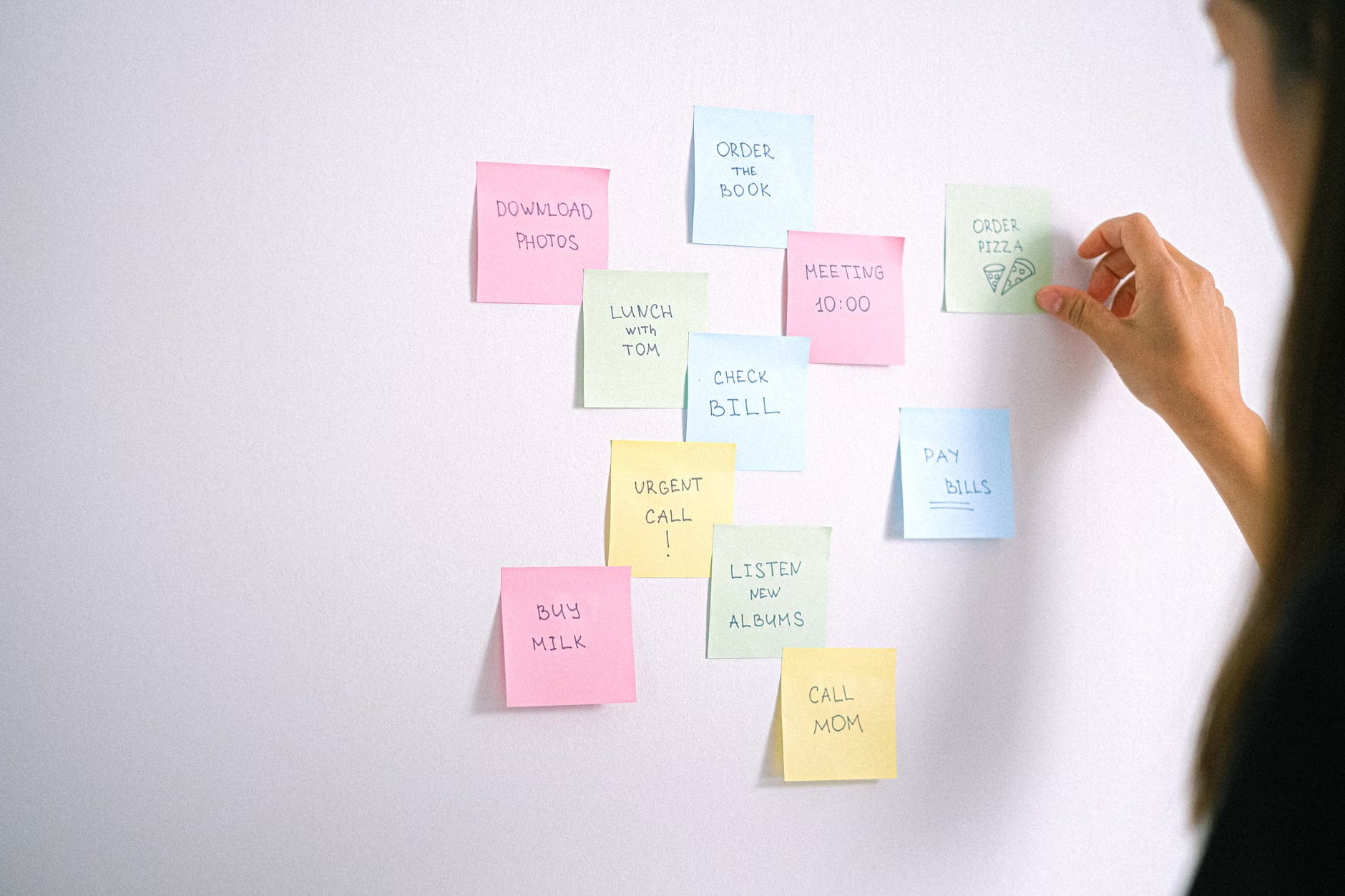
Before you buy anything, try a “Paper Pilot.” For one week, print out your shared digital calendar and tape it to the wall in your kitchen. Write updates on it by hand. Observe how often your family members actually look at it and whether it reduces the “Hey, what time is soccer?” questions.
If you find that the physical paper is useful, then a digital E-Ink dashboard is a logical, permanent upgrade. If you find that nobody looks at it even when it’s on the wall, don’t waste your money on a high-tech device. The problem might not be the technology; it might be the communication habits of your household.
Finally, remember that these tools are meant to facilitate connection, not replace it. Use the dashboard to see when everyone is free, then use that time to actually spend time together—not just to schedule more things to do.
Frequently Asked Questions
1. Does an E-Ink dashboard require a constant power source?
Most large-format E-Ink dashboards need to be plugged into a wall outlet for consistent performance. While some smaller, portable models run on batteries, the ones designed for family dashboards are typically wall-mounted and powered to ensure they are always on and ready for a quick glance.
2. Can I use my old tablet as an E-Ink dashboard?
Technically, you can use a tablet as a wall-mounted calendar, but it is not the same as an E-Ink device. A tablet will have a backlit screen, which can be distracting and harsh at night, and it will require more frequent charging. You can mitigate this by turning the brightness down and using a “kiosk mode” app, but it will never offer the same paper-like, glare-free experience as true E-Ink technology.
3. Will my personal calendar sync automatically to the dashboard?
Most modern E-Ink dashboard systems are built to sync with major calendar providers like Google Calendar, iCloud, and Outlook. Once you connect your account during the initial setup, the device will pull your events automatically. Always verify that the specific device you choose supports your preferred calendar provider before purchasing, as some budget models have limited integration capabilities.
For further reading on managing digital wellness in the home, check out the resources provided by Common Sense Media for balancing technology use in family settings.
Note: This article is intended for informational purposes and does not constitute an endorsement of any specific brand or hardware manufacturer. Always check the specific privacy policy of any device you connect to your home network.