If you have ever spent an hour trying to get a new smart bulb to talk to your existing hub, only to realize they use different, incompatible standards, you know the frustration of the modern smart home. The Matter protocol is the industry-wide solution designed to end this fragmentation once and for all by allowing devices from different manufacturers to communicate seamlessly on your local network.
Key Takeaways:
- Local Control: Matter devices operate locally on your Wi-Fi or Thread network, meaning your smart home still functions even if your internet goes down.
- Interoperability: You no longer need to check if a device is “Works with Alexa” or “Works with HomeKit” specifically; if it has the Matter logo, it works with all of them.
- Future-Proofing: Investing in Matter-certified gear ensures your devices remain compatible with future software updates and new ecosystem controllers for years to come.
Why Your Smart Home Probably Feels Like a Jigsaw Puzzle
Most of us in our 30s and 40s have built our smart homes piece by piece. You might have a Nest thermostat, some Philips Hue lights, a Ring doorbell, and a random smart plug you bought on sale. In the past, these devices lived in silos. The light bulbs wanted to talk to the Hue Bridge, the doorbell wanted to talk to the Amazon cloud, and your phone wanted to talk to the Apple Home app.
This creates what engineers call “walled gardens.” If you buy a device that only supports one specific ecosystem, you are essentially locked into that brand’s hardware forever. If you decide to switch from Android to iOS, or from Alexa to Home Assistant, you often find yourself having to replace perfectly functional hardware because the old devices simply cannot “speak the language” of your new controller.
Matter changes the foundational layer of this communication. Instead of each company creating a proprietary language, they have agreed to use a common, open-source standard. Think of it like the difference between everyone using their own secret code versus everyone agreeing to use English. It doesn’t matter who manufactured the light switch; if it’s a Matter device, your hub understands it immediately.
How Matter Actually Works Under the Hood
You don’t need to be a network engineer to understand why Matter is a game-changer, but it helps to know how it handles your data. Traditionally, many smart devices relied on “cloud-to-cloud” communication. When you tapped a button on your phone, the command traveled from your phone, to the company’s server in another country, and then back down to your house. This is why smart devices sometimes feel “laggy.”
Matter moves the intelligence to your home. It uses two primary communication protocols: Wi-Fi for devices that need high bandwidth (like security cameras) and Thread for low-power devices (like sensors and light bulbs).
The Magic of the Thread Network
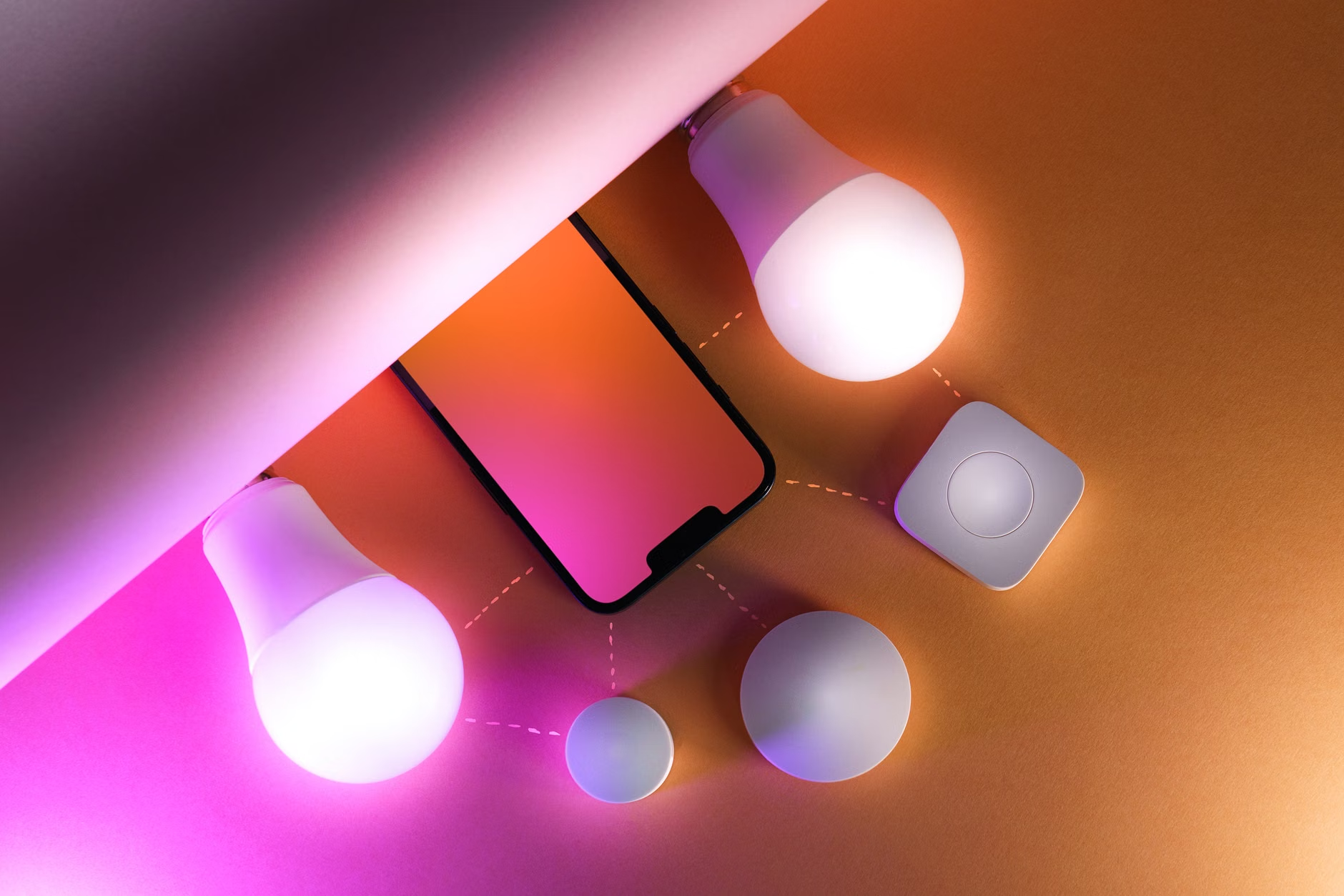
Thread is arguably the most exciting part of the Matter ecosystem for the average homeowner. It is a “mesh” network. In a standard Wi-Fi setup, every device tries to talk directly to the router. If a device is in the far corner of your house, it struggles to stay connected. With Thread, each powered device (like a smart plug or a wall-mounted light) acts as a repeater, passing the signal along to the next device.
This means your smart home network actually gets stronger the more devices you add. If you have a sensor in the garage, it doesn’t need to reach the router; it only needs to reach the nearest Thread-enabled bulb or plug, which then relays the message to your primary controller.
What This Means for Parenting and Daily Logistics
Life in your 30s and 40s is often defined by “micro-tasks”—remembering to turn off the lights, checking if the garage door is closed, or making sure the temperature is right for the baby’s nap. A fragmented smart home makes these tasks harder because you have to jump between three different apps just to secure the house at night.
With Matter, you can use one unified dashboard—whether it’s Apple Home, Google Home, or Amazon Alexa—to control every single device in your house. Here is a realistic scenario of how this changes your routine:
| Scenario | Old Way (Fragmented) | New Way (Matter) |
|---|---|---|
| Evening Routine | Open App A for lights, App B for locks, App C for thermostat. | One “Goodnight” command in your preferred app triggers everything. |
| Adding New Tech | Check 5 different compatibility lists to see if it works with your setup. | Look for the Matter QR code on the box; it’s guaranteed to work. |
| Internet Outage | Devices go offline because they can’t reach the cloud. | Devices continue to work locally via your home network. |
The “Local Control” aspect is a major safety and reliability benefit. If your internet provider has an outage, your smart switches and motion sensors still function. You won’t be left in the dark just because the manufacturer’s server is having a bad day.
Common Pitfalls and What to Avoid
While Matter is a massive leap forward, it is not a magic wand that fixes every technical issue. There are some common misconceptions that can lead to wasted money or frustration.
The “Matter-Ready” vs. “Matter-Certified” Trap
You will see many products labeled “Matter-ready” or “Matter-supported via firmware update.” Be cautious here. While many existing hubs (like the Apple HomePod or Amazon Echo) have been updated to support Matter, some older devices simply lack the hardware required to run it properly. Always prioritize products with the official Matter logo on the box rather than relying on promises of future updates.
The Controller Requirement
Matter is a protocol, not a controller. You still need a “Matter Controller” (also known as a Thread Border Router) to manage your devices. This is typically a smart speaker or a hub like an Apple TV 4K, a Google Nest Hub, or an Amazon Echo (4th Gen). If you don’t have one of these, you cannot use Matter devices to their full potential. Before buying a new Matter device, check your existing smart home hubs to see if they are already acting as Matter controllers.
Don’t Overload Your Wi-Fi
Just because you can add 50 devices doesn’t mean you should put them all on your standard 2.4GHz Wi-Fi band. This can lead to network congestion and slow down your laptops and streaming devices. If you are building a large smart home, prioritize Thread-based devices. They operate on their own network frequency and won’t compete with your Netflix streaming or your kids’ online gaming.
Step-by-Step: Building Your Future-Proof Setup
If you are starting from scratch or looking to expand, follow this hierarchy to ensure you don’t end up with more “tech debt”:
- Audit your current hubs: Check if your existing smart speakers (Apple HomePod, Google Nest, Amazon Echo) support Matter. Most newer models do.
- Prioritize Thread: When buying sensors, bulbs, or plugs, look for the “Thread” label. It is more reliable than Wi-Fi for small, battery-powered devices.
- Consolidate to one ecosystem: Even though Matter allows interoperability, your experience will be smoother if you pick one primary app (like Apple Home or Google Home) to manage your automations.
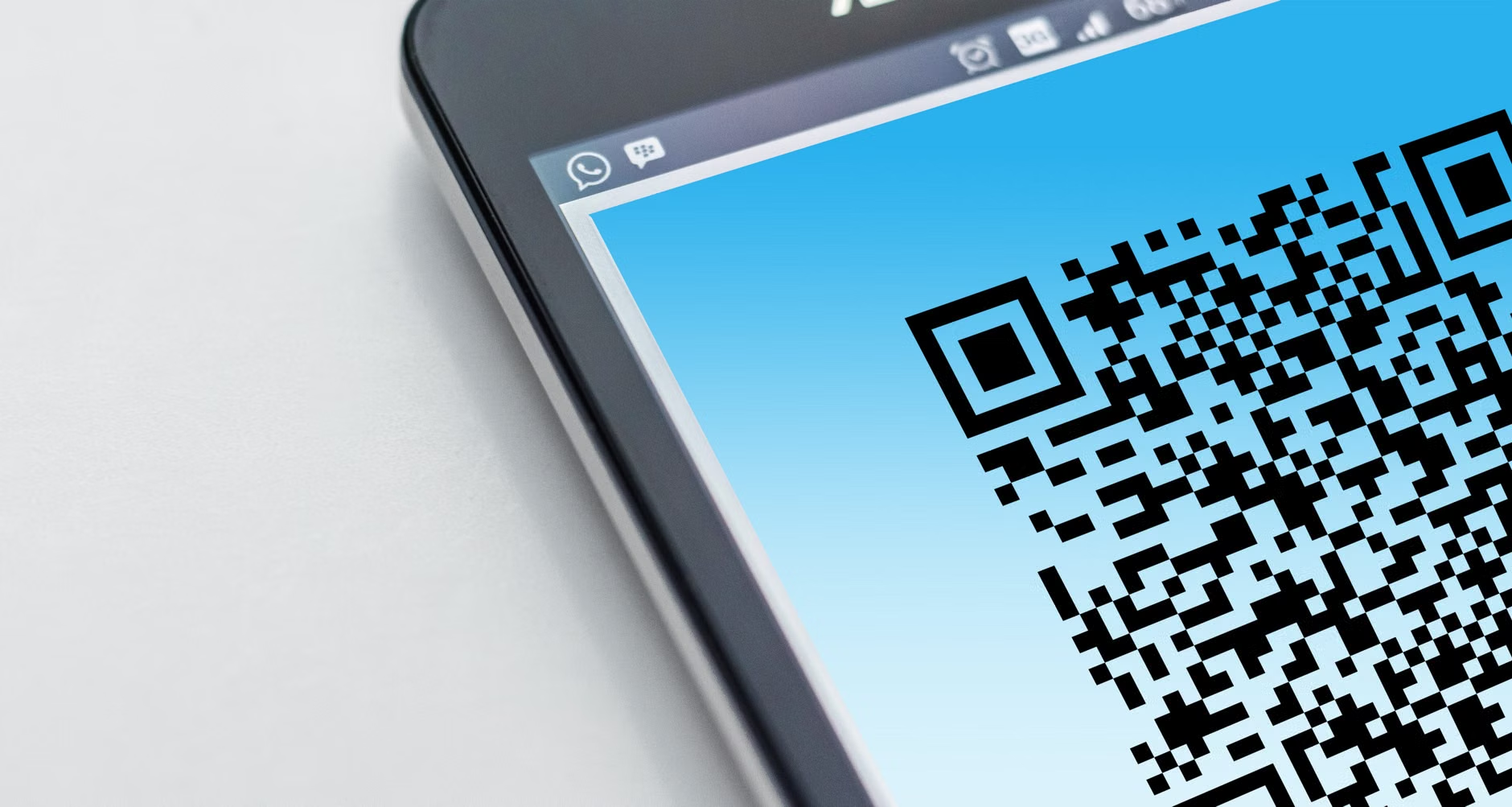
- Check the QR code: Every Matter device comes with a unique QR code. Keep a note of where these are or take a photo of them; they are required for pairing if you ever reset your device.
The Reality of Privacy and Security
One of the biggest concerns for parents is the security of their home network. A smart camera or a smart lock is a potential entry point for hackers. Matter was built with security in mind. It uses modern encryption standards to ensure that the data being sent between your devices stays within your home.
Because Matter focuses on local communication, your device activity doesn’t necessarily have to be uploaded to the cloud just to turn a light on. This reduces the amount of “data footprint” your home generates. However, keep in mind that the manufacturer of the device may still have their own app that collects data. Matter secures the connection, but it doesn’t change the privacy policy of the specific company that made your smart plug.
Always review the privacy settings in the manufacturer’s app. If you are truly privacy-conscious, look for devices that offer “local-only” control, which ensures that even the manufacturer cannot see when you are turning your lights on or off.
Is It Worth Replacing Your Old Devices?
The short answer is no. If your current smart home setup is working, there is no urgent need to rip everything out and replace it with Matter-certified gear. The true value of Matter is in the next device you buy. When your old bulb finally dies, replace it with a Matter-certified one. When you add a new sensor for the nursery, make it a Thread-based Matter device.
Over time, your home will naturally transition to a more stable, unified system without the expense of a full upgrade. The goal is to build a “living” home that evolves with your family’s needs rather than a rigid system that becomes obsolete the moment a new phone or router is released.
Final Thoughts for the Modern Household
Technology should work for you, not the other way around. The Matter protocol is the first major step toward a smart home that is actually “smart”—meaning it is reliable, private, and easy to manage. By choosing Matter-certified devices, you are effectively buying insurance against future tech obsolescence.
Focus on building a stable network with a solid Thread-enabled controller, and prioritize interoperability for every new device you bring into your home. Your future self, who just wants to turn the lights off without troubleshooting a connection error, will thank you.
Frequently Asked Questions
Do I need to buy a new hub if my current one doesn’t support Matter?
If your current hub (like an older Echo or bridge) doesn’t support Matter, it won’t be able to communicate with new Matter-only devices directly. However, you don’t necessarily have to throw it away. You can often run a Matter-compatible hub (like a newer Apple TV or a Google Nest Hub) alongside your existing system, creating a “bridge” that allows both old and new devices to exist in the same home app.
Is Matter only for Apple or Google users?
No. Matter is an open-source standard supported by Apple, Google, Amazon, Samsung, and hundreds of other manufacturers. It is designed specifically to be platform-agnostic, meaning it works regardless of whether you are an iPhone user, an Android user, or someone who uses multiple voice assistants in the same house.
Does Matter improve the speed of my smart home?
Yes, especially for devices that use Thread. Because these devices communicate locally and don’t need to bounce signals off a cloud server, you will notice a significant reduction in latency. When you tap a button on your phone, the response from your light or switch should be near-instantaneous.
For more information on the technical specifications and the list of certified devices, you can visit the official Connectivity Standards Alliance (CSA) website, which oversees the development and maintenance of the Matter protocol.