The most important takeaway for your household budget is this: the Right-to-Repair movement is successfully shifting the smartphone industry from a “disposable” model to a “modular” one, meaning you are now more likely to be able to replace a $50 battery instead of spending $1,000 on a new device every two years.
- Hardware longevity is now a legal requirement: New regulations in the EU and parts of the US mandate that manufacturers provide parts and tools for a minimum period, effectively extending the “useful life” of your phone.
- Software support is catching up: It is no longer just about the physical screen or battery; manufacturers are now committing to 5 to 7 years of security updates, which is the real key to keeping a phone functional for half a decade.
- DIY is becoming a viable financial strategy: With official parts availability, the “repair premium” charged by authorized service centers is dropping, and self-repair kits are becoming safer for non-experts.
If you have spent the last decade feeling like your smartphone becomes “slow” or “obsolete” exactly 24 months after you bought it, you aren’t imagining things. That was the industry standard. But the tide is turning. As someone who balances a busy schedule, kids, and a need for reliable tech, I have spent a lot of time looking into how these new “Right-to-Repair” laws actually hit our bank accounts. It turns out, we are finally moving away from the era of planned obsolescence.
Why Your Phone’s Lifespan Was Artificially Shortened
For years, the smartphone industry relied on three pillars of forced replacement: glued-in batteries, proprietary screws, and the cessation of software updates. When a battery degrades—which happens naturally through chemical aging—the phone throttles the processor to prevent unexpected shutdowns. To the average user, this looks like a “slow” phone. Pair that with a cracked screen that costs 80% of the phone’s value to fix at an authorized shop, and you have a clear business incentive for the manufacturer to push you toward an upgrade.
This “disposable” cycle was never a technical necessity; it was a business model. However, recent legislative pressure, particularly in the European Union and several US states like California and Minnesota, has forced companies to reconsider their design philosophy. The goal of the Right-to-Repair movement isn’t just to let you tinker with your device; it is to treat electronics as durable goods rather than short-term consumables.
What this looks like in real life is a transition toward “Repairability Scores.” If you are shopping for a new phone, you can now look up these scores. A phone with a high score is designed to be opened without specialized, factory-only lasers. It uses pull-tab adhesives instead of permanent industrial glue. It has a battery that can be swapped in under 20 minutes by someone with a basic screwdriver set.
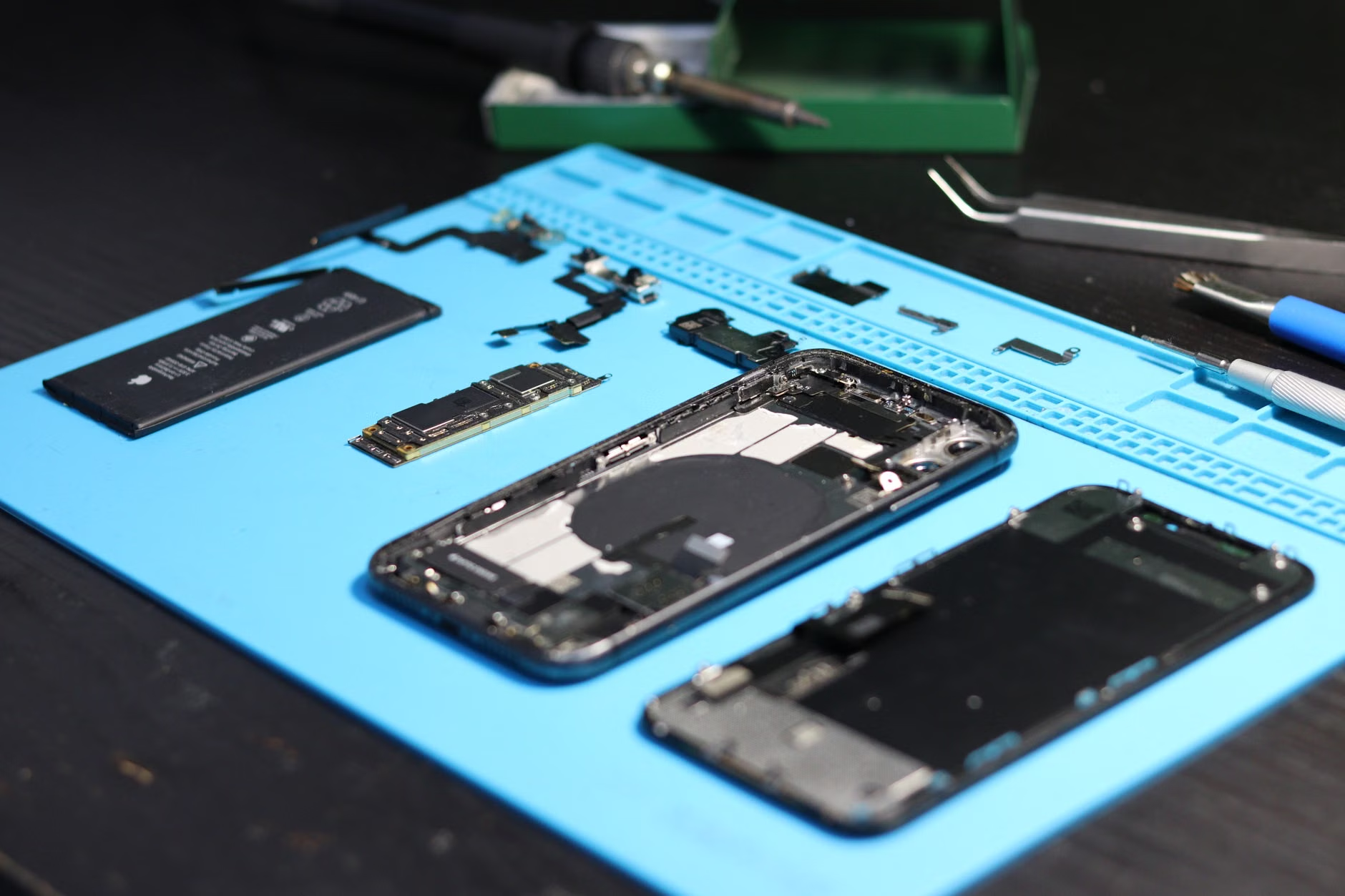
The Real-World Impact: Beyond the DIY Hype
It is easy to get caught up in the idea of everyone becoming a backyard engineer, but let’s be realistic: most people in their 30s and 40s do not have the time or the desire to become professional technicians. The real victory of the Right-to-Repair movement isn’t that you *have* to fix your own phone; it’s that the market for independent repair has been unlocked.
Previously, manufacturers would “pair” components to the motherboard via software locks. Even if you bought a genuine replacement screen, the phone would disable features like FaceID or TrueTone if the repair wasn’t done by an authorized dealer. This is known as “parts pairing.” Thanks to new regulations, manufacturers are being forced to roll back these restrictions. This means your local independent repair shop can now fix your device at a fraction of the cost of the manufacturer’s official service center.
| Repair Factor | Old Model (Pre-2020) | New Model (2024+) |
|---|---|---|
| Battery Access | Glued shut; requires heat | Easy-access pull tabs |
| Parts Availability | Restricted to authorized centers | Publicly available kits |
| Software Locks | Severe (feature loss) | Mostly removed/optional |
For a parent, this is a game-changer. If your child drops your phone and cracks the screen, you aren’t forced into a $300 “out-of-warranty” repair or a $1,000 replacement. You can now access official repair manuals, order a genuine part, and either do it yourself or walk into a local shop that can legally and technically perform the repair without the phone rejecting the new part.
Software Support: The Hidden Pillar of Longevity
Hardware is only half the battle. You can have the most repairable phone in the world, but if the software stops receiving security patches, the device becomes a security risk. This is the “hidden” side of Right-to-Repair that doesn’t get enough attention.
For years, Android phones were notorious for receiving only two years of updates. Apple was better, but still inconsistent. Now, we are seeing a shift toward long-term support promises. Some manufacturers are now promising 7 years of software updates. This means that a phone purchased in 2024 could potentially be safe and functional until 2031.
What this means for you: The best way to extend your phone’s life is to prioritize devices with long-term software support commitments. When you are comparing two phones at the store, ignore the camera megapixels for a moment and look at the manufacturer’s support policy. A phone with a slightly worse camera that gets 7 years of updates will save you more money in the long run than a flagship with a better camera that stops getting updates in two years.

Common Misconceptions About Repairing Your Tech
I hear a lot of hesitation when I talk to friends about this. The biggest fear is usually: “If I open my phone, I will break it, or I will void my warranty.” Let’s clear that up. First, in many jurisdictions, “void if removed” stickers and similar warnings are legally unenforceable. You generally have the right to open your device. However, if you cause damage *during* that repair, that specific damage won’t be covered by the manufacturer’s warranty.
Another common mistake is assuming that “official parts” are always the best choice. While they are the safest, the market for “third-party” parts has also improved. Because of the transparency forced by Right-to-Repair laws, third-party manufacturers are now required to meet higher quality standards to compete. You don’t always need the most expensive OEM (Original Equipment Manufacturer) screen if a high-quality aftermarket version is available and your repair shop can calibrate it properly.
The “Expertise” Trap: Do not assume you need to be a tech genius. Repair manuals have improved drastically. If you can follow a recipe for a complex meal, you can follow a modern smartphone repair guide. The key is patience. The most common cause of failure in DIY repairs isn’t a lack of technical skill; it is rushing. If you decide to replace a battery, set aside an entire hour. Don’t do it while the kids are running around the living room.
Decision Criteria: When to Repair vs. When to Replace
So, you have a phone that’s acting up. Should you repair it or buy a new one? Use this simple rule of thumb: If the cost of the repair is less than 30% of the cost of a comparable new device, repair it. If the phone is more than 4 years old and the repair is over 50% of the cost of a new device, it is time to upgrade.
However, there is a “hidden” variable here: data migration. Moving your life from one phone to another takes hours of re-logging into apps, setting up two-factor authentication, and transferring photos. If you can keep your current phone, you save yourself a full day of “tech chores.” That convenience factor alone is often worth a $100 repair bill.
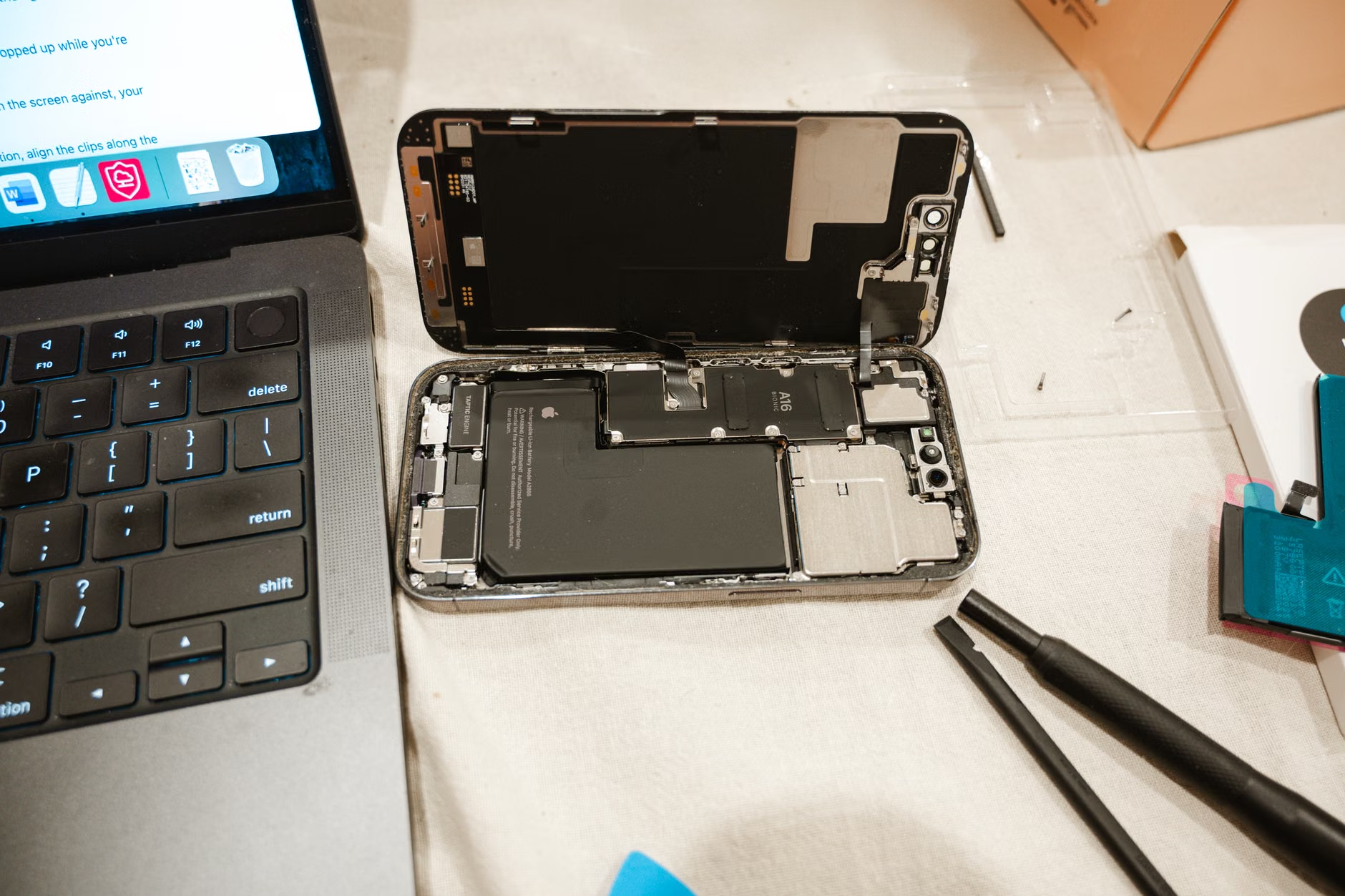
Building a Sustainable Tech Culture at Home
Teaching our children that devices are not disposable is a lesson that extends beyond smartphones. When you involve your kids in a simple repair—like changing a screen protector or, with supervision, replacing a battery—you are teaching them about resourcefulness. It changes their relationship with technology from “consumer” to “owner.”
If you are looking to get started, the best resource is to look up your specific model on sites like iFixit or the manufacturer’s official self-repair portal. They provide high-definition photos and step-by-step instructions. Before you buy a new phone, check if the manufacturer offers a “Self-Repair” program. If they don’t, that should be a strike against them in your decision-making process.
A final word of caution: Always back up your data before starting any physical repair. Even if you are just replacing a battery, the unexpected can happen. Use cloud services or a local computer backup. If the phone won’t turn on at all, that is a different story, but for a simple battery swap, a full backup is your insurance policy.
Conclusion: The Future of Your Pocket Tech
The Right-to-Repair movement is not just about screwdrivers and thermal paste. It is about reclaiming ownership of the devices we rely on every single day. By choosing to repair instead of replace, you are not just saving money; you are participating in a shift that forces the entire tech industry to be more accountable. The era of the “two-year cycle” is ending, and we are entering a time where our phones can, and should, last as long as we need them to.
Start by checking the repairability score of your next potential purchase, and don’t be afraid to look at local, independent repair shops for your next fix. Your wallet—and the environment—will thank you.
Frequently Asked Questions
1. Does repairing my phone myself really void my warranty?
In many regions, including the EU and parts of the US, a manufacturer cannot void your entire warranty simply because you opened the device or used a third-party part. However, they are not obligated to cover damage that you caused during your repair attempt. Always check your local consumer protection laws.
2. Are “official” parts always better than third-party alternatives?
Official parts are guaranteed to match your device’s specifications perfectly. Third-party parts can be excellent, but they vary in quality. If you choose a third-party part, look for reputable suppliers and read user reviews. If your phone relies on complex biometric sensors, official parts are generally recommended to avoid software pairing issues.
3. How do I know if my current phone is considered “repairable”?
You can check websites like iFixit, which provide teardown guides and repairability scores for almost every major smartphone model. If a phone is listed as having a low repairability score, it usually means it uses excessive glue and proprietary fasteners, making it difficult to service even for professionals.
Official Resources for Further Research: