Key Takeaways for Your Neuro-Inclusive Setup:
- Visual Clutter is a Cognitive Tax: Reducing surface-level items by 80% directly lowers the background processing load for neurodivergent brains.
- Sensory Gating is Non-Negotiable: Use “active” sensory management (noise-canceling headphones, dimmable lighting) rather than passive avoidance to maintain focus.
- Executive Function Externalization: Use physical, analog timers and tactile checklists to bypass “time blindness” and initiation paralysis.
The most effective study station isn’t the one that looks like a curated Pinterest board; it’s the one that actively compensates for the way your brain processes information, sensory input, and task initiation. If you are a parent in your 30s or 40s balancing a career, household management, and personal development, your workspace is not just a desk—it is a cognitive prosthetic.
For many, the standard “clean desk” advice fails because it ignores the reality of neurodivergence—whether that manifests as ADHD, sensory processing sensitivities, or simply the mental exhaustion of “parent brain.” We aren’t just looking for aesthetic order; we are looking for a system that prevents the paralysis of getting started and the burnout of sensory overload.
Why Your Current Setup Might Be Working Against Your Brain
Most home offices are designed for neurotypical standards of “neatness,” but these often ignore the hidden costs of executive function. If you find yourself staring at your screen for twenty minutes before writing a single sentence, or if the hum of the refrigerator feels like a drill in your ear, your environment is likely triggering a stress response that shuts down your prefrontal cortex.
When we talk about “neuro-inclusive” design, we are addressing three primary pillars: visual load, sensory regulation, and task initiation.
Visual load is the silent killer of productivity. Every object on your desk—a sticky note from three days ago, a stack of mail, a stray coffee mug—competes for your attention. In a neurodivergent brain, the inability to “filter out” irrelevant stimuli is not a lack of willpower; it is a neurological reality. If your desk is cluttered, your brain is working overtime just to ignore those items, leaving less energy for the actual work.
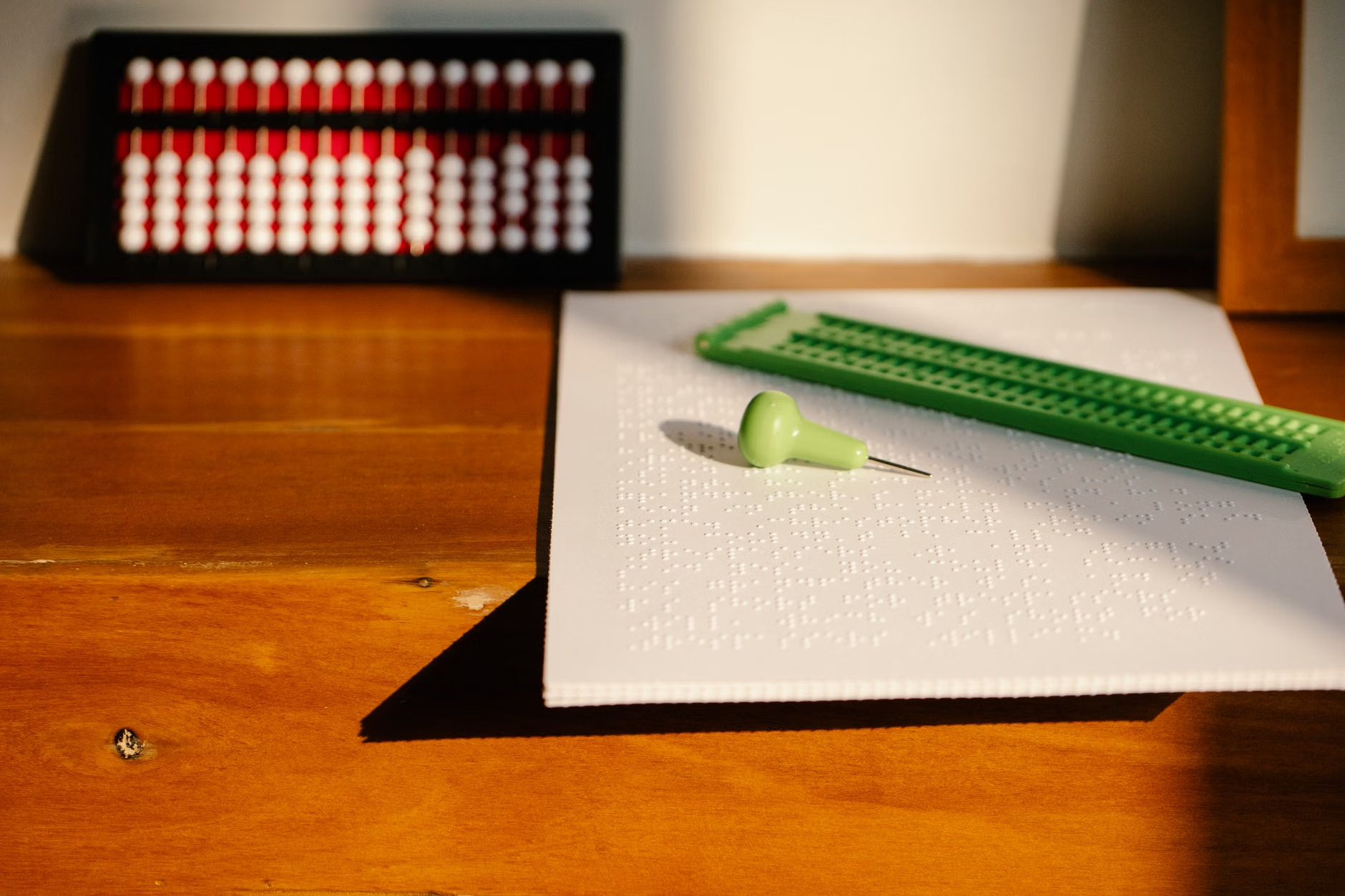
Sensory regulation is equally critical. For parents, the transition from the chaotic sensory input of family life (children’s toys, background noise, kitchen smells) to the quiet of a study session is jarring. If your workspace doesn’t provide a “sensory reset,” you are likely carrying the stress of the household into your study session. Finally, task initiation—the act of starting—is often hampered by not knowing where to begin. A neuro-inclusive station makes the “next step” physically obvious.
The Physics of Visual Load: Clearing the Cognitive Decks
The most common mistake I see is the “everything in sight” approach. We keep books, pens, and chargers on the desk because we are afraid of forgetting them. This is a trap. If you are prone to distraction, you need to implement the “Zero-Surface Policy.”
The Zero-Surface Policy means that when you are not actively using an item, it is stored in a drawer or a bin. Your desk surface should only hold what is necessary for the current task. If you are writing, you need your laptop and perhaps one notebook. If you are reading, you need the book and a highlighter. Everything else is a distraction.
Step-by-Step: The “Task-Zone” Implementation
- The 5-Minute Reset: Before ending any session, clear the desk completely. Do not leave the coffee cup or the open book. A clean surface signals to your brain that the “session” is over and helps you start fresh next time.
- Opaque Storage: Use opaque bins for supplies. Clear bins are popular, but for many, seeing the contents of the bin is just as distracting as seeing the items on the desk. Opaque storage hides the clutter from your peripheral vision.
- The “Active” vs. “Archive” Rule: Only “active” items—those used within the last 24 hours—live on your desk. Everything else goes into an archive drawer.
By removing visual competition, you allow your brain to enter a “flow state” more quickly. This isn’t just about being tidy; it’s about reducing the processing power required to ignore your environment.
Sensory Regulation: Designing for Your Nervous System
If you are easily overwhelmed, your study station needs to be a “sensory buffer.” Parents often struggle with the transition from the high-stimulation environment of parenting to the focus required for study. Your station should act as a bridge.
Lighting and Sound: The Two Primary Triggers
Lighting: Avoid harsh overhead fluorescent lighting. It is a known trigger for sensory fatigue. Opt for warm, indirect lighting. A desk lamp with an adjustable color temperature (warm to cool) can help. In the evening, shift to warmer tones to signal to your brain that it is time to wind down or focus, rather than keeping your cortisol levels spiked with harsh blue-spectrum light.
Sound: If you cannot control the ambient noise of your home, you must control it via technology. Noise-canceling headphones are not a luxury; they are a necessity for sensory regulation. However, don’t just use them for silence. Many people find that “brown noise” or “pink noise”—which are deeper and less harsh than white noise—provide a better sensory “blanket” to drown out household sounds without being distracting themselves.
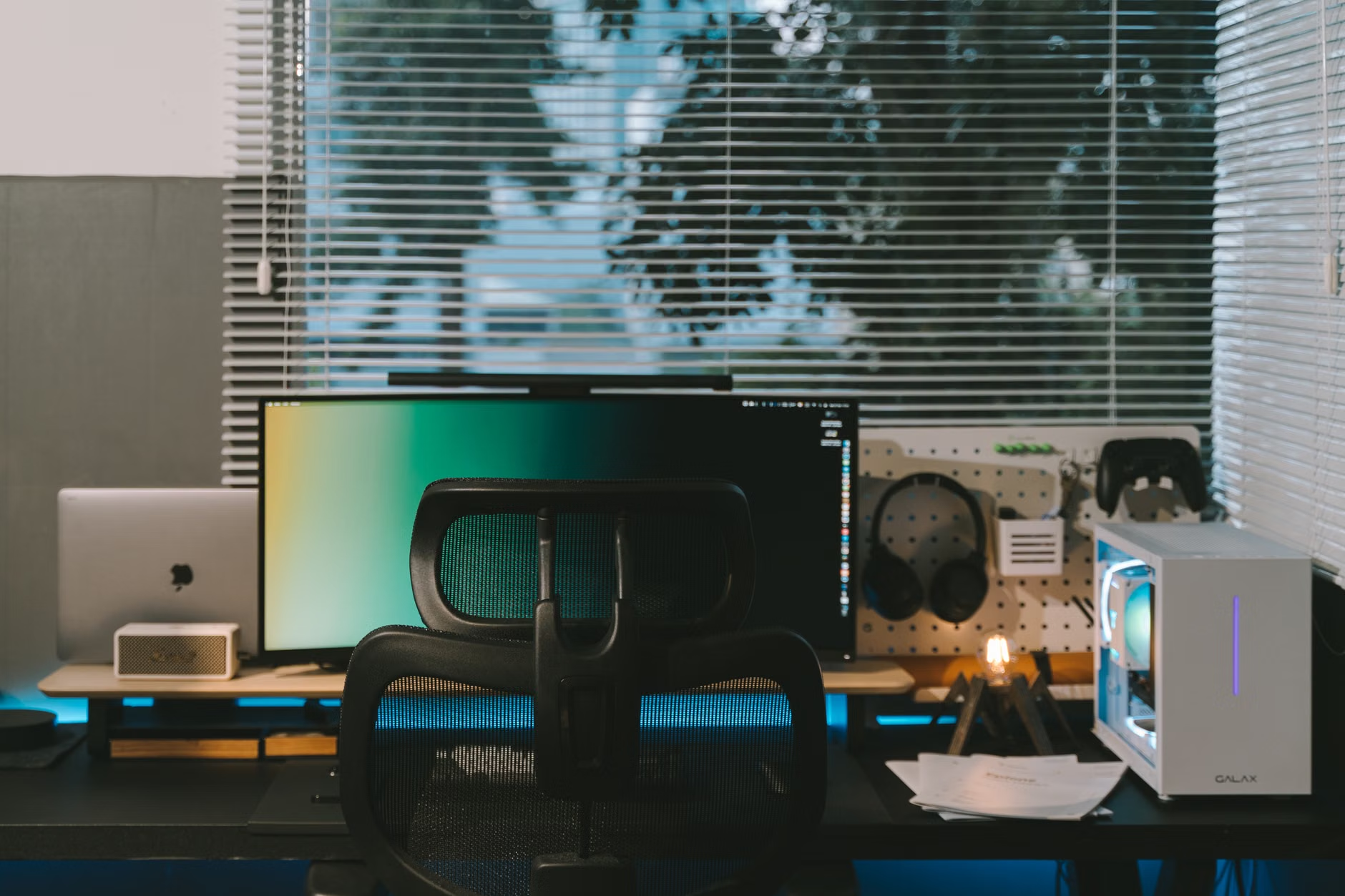
Temperature and Airflow: It sounds minor, but physical discomfort is a major distractor. If you are shivering or too hot, your brain will subconsciously focus on that discomfort. Ensure your station has a small fan or a dedicated heater so you can maintain a “neutral” physical state. If you are physically comfortable, your brain stops monitoring your body and starts monitoring your work.
Externalizing Executive Function: Moving Thoughts from Brain to Desk
One of the biggest hurdles for neurodivergent adults is “time blindness”—the inability to accurately perceive how much time has passed or how long a task will take. This is where your environment must act as an external brain.
Physical Timers over Digital Clocks
Digital clocks on your computer screen are often ignored. They are too abstract. A physical, analog timer (like a visual countdown timer) creates a sense of urgency and reality. When you can see the red disk of time disappearing, you are more likely to stay on task. It turns time from an abstract concept into a physical, finite resource.
The Tactile Checklist
Digital to-do lists are great, but they are easily hidden under other tabs. A physical, handwritten to-do list placed on your desk serves as a constant, non-digital reminder. Use a “Top 3” rule: write down only three things you need to accomplish. If you finish them, you can add more, but starting with a massive list will trigger “initiation paralysis.”
| Feature | Neurotypical Approach | Neuro-Inclusive Approach |
|---|---|---|
| Organization | Visible, accessible storage | Opaque, hidden storage |
| Time Management | Digital calendar/clock | Physical/Analog timer |
| Sensory Input | Open space, natural light | Controlled, buffered lighting/sound |
| Task Lists | Long, ongoing digital lists | Short, physical “Top 3” list |
Managing the “Parenting-Study” Transition
The biggest challenge for parents is the “switch.” You have been handling meltdowns, school schedules, and meal planning. Now you have 60 minutes to study. You cannot expect your brain to flip a switch instantly.
The 5-Minute Buffer: Dedicate 5 minutes before your study session to “brain dump.” Write down every household chore, worry, or task currently circling your mind. Get it out of your head and onto a physical piece of paper. This is called “offloading.” Once it is written down, your brain feels “safe” to stop holding onto that information, allowing you to focus on your studies.
The Sensory Reset: Change your environment slightly to signal the start of work. This could be putting on your headphones, lighting a specific candle, or simply sitting in a specific chair. Use a “trigger” that tells your brain: “The parent version of me is off-duty; the student version is on.”
Common Pitfalls and How to Avoid Them
Pitfall 1: Over-optimizing. Do not spend a week researching the “perfect” desk. The goal is to create a functional space, not a perfect one. Start with what you have and modify it based on your actual experience. If you find yourself constantly looking at a specific window, move your desk so you face a wall. If you find yourself fidgeting, add a tactile object to your desk.
Pitfall 2: Ignoring the “hidden” costs. Many people buy expensive ergonomic chairs but forget the importance of foot support. If your feet are dangling or uncomfortable, you are wasting energy. A simple footrest can make a massive difference in your ability to sit for an hour.
Pitfall 3: The “All or Nothing” fallacy. You don’t need a dedicated room. If you only have a corner of the kitchen table, that is fine. Use a “work kit”—a box or bag that contains your essential tools (headphones, timer, notebook). When you are ready to work, pull out the kit. When you are done, pack it away. The “kit” becomes your portable office.
Conclusion: Your Environment is a Tool, Not a Decoration
Your study station should be a reflection of your needs, not an aspiration of what you think a “productive person” looks like. By prioritizing sensory regulation, minimizing visual clutter, and externalizing your executive function, you are not just making your desk look better—you are removing the cognitive obstacles that keep you from achieving your goals.
Start with one change this week: move your supplies into opaque containers or buy an analog timer. Test it for three days. If it helps, keep it. If it doesn’t, change it. The best workspace is one that evolves with you, and as a parent in your 30s or 40s, you have enough on your plate without fighting your own environment. Give yourself the grace to build a space that works for the way your brain actually functions.
Frequently Asked Questions
1. Does this apply if I don’t have a dedicated home office?
Absolutely. If you are working from a dining room table, the “work kit” method is even more important. By keeping your tools in a portable box, you create a “mental boundary” that triggers your focus mode, even if you are in a shared living space.
2. Why is an analog timer better than a phone timer?
A phone timer is a gateway to distractions. Once you pick up your phone to set a timer, you are one notification away from social media or email. An analog timer is a single-purpose tool that cannot distract you.
3. How do I know if I have sensory overload vs. just being tired?
Sensory overload usually manifests as physical irritability (e.g., the sound of a clock ticking becomes unbearable, or your clothes feel “itchy”). If you feel like you need to escape the room rather than just “nap,” it is likely sensory overload. Addressing the environment—dimming lights or using headphones—usually alleviates the former, while the latter requires rest.
For further reading on executive function and environmental design, see the resources provided by the Children and Adults with Attention-Deficit/Hyperactivity Disorder (CHADD), which offers extensive, evidence-based guides on managing workspaces for neurodivergent adults.