The most effective emergency kit for a home-based professional isn’t a crate of canned beans; it is a specialized “continuity bundle” that keeps your internet active and your devices powered for at least four hours after a standard utility failure.
- Power Continuity: A portable power station with at least 300Wh capacity is the minimum requirement to sustain a modern laptop and router through an average neighborhood outage.
- Connectivity Redundancy: Relying on home Wi-Fi is a single point of failure; a dedicated 5G mobile hotspot or a pre-configured smartphone tethering protocol is mandatory.
- The “Grab-and-Go” Principle: Your emergency gear must be modular so that if your home office becomes unusable (e.g., HVAC failure or local maintenance), you can relocate to a cafe or library in under 60 seconds.
We have all been there: the middle of a high-stakes Zoom call, a deadline approaching, and suddenly the screen goes black. The Wi-Fi drops, the lights flicker, and the silence that follows is not peaceful—it is expensive. For those of us balancing professional responsibilities with the chaotic rhythm of parenting, a power outage isn’t just a minor inconvenience; it’s a total disruption of the precarious balance we maintain.
Most of us treat our home offices as permanent fixtures. We assume the grid will hold, the ISP will deliver, and the coffee machine will always have power. But what happens when the infrastructure hits a snag? If you are in your 30s or 40s, you likely have dependents relying on your income and a schedule that doesn’t allow for “waiting for the power company to fix it.” This is why you need to move from a reactive state—scrambling for a charger or hunting for a signal—to a proactive state of readiness.
The Anatomy of a Remote Work Power Strategy
The biggest mistake remote workers make is overestimating their laptop’s battery life. You might think, “I have a MacBook or a high-end Windows machine that lasts eight hours.” In reality, when you are running heavy video conferencing software, multiple browser tabs, and cloud-based applications, that battery life often drops to less than three hours. Furthermore, your internet router is often plugged into the wall without a battery backup, meaning your connection dies the moment the power dips, even if your laptop is fully charged.
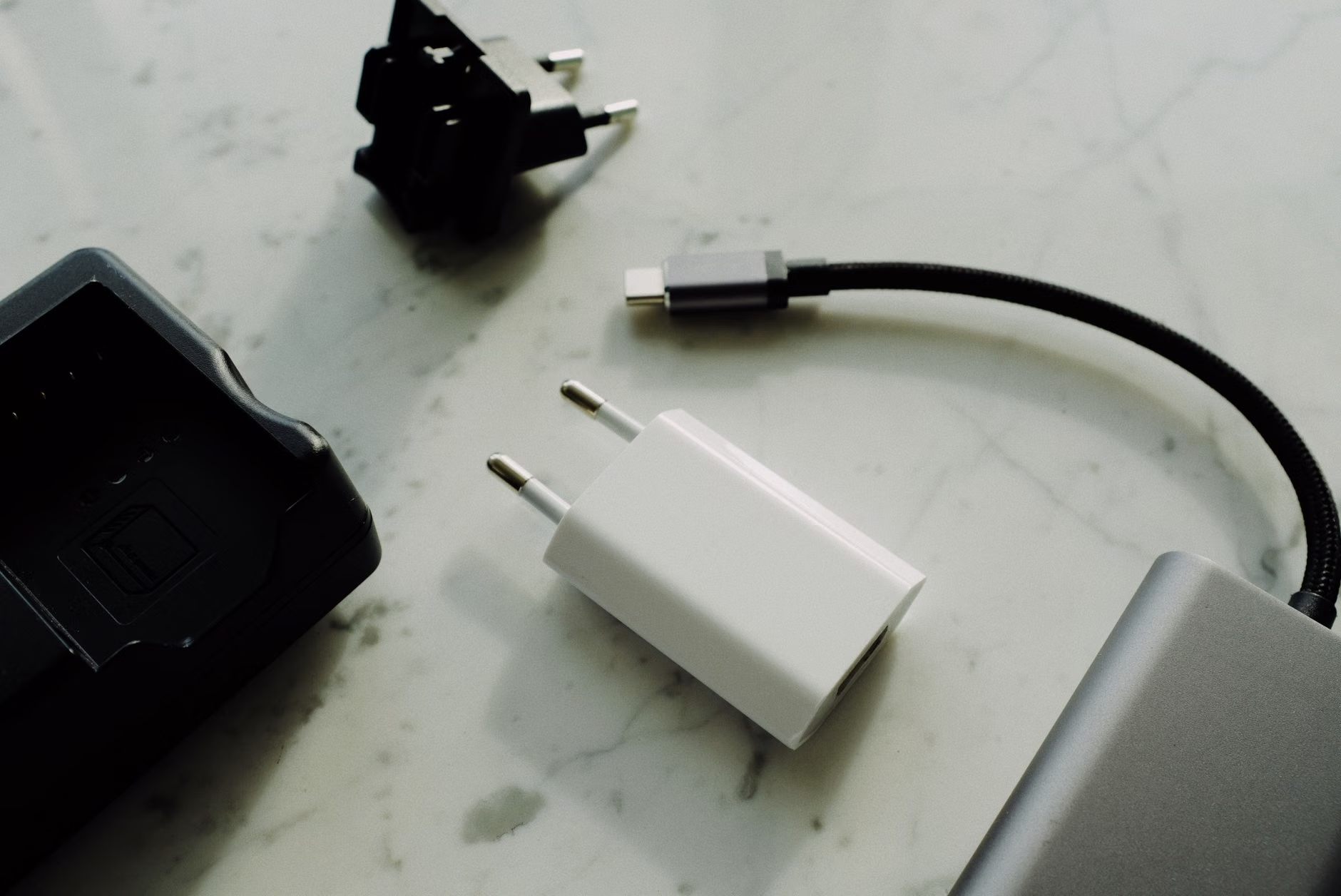
To solve this, you need a two-tier power strategy. Tier one is for immediate, short-term resilience. Tier two is for extended outages. For 90% of home-based professionals, a Lithium Iron Phosphate (LiFePO4) portable power station is the gold standard. Unlike lead-acid batteries, these are lighter, last for thousands of cycles, and are safe to keep in a home environment.
When selecting a unit, don’t look for the biggest, heaviest one. Look for a unit that provides a pure sine wave output (which protects sensitive electronics like your laptop and monitor) and has a “pass-through” charging capability. Pass-through charging allows you to plug your devices into the power station while the station itself is plugged into the wall. If the wall power dies, the station seamlessly switches to battery power without your devices even blinking.
Calculating your power needs
Before you buy, perform a quick audit of your gear. A standard 13-inch laptop consumes about 30-50 watts per hour under load. Your router and modem combined consume about 15-20 watts. If you need to stay online for four hours, you need a capacity of approximately 250-300Wh (Watt-hours). A 300Wh power station will keep you running for about 4-5 hours comfortably. If you use external monitors, you must account for their power draw, which can double your requirements.
| Device | Estimated Power Draw | Priority |
|---|---|---|
| Laptop | 40-60W | High |
| Router/Modem | 15-20W | High |
| Smartphone | 5-10W | Medium |
| External Monitor | 30-60W | Low (Optional) |
Pro Tip: If you are working during a power outage, disconnect your external monitor immediately. Use your laptop screen. It is the single most effective way to extend your “emergency endurance” by 50% or more.
Connectivity: Solving the “ISP Down” Scenario
Even if you have power, an ISP outage will stop your work dead. Many professionals rely on their home fiber or cable internet as their sole connection. When a neighborhood node goes down, you are offline. The solution is redundancy, and you have two primary ways to achieve this: a cellular mobile hotspot or a secondary smartphone plan.

A dedicated mobile hotspot device is often more reliable than a phone tether because it has a better antenna for picking up cellular signals. However, it requires a separate data plan. If you are budget-conscious, a secondary smartphone plan on a different network than your primary phone is a smarter “hidden” strategy. For example, if your home internet and primary phone are on Provider A, buy a low-cost, prepaid SIM card from Provider B for your laptop’s USB modem or a secondary phone.
The “Network Switch” Protocol
Don’t wait until the internet is down to figure out how to tether. Practice the switch at least once a month. Know exactly where your settings are located on your laptop. If you are on Windows, ensure your “Metered Connection” settings are configured correctly so that your computer doesn’t try to download a massive OS update while you are on a limited cellular data plan. This is a common mistake that can burn through your monthly data allotment in minutes.
Decision Rule: If you have a critical presentation, test your mobile signal strength in your office area. If it is weak, identify the one room in your house where the signal is strongest. That room is now your “Emergency Command Center.” Keep your gear mobile enough to move there instantly.
The “Grab-and-Go” Office Kit
Sometimes the emergency isn’t just a power flicker. It could be a local issue—a noisy construction project, a water leak in the ceiling, or a family situation that requires you to step out of the house. Your “Emergency Kit” should be a physical bag that contains everything you need to work from a neutral location like a quiet cafe or a public library.
This kit should be fully packed and ready to go. Do not pack it when you are stressed; pack it when you are calm. A good kit includes:
- Universal Charger: A high-wattage (65W+) GaN charger with multiple USB-C ports. These are small, light, and can charge your laptop, phone, and headphones simultaneously.
- Noise-Canceling Headphones: Essential for maintaining focus in a public environment.
- Physical Notebook and Pen: Don’t rely on digital notes if your battery is dying.
- Emergency Data Cable: A high-quality USB-C to USB-C cable that supports data transfer and fast charging.
- Non-Perishable Energy Source: A few protein bars or nuts. If you are in the middle of a high-pressure work situation, the last thing you want to deal with is a hunger-induced lack of focus.
The psychological benefit of having this bag ready is immense. It transforms the panic of “everything is falling apart” into a simple, algorithmic response: “Grab the bag, move to the location, stay productive.”
Common Pitfalls and How to Avoid Them
One overlooked variable in emergency preparedness is the “aging” of batteries. If you keep a power station or a portable battery bank in a closet for two years, it will degrade. Lithium batteries have a shelf life. Even if you don’t use them, they lose capacity. You must adopt a “Cycle and Refresh” policy. Every three months, drain your emergency batteries to 20% and recharge them to 100%. This keeps the internal cells healthy and ensures you know the device actually works when you need it.
Another common mistake is neglecting firmware. If you have a router, a hotspot, or a power station with smart features, check for firmware updates once a year. A bug in your hotspot’s software could prevent it from connecting to the 5G network exactly when you need it most. These devices are computers, and like any computer, they need maintenance.
Finally, consider the environmental conditions of your emergency location. If you are working from a car or a public space, heat is your enemy. Leaving your electronics in a hot car can permanently damage your laptop battery and your power station. If you must move, prioritize temperature-controlled environments. Your gear, like your children, does not handle extreme heat well.
Establishing Your Personal Continuity Plan
You have the gear, but do you have the plan? An emergency plan is a set of “if-then” statements that guide your decision-making. Here is a template you can adapt:
| Scenario | Immediate Action | Secondary Action |
|---|---|---|
| Power Outage | Switch to Power Station | Disable external monitors |
| ISP Outage | Activate Mobile Hotspot | Notify team via Slack/Email |
| Home Inaccessible | Grab “Go-Bag” | Head to pre-scouted cafe |
The “Notify team” part is critical. People in their 30s and 40s often feel a sense of guilt or embarrassment when they have technical issues. They try to “fix it” in secret while missing meetings. Do not do this. Send a brief, professional message: “Experiencing a local utility outage. Switching to backup data/power. I may be slightly delayed or have limited video bandwidth.” This manages expectations and prevents you from feeling the added stress of “hiding” the problem.
Your goal is not to be a prepper who expects the world to end; your goal is to be a professional who treats their career with the same level of seriousness that they treat their family life. A small investment of time and resources today pays dividends in the form of peace of mind tomorrow. When the power goes out, and you simply look at your screen, see that you are still connected, and continue working without skipping a beat, you will realize that this preparation was worth every cent.
For more detailed information on power safety and equipment standards, you can refer to the Ready.gov guidelines for emergency planning, which provides a solid foundation for home-based resilience. Always ensure your portable power devices comply with local safety certifications (such as UL in the US or CE in Europe) to prevent electrical hazards in your home office.
Frequently Asked Questions
1. How often should I test my emergency power station?
You should perform a full discharge and recharge cycle every three months. This ensures the battery remains calibrated and that you don’t discover a dead battery during an actual emergency. Avoid keeping them in high-heat areas like garages or direct sunlight.
2. Is a UPS (Uninterruptible Power Supply) better than a portable power station?
A traditional UPS is designed for desktop computers that stay in one place. They offer near-instantaneous switching (milliseconds) which is great for protecting against data corruption. However, portable power stations offer more versatility if you need to work from a different room or location. For most remote workers, a high-quality portable power station with pass-through charging is the more practical, multi-purpose choice.
3. Can I use my phone’s hotspot for a full day of work?
Yes, but you must be mindful of your data plan. Most mobile carriers offer “unlimited” plans that throttle speeds after a certain amount of high-speed data usage. Check your plan’s terms for “hotspot data limits,” which are often lower than your phone’s total data limit. If you work from home, it is worth paying for a premium plan with a higher hotspot data allowance.
Take the time this weekend to audit your office. Identify your single point of failure, fix it, and breathe easier knowing that your career is now as resilient as it is productive.