If you have installed a smart bulb, a video doorbell, or a voice assistant in the last year, you have effectively turned your home into an entry point for potential cyber threats. The most critical step in securing your smart home is not buying a more expensive firewall, but isolating your “Internet of Things” (IoT) devices from your primary home network where your banking and personal data live.
- Network Segmentation: Always place smart home devices on a “Guest” or secondary Wi-Fi network to prevent hackers from pivoting to your main computer or smartphone.
- The Default Password Trap: Changing default administrative passwords is the single most effective deterrent against automated botnet attacks.
- Physical Privacy Matters: Digital security is incomplete without physical safeguards, such as sliding covers for cameras and disabling microphones when not in active use.
I remember the moment I realized my “smart” setup was a security sieve. I had just finished setting up a budget-friendly indoor camera to keep an eye on the dog, and within forty-eight hours, I noticed it was constantly pinging a server in a country I had never visited. It wasn’t necessarily a hack, but it was a massive privacy red flag. For parents managing a busy household, the goal isn’t to become a cybersecurity engineer; it’s to build a “good enough” defense that keeps your family and your data out of the crosshairs of automated scripts.
1. The Network Isolation Rule: Why Your Lightbulbs Shouldn’t Talk to Your Bank
Most smart home devices—the cheap Wi-Fi plugs, the budget smart cameras, and the automated blinds—are not built with high-level security in mind. They are built for convenience and low cost. If your $20 smart plug shares the same network credentials as your work laptop, a vulnerability in that plug can act as a bridge for a malicious actor to reach your laptop.
What you need to do: Most modern routers provide a “Guest Network” feature. This is not just for your visitors. You should move all your smart devices onto this guest network. It acts as a digital firewall, creating a separate lane for your IoT devices. If a hacker manages to compromise your smart kettle, they are trapped on the guest network and cannot “see” your primary computer or NAS drive where you keep your family photos and tax documents.
Common Mistake: Many people leave their smart devices on the main Wi-Fi because they believe the “Guest” network will prevent the devices from working with their phone. While this is true for some older setups, most modern smart home ecosystems (like Alexa, HomeKit, or Google Home) allow you to bridge these connections via your cloud account. Test it: move one device to the guest network and see if your app still controls it. If it does, move the rest.
2. The “Default Password” Epidemic and How to Fix It
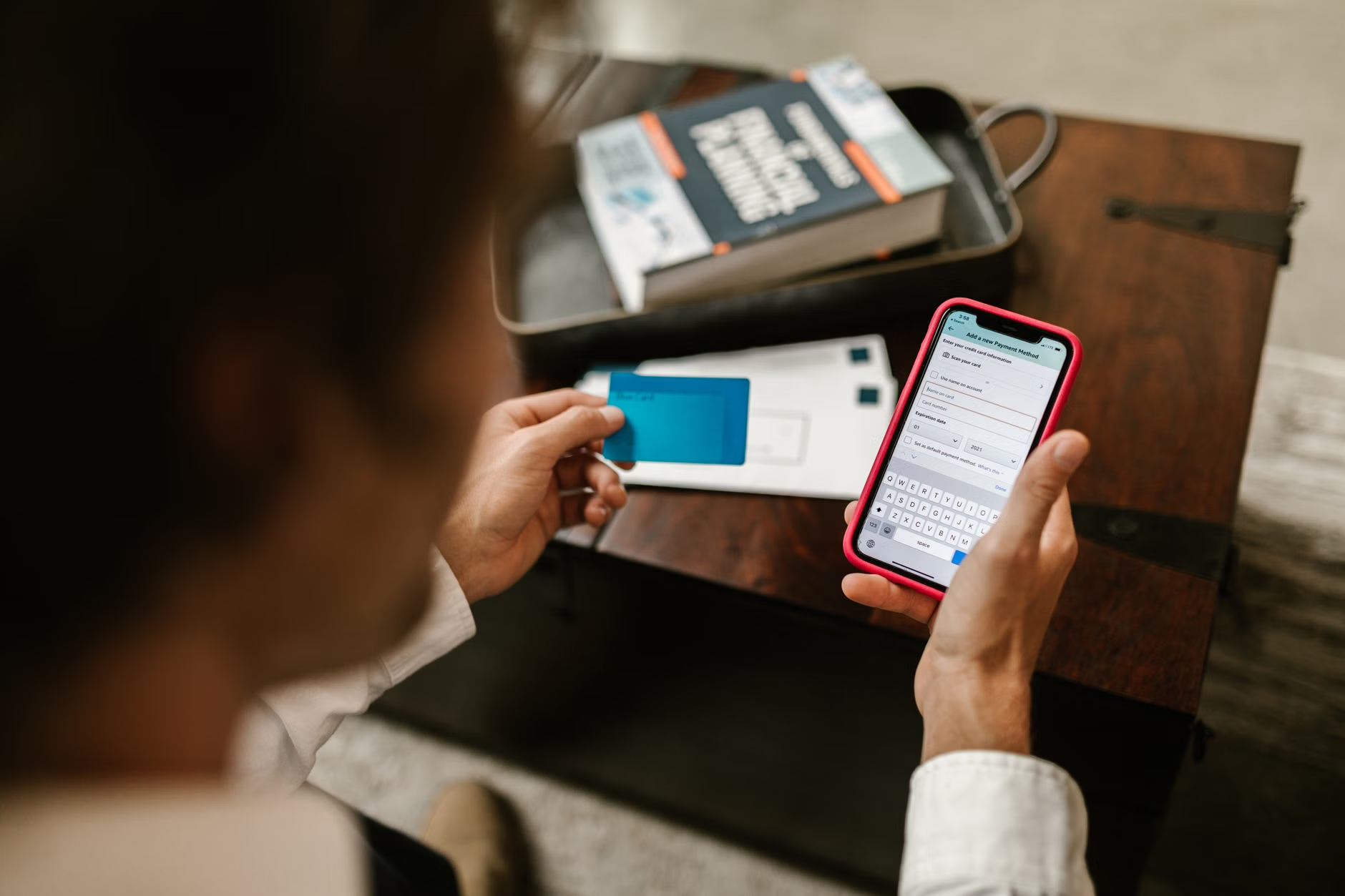
When you buy a smart device, it comes with a default username and password (often something as simple as “admin” and “password”). These are widely known by hackers. In fact, there are search engines specifically designed to scan the internet for devices that still use factory-default credentials. If you haven’t changed these, you are essentially leaving your front door wide open.
The Strategy: Treat every smart device like a bank account. Use a unique, long password for the administrative interface of your router, your cameras, and your smart hub. If the device does not allow you to change the password, it is a security risk that shouldn’t be on your network in the first place.
| Device Category | Security Priority | Action Required |
|---|---|---|
| Smart Cameras/Video Doorbells | Critical | Change default password + Enable 2FA |
| Smart Hubs (e.g., Alexa/Google) | High | Enable 2FA + Review Privacy Logs |
| Smart Plugs/Bulbs | Moderate | Update Firmware + Isolate on Guest Network |
Why does this matter for parents? Because the stakes are higher. A compromised camera isn’t just a data leak; it’s a direct intrusion into your home environment. By forcing a password change, you are effectively opting out of the vast majority of automated “drive-by” attacks that target unsecured home hardware.
3. Firmware Updates: The Silent Security Patch
A smart device is essentially a small computer. Like your Windows or Mac machine, it needs updates to fix vulnerabilities. However, unlike your laptop, your smart toaster likely won’t remind you to update its software. Many manufacturers release “firmware” updates that specifically patch security holes that hackers have recently discovered.
The Reality Check: If you bought a smart device from an obscure brand on a discount site, check if they are still providing updates. If the company has stopped supporting the product, the device is essentially a ticking time bomb of unpatched security flaws. My rule of thumb: If a device hasn’t received a firmware update in over 12 months, it’s time to replace it or disconnect it from the internet entirely.
4. Physical Privacy: When the Digital Isn’t Enough
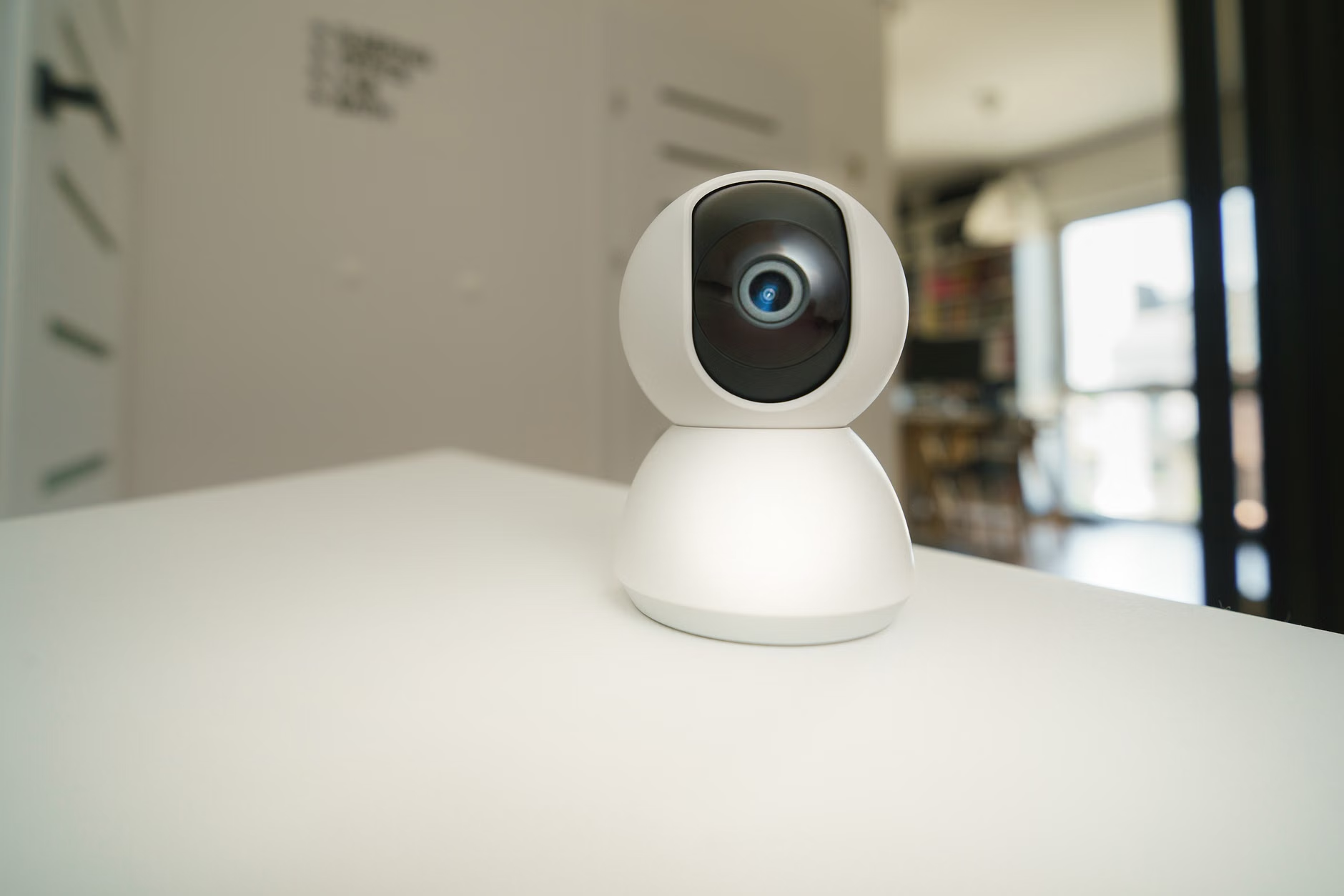
Sometimes, the best digital security is a physical barrier. No matter how strong your encryption is, if a device has a camera or a microphone, it can be theoretically exploited. For those of us with children, this is a significant concern. The “smart” nursery monitor or the living room camera should have a physical shutter.
Actionable Step: If your camera doesn’t come with a privacy shutter, buy a simple sliding plastic cover. They cost pennies and provide 100% certainty that even if the camera is compromised, the lens is blocked. For voice-activated devices, look for the physical “mute” switch. If the device doesn’t have a hardware mute switch, consider moving it to a room where private conversations are less likely to happen.
5. Managing Permissions and Data Sharing
Most smart devices are “data hungry.” They want your location, your contact list, your microphone access, and your usage habits. Do you really need your smart lightbulb app to have access to your GPS location? Probably not. Modern smartphone operating systems (iOS and Android) allow you to audit these permissions.
The Audit Process: Go into your phone’s settings, find the “Privacy” or “Apps” section, and look at each smart home app you have installed. Ask yourself: “Why does this app need this permission?” If the answer is “It doesn’t,” toggle it off. This limits the “blast radius” if the app developer themselves is ever breached or if the app is caught selling your data to third parties.
6. The Hidden Danger of “Cloud-Dependency”
Many smart home enthusiasts prefer devices that work “locally.” This means the device communicates with your hub inside your house, rather than sending data back and forth to a server in another country. Cloud-dependent devices are convenient, but they represent a constant stream of data leaving your home.
The Trade-off: Cloud-dependent devices (like many budget Wi-Fi cameras) require you to trust the company’s server security. If that company is hacked, your video feeds could be exposed. Local-only devices (such as those using Zigbee or Z-Wave protocols) are inherently more secure because they don’t necessarily need an internet connection to function. If you are building a smart home from scratch, prioritize devices that offer local control. It is a slightly steeper learning curve, but it is infinitely more secure.
7. Setting Up a “Security Rhythm” for Your Family
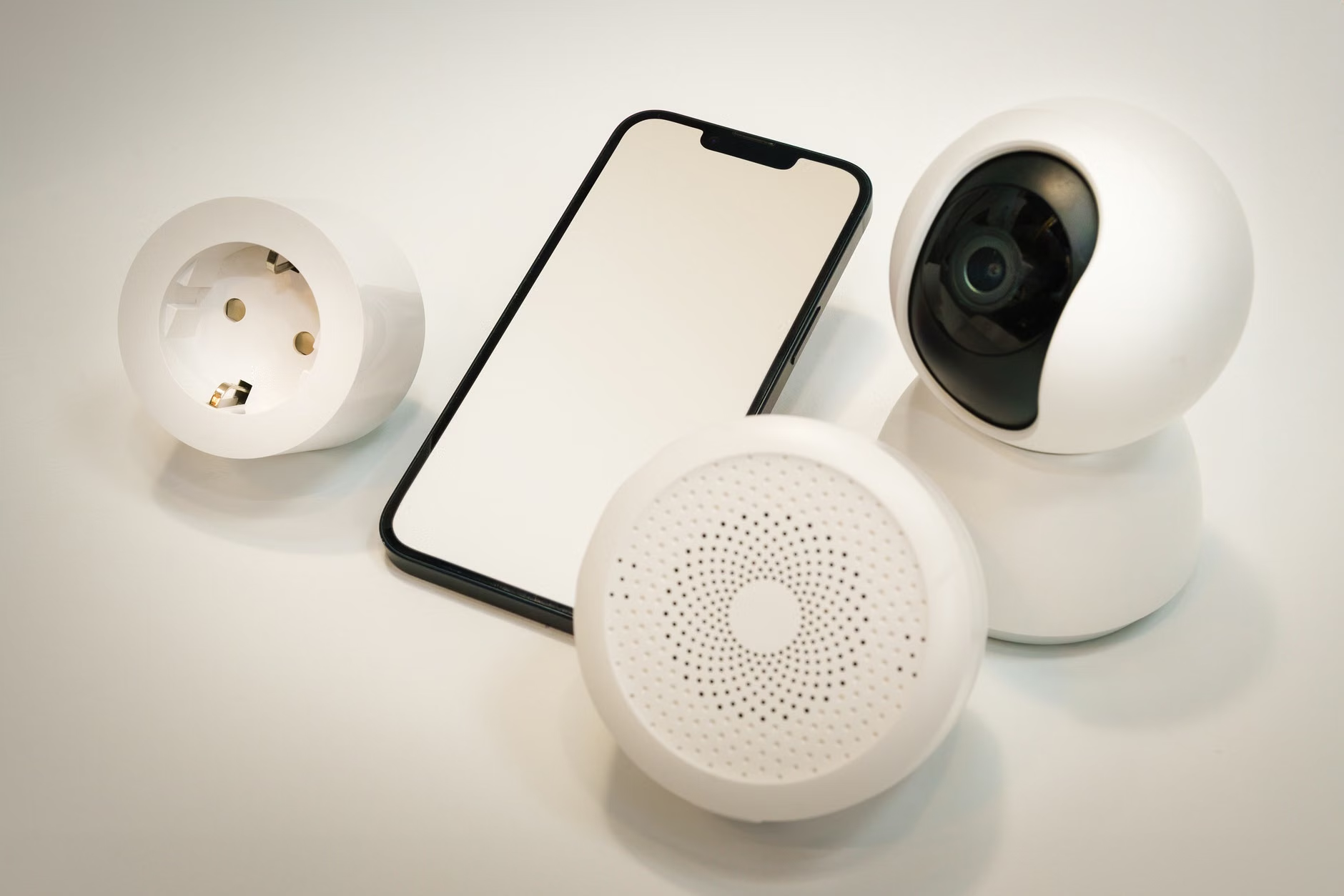
Security is not a “set it and forget it” project. It is a rhythm. Just as you change the batteries in your smoke detectors, you should have a “Digital Spring Cleaning” once every six months. During this time, check for firmware updates, review which devices are still connected to your network, and delete any apps you no longer use.
Why this works: Most people accumulate smart devices over time. You might have a smart plug you forgot about in the garage or a Wi-Fi camera from three years ago that is still plugged in but never used. These “zombie devices” are the most common entry points for intruders. If you aren’t using it, unplug it. If you don’t know what it is, factory reset it and re-evaluate if it actually adds value to your life.
Beyond the Basics: Overlooked Vulnerabilities
One variable that almost everyone overlooks is the “Smart TV.” Your TV is now essentially a computer that is always connected to the internet, often with a microphone and a camera. Many people ignore the security settings on their TV because it feels like an “appliance.” However, it is one of the most powerful devices in your home network. Ensure your TV is updated, turn off “interest-based advertising” in the settings, and disable the “Always Listening” feature for voice commands if you aren’t actively using them.
Another common misconception is that “my home is too boring to be hacked.” Hackers aren’t usually targeting you specifically; they are targeting the entire internet. They use automated bots to scan for any open door. If you leave your door open, they walk in, regardless of whether you have “valuable” data or not. By following these seven steps, you move your house from the “easy target” list to the “too much effort” list, which is the ultimate goal of home security.
Final Thoughts: The Path Forward
Securing your smart home doesn’t require a degree in computer science. It requires a bit of skepticism about the “smart” features that seem unnecessary and a proactive approach to your home network. Start by moving your devices to a guest network today. It is the single most impactful change you can make. Once that is done, tackle the passwords and the firmware updates. Your digital home should serve you, not track you or expose your family to unnecessary risk. Take control of your network, keep your devices updated, and don’t be afraid to disconnect the ones that don’t pass the “is this actually necessary?” test.
Frequently Asked Questions
Q: Does using a guest network make my smart devices slower?
A: Generally, no. Modern routers are designed to handle multiple networks efficiently. The security benefits far outweigh the negligible impact on latency for devices like lightbulbs, plugs, or cameras, which do not require high-speed bandwidth to function.
Q: How do I know if my smart device is “local-only”?
A: Look for packaging labels mentioning “Zigbee,” “Z-Wave,” or “Matter.” These protocols are designed for local communication. If the device requires you to create an account and log in just to turn on a light, it is almost certainly cloud-dependent.
Q: Is 2FA (Two-Factor Authentication) really necessary for a smart lightbulb?
A: If the lightbulb account is linked to your email or your main smart home hub (which may have access to your home address, payment info, or camera feeds), then yes. Always enable 2FA on any account that acts as a gateway to your home environment.
Relevant Resources:
For further reading on securing your home network, the Cybersecurity & Infrastructure Security Agency (CISA) provides excellent guides on securing IoT devices. You can find their official guidance at CISA.gov/securing-iot.