The safest family travel-document plan is not “put everything in the cloud”; it is a three-layer system: the originals you carry, encrypted copies you can reach without your main phone, and a small paper recovery card stored separately. That arrangement cannot turn a photocopy into a passport, but it can make a lost bag or stolen phone far less chaotic.
- Keep passports on the person, but separate backup ID, copies and emergency contacts from the originals.
- Build a recovery path that still works when one phone, email account or payment card is unavailable.
- Report a genuinely lost or stolen passport promptly and follow the issuing country’s official instructions; a scan is evidence, not a travel document.
You know the scene. Everyone is finally in the taxi, one child wants a snack, another cannot find a headphone, and somebody asks, “You have the passports, right?” It is a simple question with an impressively high heart-rate setting.
Most families prepare for the happy path: airport, hotel, beach, return. A useful document plan prepares for the boring failures too. A phone battery dies. A bag is taken. Mobile data refuses to cooperate. A hotel booking sits behind an email login that demands a code sent to the missing phone.
This guide builds a practical system for international travellers in their 30s and 40s, including parents travelling with children. It is deliberately country-neutral. Passport replacement, police-report and emergency-document rules depend on nationality, location and itinerary. Always use your passport authority, foreign ministry, embassy or consulate as the final source.
Why a passport photo in your camera roll is not a recovery plan
A clear passport image can help you supply document details, prove what was issued and complete reports. It normally cannot be used to cross a border, board an international flight or substitute for the physical document. The same distinction applies to a digital insurance card or a photograph of a visa: useful information is not necessarily legally accepted evidence.
The camera roll also creates two awkward risks. First, it may be available to anyone who unlocks the phone or reaches a poorly secured cloud-photo account. Second, the copy disappears from your reach at exactly the moment the phone disappears. Convenience without an independent access route is a single point of failure wearing a cheerful holiday shirt.
A better plan answers four questions before departure:
| Question | Good answer | Weak answer |
|---|---|---|
| Who holds the originals? | A named adult, using a secure on-body pouch or locked accommodation safe when appropriate | “They are somewhere in the day bag” |
| Where are the copies? | Encrypted digital storage plus a limited paper set stored separately | Only on the main phone |
| How do we regain access? | Memorised account route, recovery codes and a trusted contact | A code sent only to the missing phone |
| Who do we call? | Official consular, insurer and card contacts saved offline | Search the web after the loss |
The three-layer document system that survives one failure
Layer one: originals under deliberate control
Start with the documents that must physically travel: passports, required visas or residence documents, consent papers where relevant, driving documents and any destination-specific health evidence. Verify entry and transit rules with official authorities and the operating carrier. A country may require unused passport pages, validity beyond the return date or supporting documents for a child travelling with one parent.
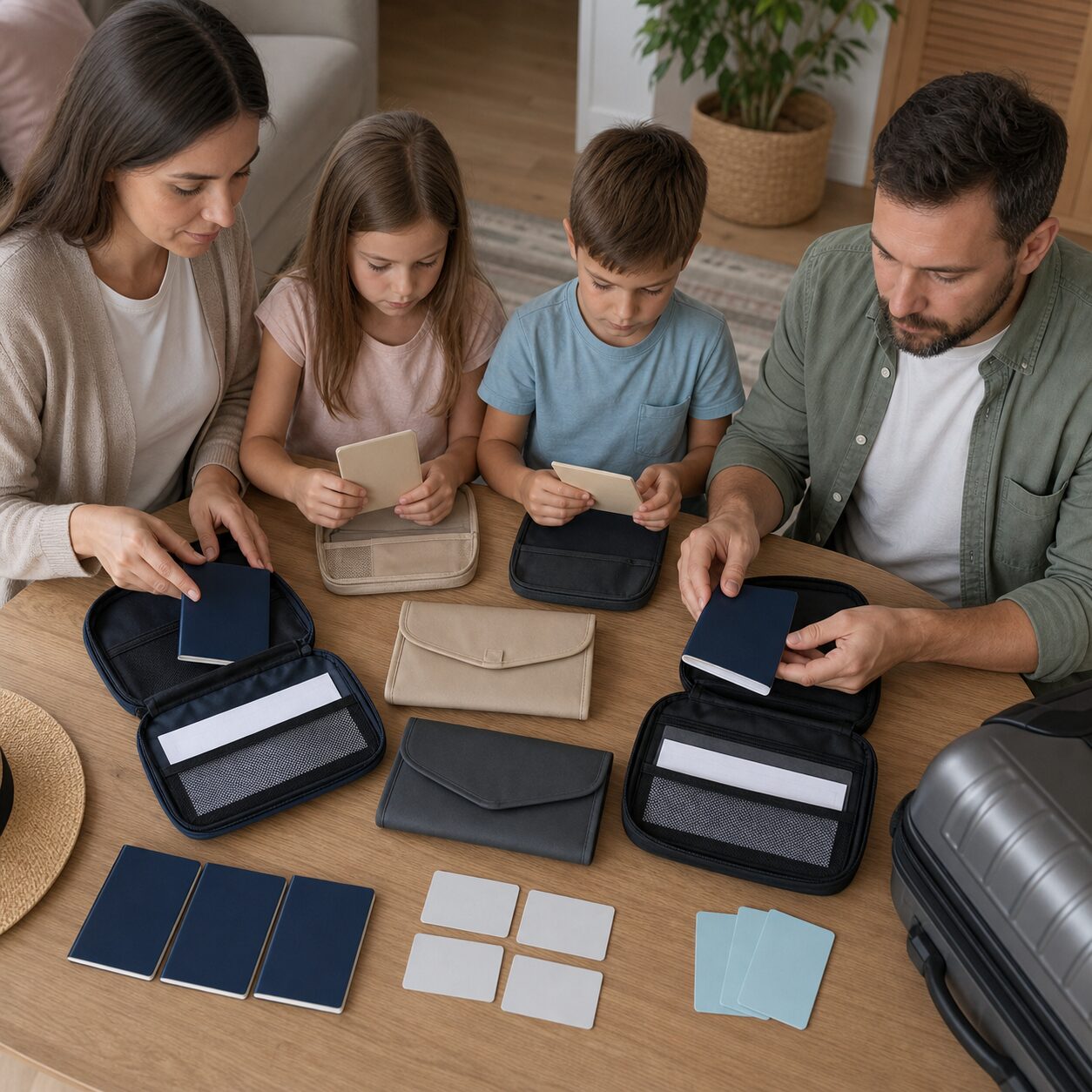
Do not casually bundle every valuable into one organiser. A single tidy wallet containing every passport, both adults’ payment cards, all cash and the only hotel key is efficient right up to the second it vanishes. Keep family passports together when border processing requires it, but separate at least one backup photo ID and one payment route.
During transit, use a zipped, closable place that stays attached to an adult. The outer pocket of a backpack is not secure merely because it has a zip. At accommodation, decide whether the room safe, front-desk safe or secure on-body carry is appropriate for the property and day’s activity. There is no universal answer, but there should be an intentional one.
Layer two: encrypted copies with independent access
Create readable scans or photographs of the passport identity page, visas, residence permits, travel-insurance certificate, itinerary, accommodation address, key prescriptions and any child consent documents. Include both the document image and essential numbers in a simple index. A blurry photograph taken under a ceiling light is not a backup; check every corner and number.
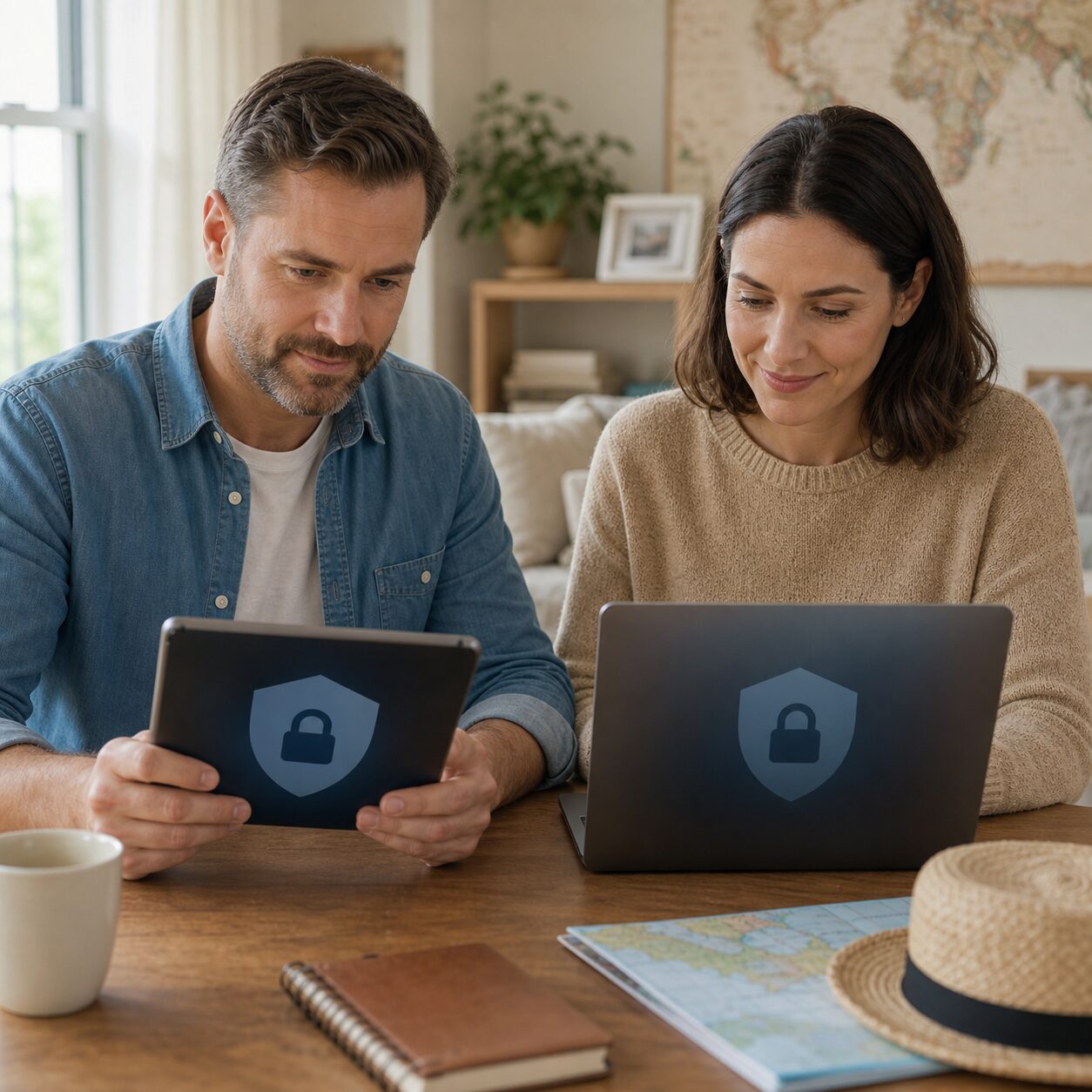
Store the set in an encrypted password manager, encrypted vault or reputable secure storage service protected by a unique password and strong multifactor authentication. Avoid sending unprotected passport images through a family group chat or leaving them as ordinary email attachments. Email accounts are valuable targets and are often already open on a stolen device.
Test access from a second device or a private browser before travel. The goal is not to scatter copies across the internet. The goal is controlled access when the main phone is unavailable. One adult might be able to open the vault from the other adult’s device, or a trusted person at home might hold a sealed encrypted archive and release it after verifying a pre-agreed phrase.
Download only what you need for the trip, then delete temporary unencrypted files from scanner folders, downloads and shared devices. Check whether cloud backup quietly duplicated those files elsewhere. Security is often less about buying a clever app and more about noticing the copies an app leaves behind.
Layer three: a low-detail paper recovery card
Paper works without power, roaming or authentication. It is also readable by whoever finds it, so keep it deliberately limited. Record full names, nationalities, passport numbers with some digits masked if practical, insurer and policy number, accommodation, emergency contacts, card-issuer loss numbers, and the official web address for your foreign ministry or nearest mission.
Do not print full card numbers, account passwords, security codes or a complete identity dossier. A recovery card is a map to help, not a portable fraud kit. Store it away from passports and away from the main phone. Each travelling adult can carry one; an older child can carry a card with family contact and accommodation details but no sensitive financial data.
Print the insurance certificate separately if official guidance or the insurer recommends it. The UK Foreign, Commonwealth & Development Office’s checklist, updated in June 2026, specifically advises a backup plan for passport, accommodation, flight, contact and insurance information, including in case the phone is lost. It also recommends carrying a printed health-insurance document.
What should go in the family travel vault?
More is not automatically safer. Keep the vault focused on what will help identify people, continue the journey or contact the right organisation.
| Item | Why keep a copy? | Important limit |
|---|---|---|
| Passport identity page | Provides name, number, issue and expiry details | Not a valid replacement passport |
| Visa or residence document | Helps explain status and identify the issuing authority | Digital acceptance varies |
| Travel insurance certificate | Provides policy and assistance numbers | Coverage and claim rules still apply |
| Itinerary and bookings | Shows dates, routes and accommodation | Keep current after changes |
| Child travel consent or custody evidence | May support border or carrier questions | Destination rules may require originals, notarisation or translations |
| Prescription list | Helps replace essential medicine and communicate needs | Does not authorise import or dispensing |
| Emergency contacts | Works when the phone address book does not | Confirm numbers and international prefixes |
Add recent neutral passport-style photographs only if your passport authority says they may help with emergency replacement. Requirements differ, and embassies may require a particular size or a new locally produced photograph. Treat any stored photo as preparation, not a guarantee.
For children, note each child’s date of birth, nationality, passport details, allergies, medicines and parent or guardian contacts. If surnames differ, or if one parent travels alone, check the destination and transit-country rules for consent letters and proof of relationship. Airlines can have operational requirements in addition to border law.
Build access that does not depend on the missing phone
Many “backup” systems fail because their login code arrives on the device that was stolen. Before travel, review the recovery settings for the email account, password manager and cloud vault that hold your documents.
Use app-based authentication, a security key or printed one-time recovery codes where the service supports them. Store recovery codes securely and separately from the account password. Do not put a note labelled “email password” in the passport wallet. A password manager can share an emergency record with a partner, but test what the partner can actually see while offline or abroad.
Families should also agree on a verification phrase with the trusted contact at home. If someone messages from a new number asking for documents or money, the contact should verify identity through the phrase and a second channel. This small ritual reduces the chance that a stolen phone becomes a convincing impersonation tool.
Use the two-adult rule without duplicating every risk
When two adults travel, both should know the plan. One person can carry passports during airport processing while the other holds backup ID, an alternate card and the recovery card. Both should know the vault route and insurer details. This is redundancy, not secrecy.
For a solo parent, a trusted adult at home can provide the second route. Give that person the itinerary, insurer, accommodation and official contact information. Share only the minimum sensitive data needed, define when they may access it and delete the archive after the trip.
A lost passport abroad: the first calm hour
First, stop and distinguish “misplaced” from “lost or stolen.” Check the last controlled location, ask the hotel or transport operator, and use tracking features for the bag or phone without entering an unsafe place. Do not make a false theft report simply because it seems faster.
Once a passport is genuinely lost or stolen, use the issuing country’s official instructions promptly. Reporting can cancel the passport, which generally means it cannot be used even if found later. That is why the report should be deliberate and official.
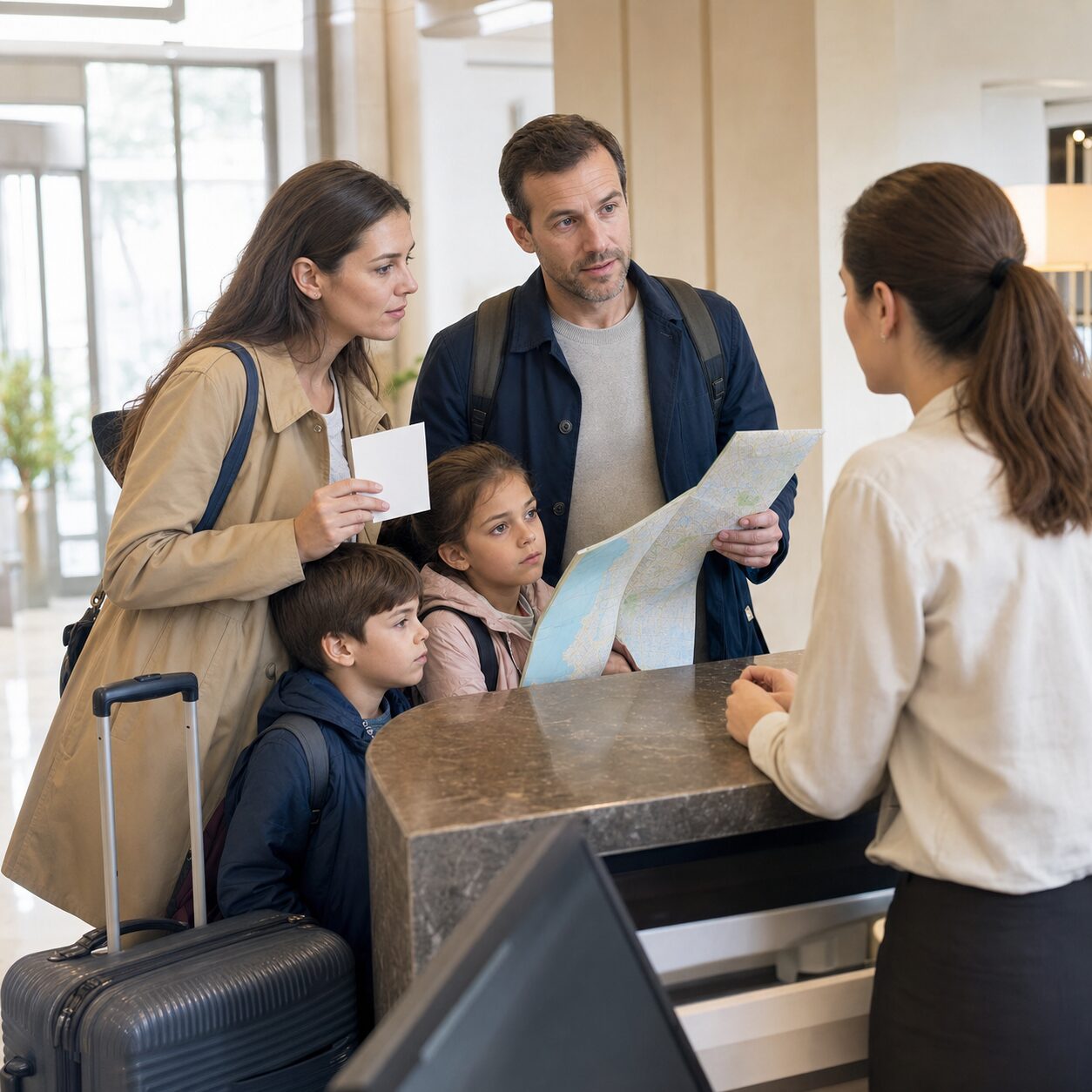
Contact local police if the relevant authority or insurer requires a report, or if theft occurred. Then contact your embassy, high commission or consulate. Use a number from your foreign ministry’s official website, not the first sponsored search result or a number sent by an unknown helper. Ask what documents, photographs, fees, appointments and proof of travel are required.
- Move everyone to a safe, controlled place and account for people, phones, money and remaining documents.
- Lock or erase the missing phone when appropriate; freeze affected payment cards and protect the main email account.
- Confirm whether the passport is truly gone and record where and when it disappeared.
- Follow official passport-loss reporting instructions.
- Make any required police report and keep the reference number.
- Contact the nearest appropriate consular mission and explain the itinerary, nationality and family group.
- Inform the insurer and carrier before paying for major changes.
Do not assume an emergency document will preserve the original itinerary. Some are valid only for a direct or limited journey, may have short validity, and may not be accepted by every transit country. The US State Department notes that emergency passports are limited-validity documents and that some destinations may not accept them. Confirm the route with the issuing mission and operating airline.
EU travellers have an important 2026 route to know
Since 9 December 2025, EU Member States issue the new EU Emergency Travel Document under the updated framework. It is designed for situations in which an EU citizen’s passport or travel document is lost, stolen, destroyed or otherwise unavailable within a reasonable time.
If an EU citizen is outside the EU in a country where their own Member State is not represented, they can seek consular protection from another EU Member State’s embassy or consulate. Official EU guidance says the document generally supports a single journey home, to the country of residence, or exceptionally to another destination.
This is useful, but not a universal airport pass. Nationality must be verified, an application process applies, and the journey may need approval. Families with mixed nationalities should contact the appropriate authority for each traveller. One parent’s emergency route may not automatically cover a spouse or child of another nationality.
When the phone is lost as well as the documents
A missing phone combines identity, communications, payment and navigation problems. Use another trusted device to place the phone in lost mode, change the primary email password if compromise is possible, revoke active sessions, and notify the mobile provider. Preserve the number if it is needed for account recovery, but ask the provider about SIM-swap protections.
Contact card issuers through official numbers. A mobile wallet lock does not necessarily freeze physical cards, and freezing a card does not automatically secure every account visible on the phone. Prioritise email, password manager, mobile carrier and banking because those accounts can unlock others.
Your paper card should contain the accommodation address and a meeting point. Family members should know what to do if separated: stay at the agreed place, approach uniformed transport or police staff, and call the designated adult. Do not rely only on live location sharing; it is brilliant until the battery becomes a small black rectangle.
Nine checks to complete 48 hours before departure
| Check | Done when… |
|---|---|
| 1. Validity | Passport, visa, transit and child-document rules are verified on official sources |
| 2. Scans | Every essential copy is readable and current |
| 3. Vault | Copies are encrypted and unprotected temporary files are removed |
| 4. Second access | A partner or trusted contact can retrieve the pack without the main phone |
| 5. Recovery codes | Critical accounts have a separate recovery route |
| 6. Paper card | Contacts, accommodation, insurer and partial document details are offline |
| 7. Separation | Backup ID, card and cash are not stored with the originals |
| 8. Official contacts | Foreign ministry, nearest mission, insurer and card numbers are saved |
| 9. Family drill | Adults and children know the meeting point and who to call |
Run the test in aeroplane mode. Can you find the hotel address? Can you call the insurer from somebody else’s phone? Can the second adult open the vault? Can a child state the family surname and accommodation? Five slightly awkward minutes at home are cheaper than discovering the answer at midnight abroad.
Common mistakes that look organised
Printing the entire identity archive. Paper is valuable, but a folder containing every passport, card, birth certificate and password creates a concentrated risk. Print only what the recovery plan needs.
Sharing one cloud folder with a simple link. Link-based access can be forwarded or exposed. Use authenticated, encrypted access and remove sharing after the journey.
Keeping everything with one parent. Families naturally appoint a document person. That person should lead the system, not become the system.
Using unofficial emergency-service websites. Search results can include paid intermediaries and scams. Start from the official foreign ministry or passport authority domain.
Assuming travel insurance replaces documents. A policy may cover certain losses or extra costs, but it does not issue passports, waive border rules or guarantee every expense. Read notification deadlines, excesses and evidence requirements.
Forgetting the return journey. An emergency document may require a revised direct route. Ask whether transit, visa and airline rules accept it before confirming new tickets.
Privacy after the holiday matters too
Within a day or two of returning, remove temporary offline copies, revoke shared links and delete the trusted contact’s archive. Keep only what has a continuing purpose. Review account sign-in history if a device was lost, and replace any document or card that an authority cancelled.
If a passport image was exposed, monitor relevant financial and identity services available in your country. A passport number alone does not automatically allow identity theft, but combined data can support convincing fraud. Keep the police, consular and insurer records.
Update the paper card before the next trip. Old hotel details are merely useless; an old insurer number can waste crucial time. Treat the kit like a smoke alarm: quiet maintenance is the entire point.
Official sources to bookmark
- UK Foreign, Commonwealth & Development Office foreign travel checklist: https://www.gov.uk/guidance/foreign-travel-checklist
- European Union consular protection guidance: https://europa.eu/youreurope/citizens/travel/security-and-emergencies/consular-protection/index_en.htm
- European External Action Service on the new EU Emergency Travel Document: https://www.eeas.europa.eu/eeas/new-eu-emergency-travel-document_en
- US Department of State passport guidance: https://travel.state.gov/content/travel/en/passports/have-passport/lost-stolen.html
Also save the official foreign-ministry page for every nationality in your group and the nearest relevant mission for your destination. Government services, fees and opening arrangements can change, so verify them shortly before travel.
Frequently asked questions
Can my family fly home using a photo of a lost passport?
Normally no. A scan can help identify the document and support an application, but it is not a valid passport. Contact the issuing country’s embassy, consulate or passport authority for emergency-document instructions and confirm acceptance with the operating airline and any transit country.
Should I email passport copies to myself?
An ordinary email attachment is convenient but may remain exposed in sent mail, downloads and logged-in devices. Prefer an encrypted vault with a unique password, strong authentication and a tested second access route. If email is the only practical option, use encryption and remove unnecessary copies after travel.
Does every family member need a separate backup?
Each person needs an individual recovery path, but that does not mean four identical folders. Adults can share a controlled vault while carrying separate paper cards and backup ID. Children’s documents can remain in the family system, with age-appropriate emergency contact cards. Mixed-nationality families should record the correct consular route for each traveller.
A calm ending begins before the trip
The best document backup is small, tested and intentionally boring. Carry originals securely, keep encrypted copies behind independent access, and place a limited paper recovery card somewhere else. Then agree on who acts, who calls and where everyone meets.
No system prevents every loss, and emergency procedures vary by country. Yet a family that can identify itself, reach official help, recover accounts and show an accurate itinerary has turned a frightening blank page into a checklist. Set it up once, review it before each trip, and then get back to the nicer question: who packed the snacks?