- Firmware is the brain: If the firmware in your energy meter isn’t updated, it becomes an entry point for hackers to access your entire home Wi-Fi network.
- Audit frequency matters: A bi-annual firmware audit is the industry-recommended baseline for smart home devices, even if your provider claims they handle updates automatically.
- Segmentation is key: The most effective way to secure your energy meter is to place it on a separate “Guest” or “IoT” network, isolating it from your primary computers and personal devices.
If you have ever spent a rainy Sunday afternoon staring at your smart home app, trying to figure out why your energy bill spiked by 15% last month, you are already part of the modern energy-conscious household. Smart energy meters are fantastic tools for saving money and reducing your carbon footprint. However, there is a hidden side to these devices: their firmware. Think of firmware as the “secret” software that tells your energy meter how to talk to the grid and how to talk to your phone. If that software is outdated or compromised, your electricity meter could become a digital back door into your home.
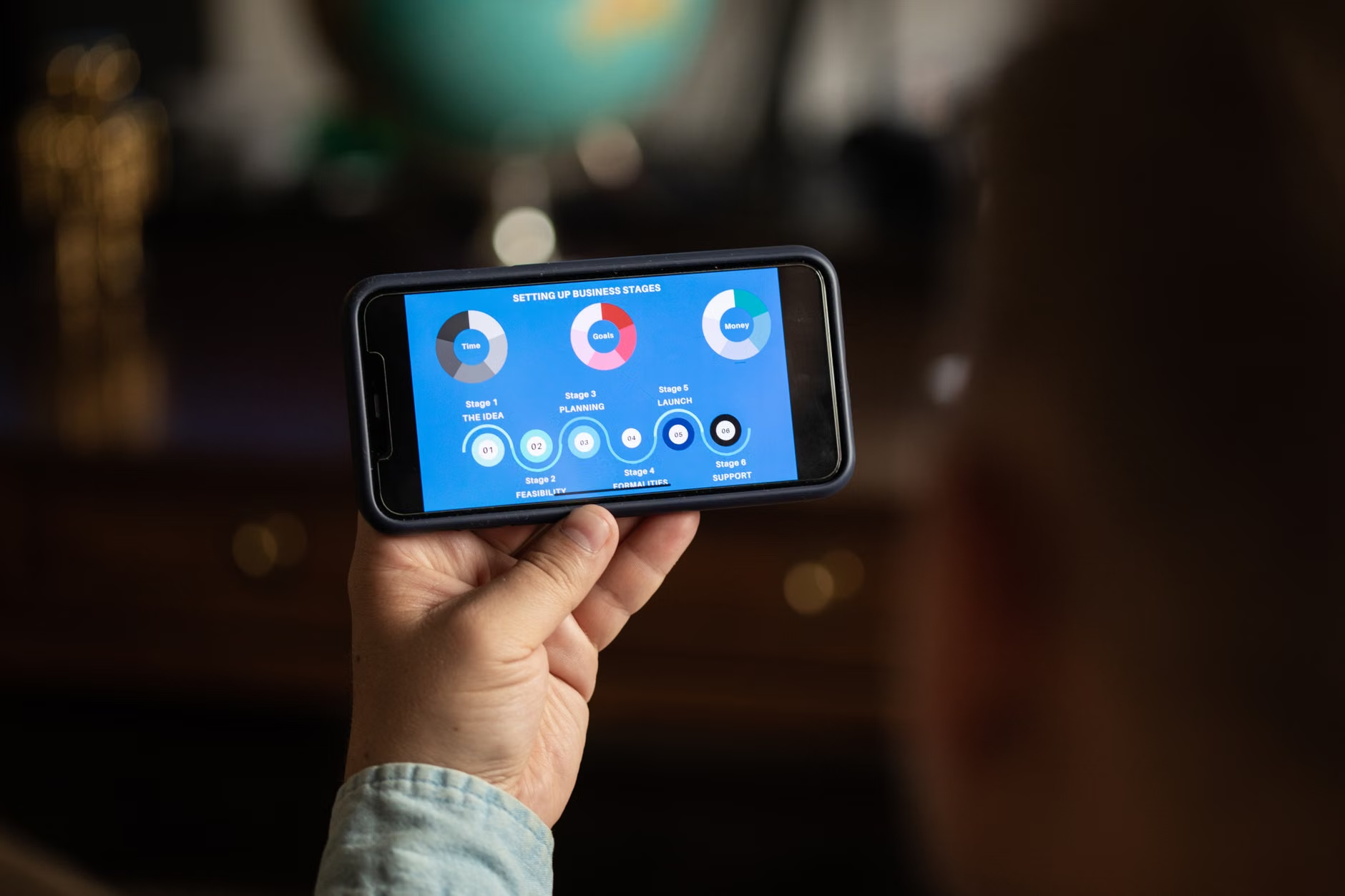
What Exactly is a Firmware Audit and Why Should You Care?
When we talk about a “firmware audit,” it sounds like something only a network engineer in a basement would do. In reality, it is simply the process of verifying that the software inside your device is genuine, up-to-date, and free from known security holes. For a smart energy meter—which is often connected to your home’s Wi-Fi or a dedicated utility gateway—this is non-negotiable.
Why does this matter for a parent or a busy professional? Because these meters are constantly transmitting data. They know when you wake up, when you leave for school drop-offs, and when you are away on vacation. If a hacker gains access to the meter’s firmware, they aren’t just looking at your electricity usage; they are potentially looking at a map of your daily habits. Furthermore, once inside your network, a compromised IoT (Internet of Things) device can be used as a “bridge” to access your laptops, tablets, and personal accounts.
Most manufacturers release “patches” when they find a vulnerability. A firmware audit is the process of confirming that your device has actually received and installed these patches. Relying on “automatic updates” is a common mistake; sometimes, these updates fail, get interrupted by a power surge, or simply aren’t supported by older versions of the hardware.
The Anatomy of a Smart Meter Security Risk
To understand the risk, you have to look at how these devices connect. Most residential smart meters use a combination of Zigbee, Z-Wave, or standard Wi-Fi protocols to communicate with your home hub or the utility company. Every one of these connection points is a potential vulnerability if the firmware isn’t hardened.
Common risks include:
- Unencrypted Data Transmission: If the firmware is outdated, it might transmit your energy usage data in plain text, making it readable to anyone within range of your home network.
- Default Credentials: Some older meters come with “admin/admin” login credentials that are never changed. If the firmware doesn’t force a password reset, you are sitting on a security time bomb.
- Lack of Code Signing: Secure firmware uses “code signing,” which is essentially a digital wax seal that proves the software came from the manufacturer. If your meter lacks this, a hacker could push a malicious update to the device, effectively “hijacking” it.
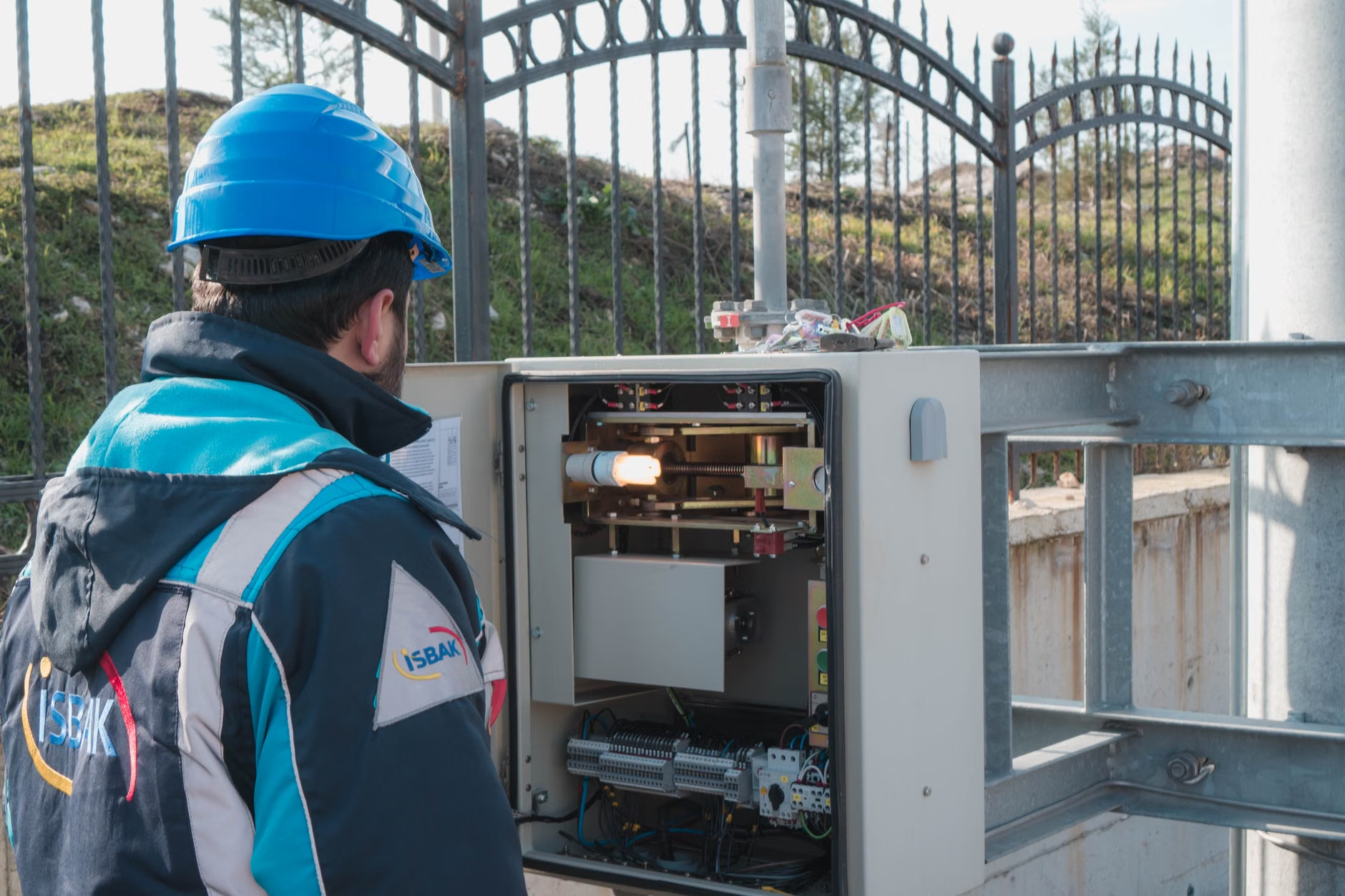
Step-by-Step: Conducting Your Own Home Firmware Audit
You don’t need a computer science degree to perform a basic audit. Follow this structured approach to ensure your devices are as secure as they should be.
1. Identify the Manufacturer and Model
Check the physical label on your smart meter or the “About” section in your energy management app. You need the exact model number and the current firmware version installed. Write these down.
2. Check the Manufacturer’s Security Portal
Visit the manufacturer’s official website. Most reputable companies—such as Schneider Electric, Siemens, or local utility-provided brands—maintain a “Security Advisories” or “Product Support” page. Search for your model number to see if there are any open vulnerabilities (often called CVEs—Common Vulnerabilities and Exposures).
3. Verify the Update Path
If your version is behind, check the manual. Does the device update automatically? If not, do you need to download a file to a USB drive, or can you trigger it via the app? Never download firmware from third-party forums or unofficial websites. Only use the manufacturer’s official portal.
4. Network Isolation (The “Golden Rule”)
If you are worried about the security of your IoT devices, the best practice is to move them to a separate network. Most modern routers allow you to create a “Guest Network.” Connect your smart meter and other smart home devices to this network. Even if the meter is compromised, the hacker will be trapped in the “Guest” lane and won’t be able to reach your primary computer where your banking and personal data reside.
Comparison: Managing Security Risks
Not all devices are created equal. Understanding how different tiers of hardware handle security can help you make better decisions when upgrading your home system.
| Feature | Budget/Generic Meters | Enterprise/Premium Meters |
|---|---|---|
| Automatic Updates | Rarely included | Standard via cloud |
| Security Certification | None | ISO/IEC 27001 or similar |
| Encryption Level | Weak or None | AES-256 bit encryption |
| Firmware Integrity | Easily overwritten | Hardware-locked bootloader |
If you are currently using a budget meter, the most practical step is to ensure it is behind a firewall or on a segmented network. If you are looking to upgrade, prioritize brands that explicitly mention “Secure Boot” or “OTA (Over-the-Air) security updates” in their technical specifications.
The Hidden Costs of Neglected Firmware
Many people ask, “Why would a hacker want to know how much electricity I use?” It’s a fair question, but it misses the point. It isn’t about your electricity consumption; it is about the “botnet.” A botnet is a collection of compromised devices that hackers use to perform large-scale attacks on banks, government websites, or other infrastructure. By compromising your smart meter, they turn your home into a tiny, silent soldier in their army.
Beyond the ethical and security implications, there is the issue of device longevity. Firmware that isn’t updated often leads to “memory leaks” or inefficient processing, which can actually cause the device to work harder, consume more power, or eventually fail. A device that is well-maintained via firmware updates will almost always outlast a device that is left to run on its factory-original code.
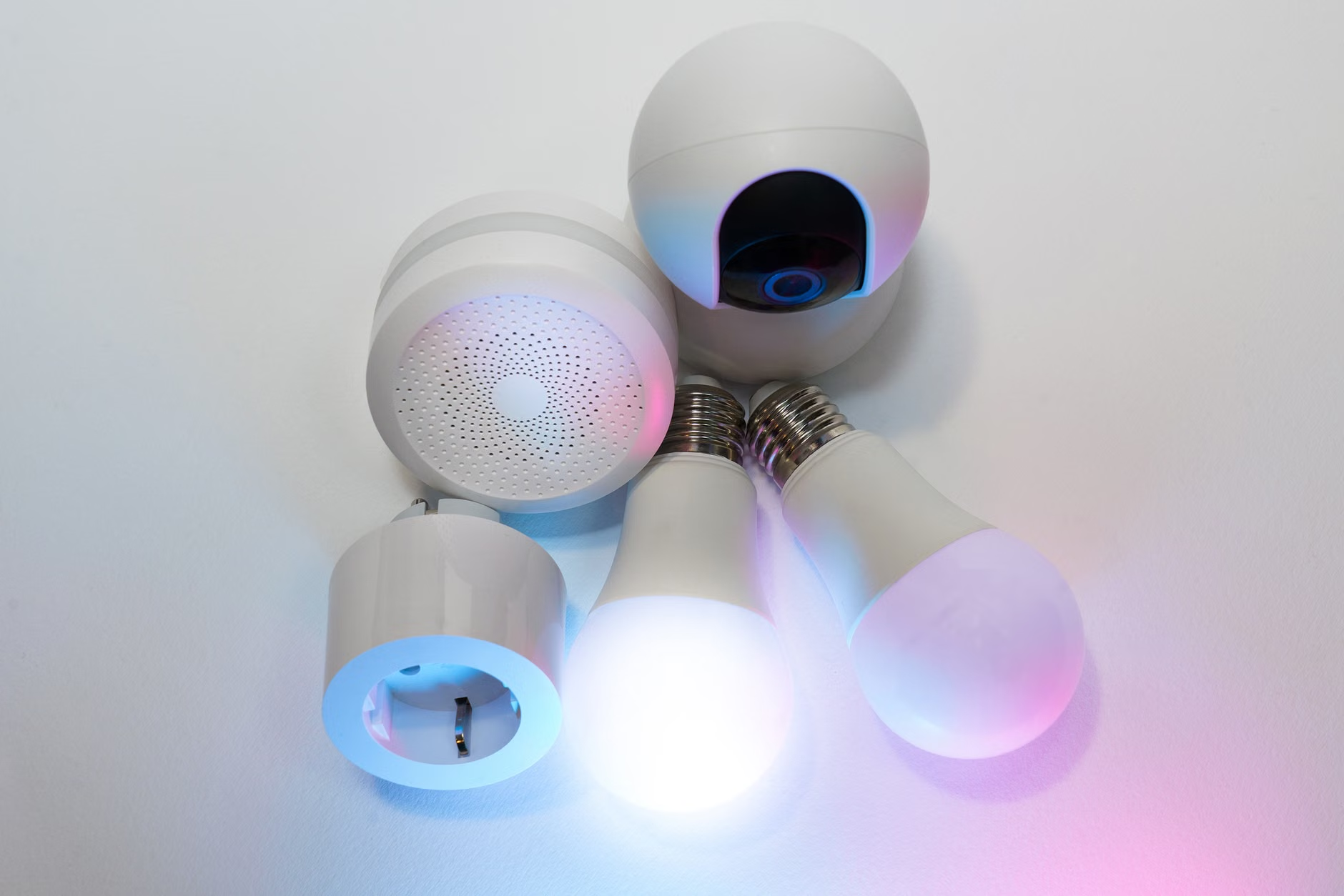
Common Misconceptions About Smart Home Security
One of the biggest myths is that “My home is too small to be a target.” Hackers don’t sit there picking individual houses. They use automated scripts that scan the internet for specific vulnerabilities. If your smart meter happens to have an outdated firmware version that is known to be vulnerable, the script will find you automatically. It is not personal; it is purely mathematical.
Another misconception is that the utility company is responsible for everything. While the utility company may manage the meter’s connection to the grid, the internal network settings and the Wi-Fi connection within your home are your responsibility. Once the signal passes through your router, it enters your domain, and that is where you need to be proactive.
Practical Next Steps for Your Family
To keep your home energy system secure, integrate these habits into your household management:
- The Quarterly Check-In: Every three months, spend ten minutes checking the apps for your smart devices. Ensure there are no pending updates.
- Password Hygiene: Even if your device doesn’t seem to have a “login,” check the manual. If it does, change the factory password to a complex, unique one immediately.
- Disable Unused Features: Some smart meters have features like “remote access” or “cloud logging.” If you don’t use them, turn them off in the settings. Every feature you disable is one less door you have to lock.
Security isn’t about achieving a state of perfect, unhackable status. That doesn’t exist. It is about raising the “cost of entry” for an attacker. By keeping your firmware updated and your devices segmented on your network, you make it so difficult for a hacker to get in that they will simply move on to an easier target. Your goal is to be the house that isn’t worth the effort.
Essential Resources for Further Research
To stay informed about the latest security standards, you can monitor the following resources:
- NIST: IoT Cybersecurity Guidance – Excellent for understanding the baseline of what secure IoT devices should look like.
- CISA: Securing the Internet of Things – Official advice on managing connected devices in a domestic or small-office environment.
- Your manufacturer’s specific support page (e.g., Schneider, Siemens, or Honeywell security portals) – Always your first stop for specific device updates.
Frequently Asked Questions
1. How do I know if my smart meter has been hacked?
It is difficult to tell, but look for red flags: the device becomes unresponsive, you notice unusual data usage spikes in your router logs, or your smart home app shows the device going “offline” and “online” repeatedly. If you suspect a compromise, perform a factory reset and update the firmware immediately.
2. Does updating the firmware ever break the device?
It is rare, but it can happen if the power is cut during an update. Always ensure your device is plugged into a stable power source and, if possible, do not perform updates during a storm or when there is a risk of power fluctuations. If an update fails, follow the manufacturer’s “recovery mode” instructions found in the manual.
3. Do I need to pay for firmware updates?
No. If a website asks you to pay for a firmware update or a “security patch” for your smart meter, it is likely a scam. Firmware updates provided by legitimate manufacturers are always free of charge. If you see a prompt to pay, close the page and go directly to the manufacturer’s official support website.
Taking control of your smart home’s security doesn’t have to be a daunting task. By understanding that your energy meter is more than just a utility tool—it is a connected computer—you are already ahead of the curve. Keep your devices updated, segment your network, and you can enjoy the benefits of a smart, energy-efficient home with peace of mind. If you ever feel overwhelmed, just remember: a little bit of proactive maintenance today saves you a massive headache tomorrow.