Key Privacy Takeaways
- Avoid Cloud-Dependent Cameras: Any device that sends video to a remote server is a potential point of failure for hackers; prioritize “Local-Only” or “Direct-to-Receiver” systems.
- Radio Frequency (RF) is Superior for Privacy: Monitors using DECT or 2.4GHz FHSS technology do not connect to the internet, making them physically impossible to access from outside your home.
- Network Isolation is Non-Negotiable: If you must use a Wi-Fi camera, place it on a separate Guest VLAN (Virtual Local Area Network) to prevent it from “seeing” your personal computers and financial data.
The most effective way to secure your nursery monitor is to ensure the video signal never leaves your home’s four walls. When you buy a “smart” camera that promises 24/7 access from anywhere in the world, you are effectively paying a company to store your most intimate family footage on their servers. If that company has a data breach, your nursery becomes a public broadcast.
For parents in their 30s and 40s who grew up watching the internet evolve from a curiosity into a surveillance apparatus, the “always-on” convenience of cloud-based cameras often feels like a trap. You want to see your baby, but you don’t want to grant a tech startup a key to your bedroom. The good news is that you don’t have to sacrifice peace of mind for privacy. By moving away from cloud-dependent devices and adopting a “privacy-first” hardware strategy, you can achieve better security without becoming a network engineer.
Understanding the Threat: Why “Cloud” Means “Vulnerable”
To fix the problem, we first have to identify why standard smart monitors are risky. Most consumer-grade baby monitors function by connecting to your home Wi-Fi and sending an encrypted stream to a cloud server. You then access that stream via an app on your phone. This is known as a “Cloud-Relay” architecture.
The vulnerability isn’t just about hackers guessing passwords. It’s about the attack surface. Every device connected to the internet is essentially a door. If the camera manufacturer has a software bug, or if they decide to change their privacy policy to share data with third-party advertisers, your “private” feed is no longer under your control. Recent years have seen numerous reports of unauthorized access to home cameras, often caused by credential stuffing—where hackers use leaked passwords from other sites to gain access to your monitor app.
When you choose a cloud-based camera, you are placing your trust in the manufacturer’s cybersecurity practices, their server maintenance, and their internal employee vetting. That is a lot of trust for a product that is supposed to be a simple tool for parenting. By contrast, a “Privacy-First” monitor removes the middleman—the cloud—entirely.
The Gold Standard: Dedicated RF Monitors
If you want the highest level of privacy, you should bypass Wi-Fi entirely. Dedicated radio frequency (RF) monitors—often called “non-Wi-Fi” monitors—use a closed-circuit system. The camera communicates directly with a handheld receiver unit via a dedicated signal, similar to how a walkie-talkie or an old-school cordless phone works.
Why RF Monitors Are Inherently Safer
- No Internet Connection: Because the camera doesn’t have an IP address, it cannot be reached by anyone outside your home. There is no password to crack, no firmware to update, and no account to be hacked.
- Physical Range Limitations: The signal only travels a certain distance (typically 300–1,000 feet). If a hacker wanted to see your feed, they would have to be physically parked in your driveway or inside your house.
- Zero Latency: RF transmission is essentially instantaneous. There is no buffering or “connecting to server” lag that you often find with app-based monitors.
The trade-off is mobility. You can’t check on your baby from your office in another city. However, for parents prioritizing security, this is often a feature, not a bug. If you need to monitor from outside the home, a dedicated RF system won’t satisfy that requirement. But for the 90% of the time you are in the house, it is the most robust security protocol available.
If You Must Use Wi-Fi: The “VLAN” Strategy
Sometimes, a Wi-Fi camera is necessary. Perhaps you travel often and need to check on the baby from a hotel, or you need to share the feed with a grandparent who lives in another country. If you go this route, you must treat the camera as a “hostile” device on your network.
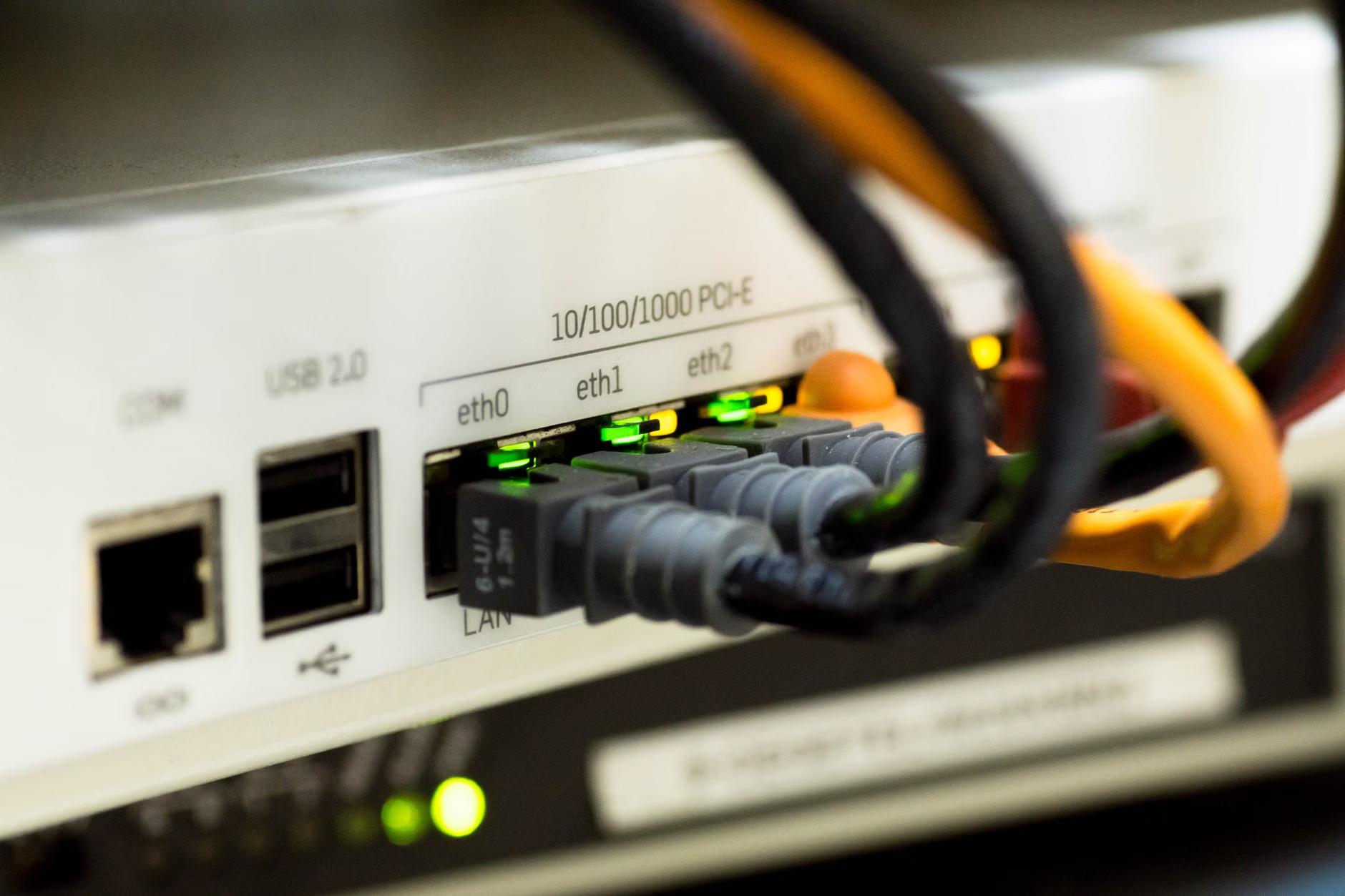
Most home routers have a feature called a Guest Network. This creates a separate Wi-Fi signal that can access the internet but cannot “talk” to the devices on your main network. When you set up a Wi-Fi camera, do not put it on your main home Wi-Fi where your laptop, work files, and banking apps live. Connect it to the Guest Network instead.
Pro-Tip: If your router supports “VLANs” (Virtual Local Area Networks), this is even better. A VLAN creates a logical wall. Even if a hacker compromises your nursery camera, they will be trapped in that isolated network segment. They will not be able to scan your home network for other vulnerable devices, such as your NAS (Network Attached Storage) or your smart thermostat.
Evaluating Your Options: A Comparison Table
Choosing the right monitor depends on your specific lifestyle needs and your tolerance for risk. Use the table below to decide which category fits your household.
| Feature | RF (Non-Wi-Fi) | Cloud-Connected | Local-Only Wi-Fi |
|---|---|---|---|
| Security Level | Highest (Physical) | Lowest (External) | Medium (Network) |
| Remote Access | None | Anywhere | Only via VPN |
| Setup Difficulty | Plug-and-Play | Easy | Advanced |
The “Local-Only Wi-Fi” option is the “pro-sumer” choice. It uses a camera that connects to your Wi-Fi but does not use the manufacturer’s cloud. Instead, it streams to a local server or NVR (Network Video Recorder) that you control. This gives you remote access via a secure VPN, but keeps the data off the manufacturer’s servers.
Common Mistakes to Avoid
Even with the best hardware, human error remains the biggest security risk. Here are three mistakes I see parents make time and again:
1. Using Default Credentials
If you choose a Wi-Fi camera, it likely comes with a default username and password (e.g., “admin/admin”). Change this immediately. If the device doesn’t force you to change it, return it. A device that doesn’t prioritize basic security during setup is not a device you want in your child’s room.
2. Neglecting Firmware Updates
If you use a Wi-Fi camera, it must be updated. Manufacturers release “patches” to fix security holes. If you never update the device, you are leaving the door wide open for known exploits. Set a calendar reminder once a month to check for firmware updates for all your smart home devices.
3. Over-sharing on Social Media
This isn’t about the camera, but it’s about the data. If you share photos of your nursery online, be aware of what is visible in the background. If your monitor’s model number or serial number is visible in a photo, you’ve provided a roadmap for someone trying to target your specific setup.
The “Privacy-First” Implementation Guide
If you are ready to overhaul your setup, here is a step-by-step approach to securing your nursery:
- Audit Your Current Setup: Does your camera have an app? Does that app require an internet connection to function even when you are in the same room? If yes, it is cloud-dependent.
- Choose Your Path: If you don’t need remote access, buy a high-quality DECT (Digital Enhanced Cordless Telecommunications) monitor. It is the gold standard for audio/video privacy.
- Isolate If Necessary: If you must use a smart camera, ensure it is on a Guest Network. Disable “UPnP” (Universal Plug and Play) on your router, as this feature can allow devices to open holes in your firewall without your permission.
- Use a VPN: If you need remote access, do not use the manufacturer’s app cloud. Set up a VPN (Virtual Private Network) on your home router. This allows you to securely “tunnel” into your home network from anywhere, letting you view your local-only camera feed as if you were sitting on your living room couch.
This might sound like a lot of work, but consider the alternative: a lifetime of wondering who else might have access to your home. The effort you put in today ensures that your family’s private moments remain private.
The Overlooked Variable: Audio Security
We focus so much on video that we often forget audio. Many parents choose monitors that offer “two-way talk.” While this is great for soothing a baby, it is a significant security risk. If a hacker gains access to your camera, they don’t just see what’s happening; they can listen to your private conversations and even talk back through the camera. If you don’t use the two-way talk feature, disable the microphone in the camera’s settings or physically disconnect it if possible. If you must have it, ensure the device uses strong, multi-factor authentication for every login attempt.
Final Recommendations for the Concerned Parent
The quest for a “privacy-first” nursery isn’t about being paranoid; it’s about being intentional. As technology becomes more pervasive, the boundary between our public lives and our private sanctuaries is blurring. By choosing hardware that keeps your data local, you are reclaiming that boundary.
Start by looking at the documentation for your current monitor. If it uses “Cloud Storage” as a primary feature, it’s time to consider an upgrade to a dedicated RF-based system. If you are tech-savvy, look into open-source alternatives like Home Assistant, which allows you to manage cameras locally without any external cloud connection.
Your nursery is a space for rest and growth. Keeping it digitally secure is just as important as keeping it physically safe. Take the time to audit your connections, isolate your devices, and prioritize hardware that respects your family’s right to digital silence. It’s a small investment in time that pays dividends in peace of mind for years to come.
Frequently Asked Questions
Q: If I use a non-Wi-Fi monitor, is it 100% unhackable?
A: While nothing is 100% secure, RF monitors are effectively immune to remote internet-based hacking. The only way to compromise such a system would be through sophisticated, short-range radio signal interception, which is highly unlikely for a typical household scenario. It is orders of magnitude safer than any cloud-connected device.
Q: Can I use a Wi-Fi camera without it ever connecting to the internet?
A: Yes, if you use a local-only system. You can configure a camera to stream to a local server (like an NVR or a Raspberry Pi running software like Frigate or Blue Iris). By blocking the camera’s access to the internet at the router level, you ensure the video never leaves your LAN, while still allowing you to view the feed locally.
Q: Why do manufacturers push for cloud storage so hard?
A: The cloud model allows manufacturers to charge subscription fees for storage and analytics. It also keeps you locked into their ecosystem. From a business perspective, the cloud is a recurring revenue stream; from a privacy perspective, it is a liability. Always be skeptical of “free” cloud features, as you are likely paying for them with your data privacy.
For further reading on securing home networks and IoT devices, visit the official guidelines provided by the Cybersecurity & Infrastructure Security Agency (CISA).