You can effectively slash your monthly energy bills by 10% to 15% simply by identifying “vampire” appliances and adjusting your usage patterns, all without requiring a single modification to your rental property’s electrical wiring.
- Non-Invasive Monitoring: Use smart plugs and clamp-on energy monitors that require zero tools and leave your landlord’s property exactly as you found it.
- The “Vampire Load” Reality: Standby power (phantom energy) can account for up to 10% of your total electricity bill; identifying these devices is the fastest way to save money.
- Data-Driven Decisions: Smart monitoring isn’t just about turning things off; it’s about knowing when to run heavy appliances to avoid peak-hour pricing tiers offered by many utility providers.
If you are in your 30s or 40s, you are likely balancing the rising costs of living with the demands of a busy household. When you rent, you don’t have the luxury of installing expensive smart thermostats or replacing old, inefficient HVAC systems. That’s the “renter’s trap”—you pay for the energy inefficiency of a building you don’t own, and you can’t make the structural changes needed to fix it.
But here is the good news: you don’t need to change the hardware of the house to change the efficiency of your life. The modern smart-home market has shifted away from hard-wired, permanent installations toward plug-and-play devices that are completely portable. If you move, these gadgets move with you.
The Strategy: Why Monitoring Matters More Than Just “Turning Lights Off”
Most of us were raised on the mantra “turn off the lights when you leave the room.” While that’s fine, it’s an outdated approach to modern energy management. In a contemporary apartment, the biggest energy drains aren’t always the lights—they are the devices you leave plugged in 24/7. This is known as “phantom load” or “vampire power.”
Think about your entertainment center. You have a TV, a game console, a soundbar, and a streaming box. Even when they are “off,” they are waiting for a signal from a remote or updating in the background. That constant draw adds up. Without a monitoring tool, you have no way of knowing if that old refrigerator in your rental unit is drawing double the power it should, or if your home office setup is spiking your bill during peak hours.
By using smart monitoring, you transition from guessing to knowing. You stop blaming the “old building” and start identifying the specific culprits in your home. It’s an exercise in data-driven lifestyle changes that pay for the cost of the devices within a few months.
Choosing Your Monitoring Toolkit: What Actually Works for Renters
When you are renting, your primary constraint is “no drilling, no wiring, no permanent changes.” Fortunately, the technology available today is perfectly suited for this. You have three tiers of monitoring to consider, ranging from simple to comprehensive.
1. Smart Plugs with Power Monitoring
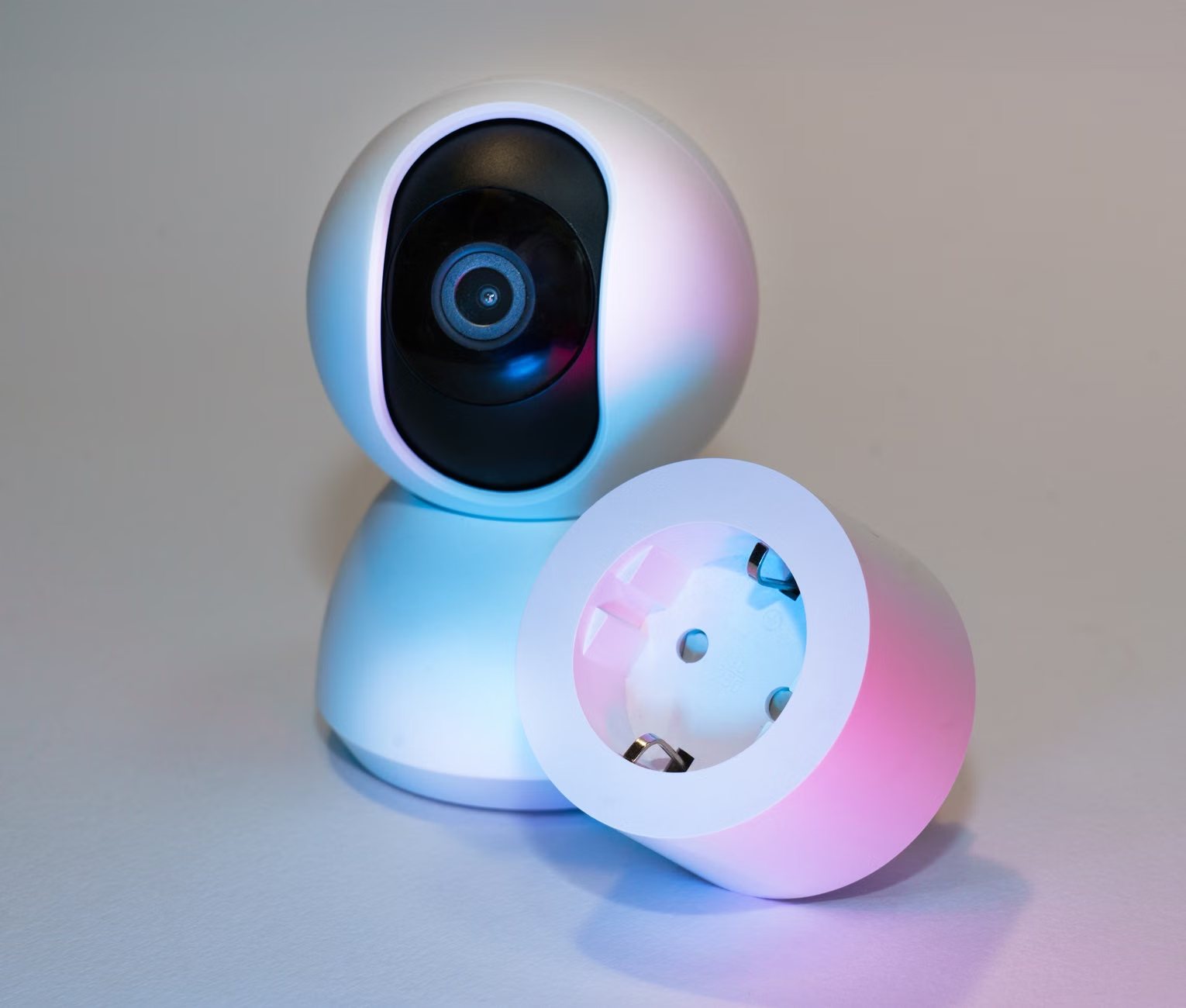
These are the absolute bread and butter for renters. A smart plug acts as a bridge between your wall outlet and your device. Most modern smart plugs do more than just turn power on and off; they track the kilowatt-hour (kWh) usage of whatever is plugged into them.
The Pro Strategy: Don’t buy a smart plug for every single item. Start by buying a pack of four and rotate them through your high-draw appliances: your coffee maker, your gaming console, your secondary fridge, and your desktop computer. Run them for a week each and look at the report in the app. You will be shocked at how much power a “standby” gaming console actually pulls over seven days.
2. The “Whole-Home” Monitor (The Non-Invasive Approach)
If you want to see the big picture, you might look at devices like the Sense or Emporia energy monitors. These use a clamp-on sensor that sits inside your electrical panel. While this sounds like “wiring,” it is generally considered a non-permanent modification because you are simply clamping a sensor over the existing main feed wires. Note: Always check your lease and local regulations regarding opening your electrical panel. If you are uncomfortable doing this, stick to smart plugs.
3. Smart Power Strips
These are ideal for entertainment centers or home offices. Instead of using five smart plugs, you use one smart power strip. It allows you to monitor the entire “zone” of electronics. The benefit here is that you can set a schedule to kill power to the entire zone at 11:00 PM and restore it at 7:00 AM, effectively “unplugging” everything while you sleep.
| Device Type | Best For | Installation Difficulty | Primary Benefit |
|---|---|---|---|
| Smart Plug | Individual high-draw appliances | Zero (Plug and play) | Isolating specific energy hogs |
| Smart Power Strip | Media centers / Home offices | Zero (Plug and play) | Managing groups of devices at once |
| Clamp-on Monitor | Whole-home visibility | Moderate (Requires panel access) | Identifying total usage patterns |

Interpreting the Data: What to Look For After 30 Days
Data is useless if you don’t act on it. After you have had your monitors running for a full billing cycle, sit down with your app’s dashboard. You aren’t just looking for high numbers; you are looking for anomalies.
The “Baseload” Check: Look at your energy usage between 2:00 AM and 5:00 AM. In an ideal home, this should be a low, flat line. If you see significant spikes during these hours, something is running that shouldn’t be. Is it a dishwasher cycle that could be delayed? Is it a space heater that you forgot to turn off? Or is it an old, inefficient appliance that is cycling on and off to maintain temperature?
Peak Hour Awareness: Many utility companies now use “Time-of-Use” (TOU) pricing. This means electricity is more expensive from 4:00 PM to 9:00 PM when demand is high. If your data shows you are running your laundry, dishwasher, and electric oven all during that window, you are paying a premium. By simply shifting your laundry cycle to 9:30 PM or using a delay-start feature on your dishwasher, you can often save 20% on the cost of those specific tasks without changing your habits significantly.
Common Mistakes Renters Make When Trying to Save Energy
Even with the right tools, there are traps that people in their 30s and 40s fall into. Recognizing these will save you from frustration.
- The “Over-Automation” Fatigue: Don’t try to automate every single thing in your house. If you create too many complex schedules, you will eventually find them annoying and disable them. Start with the “big three”: your entertainment center, your home office, and your coffee maker.
- Ignoring the “Maintenance” Factor: A smart plug will tell you a fridge is pulling too much power, but it won’t fix it. If you find an appliance is drawing excessive energy, it might be due to a dirty condenser coil or a faulty seal. Sometimes the solution isn’t “don’t use it,” it’s “clean it.”
- Misunderstanding “Standby” vs. “Off”: Many people think that because a device is “off,” it’s safe. Modern electronics are rarely truly off. They are in a low-power state. If you find a device that has a high “off-state” draw, that is your primary target for a smart plug.

The Hidden Costs and Considerations
When you are looking at smart devices, remember that the device itself consumes electricity. A smart plug typically uses 0.5 to 1.5 watts. While that is very low, you want to ensure the savings you gain from the device outweigh the cost of running it. Generally, you will see a return on investment within 3 to 6 months for most smart plugs used on high-draw devices.
Another factor is the wireless protocol. If you have a small apartment, Wi-Fi-based smart plugs are fine. If you have a larger space or a lot of devices, look for Zigbee or Matter-enabled devices. These create a “mesh” network, which is more reliable and doesn’t clog up your home Wi-Fi signal. This is a common “overlooked variable” that causes people to give up on smart home tech—their Wi-Fi gets crowded, and the devices drop off the network.
Practical Steps to Begin Your Energy Audit
If you want to start today, follow this simple roadmap to avoid feeling overwhelmed.
- Week 1: Inventory. Walk through your apartment and identify devices that are always plugged in. This includes your TV, sound system, game consoles, kitchen appliances, and any chargers.
- Week 2: The Audit. Plug your smart plugs into the top offenders. Use them for 7 days without changing your routine. Just let them collect data.
- Week 3: The Analysis. Look at the app. Identify the “Vampire Loads”—the devices that draw power when not in use.
- Week 4: The Action. Set schedules for those devices. For example, set your TV and console to turn off automatically at midnight and turn on at 5:00 PM.
- Week 5: The Review. Compare your energy bill (if possible) or your total kWh usage against the previous month.
This process is not about deprivation. It is about awareness. You aren’t sitting in the dark; you are simply making your home work for you rather than against you. By taking control of the energy usage in your rental, you are building habits that will serve you well, even when you eventually move into a home of your own.
Why This Matters for Your Household
For parents and busy professionals, the mental load is already high. You don’t need to be “energy police” in your own home. The beauty of smart monitoring is that once you set it up, it runs in the background. You set the rules once, and the devices handle the rest. It’s a “set it and forget it” solution to a persistent, nagging problem: the mystery of why the electricity bill is so high.
When you show your kids that the gaming console turns off automatically at night because it “saves energy,” you are also teaching them a valuable lesson about responsibility and technology. It turns a boring utility bill into a tangible, understandable metric for the whole family.
Don’t be discouraged if you don’t see massive savings in the first month. Energy patterns are cyclical. Some months are hotter, some are colder. Give it a full quarter to really see the impact of your changes. Consistency is the secret ingredient to any successful home-management strategy.
Finally, remember that your lease is not a barrier to efficiency. By focusing on the “plug-load” of your apartment, you are maximizing the potential of your living space without ever needing to ask your landlord for permission or worrying about losing your security deposit. It’s the smartest way to live in a rental today.
Frequently Asked Questions
1. Will smart plugs work if I have a slow or unstable Wi-Fi connection?
Yes, but you should look for devices that support “local control” or use a hub (like Zigbee or Matter). If your Wi-Fi is shaky, cloud-based smart plugs might lose their schedule settings or become unresponsive. Hub-based devices communicate with each other, meaning your schedules will continue to run even if your internet goes down.
2. Is it safe to leave smart plugs plugged in 24/7 in an old apartment with potentially outdated wiring?
Generally, yes, provided the smart plug is UL-certified (or equivalent in your region) and you aren’t overloading the circuit. The risk in old apartments is usually the total load on the wall outlet. Don’t daisy-chain power strips or plug high-draw items like space heaters into a smart plug that isn’t rated for that amperage. Always check the wattage limit on the smart plug packaging before use.
3. How much money can I realistically expect to save in a year?
While it varies wildly based on your local utility rates and your current habits, most renters can expect to save between $50 and $150 annually by eliminating phantom loads and optimizing usage. While that might not seem like a fortune, it effectively pays for the cost of your smart-home monitoring setup within the first year, making it a high-yield investment for your household budget.
Official Resources for Further Research:
– U.S. Department of Energy: Energy Saver Guide
– International Energy Agency: Energy Efficiency Reports