The most effective way to lower your monthly utility bill isn’t by unplugging every single appliance in your home, but by identifying the specific “vampire loads”—devices that draw power even when they appear to be off—and automating their shutdown during peak hours.
- Vampire Power Matters: Standby power can account for 5% to 10% of your total residential electricity consumption; smart plugs allow you to eliminate this waste instantly.
- Data-Driven Decisions: Energy-monitoring plugs provide precise wattage data, allowing you to prove which appliances are costing you the most money rather than relying on guesswork.
- Automation over Manual Effort: You don’t need to remember to turn things off; scheduling and “away” modes ensure your home manages its power consumption autonomously.
We’ve all been there: sitting at the kitchen table with a utility bill that seems higher than it should be, wondering if the kids left the gaming console on all night or if the old dehumidifier in the basement is a silent money pit. We often talk about “saving energy” in broad strokes—turning off lights, upgrading insulation—but we rarely get granular enough to see the actual cost of individual devices. This is where the smart plug audit comes in.
For those of us juggling careers and parenting, finding time for a complex home energy audit is impossible. Smart plugs act as the middleman between your wall outlet and your devices, turning a “dumb” appliance into a smart one that reports its own power consumption. Let’s dive into how you can turn your home into a data-driven efficiency machine.
What Exactly Is an Energy-Monitoring Smart Plug?
At its core, a smart plug is a relay switch that you plug into your wall outlet. You then plug your appliance—a coffee maker, a TV, a lamp, or a space heater—into the smart plug. While basic smart plugs simply turn power on or off via an app or voice command, energy-monitoring smart plugs contain a built-in shunt resistor or hall-effect sensor that measures current flow in real-time.
Why does this matter? Because without data, you are just guessing. You might assume your refrigerator is the biggest energy hog, when in reality, it is a high-efficiency model, and the actual culprit is a secondary freezer in the garage with a failing door seal. By using a plug with monitoring capabilities, you can see the wattage draw in the app. If a device is drawing 20 watts while “off,” that is 20 watts you are paying for 24 hours a day, 365 days a year.
To put this into perspective, let’s look at the math. A 20-watt standby load running 24/7 consumes 480 watt-hours per day, or 175.2 kilowatt-hours (kWh) per year. If your electricity rate is $0.15 per kWh, that single “off” device is costing you roughly $26 per year for doing absolutely nothing. Now, multiply that by five or six devices in a typical household, and you are looking at over $150 in wasted electricity annually.
How to Conduct a Systematic Home Energy Audit
You don’t need to buy a smart plug for every single outlet in your house. That would be a waste of money and resources. Instead, treat this as a rolling audit. You only need a few high-quality monitoring plugs to map your home’s energy profile.
Step 1: Identify the “Suspects”
Walk through your house and list the devices that remain plugged in 24/7 but aren’t strictly necessary to have on standby. Common culprits include:
- Home Entertainment Centers: TVs, soundbars, gaming consoles, and streaming boxes.
- Home Office Gear: Printers, monitors, and docking stations.
- Kitchen Appliances: Coffee makers with digital clocks, toaster ovens, and microwaves.
- Laundry/Utility: Dehumidifiers, air purifiers, and secondary refrigerators.
Step 2: The 48-Hour Baseline Test
Plug your monitoring smart plug into one of these devices for 48 hours. Most apps will provide a historical graph. Look for the “baseline” usage—the power draw when the device is not being used. If the graph shows a constant flat line (even a small one) when you are asleep or at work, you have identified a vampire load.
Step 3: Compare and Categorize
Use the following table to decide what to do with the data you collect:
| Device Type | Standby Load | Recommended Action |
|---|---|---|
| Gaming Console | High (15-30W) | Schedule hard shutoff at night. |
| Modern LED TV | Low (<1W) | No action needed. |
| Old Laser Printer | Moderate (5-10W) | Use a smart plug to trigger power only when needed. |
| Smart Speaker | Very Low (<2W) | Keep on (requires constant connection). |
The logic here is simple: if the cost of the smart plug ($15–$25) is higher than the annual savings of turning the device off, it might not be worth the effort. However, if the device draws significant power, the plug will pay for itself within the first year.
Common Mistakes During the Audit
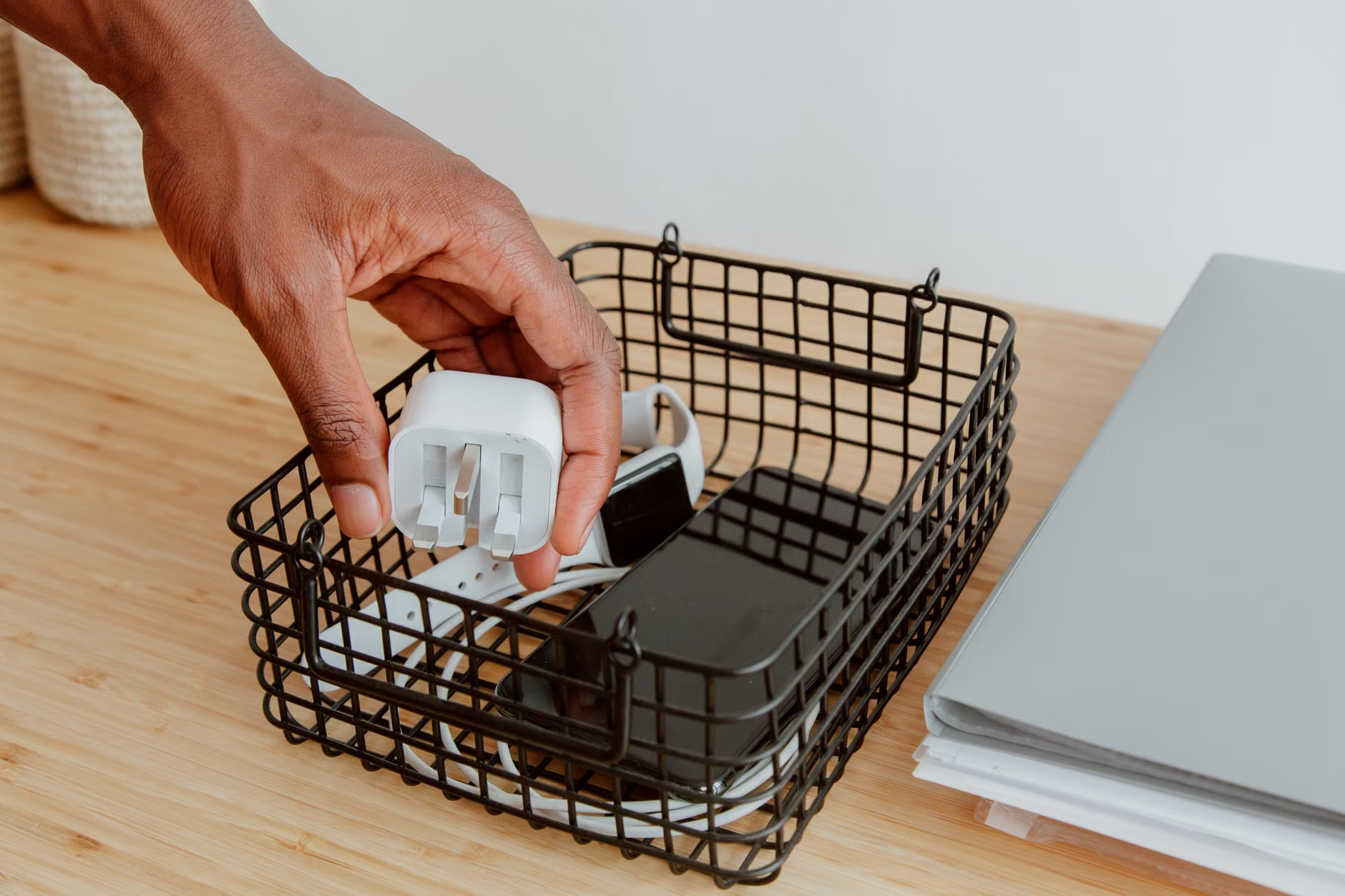
One of the most common mistakes is “daisy-chaining”. People often plug a smart plug into a power strip and then plug five devices into that strip. While this allows you to turn the whole station off, it obscures the data. You won’t know which of those five devices is the energy hog. If you want to perform an accurate audit, you need to isolate devices one by one.
Another pitfall is ignoring the “Smart” requirements. Some devices, like modern smart TVs or network-attached storage (NAS) drives, need to be powered on to perform updates or sync data. If you cut power to these devices completely, you might cause software corruption or force a long “reboot” cycle every time you turn them on. Always check the manufacturer’s manual before putting a device on a hard-power schedule.
Finally, avoid the “set it and forget it” trap. Your energy usage will change by season. For example, a dehumidifier in the basement might draw 300 watts in the summer but almost nothing in the winter. Re-audit your devices every six months to ensure your schedules are still relevant.
Integrating Energy Data into Your Parenting Schedule
For parents, the goal of home automation shouldn’t be to add more tasks to your to-do list; it should be to automate the ones you already have. Use your smart plug data to create “Scene” automations.
For instance, if your kids leave the gaming console or the TV in the playroom on, you can set an “After School” schedule that automatically cuts power to that outlet at 8:00 PM. You don’t have to go downstairs to check; the house does it for you. This creates a natural boundary for screen time while simultaneously saving energy. It’s a double-win that reduces daily parental friction.
When choosing a smart plug for this purpose, ensure it integrates with your existing ecosystem (Google Home, Amazon Alexa, or Apple HomeKit). This allows you to control multiple plugs with a single voice command like, “Goodnight,” which can turn off all the non-essential vampire loads in the living room and home office simultaneously.
The Hidden Costs and Considerations
While smart plugs are excellent tools, they aren’t without their own minor power draw. A typical smart plug consumes about 0.5 to 1.5 watts to keep its Wi-Fi connection active. If you are using a smart plug to save 1 watt of power on a device, you are essentially breaking even. The rule of thumb is: only use smart plugs on devices that draw at least 5 watts in standby mode.
Additionally, consider the Wi-Fi load. If you install 30 smart plugs in your home, you are adding 30 devices to your Wi-Fi network. If you have an older router, this can lead to connection drops for your other devices. If you plan on going “all in” on smart plugs, look for models that use Zigbee or Thread protocols, which create a mesh network and don’t rely on your primary Wi-Fi router for every connection.
Also, keep in mind the physical footprint. Many smart plugs are bulky and cover the second outlet on a wall plate. If you have limited wall space, look for “slim” or “compact” designs that allow you to fit two plugs in a single dual-gang outlet.
Advanced Audit Techniques: Beyond the Plug
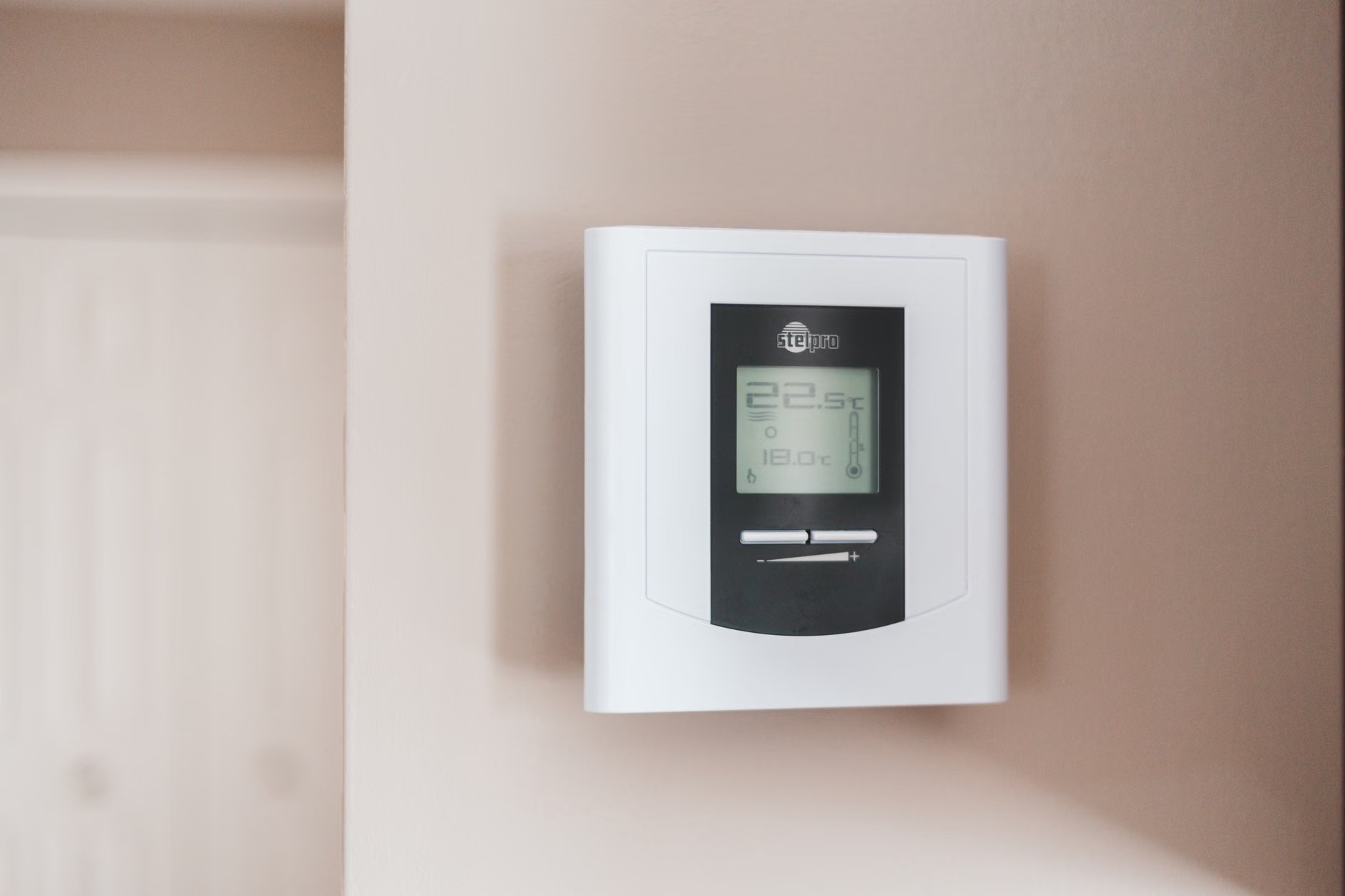
Once you have mastered the smart plug audit, you might want to look at the bigger picture. If your utility company provides a smart meter, log into your local utility portal. Many regional providers now offer hourly usage data. Compare your “smart plug audit” findings with your total home usage. If there is a massive discrepancy—for example, if your smart plugs show you are using 5 kWh a day, but your utility meter shows 20 kWh—you know the “hidden” energy is coming from major appliances like your HVAC system, water heater, or refrigerator.
In such cases, smart plugs won’t help. You would need to look at heavy-duty energy monitors that clip onto your main electrical panel (like Sense or Emporia). These are more expensive and require a bit of electrical knowledge to install, but they provide a comprehensive view of your entire home’s energy consumption, including the 240-volt appliances that smart plugs cannot monitor.
How to Choose the Right Smart Plug
Not all smart plugs are created equal. When shopping, prioritize these three features:
- Energy Monitoring Capability: Many plugs look identical but lack the internal sensor. Always check the packaging or the product description for “Energy Monitoring” or “Power Metering.”
- App Interface: Download the manufacturer’s app before you buy. If the app is clunky or requires a paid subscription to view energy history, walk away. The best plugs provide free, detailed daily/weekly/monthly graphs.
- Maximum Load Capacity: Check the “Amps” rating. A standard plug is usually 10A or 15A. If you plan to plug in a space heater or a high-powered vacuum, ensure the plug is rated for at least 15A. Using a 10A plug with a high-draw appliance is a fire hazard.
Finally, check for safety certifications. Look for marks like UL (Underwriters Laboratories), ETL, or CE. These certifications ensure the device has been tested for overheating and electrical safety. Given that these devices are plugged into your walls 24/7, choosing a cheap, uncertified plug from an unknown marketplace seller is a risk not worth taking.
Final Thoughts on Your Home Efficiency Journey
Performing a smart plug audit is more than just a way to shave a few dollars off your monthly bill. It is an educational process. By seeing the direct relationship between your habits and your energy consumption, you become more mindful of how you use power. You might find that you don’t need to keep the office lights on, or that your printer doesn’t need to be in “ready” mode all day.
Start small. Pick three devices that you suspect are wasting energy, monitor them for a week, and adjust your usage accordingly. You will likely find that the insight gained is far more valuable than the electricity saved. Once you have the data, you can make informed decisions about whether to replace an old, inefficient appliance or simply change how you interact with it. Efficiency is not about deprivation; it is about elimination of waste.
For more information on residential energy efficiency and how to read your smart meter, you can visit the U.S. Department of Energy’s “Energy Saver” guide or your local national energy authority’s website for region-specific tips and rebate programs.
Frequently Asked Questions
1. Will smart plugs significantly increase my electricity bill because they are always “on”?
No. A smart plug uses roughly 0.5 to 1.5 watts of power. If you use it to turn off a device that draws 10 watts in standby, you are still saving 8.5 to 9.5 watts. The energy required to run the plug itself is negligible compared to the potential savings from eliminating vampire loads.
2. Can I use a smart plug with my refrigerator to save energy?
Generally, no. Refrigerators have compressor motors that require a specific “start-up” current. Using a smart plug can interfere with this cycle, potentially causing the compressor to overheat or fail. Additionally, turning off a fridge for long periods will cause your food to spoil. Only use smart plugs on non-essential, non-motorized appliances.
3. Do I need a central hub to use energy-monitoring smart plugs?
It depends on the technology. Most Wi-Fi-based smart plugs connect directly to your router and do not require a hub. However, if you choose Zigbee or Thread-based plugs, you will need a corresponding hub (like an Amazon Echo with Zigbee, a Samsung SmartThings hub, or a dedicated bridge). Wi-Fi plugs are generally the easiest to set up for beginners.